Ink-Well Turns SVG Paths Into InkML, One Stroke at a Time
A tiny TypeScript bridge that translates browser drawing commands into portable ink traces for handwriting, signatures, and sketching workflows.
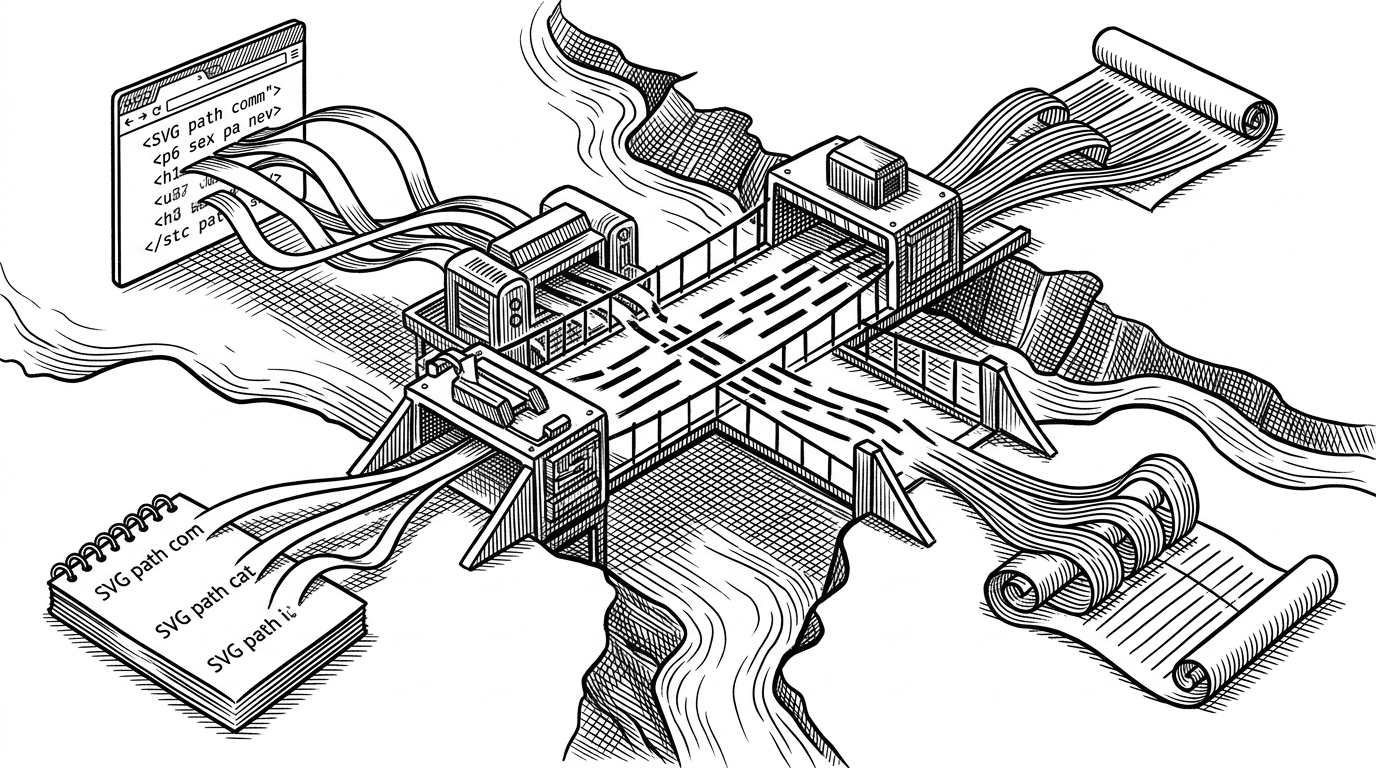
- Ink-Well matters because it bridges two formats that usually live in separate ecosystems: SVG path data and InkML trace data.
- Its value is not broad parsing power, but narrow interoperability for apps that need portable digital ink.
- The core technical move is normalization, where varied SVG commands become a consistent trace stream InkML can represent.
- The project fills a practical gap for note-taking tools, signature capture, and handwriting pipelines.
The Smallest Useful Bridge
Most libraries that touch SVG either stay inside the browser graphics world or stop at geometry. Ink-Well does neither. It takes the d attribute of an SVG path and turns it into InkML, which is a much stranger and more useful destination if your product cares about digital ink rather than screen drawing.
That narrowness is the point. A note-taking app, a signature workflow, or a handwriting pipeline often already has path data. What it needs is a way to preserve strokes in a portable ink format without building a custom translator from scratch.
A simple utility to convert SVG paths to InkML.
Why SVG-to-InkML Is a Real Niche
SVG and InkML solve different problems. SVG is a web-native vector format for shapes and paths. InkML is a trace-oriented standard for captured pen data. If you are building around browser drawings, the handoff between those worlds can become the awkward part of the stack.
| Tool | Input | Output | Best at |
|---|---|---|---|
| ink-well | SVG path data | InkML traces | Translation between web drawing and digital ink |
| SVG parsers | SVG XML or path strings | Object models or geometry | Reading and manipulating SVG |
| InkML toolkits | InkML or pen data | InkML, recognition, analysis | Working inside the ink ecosystem |
That table is the whole niche in miniature. SVG parsers are useful, but they usually stop before the ink use case begins. InkML toolkits are useful too, but they assume you are already on the other side of the bridge.
What the Converter Actually Does
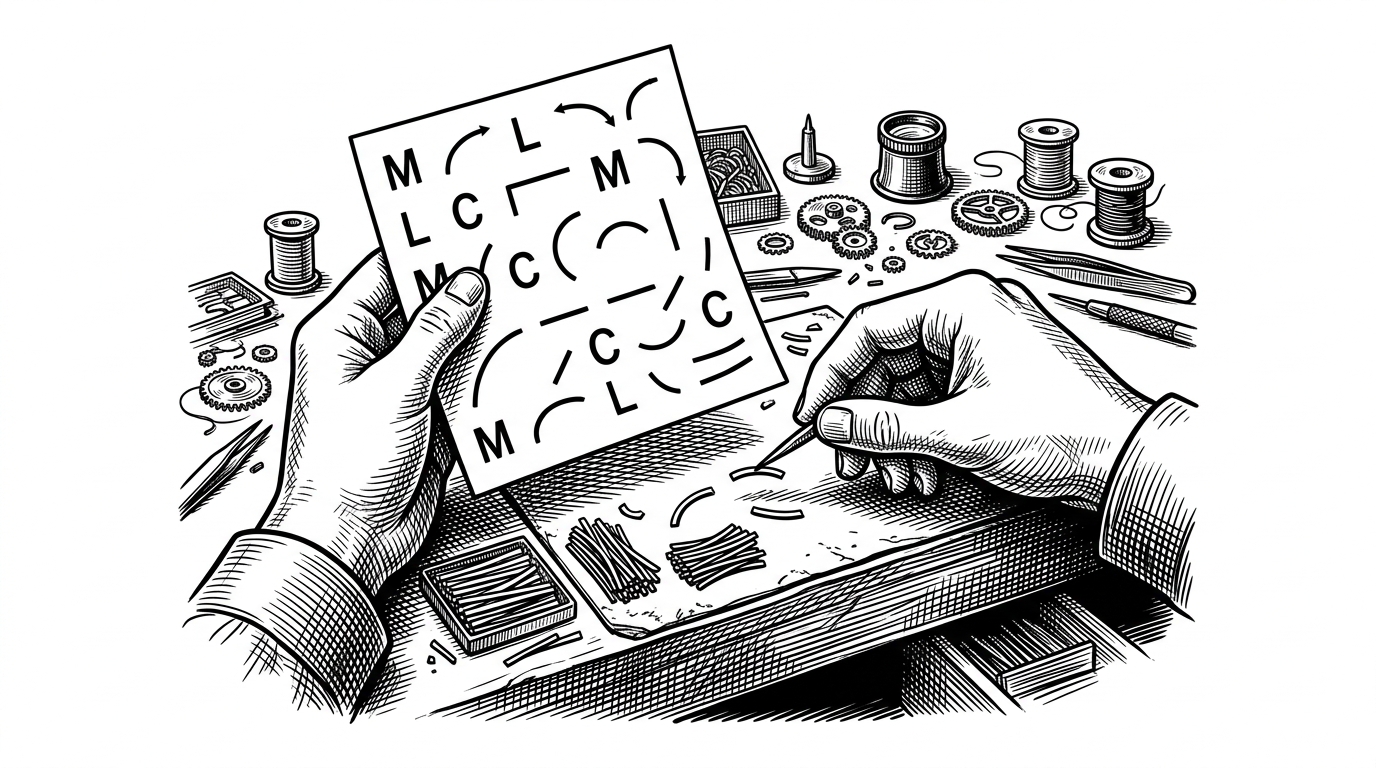
The pipeline is conceptually simple. First, the SVG path string is tokenized into commands and coordinates. Then those commands are normalized so that relative and absolute forms resolve into one coordinate stream. Finally, that stream is assembled into InkML trace structures.
const d = 'M 10 10 L 80 80 C 90 90, 120 90, 140 60';
const inkml = convertSvgPathToInkml(d);

// The important move is not only parsing.
// It is turning mixed command forms into a consistent trace stream.
That normalization step is the real trick. A converter like this has to deal with command variety without letting the output become a mess of special cases. InkML wants traces, not SVG's full shape vocabulary, so the library's job is to flatten that difference without losing the stroke's essential geometry.
Why Not Just Use a Bigger Library?
| Approach | Strength | Blind spot |
|---|---|---|
| ink-well | Direct SVG path to InkML conversion | Not a general SVG toolkit |
| General SVG parsers | Broad geometry and path support | Do not produce InkML |
| InkML toolkits | Ink-native parsing and analysis | Assume InkML is already your input |
That is why the project feels inevitable once you see the gap. General tools are too wide. InkML tools are too far downstream. Ink-Well sits in the seam where one representation has to become another.
Who This Is Really For
This is for builders working on handwriting capture, stylus workflows, sketch apps, and signature systems. It is also for anyone who already stores drawings as SVG paths but needs a portable ink format for analysis, exchange, or downstream processing.
The appeal is not that it does a lot. The appeal is that it removes one painful translation step and does it in TypeScript, in a package small enough to understand quickly.