CourseCraft: The AI Course Builder That Treats Prompts Like Production Inputs
A deep look at the repo that turns one topic into a structured syllabus, lesson content, YouTube support material, and SaaS-ready course data.
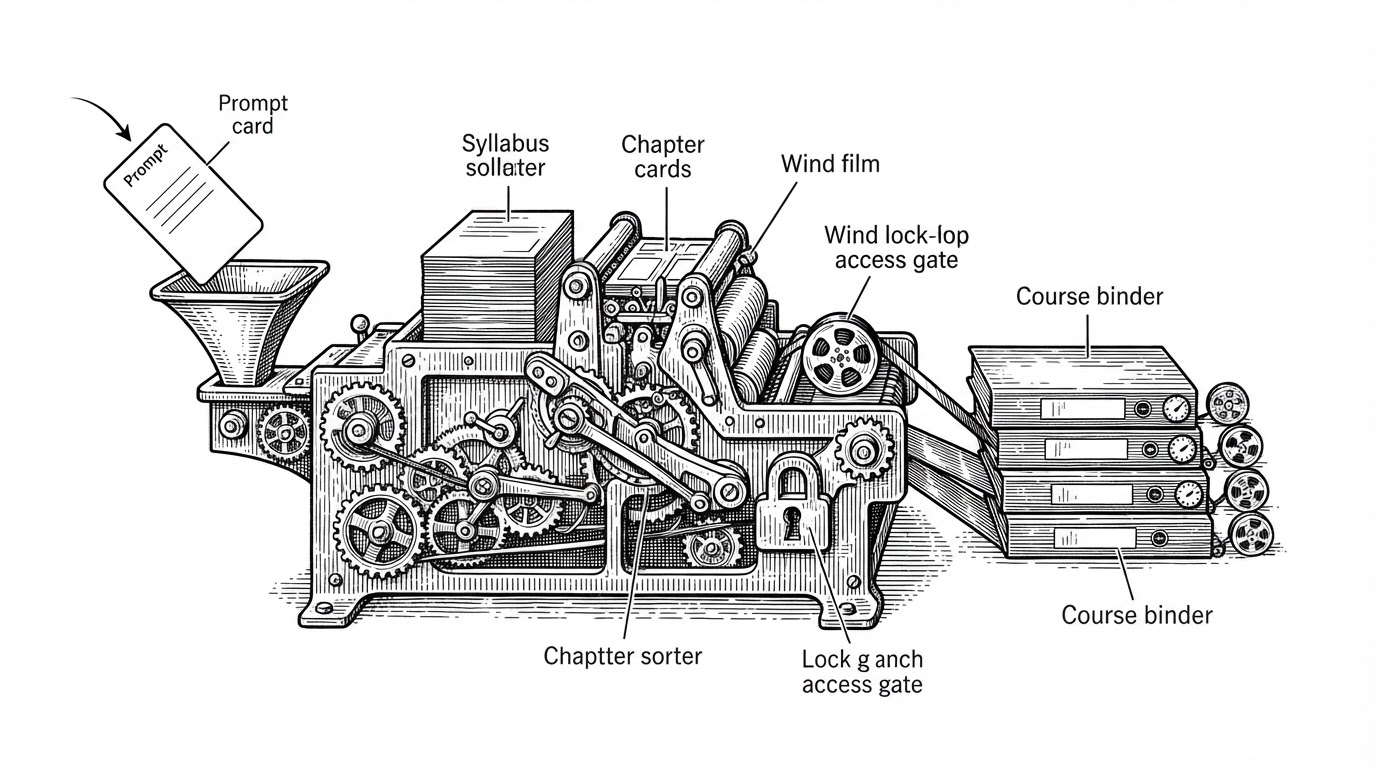
- CourseCraft’s real innovation is orchestration, because it turns AI from a text generator into a structured backend for making courses.
- The repo uses Gemini first to produce a JSON course skeleton, then fans out into lessons, videos, and persistence.
- YouTube integration is not decoration here, it acts as a redundancy layer that makes generated chapters feel grounded in human-made material.
- The data model is optimized for shipping fast, with course outline, lesson content, and progress state stored as course-shaped objects rather than normalized purity.
CourseCraft is interesting because it refuses the usual AI demo shape. It does not ask a model to write a wall of course copy and call that a product. It asks the model for a course blueprint, then uses that blueprint as input to the rest of the system.
That shift sounds small. It is not. Once you treat the model output as structured data, you can build for persistence, progress tracking, video enrichment, and premium gating without redesigning the app around a chatbot.
The Prompt Is Not the Product. The Pipeline Is.
An AI-powered course builder that generates structured learning roadmaps, videos, and assessments from simple user prompts.
The repo’s strongest idea is simple: the first model call does not try to finish the job. It produces a reliable course skeleton. That makes the rest of the system predictable enough to automate.
How CourseCraft Turns One Prompt Into a Course Skeleton
The first gate is generate-course-layout/route.jsx. It sends Gemini a strict prompt and expects JSON back: course name, description, chapter list, and a banner image prompt. That matters because the output is machine-readable before it is user-visible.
The repo also shows restraint. It strips code fences, parses the response, and keeps moving. No heroic prompt gymnastics. Just enough structure to make the next step deterministic.
const response = await model.generateContent(prompt)
const raw = response.text().replace('```json', '').replace('```', '')
const layout = JSON.parse(raw)

return Response.json({
  courseName: layout.courseName,
  description: layout.description,
  chapters: layout.chapters,
  bannerImagePrompt: layout.bannerImagePrompt,
})
That is the product thesis in code form. Gemini is not the lesson author here. Gemini is the layout engine.
Why the App Needs YouTube, Not Just More Tokens
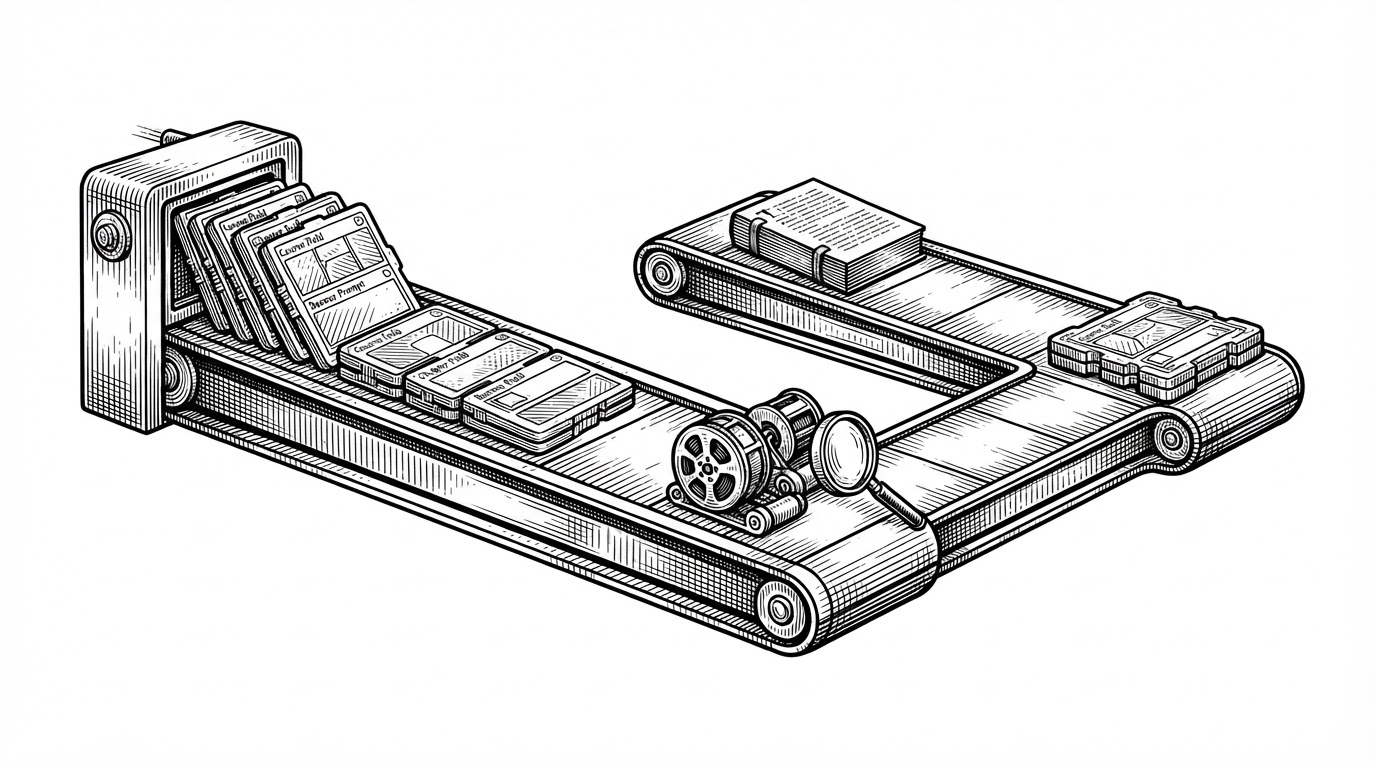
The content route, generate-course-content/route.jsx, makes the system feel less synthetic. It uses Promise.all() to generate lesson HTML and fetch relevant YouTube videos in parallel, chapter by chapter.
That is a better product choice than pure generation. A lesson with a matching video is easier to trust, easier to scan, and easier to keep moving through. The video is not filler. It is validation.
| Dimension | Text-only AI generator | CourseCraft |
|---|---|---|
| Output | One blob of generated prose | Structured lessons plus supporting video |
| Workflow | Single prompt, single response | Blueprint first, then parallel enrichment |
| Trust | Hard to verify | Grounded by external human-made material |
| User experience | Feels like a generator | Feels like a course product |
| Best fit | Quick experiments | Reusable learning flow |
The interesting part is not that CourseCraft adds media. It is that it uses media to make the generated chapter feel like a real learning object instead of a decorative paragraph.
The Database Is Built for Fast Course Objects, Not Normalized Purity
The schema in config/schema.js follows the same philosophy. coursesTable stores both the course outline and the deeper lesson content. enrollCourseTable tracks progress as JSON instead of forcing a heavier relational design.
That is a pragmatic tradeoff. It keeps reads simple, keeps writes cheap, and matches the shape of the product. The database is not trying to win a purity contest. It is trying to serve a course object back quickly.
The UI Makes the Whole Thing Feel Like a Real Product
With an AI online course creator like CourseCraft AI you can take a single idea, generate a complete course outline, write every lesson and quiz, translate it, export it, and start selling — in days.
The workspace UI in app/workspace/_components/ closes the loop. The user enters a topic, picks options like level and category, and the app drives the pipeline from a dialog into a dashboard.
That matters more than it sounds. Plenty of AI repos can generate content. Fewer can make the workflow feel like a commercially shippable product. CourseCraft gets closer by treating the front end as a product surface, not a demo shell.
What CourseCraft Does Better Than the Usual AI Course Generator
| Product type | Strength | Weakness | Where CourseCraft fits |
|---|---|---|---|
| Generic AI course generator | Fast prose generation | Thin structure | CourseCraft is more disciplined and reusable |
| Traditional LMS | Deep administration and compliance | Slow to author from scratch | CourseCraft is lighter and faster to create with |
| Commercial AI course tools | Polished packaging | Closed and less extensible | CourseCraft is the open-source, developer-friendly middle ground |
CourseCraft sits between a toy generator and a heavyweight LMS. That position is the point. It is open-source enough to modify, structured enough to scale into a product, and opinionated enough to feel like more than a wrapper.
Its tradeoff is clear. It does not try to be a full enterprise learning system. It tries to be the fastest credible path from topic to course.