ucu-expense-tracker-app: Spendly: The Expense Tracker That Calculates Its Own Truth
A close look at a multi-currency finance app that uses Firestore snapshots, on-the-fly budget cycles, and live exchange-rate fallbacks to keep every screen in sync.
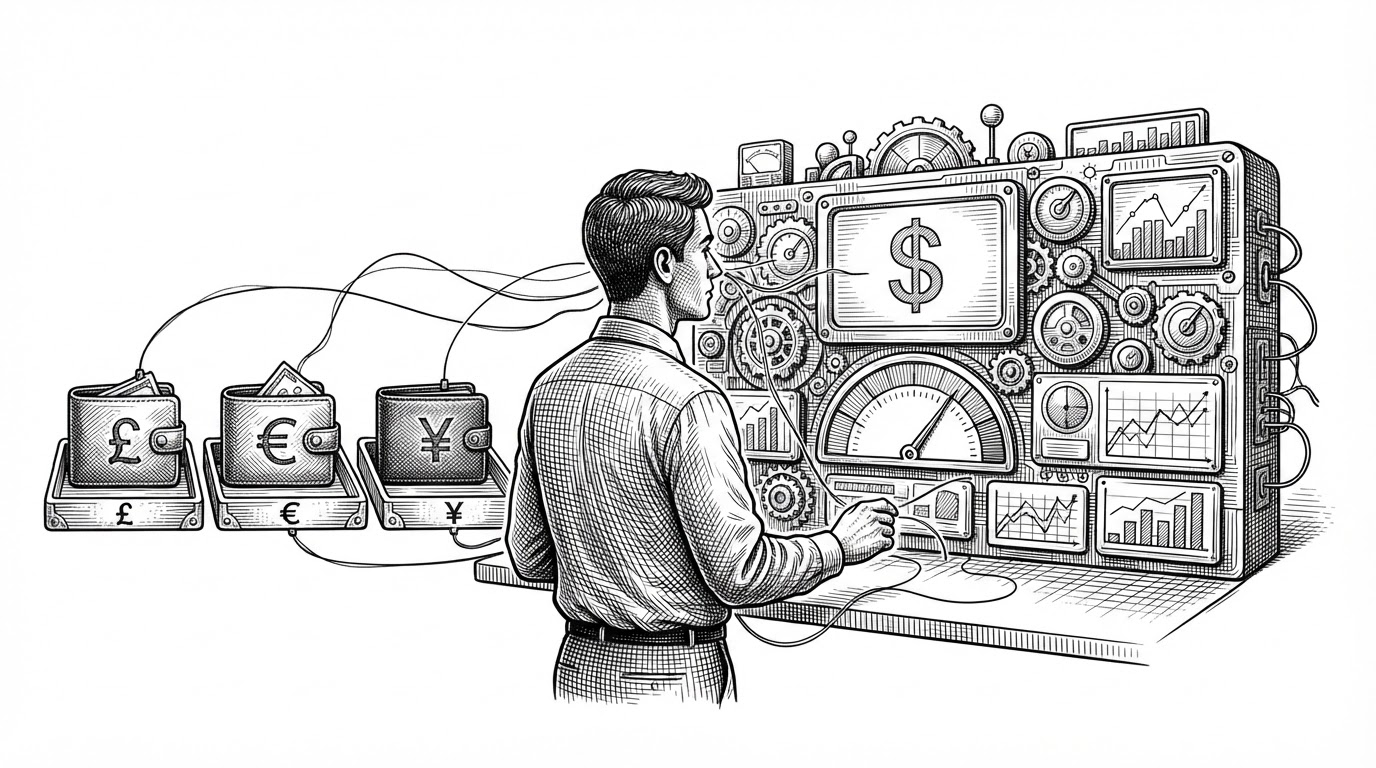
- Spendly treats financial dashboards as projections, so the same underlying data can reflow into new currencies and budget views without storing duplicate summaries.
- Firestore snapshots do the heavy lifting, which keeps the interface live while avoiding a classic fetch-and-refresh backend loop.
- Budget status is computed from dates and transactions, so changing history can immediately change what the app thinks is current.
- The app is built to survive currency volatility by normalizing exchange rates through a fallback chain instead of trusting one feed.
Most expense trackers are a ledger with charts bolted on. Spendly is closer to a computation layer that happens to have a dashboard. That difference matters because the app is always recalculating what money means right now, not just recording what happened before.
A Dashboard That Never Stops Recalculating
The core idea is simple: the UI is not a passive surface over stored summaries. It listens to Firestore, derives totals from transaction history, and redraws itself when the source data changes. In that model, the dashboard is not the truth. It is the latest projection of the truth.
Month 3: Start building small projects This is where you stop being a tutorial collector. Build simple projects like: • calculator • expense tracker • weather app • API fetcher • to-do app • file organizer • simple dashboard Small projects build real confidence.
Why Multi-Currency Is the Real Problem
Expense tracking gets messy fast once a user holds balances in USD, EUR, and UAH at the same time. The real challenge is not storing each wallet separately. It is giving the user one coherent view without flattening the differences that matter.
| Traditional tracker | Spendly |
|---|---|
| Keeps totals inside precomputed summary fields | Computes the current picture from underlying transactions |
| Shows each wallet in its own silo | Normalizes into a shared display currency on demand |
| Relies on periodic refresh or sync | Uses live subscriptions to keep the UI current |
| Treats the dashboard as a report | Treats the dashboard as a projection |
That approach makes the display currency layer the center of the product. A user can change the lens and the numbers reassemble around it without forcing a new data model.

How Spendly Cheats the Backend
The architecture is client-heavy, but not careless. Firestore rules still enforce ownership, so direct database access does not mean open access. The app behaves like an SPA with real-time state, but the source of truth stays bounded by user-scoped permissions.
If you want to manage your expense and track them this app is absolutely helpful since it’s open source it provides various features Cashew-expense budget tracker #जनहितमेंजारी
Budgets That Age Automatically
The most interesting implementation detail is the budget cycle logic. Instead of storing monthly totals and resetting them on a schedule, Spendly calculates the current cycle from dates. That means the meaning of a budget is always relative to now, not to the last job that ran.

That is a subtle but powerful design choice. A transaction edited three weeks ago can change the current budget picture without a sync script, because the app is not storing the month as a number. It is computing the month as a function.
When the FX Feed Fails, the App Keeps Moving
Spendly is built for a market where exchange rates are not a decorative feature. The currency layer starts with Monobank, then falls back to NBU if needed. That keeps the app useful even when one source goes missing or lags.
| Monobank-first path | Fallback path |
|---|---|
| Primary live rates | Historical or alternate rates from NBU |
| Fast path for current conversion | Resilient path when the primary feed fails |
| ISO codes normalized for the app | Same normalized codes preserved in the fallback branch |
| Optimized for fresh quotes | Optimized for continuity |
The point is not just availability. It is continuity of meaning. If the currency feed breaks, the app still needs to know what a wallet is worth in the display currency the user chose.
A Seed Script as a Product Feature
The repo’s seed workflow suggests a mature product mindset. Four months of synthetic transactions is not a throwaway convenience. It gives contributors immediate visual feedback, realistic budget pressure, and a way to test edge cases without waiting for real user data.
That matters in a finance app because the interesting bugs are usually in the shape of the data. Sparse wallets, over-budget cycles, and mixed-currency histories need to be visible from the first clone. A good seed script makes the product legible before a user has entered anything.

What Spendly Chooses Not to Build
Spendly leaves out a lot of infrastructure that many teams would add by default. There is no heavyweight API layer mediating every read, no cron job quietly re-summing budgets, and no effort to centralize every business rule in a monolith just because that is the familiar shape.
| Conventional backend-heavy tracker | Spendly's derived-state model |
|---|---|
| Stores more summary state on the server | Computes more state in the client from live data |
| Uses scheduled jobs to maintain reports | Uses date-based logic and live snapshots |
| Treats currency as a batch update problem | Treats currency as a read-time normalization problem |
| Optimizes for control | Optimizes for reactivity and simplicity |
That trade-off is not free. It asks the client to do more work and makes the data model more deliberate. But for a multi-currency budgeting app, the payoff is a system that feels current, resilient, and easier to reason about.