Windows-Use: The AI Agent That Reads Windows, Not Just Screens
An accessibility-tree-first approach to computer use, with PowerShell, virtual desktops, and local model support built in.
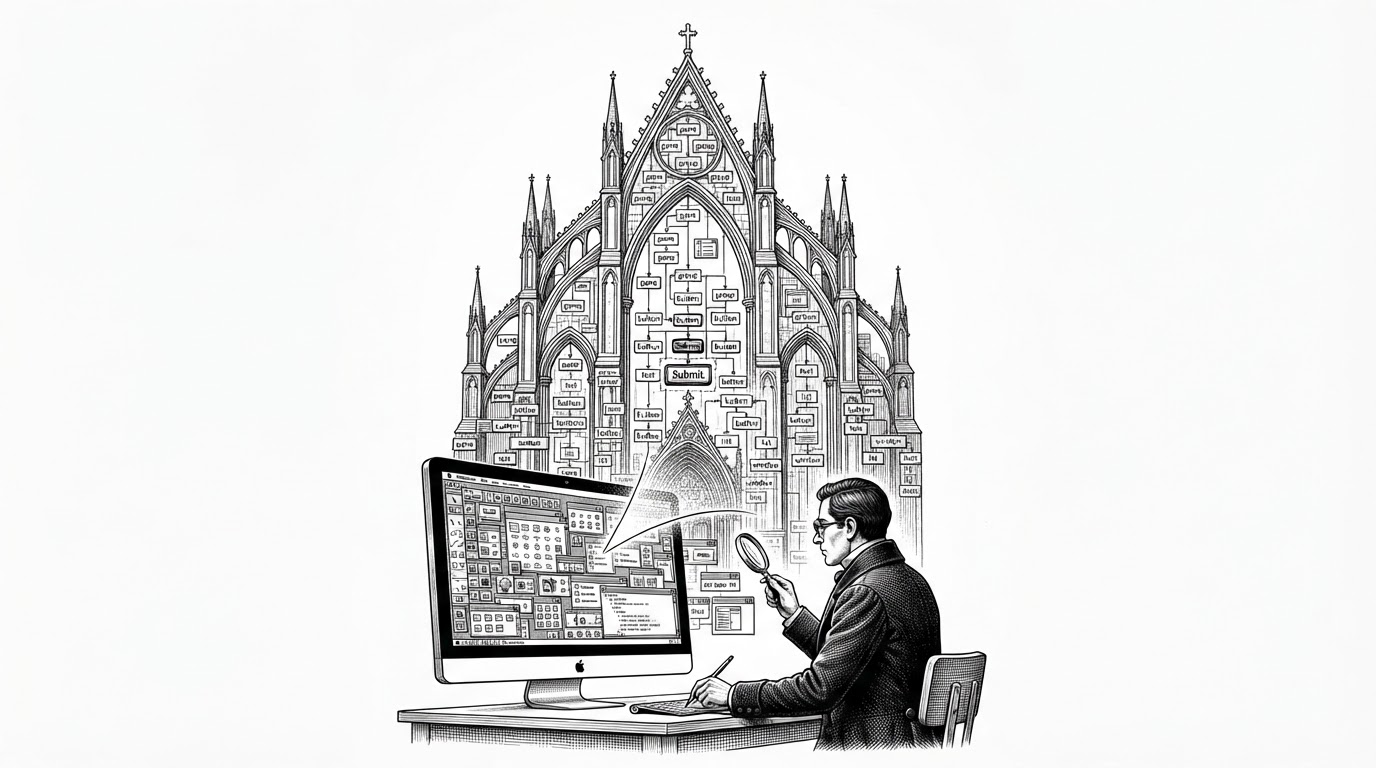
Windows-Use is an AI agent that controls Windows at the GUI layer. It reads the screen via the Windows UI Automation API and uses any LLM to decide what to click, type, scroll, or run — no computer vision model required.
- Windows-Use argues that the best computer-use agent for Windows may not need vision as its primary sense, because the operating system already exposes structured UI data.
- Its architecture turns observations into tool calls through a registry, which makes the agent feel more like a modular system than a single prompt wrapped around mouse clicks.
- The project is strongest when it goes beyond browser automation, especially in PowerShell, virtual desktops, file handling, and local model support.
- Compared with vision-first agents, Windows-Use trades generic reach for Windows-native depth and a cheaper, more reliable interaction loop.
Windows Isn’t a Screen, It’s a Tree
Most computer-use agents begin with pixels. Windows-Use starts with structure. It reads the Windows UI Automation tree first, which means it can identify controls by name, role, and hierarchy instead of guessing from screenshots and coordinates.
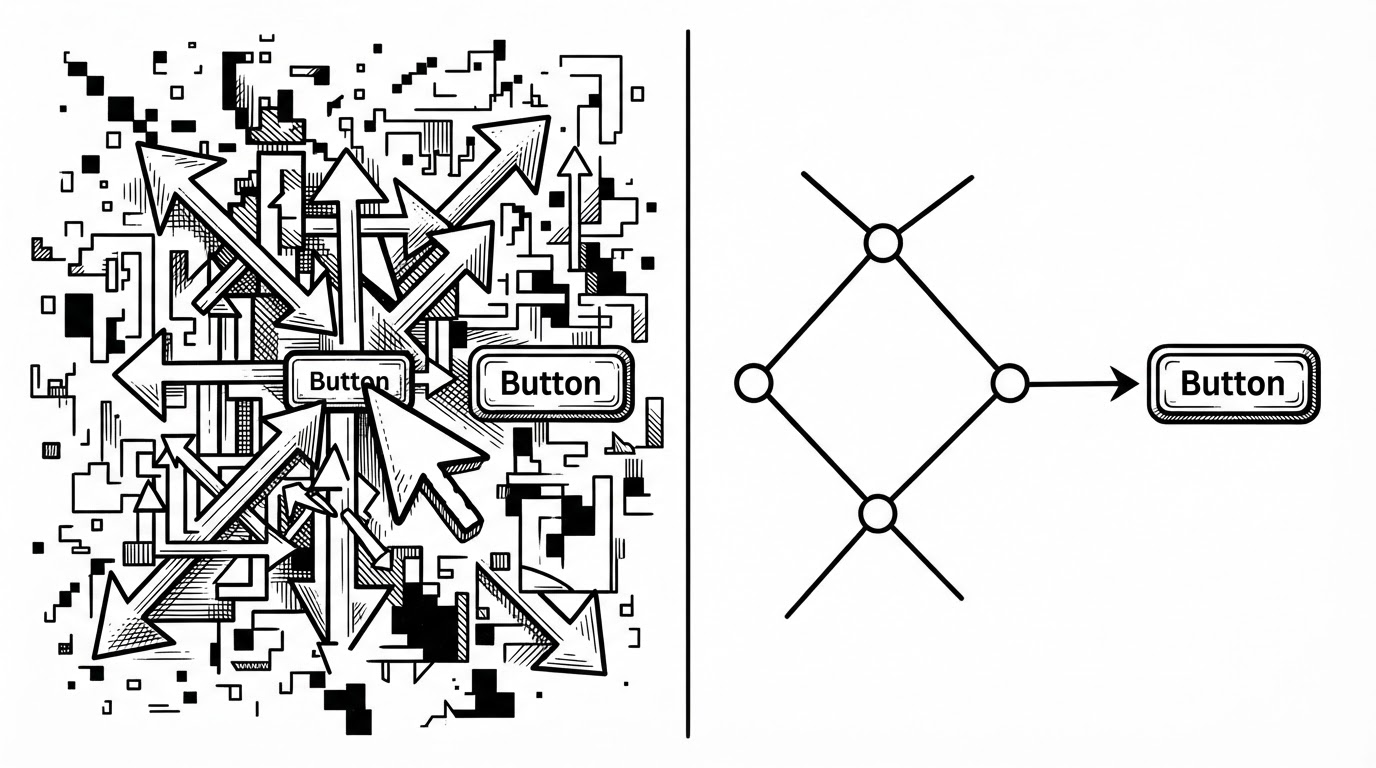
That inversion matters because Windows already publishes a semantic map of the desktop. If the agent can query the OS directly, it does not need to infer what a button is from a blurry crop or spend tokens describing the same screen over and over.
Why That Changes Everything
The practical upside is not subtle. A tree-first agent can be faster, cheaper, and less brittle than a vision-first one because it skips a lot of visual interpretation. It is also less sensitive to scaling, theme changes, and the kind of layout drift that makes coordinate scripts rot.
Windows-Use also avoids forcing every task through the same expensive pipeline. If the UI Automation tree already tells you where a control lives, the model can spend its reasoning budget on what to do next, not on reconstructing the desktop from screenshots.
| Dimension | Windows-Use | Vision-first computer use |
|---|---|---|
| Primary signal | UI Automation tree and OS metadata | Screenshots and pixel analysis |
| Typical failure mode | Missing or messy accessibility data | Misread UI, scaling issues, coordinate drift |
| Latency profile | Lower when tree traversal is enough | Higher because every step depends on image parsing |
| Cost profile | Can stay lean with optional vision | Often spends tokens describing screens repeatedly |
| Best fit | Windows-native automation and OS-deep tasks | General visual interaction across arbitrary apps |
| Model dependence | Works with cloud or local providers | Usually expects stronger multimodal models |
Inside the Agent Loop
The codebase is modular in a way that makes the design legible. Low-level Windows access lives in windows_use/uia and windows_use/vdm. The agent layer sits above that, with a registry, watchdog, and tool wrappers. Provider support sits on top, so the same loop can talk to Anthropic, OpenAI, Google, Ollama, or local vLLM backends.
# Conceptual flow, simplified
observation = uia_tree.snapshot()
context = formatter.summarize(observation, memory.load())
action = llm.plan(context, tools=registry.list())
result = registry.execute(action)
watchdog.observe(result)
memory.save(result.relevant_state)
next_observation = uia_tree.snapshot()
That registry is the quiet center of the design. Instead of dumping every capability into one giant prompt, the agent exposes discrete tools. The model chooses among them, and the framework handles execution, state, and recovery.
This matters because the tool boundary is where control becomes auditable. If a task fails, the watchdog can catch the mismatch between intent and state. If a task repeats, memory can carry the useful parts forward without rebuilding the whole context.
Why Windows-Use Feels Native Instead of Ported
A lot of agent projects treat Windows like an inconvenience. Windows-Use treats it like the point. That shows up in support for virtual desktops, PowerShell, file handling, and the kind of operating-system behavior that browser-only tools never touch.
Most of what I build are computer-use agents: programs that drive real interfaces instead of describing them.
Generating illustration...
The Tool Registry Is the Real Product
The registry pattern is the project’s most reusable idea. It makes the system composable. Shell is not just a command string, Memory is not just a note pad, and Scrape is not just web parsing. Each one is a bounded capability with a clear interface.
That pays off in two ways. First, it makes the agent easier to extend. Second, it gives the model a smaller, cleaner choice set, which usually means better decisions and less prompt noise.
The result is an agent that feels less like a demo and more like an operating framework. It is not trying to become a single omniscient assistant. It is trying to make the right action available at the right layer.
How It Compares
Windows-Use is not competing in the same lane as every other computer-use project. Some tools are cloud vision systems. Some are browser automators. Some are recording frameworks. Windows-Use is a local, OS-deep, accessibility-first agent for Windows.
| Project | Core approach | Scope | What it feels best at |
|---|---|---|---|
| Windows-Use | Accessibility-tree-first, optional vision | Windows desktop and browser | Native OS automation, PowerShell, local control |
| Anthropic Computer Use | Vision-first model tooling | General GUI interaction via API | Broad demo-friendly computer use |
| UFO | Windows GUI automation with research focus | Windows desktop | Academic-style GUI reasoning and automation |
| OpenAdapt | Record and replay with AI assistance | Task capture and replay | Demonstration-based workflow automation |
| Skyvern | Browser automation with computer vision | Web workflows | Website navigation and web tasks |
The difference is philosophical as much as technical. Windows-Use assumes that the OS already knows a lot about itself. Other systems often start by looking at the screen as if it were a photograph.
What the Project Suggests About the Future of Agents
Windows-Use points toward a more realistic future for agents. Not every useful system will be a universal vision model with a giant context window. Some will be local. Some will be OS-specific. Some will lean on structured metadata that the platform already exposes.
That is the real lesson here. The best agent for a job may be the one that knows where to look first. On Windows, that may mean treating the accessibility tree as the primary interface and vision as the fallback, not the other way around.
Windows-Use matters because it treats Windows as structured software, not visual noise.