cli-aim-trainer: A Mouse Game Hidden Inside a Go Terminal
A tiny TUI project shows how far the terminal can stretch when you add mouse input, a live timer, and a simple collision engine.
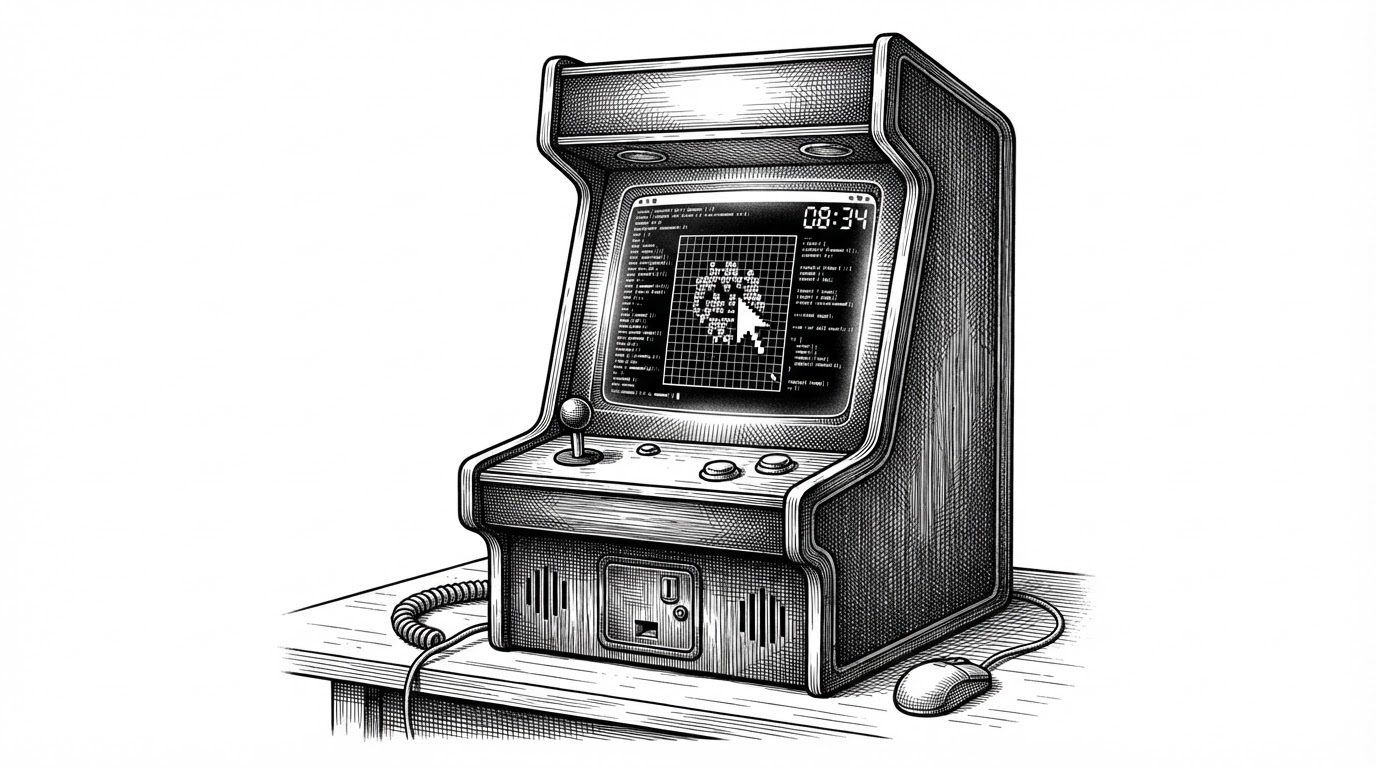
- `cli-aim-trainer` works because it treats the terminal like an interactive surface, not a text pipe.
- Its simplest trick is also its smartest one: a rough visible target with a forgiving rectangular hitbox keeps the game fast and readable.
- The project teaches real TUI fundamentals in Go, including mouse events, concurrent timing, and redraw-driven state.
- It feels more like a tiny game engine than a command-line utility, which is exactly why it stands out.
The terminal is doing more than text
Most CLI projects ask for input, print output, and stop there. cli-aim-trainer uses tcell to make the terminal behave like a small game board instead: it listens for mouse clicks, draws a moving target, keeps time in the background, and ends with a score report. That shift is the whole hook.
The repo’s appeal is not sophistication. It is the mismatch between the interface and the behavior. A terminal window usually means keyboard-driven commands, but here it becomes a live, input-rich surface where the cursor matters and timing matters too.
Why this repo matters as a learning project
This is a strong beginner-to-intermediate Go exercise because it forces the author to handle the real parts of interactive software. The code has to manage state, react to events, keep a countdown alive, and cleanly transition between gameplay and results without hiding behind a framework.
That makes it more useful than a toy demo. You learn how a program stays responsive while doing more than one thing, and you learn how terminal UIs differ from ordinary scripts: redraws are part of the logic, not just the presentation.
How tcell turns keystrokes into a game loop
for {
    ev := screen.PollEvent()
    switch ev := ev.(type) {
    case *tcell.EventMouse:
        mx, my := ev.Position()
        if mx >= x && mx < x+4 && my >= y && my < y+4 {
            score++
            // move target
        }
    case *tcell.EventKey:
        if ev.Key() == tcell.KeyEscape || ev.Rune() == 'q' {
            return
        }
    }
}

go countdown(screen)

func countdown(screen tcell.Screen) {
    for timeLeft > 0 {
        time.Sleep(time.Second)
        timeLeft--
        screen.Show()
    }
}| Pattern | Typical CLI utility | cli-aim-trainer |
|---|---|---|
| Input | Keyboard first | Mouse and keyboard |
| Rendering | Text output | Terminal grid redraws |
| State | Linear command flow | Live game state with timer |
| Feedback | Printed messages | Instant score and miss/hit behavior |
| Learning value | Basic I/O | Event loop, concurrency, and TUI input |
The target is visually complex, but the logic is simple
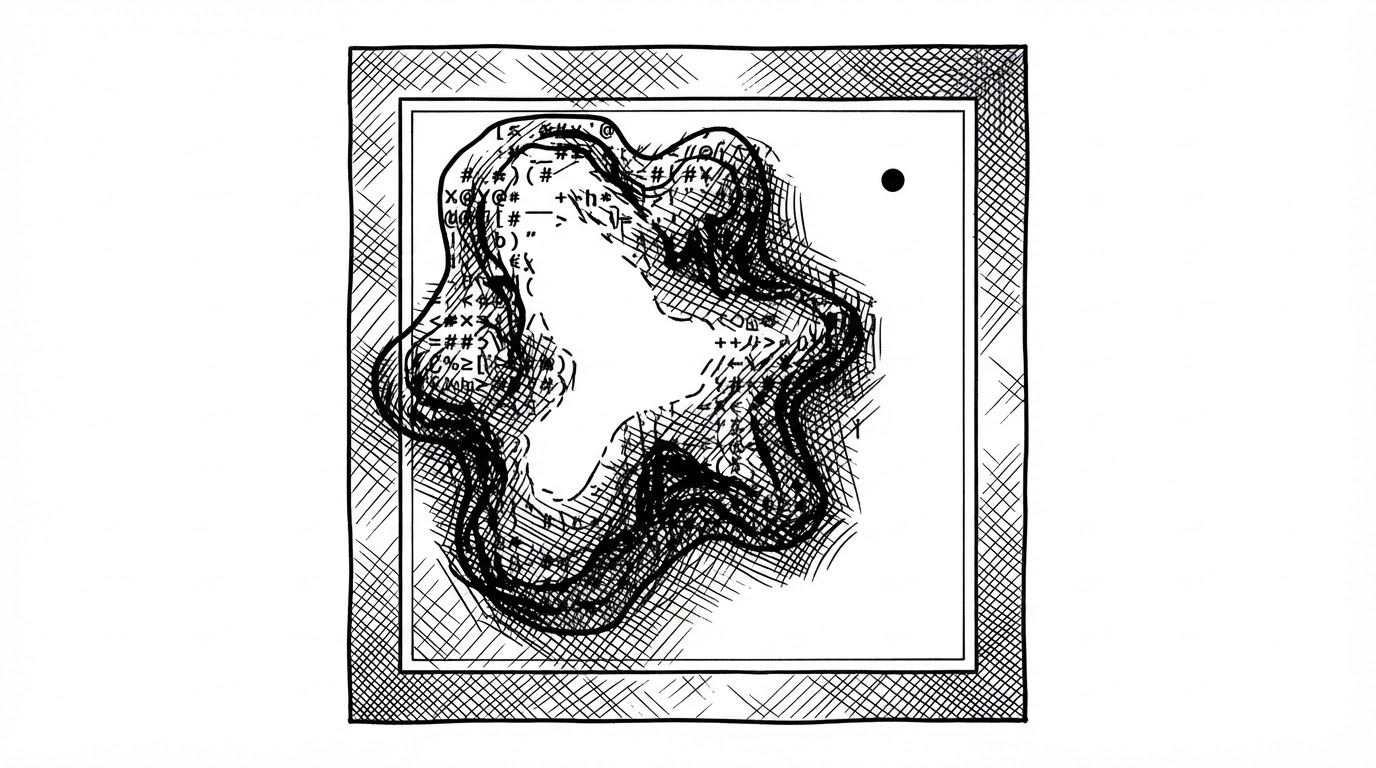
This is the cleverest little decision in the repo. The target looks organic, but the collision check is a straightforward bounding box, which means the game privileges playability and simplicity over exact visual fidelity. That tradeoff is ideal for a compact learning project.
In practice, the player does not need pixel-perfect aim. They need to understand that the terminal has coordinates, the target occupies a region, and clicks map to those coordinates. That is enough to make the experience feel like a game without making the code feel like a thesis.
What happens when the round ends
The ending is doing real work here. Once the timer runs out, overview.go takes over, clears the full-screen TUI state, and prints a score summary instead of simply abandoning the session. That gives the project a proper finish line.
The post-game screen also turns the score into a rough skill band. That is a small touch, but it matters: the project is not just about surviving a minute, it is about translating performance into a readable outcome the moment the game ends.
| Score band | Output feel | Meaning |
|---|---|---|
| Low | Red | You are still learning the rhythm |
| Medium | Yellow | You can track the target, but not yet control it |
| High | Green | The terminal is now a usable reflex test |
Compared with ordinary CLI projects
Most terminal tools stay close to the command line’s default strengths: prompts, logs, menus, and text filters. This repo pushes farther. It uses the terminal as an interactive surface with timing, coordinates, and redraws, which makes it feel closer to a tiny game framework than a one-off script.
| Dimension | Ordinary CLI | cli-aim-trainer |
|---|---|---|
| Primary interface | Text prompts | Mouse-driven terminal play |
| Motion | None or minimal | Target movement and timed rounds |
| Input model | Discreet commands | Continuous event polling |
| Complexity | Low | Still small, but surprisingly complete |
| Best lesson | Shell habits | TUI state and interaction design |
What cli-aim-trainer gets right, and what it leaves open
The repo is clean, direct, and honest about its scale. It teaches the right thing by keeping the surface area small: how to wire input to state, how to keep time without freezing the interface, and how to end a game cleanly.
It also looks like a prototype, which is fine. The global state is simple, resizing is not the story, and the collision model is intentionally coarse. Those are limits, but they are also part of the project’s value as a learning artifact.