kimi-code: Kimi Code CLI: The Terminal Becomes the Agent
Inside Moonshot AI’s terminal-native coding agent, where a TUI, reverse RPC, MCP hooks, and single-binary packaging turn the shell into a full agent workspace.
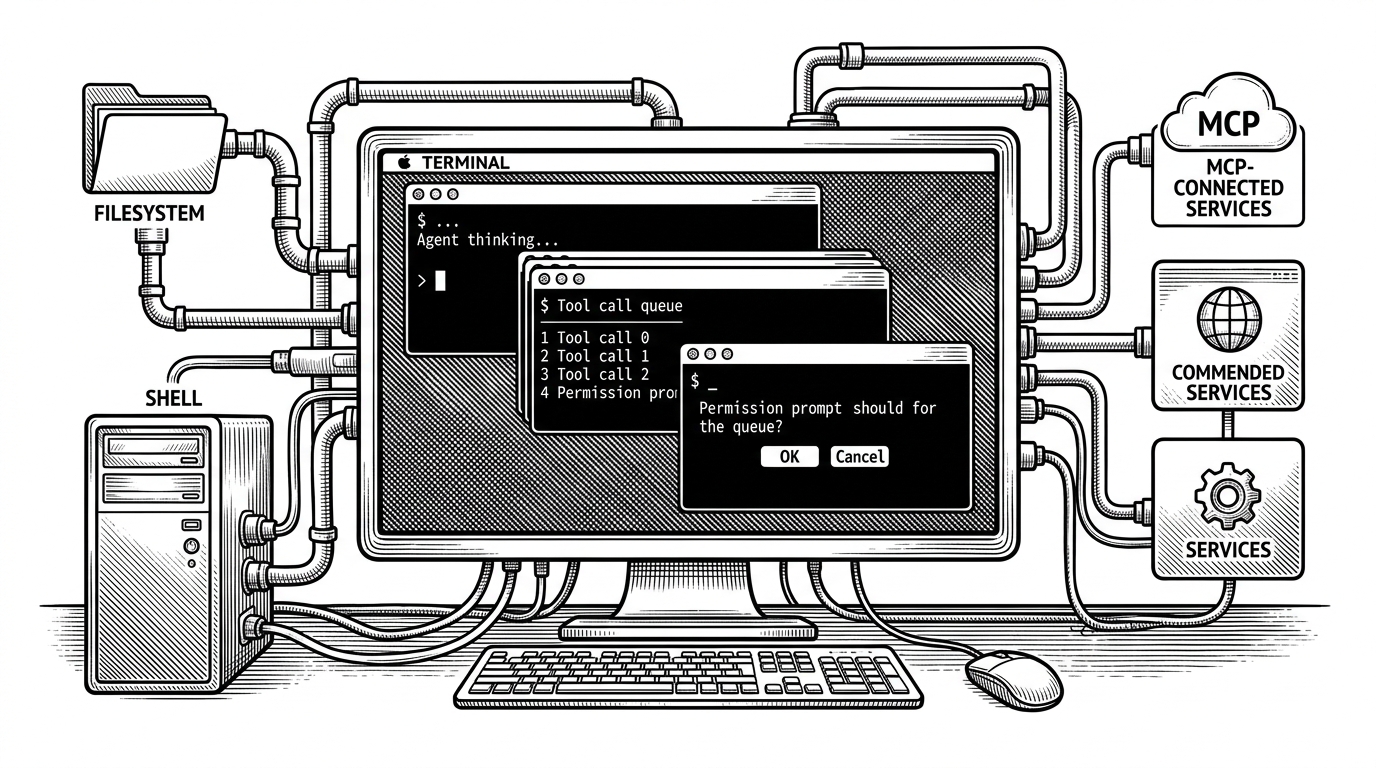
- Kimi Code is interesting because it treats the terminal as the agent’s operating system, not as a place to print chat output.
- Its TUI is designed to keep state, approvals, and tool output visible at the same time, which makes interruption part of the workflow instead of a failure mode.
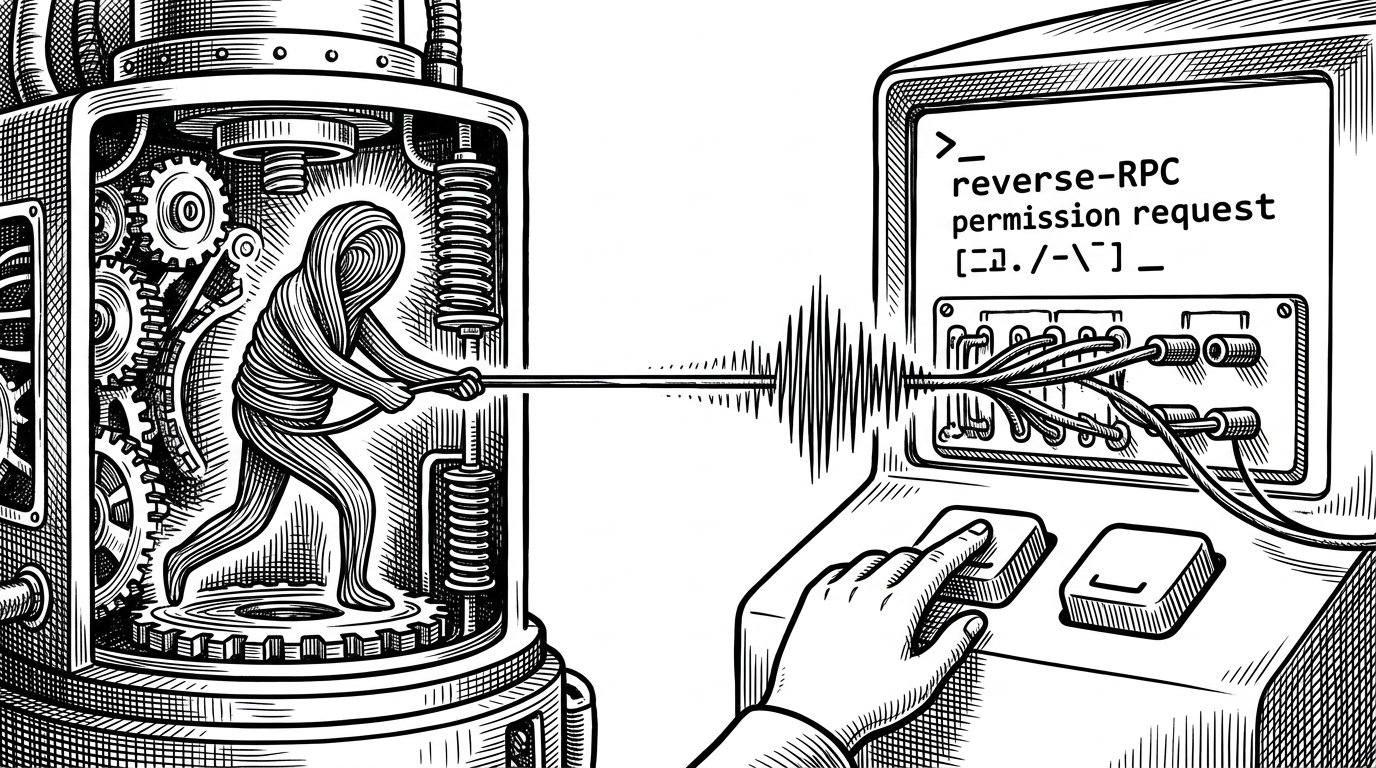
- Reverse RPC is the sharpest idea in the repo because the agent can call back into the interface to ask for permission or clarification.
- Single-binary packaging is not just release polish here, it is adoption strategy because it makes the tool feel native from first launch.
The terminal is the product
Kimi Code is not trying to win by being another chat box with a shell attached. It is built around a stronger claim: the terminal is where an agent should live, because that is where files, commands, approvals, and local context already meet.
That is the product thesis behind Moonshot AI’s Kimi Code CLI. The repo description calls it The Starting Point for Next-Gen Agents, and the code backs that up with a terminal-native workflow instead of an editor-first or browser-first one.
The Starting Point for Next-Gen Agents
Why a TUI matters for an agent
The TUI is doing product work, not cosmetic work. In Kimi Code, assistant messages, thinking states, tool calls, loading states, and todo state are all first-class, which means the human can see the agent’s current posture instead of decoding a flat transcript.
The state machine under the hood
The repo’s TUI is not just a render loop. Files like kimi-tui.ts and tui-state.ts suggest a coordinated state machine where the interface, permissions, and tool outputs move through explicit transitions.
That matters because an agent session is messy by nature. It thinks, pauses, executes, asks, and continues. A state machine gives those moments a shape, so the UI can stay readable while the model is doing work in the background.
// Conceptual flow from the repo structure
human input -> TUI state
TUI state -> KimiHarness
KimiHarness -> agent loop
agent loop -> tool execution
agent loop -> reverse RPC callback
reverse RPC callback -> TUI prompt
TUI response -> agent loop
The harness keeps the agent and UI apart
The separation shows up in the harness layer. KimiHarness bridges the session, configuration, and tool environment, so the TUI can remain responsive while the agent fetches context, indexes files, or calls external services.
That separation is the difference between a demo and a product. If the UI and the agent are tightly fused, every long-running action feels like the app is frozen. If they are separated cleanly, the terminal can keep rendering the conversation while the work continues elsewhere.
| Layer | Job | Why it exists |
|---|---|---|
| TUI | Render the session and collect human responses | Keeps interaction visible and immediate |
| KimiHarness | Bridge config, session, and tools | Separates orchestration from presentation |
| Agent loop | Reason about the task and request actions | Can pause, ask, and resume without blocking the UI |
| Tool execution | Touch files, shell, and MCP services | Does the actual work outside the chat transcript |
Single-binary distribution is a product decision
The packaging story is easy to underestimate. Kimi Code’s SEA and postject setup turns a TypeScript CLI into a single executable, which removes the most annoying part of trying a new tool: setup friction.
That is not just build engineering. It is adoption engineering. A zero-dependency binary feels like a native command, and a native command is much easier to trust in a developer’s daily workflow.
| Distribution model | What the user installs | What the user experiences |
|---|---|---|
| Traditional Node CLI | Node.js plus packages | Flexible, but setup-heavy |
| Bundled single binary | One executable | Fast launch and low friction |
| IDE plugin | Editor extension | Tied to a specific workspace |
| Web chat | Nothing local | Convenient, but detached from the filesystem |
How Kimi Code compares
Kimi Code is not trying to beat every AI tool on breadth. It is optimizing for workflow ownership. The terminal owns the lifecycle, the approvals, and the local execution context, which puts it in a different category from chat-first tools, editor plugins, and broader agent frameworks.
| Product type | Primary interface | Where tools run | Permission model | What the human sees | Main tradeoff |
|---|---|---|---|---|---|
| Chat-first AI tools | Browser chat | Usually remote or abstracted | Usually implicit or shallow | A transcript | Easy entry, weak local control |
| IDE plugins | Editor side panel | Inside the editor process | Editor-driven prompts | Code and suggestions in context | Good for editing, weaker shell ownership |
| General agent frameworks | Library API | Wherever the developer wires them | Custom and variable | Depends on implementation | Powerful, but not packaged |
| Kimi Code CLI | Terminal TUI | Local shell, files, and MCP services | Explicit approvals and callbacks | A live agent workspace | Narrower scope, stronger terminal fit |
The bet Moonshot AI is making
The strategic bet is clear. Moonshot AI is acting as if the next useful coding agents will be terminal-native, fast to launch, and deeply tied to local workflows rather than trapped in a generic chat surface.
That is a sharper product thesis than “we also have a CLI.” It says the shell is not a legacy interface to work around. It is the right place to coordinate a human and an autonomous tool chain.