Insta_clone: The Instagram Clone That Treats Images Like Infrastructure
A deceptively simple social app that reveals the real work behind modern photo sharing: media delivery, secure auth, and the messy glue between them.

- Insta_clone is interesting because it treats image handling as the core product problem, not as an upload afterthought.
- ImageKit shifts the backend from file storage to orchestration, which makes the app feel much closer to a production system.
- bcrypt signals that the project takes trust seriously, even if the rest of the repo still reads like an early-stage build.
- The strongest comparison is between a tutorial clone that stores files locally and a media pipeline that delegates the hard work to specialized services.
The part of Instagram clones everyone underestimates
Most Instagram clones are built like UI demos with a database attached. This repo points in a different direction. Its real subject is what happens after the upload button is clicked, when an image has to move, transform, and arrive fast enough to feel native.
That is why the interesting choice here is not the feed or the profile page. It is the media path. Once photos stop living in a local folder, the app stops being a toy and starts looking like a system.
ImageKit is the real center of gravity
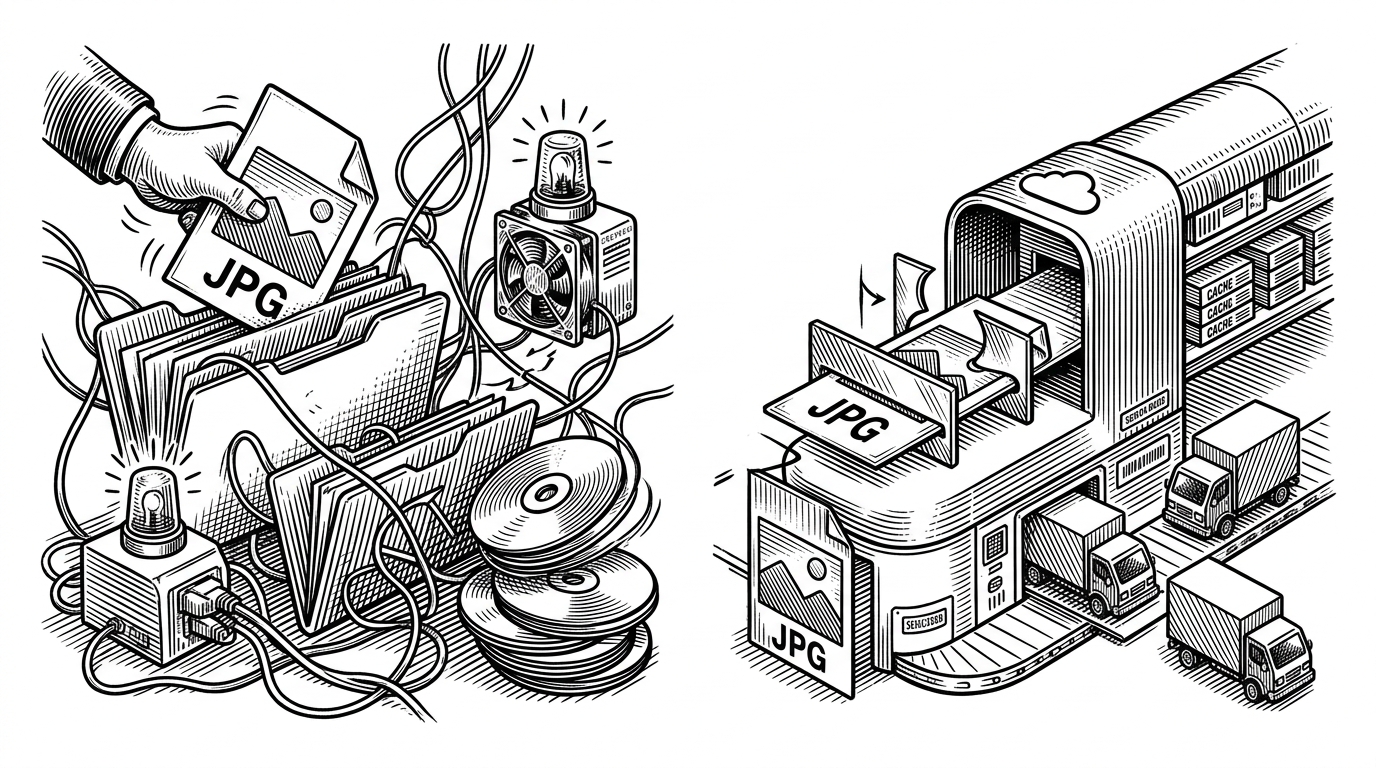
ImageKit changes the architecture in a subtle but important way. Instead of making Node carry the full burden of file storage and image processing, it turns the backend into a thinner coordinator. The backend can focus on auth checks and metadata, while the media service handles resizing, optimization, and delivery.
user selects image
  -> backend verifies session or request
  -> upload reaches ImageKit
  -> ImageKit stores and transforms asset
  -> feed uses optimized delivery URL
  -> backend stores post metadata in database
That shift matters because photo apps are judged on feel. If images load slowly, waste bandwidth, or break on mobile, the product feels unfinished no matter how polished the interface is. Delegating media work to a specialist service is the difference between a clone that merely functions and one that behaves like a real app.
Why bcrypt changes the tone of the whole project
bcrypt is a small detail with a big signal. It tells you this is not just a front-end imitation of Instagram with pretend login fields. Passwords are being hashed, which means the author has crossed from demo logic into basic backend hygiene.
import bcrypt from 'bcrypt';

const saltRounds = 10;
const hashedPassword = await bcrypt.hash(password, saltRounds);

const ok = await bcrypt.compare(password, hashedPassword);
That matters because security choices shape everything else. A project that hashes passwords is usually also thinking about sessions, user identity, and database persistence in a more serious way. Even if the rest of the app is still compact, the trust model is not fake.
| Concern | Tutorial clone | Insta_clone |
|---|---|---|
| Image storage | Local uploads folder | Cloud media service |
| Image delivery | Serve raw files | Optimize and transform before delivery |
| Authentication | Often mocked or minimal | Hashed passwords with bcrypt |
| Backend role | Store everything | Coordinate and verify |
| Operational feel | Toy app | Production-minded pipeline |
The hidden complexity inside npm install
The less visible story is dependency gravity. Once a project pulls in libraries for encryption or native build support, the install step stops being trivial. That is a clue that the app depends on tooling with real runtime consequences, not just pure JavaScript convenience.
npm install
# may need native build support for certain dependencies
# especially when security or binary-adjacent packages are involved
This is the annoying part of serious web apps. The surface area looks simple, but the runtime starts asking for compilers, platform compatibility, and careful package management. It is one more reason the repo reads like a working system rather than a classroom exercise.
What this clone does better than the usual tutorial app
| Dimension | Usual Instagram clone | This repo |
|---|---|---|
| Image workflow | Save locally, serve directly | Delegate to ImageKit |
| Performance thinking | Added late, if at all | Built into the media path |
| Auth | Placeholder login | Hashed password handling |
| Maintenance | Simple at first, fragile later | More moving parts, but cleaner responsibilities |
| Learning value | UI replication | System design |
That is the tradeoff in one sentence. The usual clone is easier to start, but this one teaches the part that matters in production: where to draw the boundary between your app and the services it relies on.
What it still leaves unresolved
The repo still reads like an early-stage project, and that is fine. There is no public community signal, no visible battle testing, and no evidence here of the scale pressures a real Instagram-like product would face.
But that also makes the architecture choice easier to see. The most revealing thing about Insta_clone is not how much it copies Instagram. It is how quickly it stops behaving like a beginner clone once images and passwords are treated as first-class infrastructure.