YellowKey: The Tiny WinRE Trick That Breaks BitLocker’s Biggest Promise
A USB folder, a recovery reboot, and one key held at the right moment seem to turn Windows’ rescue path into a full drive-unlock path.
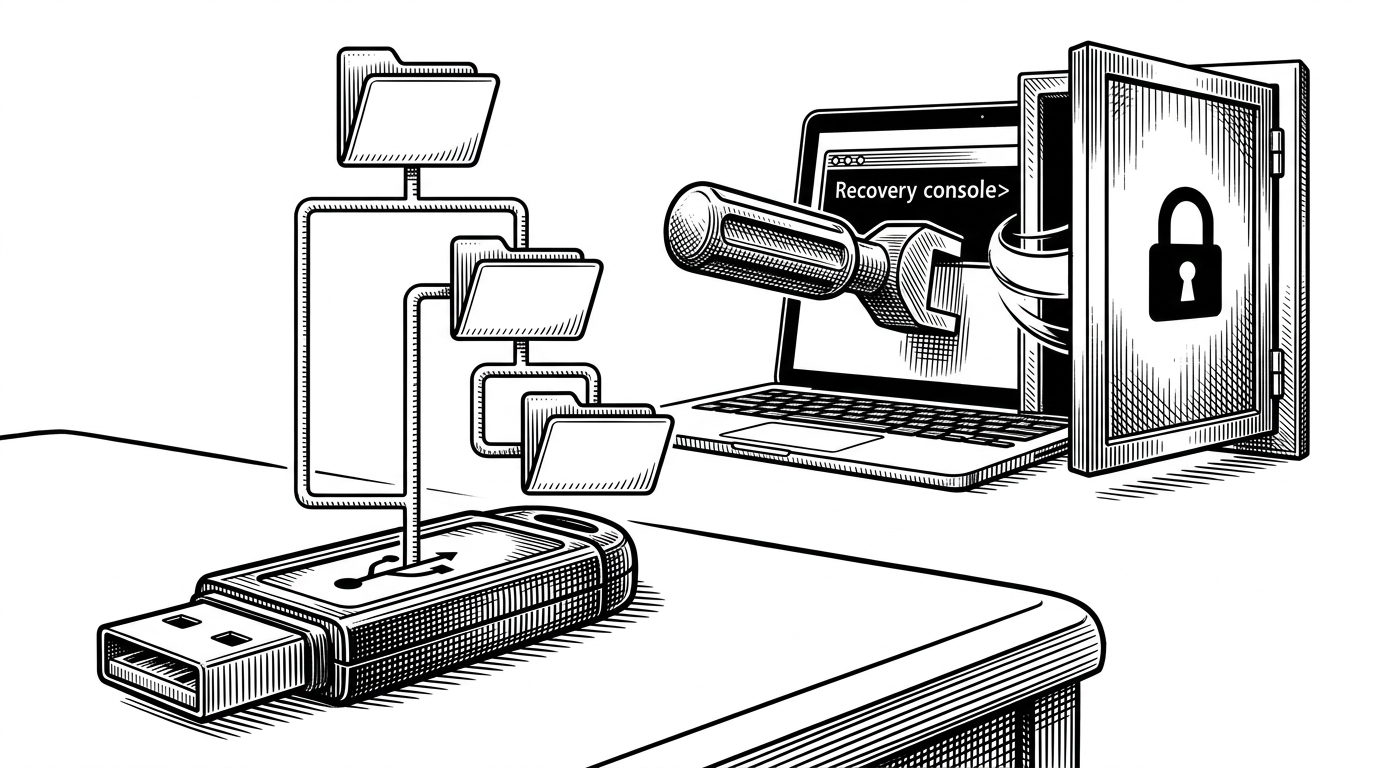
- YellowKey is compelling because it shifts the BitLocker story from cryptography to recovery logic, where a small boot-time difference changes the security outcome.
- The public PoC is strikingly low-friction, relying on a USB-delivered file bundle, WinRE, and a held key rather than memory corruption or specialized hardware.
- The article’s core question is not just whether the bug works, but whether Windows has a privileged recovery path that behaves like a hidden maintenance channel.
- For defenders, the lesson is blunt: encrypted-at-rest only holds if boot, recovery, and fallback paths are treated as part of the threat model.
The most unsettling part of YellowKey is not that it targets BitLocker. It is that it appears to do so through the machinery Windows built for rescue, not through an obvious flaw in encryption itself.
According to the Nightmare-Eclipse/YellowKey repository, the public PoC hinges on a simple sequence: copy an FsTx folder structure onto removable storage or the EFI partition, boot into WinRE, hold CTRL at the right moment, and land in a shell with access to the protected volume.
I was able to reproduce [YellowKey] with a USB drive attached
The Recovery Screen You Trust Is the Attack Surface
YellowKey reads less like a classic exploit and more like a boundary violation. The public write-up says the payload lives in a recovery path that normal users never think about, then uses that path to bypass the assumption that physical access still stops at the BitLocker screen.
That is why the repo feels unusual. The codebase is not a typical application or library. It is closer to an operational packet: a payload directory, transaction-log blobs, and a README that functions like a field manual.
What YellowKey Actually Ships
1. Copy the FsTx folder structure to a USB drive or EFI partition.
2. Reboot the target into WinRE.
3. Hold CTRL during the recovery sequence.
4. Let WinRE process the transaction-log artifacts.
5. Use the resulting shell access on the protected volume.
The important technical detail is the seam, not the payload. The repository centers on FsTx and FsTxLogs, which look like Common Log File System artifacts tied to Windows transaction handling. YellowKey’s claim is that WinRE treats those artifacts differently than normal Windows does.
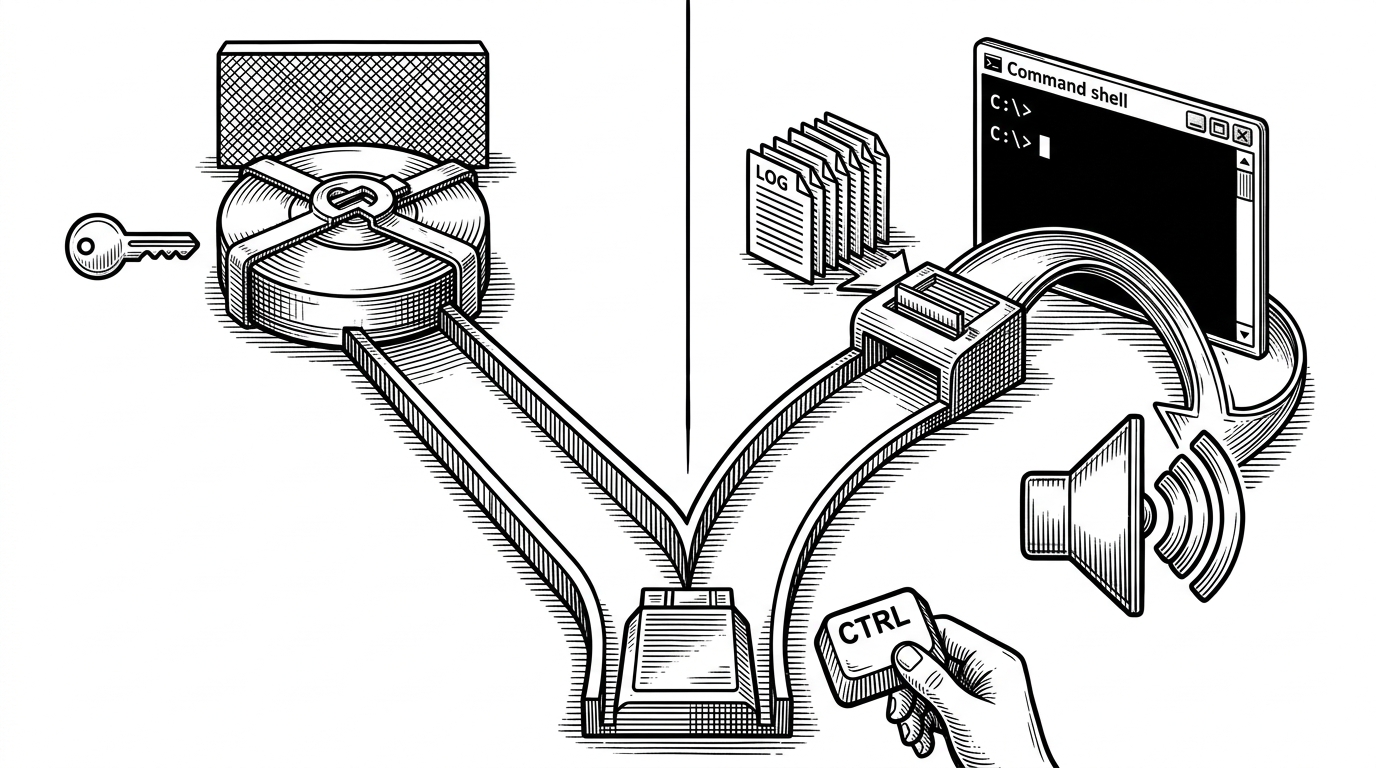
How the Trick Crosses the Boundary
This is where the project gets interesting. The same artifacts can sit on removable media for days and do nothing. Then the machine enters recovery mode, WinRE sees the files, and the logic changes.
That is the entire story in miniature. The vulnerability is not a race condition or a memory smash. It is a privileged interpretation problem, where a recovery component appears to trust a transaction state it should not elevate into a shell-opening event.
| Path | What the user needs | What the machine does | Security outcome |
|---|---|---|---|
| Normal Windows boot | Nothing unusual | Boots the installed OS and keeps BitLocker in its expected state | Drive remains protected |
| WinRE with the YellowKey artifacts present | USB folder copy and a key hold | Parses recovery-time transaction data and follows a special recovery branch | Shell access appears over the protected volume |
| Traditional BitLocker recovery | Recovery key or enterprise escrow | Explicit unlock flow | Access is gated by the designed recovery process |
That is also why the claim feels controversial. The repository’s own framing suggests the same component exists in normal Windows, but behaves differently in WinRE. If true, that points to either a dormant recovery feature, a design shortcut, or a logic flaw that was never meant to be exposed this way.
Why This Feels Like a Backdoor
The author’s own language leans hard into the ambiguity. In the public discussion around the project, the discovery is described as unusually hidden, and the behavior is strange enough that some observers immediately reached for the word backdoor.
That suspicion is understandable, but it is still a hypothesis. A backdoor implies intent. A bug implies failure. YellowKey sits in the uncomfortable middle, where a recovery path behaves so differently from the normal OS path that the boundary itself starts to look suspicious.
| Interpretation | What it would mean | Why it matters |
|---|---|---|
| Intentional recovery hook | Windows may have a privileged escape hatch meant for repair | Security teams would need to treat recovery UX as part of the attack surface |
| Logic flaw | A recovery routine may be over-trusting file state or key state | The fix would likely live in boot-time validation and path handling |
| Misconfigured defense | BitLocker is fine, but the surrounding boot process is not | The real failure is the assumption that encryption alone covers physical access |
What It Means for BitLocker’s Threat Model
BitLocker is designed to slow down theft, not to make a laptop physically impossible to open. YellowKey matters because it challenges a common enterprise shortcut: the idea that device encryption by itself is enough if the drive is locked at rest.
If the public PoC holds up across systems and configurations, then the practical lesson is simple. Recovery paths, boot paths, and maintenance paths are not peripheral. They are the perimeter.
| Attack class | Typical setup | Access required | Why YellowKey stands out |
|---|---|---|---|
| Traditional recovery-key workflow | Enterprise escrow or the user’s recovery code | Authorized unlock path | It is explicit and intended |
| TPM probing or sniffing | Special hardware and physical teardown | Higher setup burden | It is harder to stage and more specialized |
| Boot-media or UEFI attacks | More tooling, more steps, more operator skill | Hands-on access plus preparation | YellowKey is unusually low ceremony |
That low ceremony is what gives the repo its power as a story. A USB stick, a reboot, and a held key are easy to underestimate. In practice, those tiny actions may be enough to turn an assumed barrier into an access path.
YellowKey vs the Usual BitLocker Attack Playbook
Compared with the usual BitLocker bypass categories, YellowKey is unnervingly plain. It does not depend on exotic lab gear. It does not need a teardown bench. It does not even present itself as a conventional exploit chain at first glance.
| Method | Strength | Weakness | YellowKey comparison |
|---|---|---|---|
| Recovery key attack | Uses the designed unlock path | Requires legitimate key material | YellowKey appears to sidestep the key entirely |
| Hardware-assisted TPM attack | Can be effective against unattended devices | Needs tools, skill, and time | YellowKey lowers the bar dramatically |
| UEFI or bootloader abuse | Can be powerful on misconfigured systems | Often more complex to execute | YellowKey is simpler and more portable |
That simplicity is exactly why the project drew attention. It re-centers the threat model around ordinary physical access and recovery behavior, which are the two things defenders tend to think they already understand.
The Real Lesson
YellowKey is not really a story about one file tree or one keyboard shortcut. It is a reminder that encryption is only as trustworthy as the code paths around it, especially the ones designed to help when things go wrong.
When a maintenance path becomes the bypass, the hard part is no longer the cipher. It is the assumption that the rescue screen was never part of the perimeter.