intelliui-npm-package: IntelliUI: The React Chat Stack That Turns AI Replies Into Interfaces
Inside the hooks, renderers, and adaptive layouts that let a response become reasoning, code, files, or a full workspace.
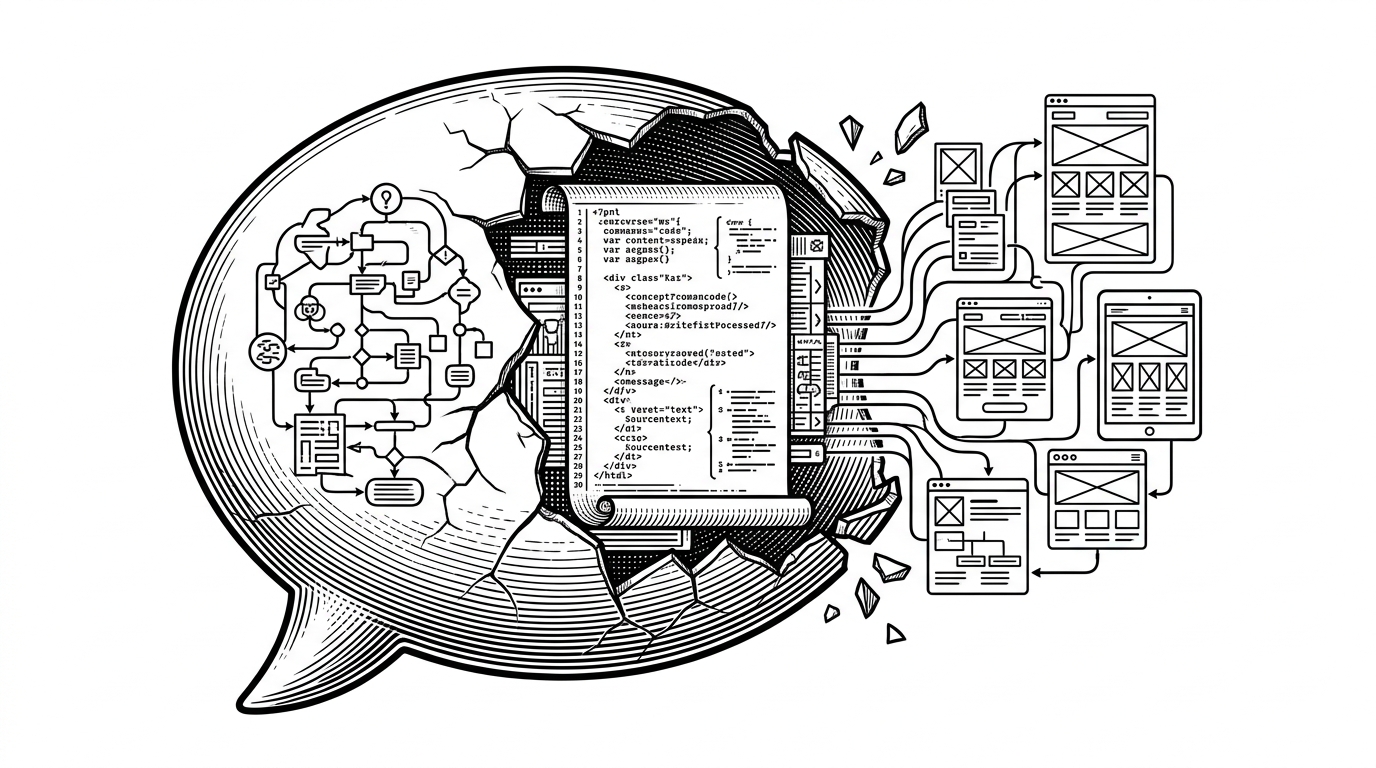
- IntelliUI is built around the idea that AI output should be routed into interface state, not squeezed into a chat bubble.
- Its core value is not prettier markdown rendering, but a message model that can branch into reasoning, artifacts, files, and layout changes.
- The hook and provider layers separate state orchestration from transport, so the UI can stay stable while the backend changes underneath it.
- Its layout system matters because the same component can behave like a widget, a mobile chat, or a workspace as the response grows.
The chat bubble is too small
Most chat UIs assume the answer is mostly text. Maybe you get a code block, maybe a citation, maybe a copy button. IntelliUI starts from a harsher assumption: a useful AI reply often needs multiple surfaces at once, and the UI has to make room for all of them.
That changes the contract. The message is no longer just something to render. It is something to classify, route, persist, and expand into a workspace when the model starts producing artifacts instead of plain prose.
What IntelliUI thinks an AI response is
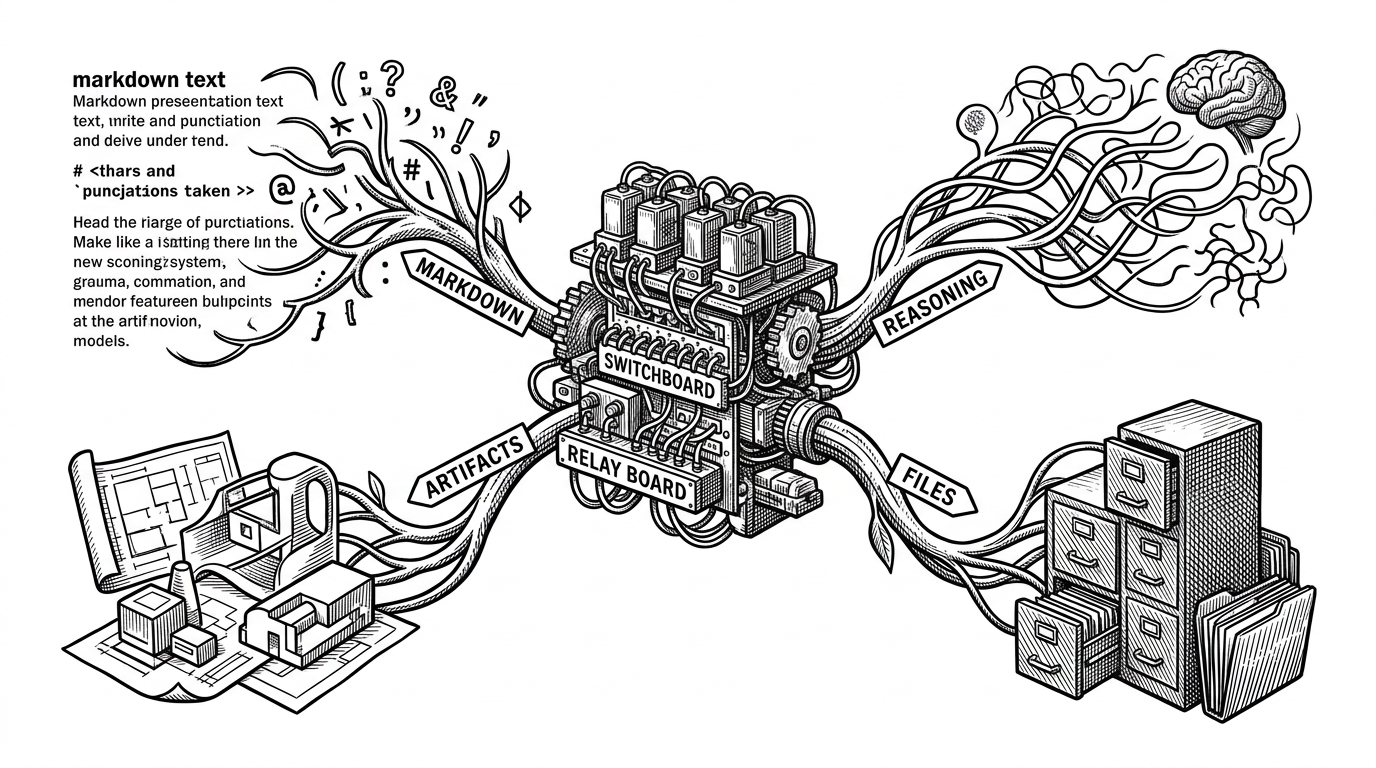
At the center of the package is a message model that behaves more like a dispatcher than a blob of markdown. The repo's `AIMessage` component checks for specific keys such as `reasoning`, `tools`, `artifacts`, and `files`, then sends each branch to a specialized renderer.
type AIMessageShape = {
  id: string;
  role: 'assistant' | 'user' | 'system';
  content?: string;
  reasoning?: string;
  tools?: Array<{ name: string; result: unknown }>;
  artifacts?: Array<{ type: string; title: string; content: string }>;
  files?: Array<{ name: string; path: string }>;
};

function AIMessage(message: AIMessageShape) {
  return (
    <>
      {message.reasoning && <ReasoningBlock />}
      {message.tools && <ToolsBlock />}
      {message.artifacts && <ArtifactPanel />}
      {message.files && <FileList />}
      <MarkdownRenderer content={message.content ?? ''} />
    </>
  );
}That diagram is the mental model. The package does not treat the assistant output as one thing. It treats it as structured state that can be routed into the right surface at the right time.
useChat is the orchestration layer
The most important moving part is `useChat`. It owns message state, loading state, and abort control, which is exactly where an AI UI gets real. If streaming can stop, restart, or partially fail, the hook has to keep the interface coherent while the model is still speaking.
The repo also folds in persistence and scroll behavior. Local storage hydration keeps the conversation from disappearing on refresh, while auto-scroll makes the chat feel alive without forcing the user to manage the viewport manually.
The most distinctive detail is artifact scaffolding. The implementation looks for code-like intent and can spin up an artifact instead of leaving everything inside the chat stream. That is the moment IntelliUI stops behaving like a conventional chat component and starts behaving like a workspace host.
const { messages, sendMessage, stop, isLoading } = useChat({
  provider: 'gemini',
  apiEndpoint: '/api/chat',
  onFinalize(message) {
    if (looksLikeArtifact(message.content)) {
      scaffoldArtifact(message);
    }
  }
});

// The hook keeps transport, cancellation, persistence, and layout-aware UI state together.
Provider plus adapter: swap the backend, keep the UI
`AIProvider` pushes the architecture in a useful direction. It lets the UI layer stay consistent while the transport and model backend change beneath it. That is a practical answer to a messy reality: teams do not always know which model stack they will use six months from now.
The adapter pattern is the real leverage. Instead of hard wiring the interface to one vendor, IntelliUI lets developers pass a custom send function and keep the same chat surface. For product teams, that lowers rewrite risk. For builders, it means the UI can survive backend churn.
| Layer | What stays stable | What can change |
|---|---|---|
| AIProvider | Chat UI contract | Transport, endpoint, model vendor |
| Adapter | Message shape and events | Fetch logic, auth, streaming protocol |
| useChat | State and orchestration | Persistence strategy, artifact heuristics |
Layouts that grow with the task
IntelliUI does not assume one screen shape fits every conversation. Its layout layer measures available space and can switch between widget, mobile, and workspace modes. That matters because an answer that begins as a chat reply may need a broader canvas a few seconds later.
This is where the project gets more interesting than a standard chat library. It is not only rendering AI output. It is negotiating the available surface area around that output, which is a different UI problem entirely.
In practice, that means the same component can feel lightweight in a sidebar and more like an IDE when artifacts or longer reasoning chains appear. The layout adapts to the task instead of forcing the task to shrink to fit the layout.
Where IntelliUI fits in the UI landscape
The comparison is not IntelliUI versus MUI buttons or Chakra spacing tokens. Those libraries solve a broader UI problem. IntelliUI solves a narrower and more opinionated one: how to build AI-native interfaces where messages can become structured work products.
| Approach | What counts as a message | Reasoning slot | Artifact support | Layout adaptation | Backend flexibility |
|---|---|---|---|---|---|
| Text-first chat UI | Mostly plain text and markdown | Usually no | Usually no | Static container | Often coupled to one backend |
| Generic component library | Whatever the app defines | Not built in | Not built in | App-defined | App-defined |
| IntelliUI | Structured AI state with branches | Yes | Yes | Yes | Designed for adapters |
That is the essential distinction. Generic UI kits are good at composition. IntelliUI is trying to make a specific class of AI interaction feel native, with dedicated slots for the things modern models increasingly produce.