dev-browser: The Sandbox That Gives Claude a Pair of Hands
Moving beyond the "one-click-at-a-time" bottleneck with a secure, scriptable bridge between LLMs and the live web.
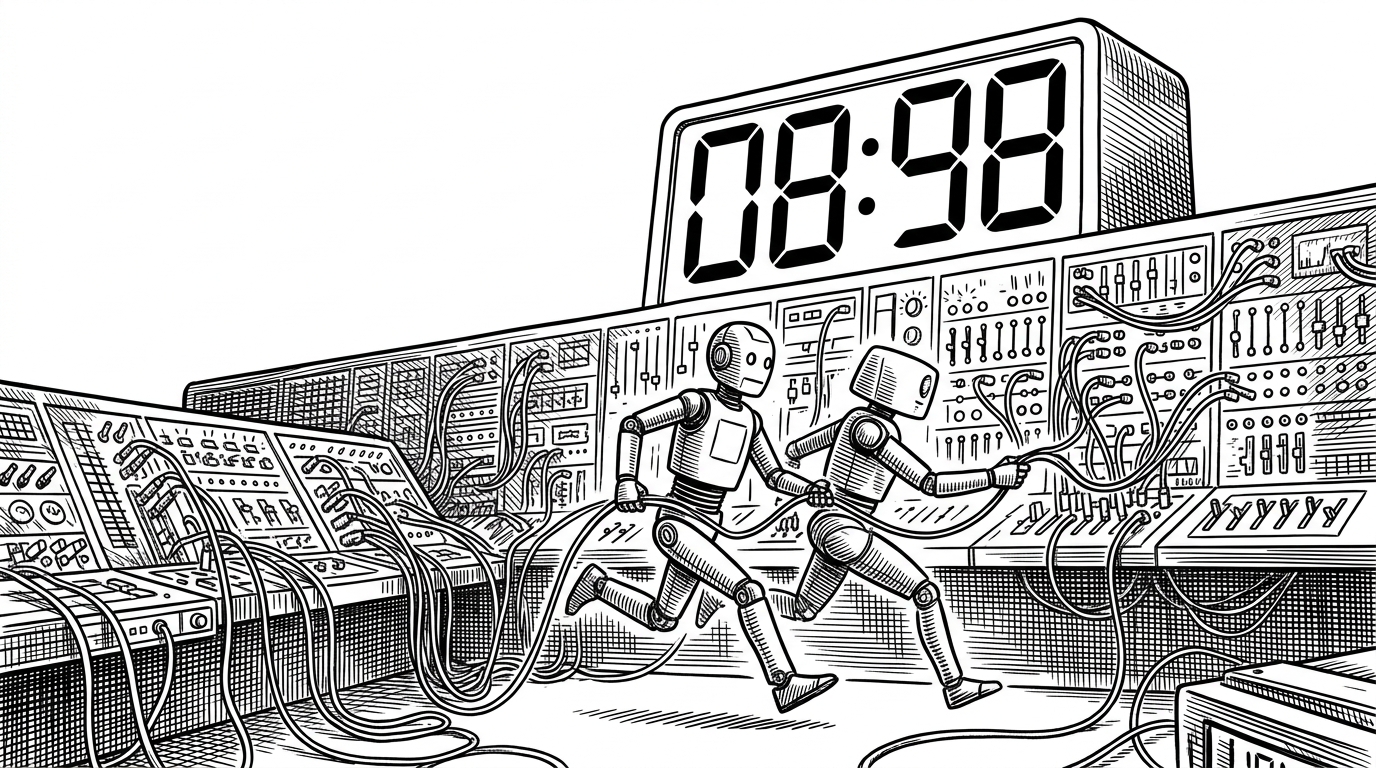

Every browser automation tool I've tried fails the same way. Context windows explode. Agents wander aimlessly. Your API bill climbs while the agent spends 30 turns clicking a dropdown.
- Dev-browser replaces slow back-and-forth tool calls with a model where the AI writes and executes complete JavaScript scripts.
- A QuickJS WebAssembly sandbox isolates AI-generated code to protect the host system from security risks and resource exhaustion.
- The tool uses a custom transport layer to bridge sandboxed scripts with a real Playwright instance for browser control.
- Named pages allow agents to maintain persistent browser states across multiple interaction turns.
The Latency Tax of 'Look-Think-Act'
The current standard for giving AI agents tools is the Model Context Protocol (MCP). It works, but it's inherently chatty. If an agent wants to scrape a table, it has to look at the page, think about the next step, call a 'click' tool, wait for the network round-trip, look at the new page state, and repeat.
This 'latency tax' makes complex web tasks prohibitively slow and expensive. dev-browser approaches the problem differently. Instead of forcing the AI to micromanage every click, it lets the AI write a script to do the job.
A Scripting Engine in a Jail
The core innovation of dev-browser is its execution model. When Claude needs to interact with the web, it doesn't send a series of discrete commands. It writes a block of JavaScript. This script is then executed locally by a background daemon.
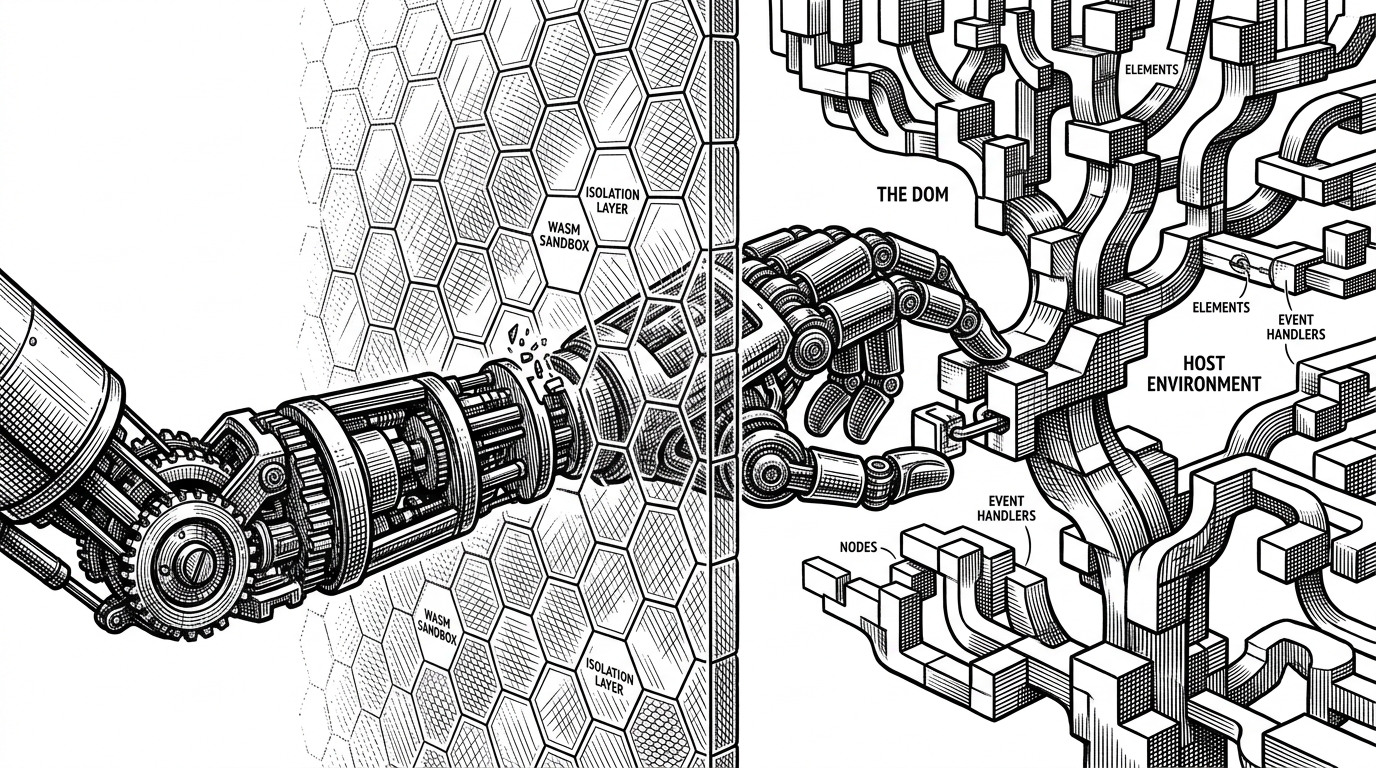
But running AI-generated code directly on a user's machine is a massive security risk. To solve this, dev-browser uses a QuickJS WebAssembly (WASM) sandbox. The AI's script runs inside this constrained environment, completely isolated from the host operating system.
Hardened for Autonomy
The sandbox isn't just about preventing malicious code; it's about stability. The quickjs-emscripten wrapper enforces strict memory limits and CPU timeouts. If an agent writes an infinite loop, the daemon simply kills the execution, preventing the host machine from freezing.
To actually control the browser from inside this jail, dev-browser implements a custom transport layer. The sandboxed script calls a 'fake' Playwright API. These calls are serialized, passed across the WASM boundary, and executed by the real Playwright instance running in Node.js on the host.
Efficiency by the Numbers
The difference between atomic tool-calling and local scripting is stark when comparing execution models.
| Feature | Standard MCP (Playwright) | dev-browser |
|---|---|---|
| Execution Model | Atomic Tool Calls (Look-Think-Act) | Sandboxed JS Scripting |
| Latency | High (Network round-trip per action) | Low (Local execution loop) |
| Token Usage | High (Context window bloat) | Low (Single script prompt) |
| Security | Relies on host permissions | QuickJS WASM Sandbox isolation |
The Claude-Native Workflow
dev-browser is designed specifically to integrate with Claude Code as a 'Skill'. By pre-approving the tool in Claude's settings, developers can give the agent persistent access to a browser session.
Coding agents have a hole in their feedback loop. they can write code, run tests, check linters, iterate for hours. But they can't see what users see. For any app with a frontend, the loop never closes.
This persistent state—managed via 'named pages'—means an agent can navigate to a complex web app in one turn, and then write a new script to interact with that exact DOM state in the next turn, without reloading or losing context. It's a bridge that finally gives coding agents the visual feedback loop they've been missing.