The Zero-Trust Classroom: Unpacking UNiTIME
How a cross-platform monorepo uses geofencing, edge-cached timetables, and dynamic QR tokens to solve the university attendance problem.
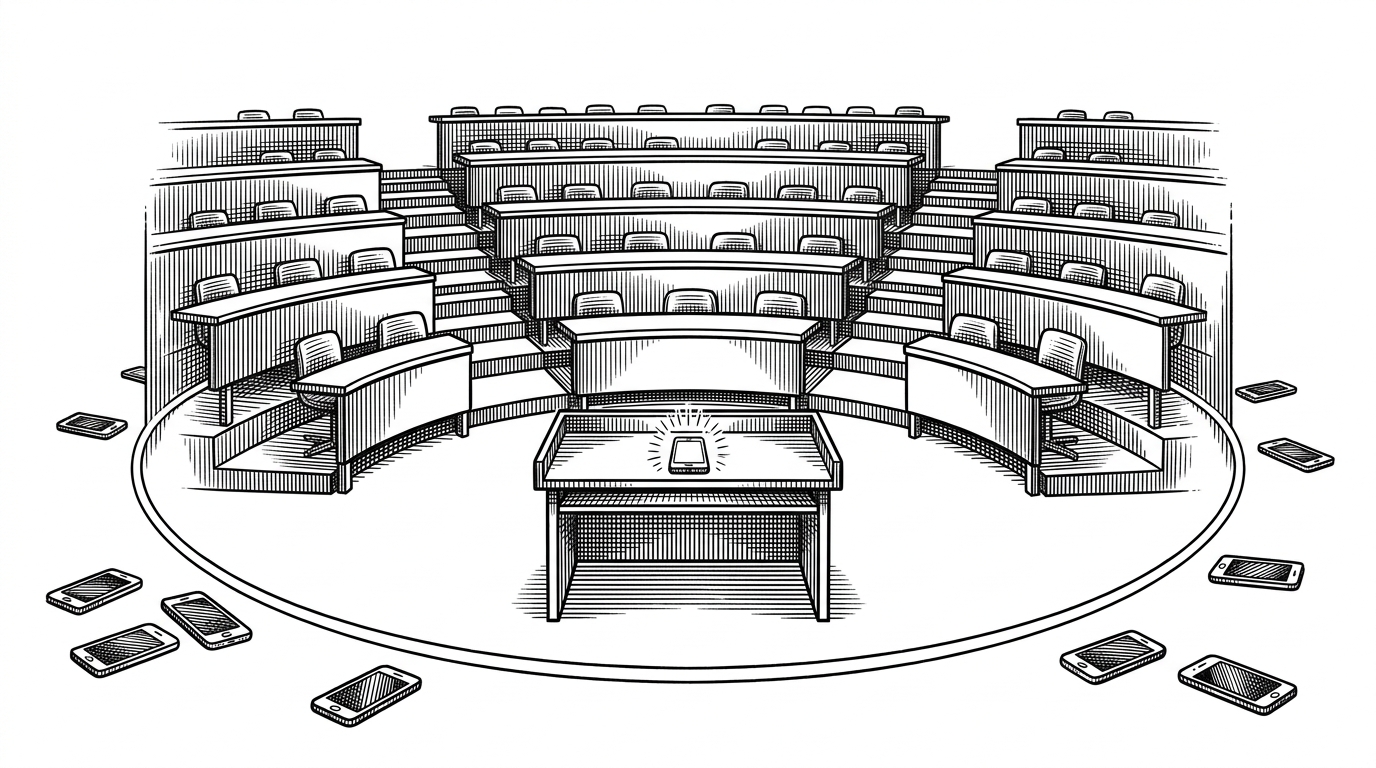
- UNiTIME replaces easily shared, static QR codes with a time-based token system coupled with strict GPS geofencing.
- The mobile app transcends passive dashboards by integrating physical device alarms tied to edge-cached timetables.
- A dual-strategy auth middleware elegantly bridges Appwrite JWTs for mobile and cookies for web, standardizing role-based access.
- The complex 'lab group' routing problem is solved using granular database schemas cached in Upstash Redis with a 120-second TTL.
The End of the "Proxy"
Skipping class and faking attendance is a universal collegiate concept. In large lecture halls, the 'proxy' check-in has evolved from signing a friend's name on a clipboard to texting a screenshot of an attendance QR code. Educational ERPs (Enterprise Resource Planning systems) have historically struggled to close this specific loophole, often relying on trust-based manual entry or easily defeated static digital tokens.
UNiTIME treats this not as an administrative nuisance, but as a high-security cryptographic problem. The core attendance engine, located in apps/backend/app/v1/[[...route]]/routes/attendance.ts, implements a sophisticated defense-in-depth strategy.
First, it uses a dynamic token algorithm to generate the QR code displayed on the professor's terminal. These tokens are likely time-based or cryptographically signed, meaning a screenshot sent to a friend becomes invalid before they can scan it. Second, it enforces physical presence through strict geofencing. When a student's device scans the token, the backend calculates the physical distance between the student's GPS coordinates and the classroom's location using a Haversine distance algorithm. If the student is outside the defined geofenceRadius (defaulting to a tight 75 meters), the check-in is rejected.
Waking Up the User
Most educational apps are passive dashboards. You open them to check a grade or find a room number, then close them. UNiTIME's mobile architecture, built with Expo (React Native) and NativeWind, takes a far more active role in the student's routine.
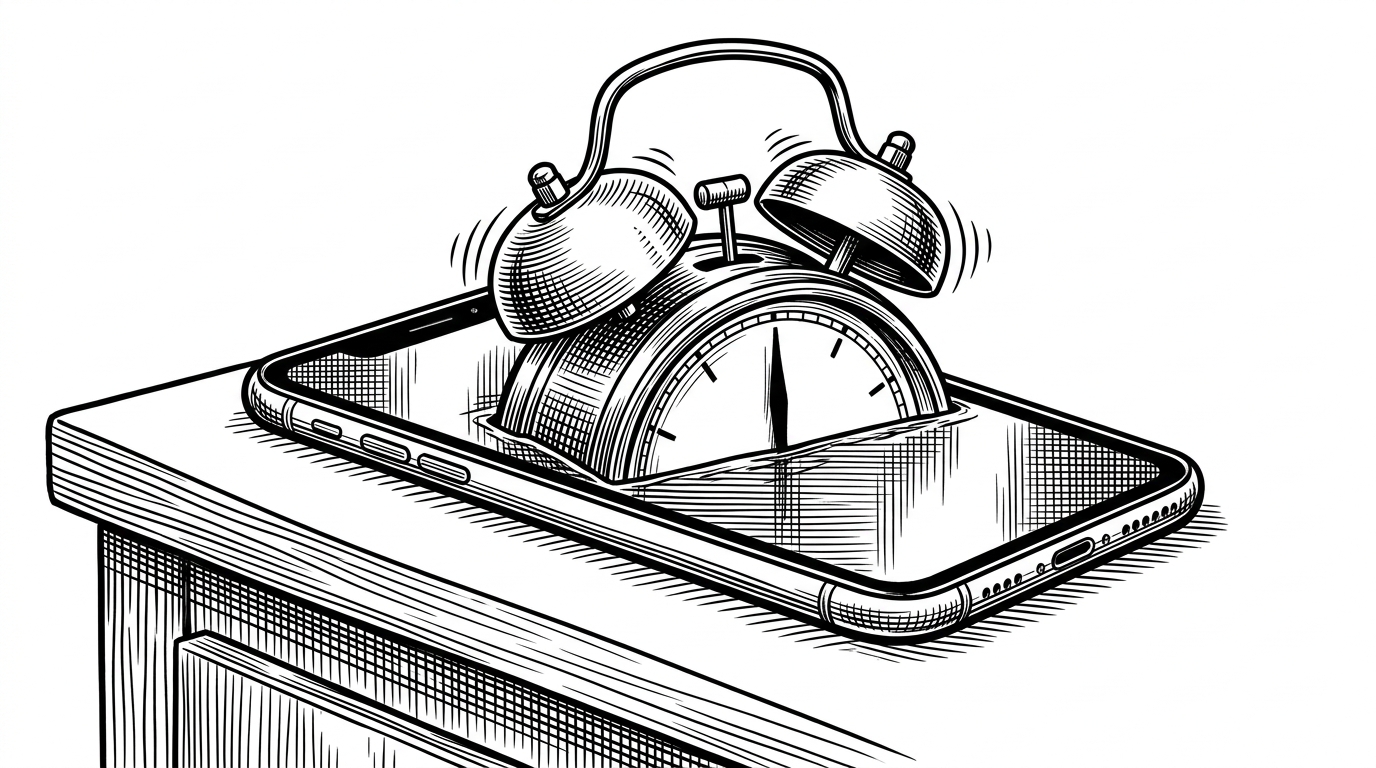
The app utilizes Zustand for modular state management alongside React Query for server-state synchronization. This combination creates a snappy, offline-capable experience. But the most surprising feature is found in apps/mobile/app/alarm.tsx. UNiTIME directly integrates the @vall370/expo-alarm package to trigger physical device alarms. By reading the edge-cached timetable data, the app can be configured to physically wake a student up or alert them specifically for an upcoming class, fundamentally shifting the app from a passive reference tool to an active participant.
Bridging the Auth Divide
UNiTIME is structured as a Turborepo monorepo, ensuring tight synchronization across the backend, web, and mobile interfaces. The backend API layer is built using Hono, a small, exceptionally fast web framework, hosted inside Next.js API routes. This bypasses much of the standard Next.js overhead while maintaining deployment flexibility on edge networks.
This architecture necessitates a solution for the classic 'Mobile vs. Web' authentication hurdle. The mobile app relies on Appwrite JWTs (Bearer tokens), while the web interface uses cookies. The check.auth.ts middleware elegantly bridges this divide. It first checks for an Authorization: Bearer header; if absent, it falls back to parsing the appwrite_jwt cookie. Once authenticated, the middleware uses Hono's context injection (c.set) to append the requesterId and requesterRole to the request lifecycle. This allows downstream routes to enforce role-based access control simply by calling a requireRole('PROFESSOR') function.
The Lab Group Routing Problem
Scheduling at a university level is notoriously complex due to the 'split-class' problem. A hundred students might share a single large lecture hall for Chemistry 101, but they are subsequently divided into ten different, smaller lab groups that meet at varying times and locations.
UNiTIME handles this complexity through granular data modeling in its Prisma schema. The timetable logic (apps/backend/app/v1/[[...route]]/routes/timetable.ts) aggregates a user's approved courses and identifies their specific lab group assignment from their studentProfile. Because resolving these complex, multi-table relationships on every app refresh would cripple performance, the system relies heavily on Upstash Redis. The getOrSetCache utility wraps these expensive relational queries, applying a 120-second TTL (Time To Live). This ensures the timetable remains highly responsive while still reflecting near-real-time administrative changes.

| Feature | Traditional ERPs | UNiTIME |
|---|---|---|
| Routing | Monolithic REST APIs | Next.js Edge Functions using Hono |
| Attendance | Trust-based manual entry | Geofenced dynamic QR tokens |
| State Management | Server-rendered views | Zustand + React Query offline cache |
| Scheduling | Flat course lists | Granular Lab-Group routing with Upstash Redis TTL |