The Agentic Playbook: Unpacking android-termux-ssh-bootstrap-skill
How a repository of Markdown files and PowerShell scripts turns a factory-fresh Android phone into a rootless Linux server by teaching an AI to exploit a debug flag.
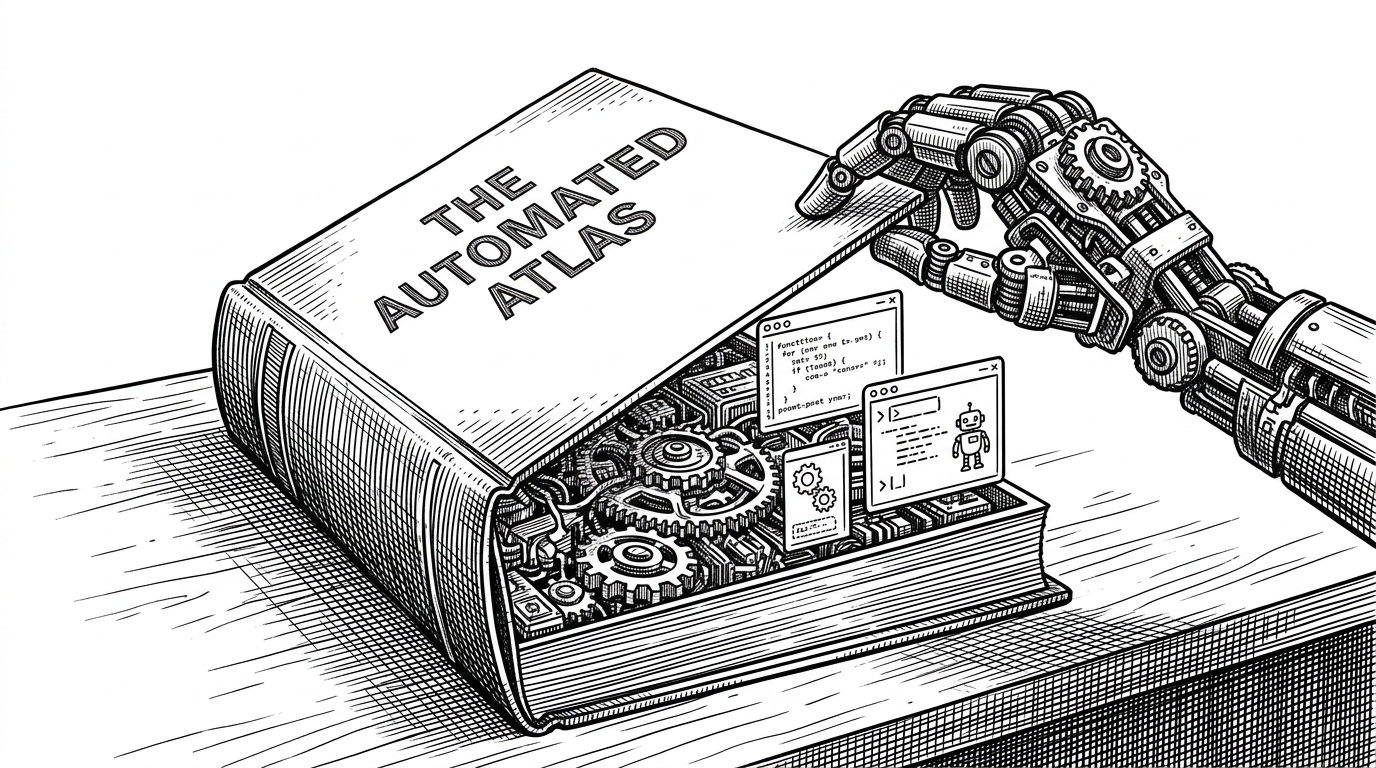
- The project abandons traditional bash scripts in favor of Markdown-based 'Skills' designed explicitly for AI agent execution.
- By exploiting the DEBUGGABLE flag in the GitHub release of Termux, the skill achieves full rootless privilege escalation.
- The CI/CD pipeline validates the structural integrity of English instructions rather than compiled code.
- A sophisticated PowerShell wrapper reconstructs the Android environment, tricking the system into running a remote SSH daemon.
Writing Code for Machines That Read English
We have crossed a threshold where developers are no longer writing setup scripts for other humans. They are writing "Skills" for AI agents. The android-termux-ssh-bootstrap-skill repository is a fascinating artifact of this shift. It is a structured knowledge base—primarily Markdown and YAML—that teaches an AI how to orchestrate a complex, rootless server setup from a Windows host.
The openai.yaml file acts as an integration manifest, allowing a user to trigger a massive, multi-step Windows-to-Android orchestration with a single natural language prompt. It represents a fundamental shift from code as execution to documentation as execution.
A modular, safe, and mobile-optimized bootstrap script and CLI manager for your Termux environment. Turn a fresh Termux install into a powerful development environment in minutes.
The "Debuggable" Loophole
To turn a factory-fresh Android phone into a server without rooting it, the skill relies on a specific technical workaround. It explicitly requires the GitHub Release of Termux rather than the Play Store version. Why? Because the GitHub APK is compiled with the DEBUGGABLE flag enabled.
This flag allows the AI agent to utilize the adb shell run-as com.termux command. This effectively bypasses standard Android security sandboxes, granting the agent access to Termux's private data directory without requiring a rooted device.
Reconstructing the Environment
Gaining access is only half the battle. Because the command is executed externally via ADB, standard environment variables are missing. The skill instructs the AI to use a complex wrapper abstraction to manually reconstruct the Termux environment.
run-as com.termux env -i HOME=/data/data/com.termux/files/home PREFIX=/data/data/com.termux/files/usr PATH=/data/data/com.termux/files/usr/bin /data/data/com.termux/files/usr/bin/bash -lc '<command>'This sophisticated pattern injects HOME, PREFIX, and PATH variables, tricking the system into running pkg install and starting the SSH daemon remotely as if a human were typing directly into the device.

Testing Instructions, Not Code
When your core product is a Markdown file, CI/CD looks entirely different. The scripts/validate-skill.ps1 file uses Regex to ensure the AI prompt and YAML frontmatter remain perfectly intact.
This represents a philosophical shift in quality assurance. The GitHub Actions workflow treats English instructions as a compiled binary, ensuring the "manual" is always perfectly readable by the machine operator.
The Legacy Script vs. The AI Skill
Traditional Termux automation relies on monolithic shell scripts meant to be run directly on the device by a human. This project takes a completely different approach, relying on remote, agent-driven orchestration from a Windows host.
| Feature | Legacy Bash Script | AI Agent Skill |
|---|---|---|
| Execution Paradigm | Local Monolithic Script | Remote AI Orchestration |
| Host Dependency | Android Device Native | Windows Host + ADB |
| Execution Privilege | Standard User Space | Rootless via DEBUGGABLE flag |
| Failure Handling | Static Error Codes | LLM Reasoning & Fallbacks |