Step-Counter-App: The Smallest Possible Fitness Tracker That Still Feels Real
A battery-first Android app that turns a hardware step total into daily progress, distance, and calories with almost no moving parts.
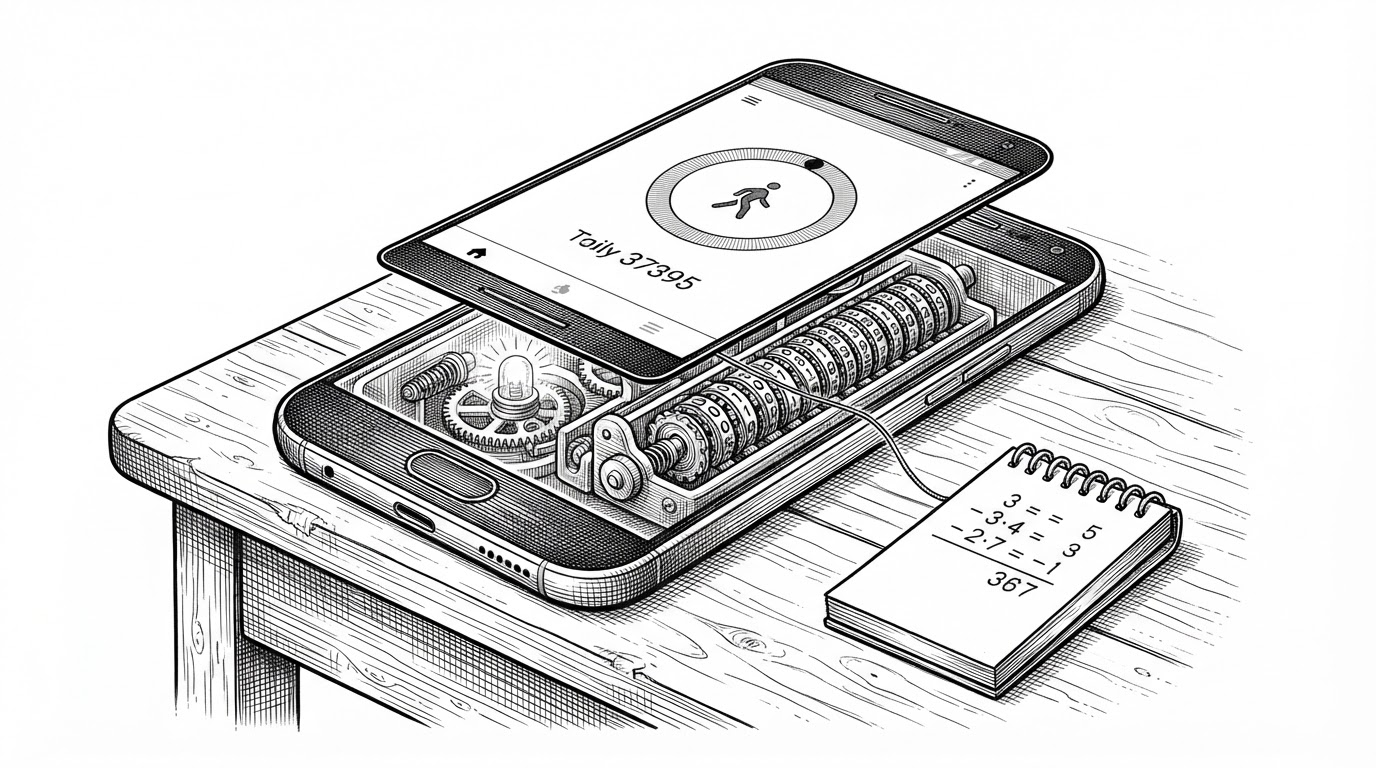
- This app treats step counting as a hardware problem first, then uses a baseline subtraction trick to make the number feel daily and human.
- Its real design choice is restraint: the sensor does the hard work, while the app stays lean, battery-conscious, and easy to follow.
- The distance and calorie outputs are intentionally rough, which makes the app more honest about fitness math than many polished trackers.
- Modern Android details like runtime permission handling and lifecycle cleanup keep the project current even though the UI stays minimal.
Why This App Is Smarter Than It Looks
The trick is almost embarrassingly simple. The app does not count steps from raw motion spikes. It reads Sensor.TYPE_STEP_COUNTER, keeps a saved baseline, and subtracts one number from another until the user sees “today.”
That is why this repo is interesting. It is not trying to invent fitness tracking. It is showing how much useful behavior you can get when you let Android’s sensor stack do the expensive part.
The Real Engine Lives in the Sensor, Not the App
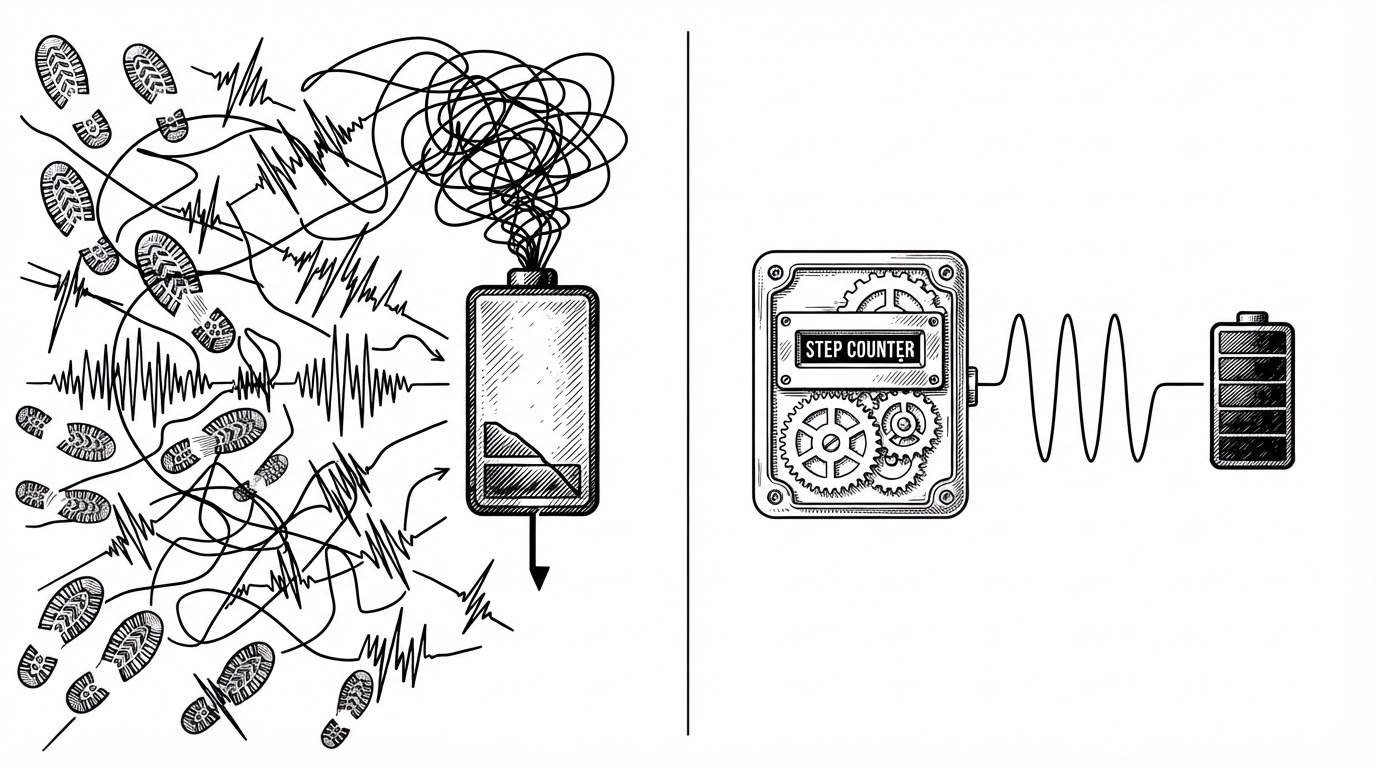
`MainActivity.java` is mostly orchestration. It implements SensorEventListener, registers for step updates, and unregisters in the lifecycle so the app does not keep listening when it should not. That matters because the app is leaning on the device’s own step aggregation instead of sampling accelerometer noise itself.
public void onSensorChanged(SensorEvent event) {
    if (event.sensor.getType() == Sensor.TYPE_STEP_COUNTER) {
        totalSensorSteps = (int) event.values[0];
        int todaySteps = totalSensorSteps - initialSteps;
        updateUI(todaySteps);
    }
}
That one subtraction is the architecture. The sensor provides a cumulative total since boot, and the app turns it into a daily counter by remembering where “today” started.
A Baseline, a Reset Button, and a Promise of “Today”
The app stores the baseline in SharedPreferences, which is enough to survive process death and keep the number stable across launches. The reset button is not a gimmick. It is the action that re-centers the counter when the user wants to begin again.
| Concept | What it stores | What the user sees | Tradeoff |
|---|---|---|---|
| Cumulative sensor total | All steps since reboot | Nothing directly | Accurate but not daily |
| Baseline subtraction | The total at start of day or after reset | Today's steps | Simple, transparent, manual reset |
| Raw accelerometer counting | Motion events and step guesses | A live count built from inference | More flexible, more battery and complexity |
The UI Is Honest About What the Math Can and Cannot Know
The interface is spare on purpose. A vertical layout shows steps, distance, calories, and a progress bar toward a 10,000-step goal. The math is intentionally rough, using fixed assumptions like step length and calories per step rather than pretending to know the user’s body or gait.
<LinearLayout
    android:orientation="vertical"
    android:layout_width="match_parent"
    android:layout_height="match_parent">

    <TextView android:id="@+id/stepsText" />
    <TextView android:id="@+id/distanceText" />
    <TextView android:id="@+id/caloriesText" />
    <ProgressBar android:max="10000" />
</LinearLayout>| Metric | Source | Accuracy stance | Why it works here |
|---|---|---|---|
| Steps | Hardware counter minus baseline | High enough for a daily tracker | This is the app's core job |
| Distance | Steps multiplied by fixed step length | Approximate | Fast to understand and cheap to compute |
| Calories | Steps multiplied by a fixed burn estimate | Very rough | Clearer than fake precision |
Why Modern Android Still Matters in a Tiny App
This repo is small, but it is not old-fashioned. It handles ACTIVITY_RECOGNITION at runtime, uses a current Gradle setup, and still keeps the source in straightforward Java 11. That combination makes it feel like a practical teaching project instead of a throwback.
The important detail is not the build tooling itself. It is the fact that the app behaves like a current Android citizen while solving a simple problem with almost no ceremony.
What This App Chooses Not to Be
There is no sync layer, no social feed, no cloud dashboard, and no attempt to personalize the numbers into pseudo-medical insight. That absence is the point. The app is useful because it stays inside a narrow promise: count steps, show progress, and get out of the way.
| Minimal tracker | Feature-heavy fitness app |
|---|---|
| Hardware sensor plus baseline subtraction | Multi-source activity inference |
| Local state in SharedPreferences | Cloud accounts and cross-device sync |
| Simple daily metrics | Personalization, coaching, and analytics |
| Easy to explain in one sentence | Harder to trust without a product team |
The Result: A Good Pedometer Is Mostly Restraint
The cleanest thing about this project is what it refuses to do. It does not overbuild the problem of counting steps. It trusts the hardware, keeps the math legible, and makes the app stable enough that the user never has to think about the machinery underneath.
That restraint is the lesson. In Android, small can still feel complete when every line is pulling the same direction.