SmartNode: The Python Simulator That Turns Satellites Into a Scheduling Problem
A 3D command center for testing data backhaul, link availability, and resource contention across GEO and LEO networks.
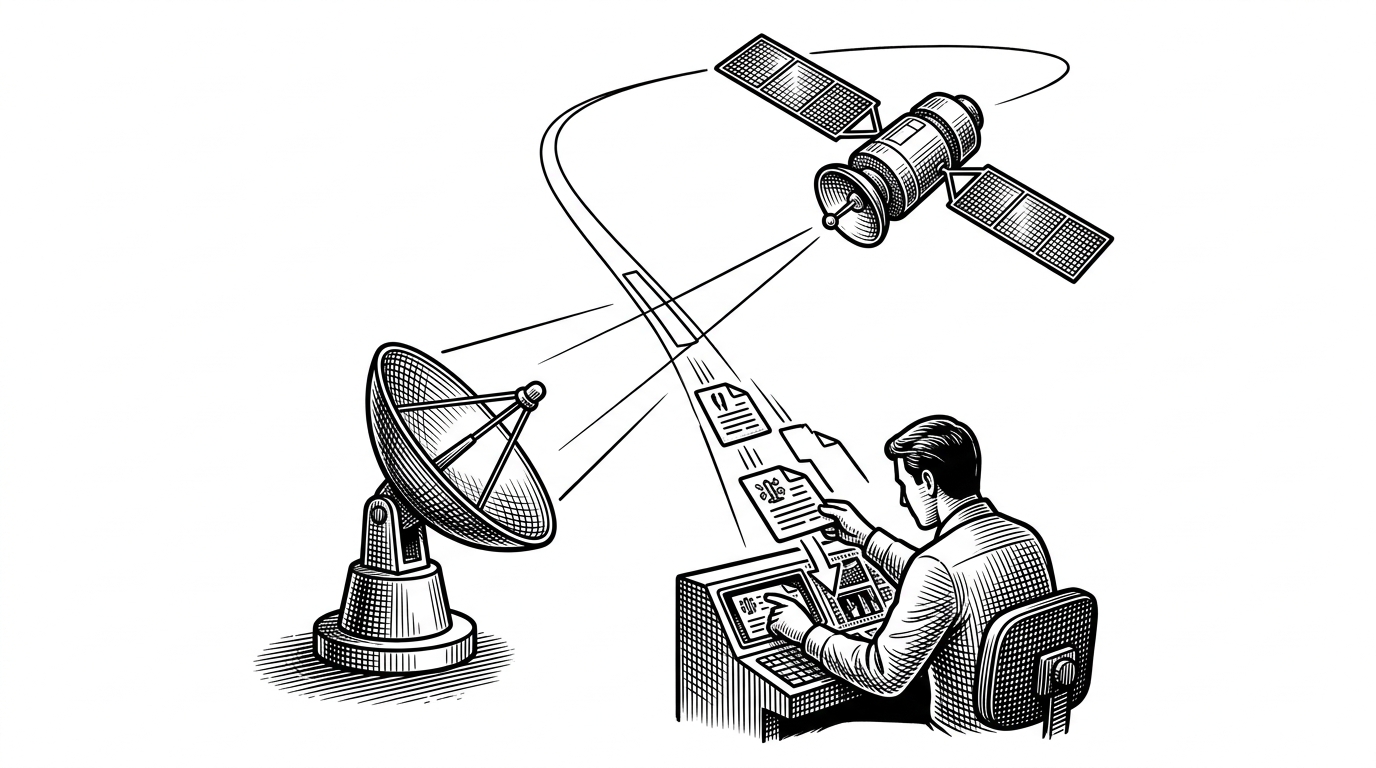
- SmartNode’s core idea is operational, not cinematic: it turns satellite motion into a live scheduling problem with scarce bandwidth and competing requests.
- The project matters because it separates the simulation engine from the 3D globe, which makes the dashboard feel like a command center instead of a demo.
- Its architecture favors fast local deployment and intranet use over aerospace-grade fidelity, which makes it useful for planning and what-if testing.
- The trade-offs are deliberate, including simplified physics and constrained station data, because the product is optimized for decision-making speed.
The real product is capacity allocation
Most satellite tools want to impress you with fidelity. SmartNode does something stranger and, in practice, more useful. It treats space infrastructure as a live resource allocation problem: which request gets the link, which station has room, and which task can wait.
That shift changes the unit of value. The interesting object is not the orbit track alone. It is the request, the slice of data, the urgency score, and the narrow window when a moving LEO link is actually available.
That is why the 3D globe matters. It is the interface for a scheduling engine, not the product itself.
From orbit mechanics to operations software
The repository’s structure points to a practical goal: simulate backhaul and relay workflows without forcing users into heavyweight aerospace software. The backend is Python, the web layer is Flask, and the front end is a no-build Vue and Cesium stack that can run locally or on an intranet.
The resulting shape is unusually direct. There is a simulation core, an API bridge, and a visual shell. That separation matters because it keeps the state machine legible. You can change the scenario without rewriting the experience around it.
Why SmartNode feels different
A lot of tools in this space are either too deep or too generic. High-fidelity aerospace packages chase precision and complexity. Generic orchestration tools manage state, but they do not know what a visibility window is. SmartNode sits in the middle.
| Dimension | High-fidelity aerospace tools | Generic orchestration tools | SmartNode |
|---|---|---|---|
| Goal | Orbital precision and mission analysis | Workflow and state management | Operational satellite backhaul planning |
| Fidelity level | High | Low to medium | Purposeful simplification |
| Primary user | Aerospace specialist | Platform or DevOps engineer | Planner, operator, or researcher |
| Deployment friction | Heavy | Moderate | Light |
| Best use case | Deep analysis and certification-style work | Service coordination | What-if scheduling and situational awareness |
| SmartNode’s advantage | N/A | N/A | Fast decision-making with a 3D control surface |
How the engine actually moves state
The backend is where the project stops being a globe and becomes a system. A continuous simulation loop advances state in the background, while the API exposes endpoints for request submission, resource status, and timeline inspection. The front end polls that state on a fixed cadence, which keeps the display current without making the browser own the simulation.
That design is old-school in the best way. It is easy to reason about. A request comes in. The engine checks visibility and resource constraints. Shared state is protected while it updates. The dashboard reflects the new reality after the lock is released.
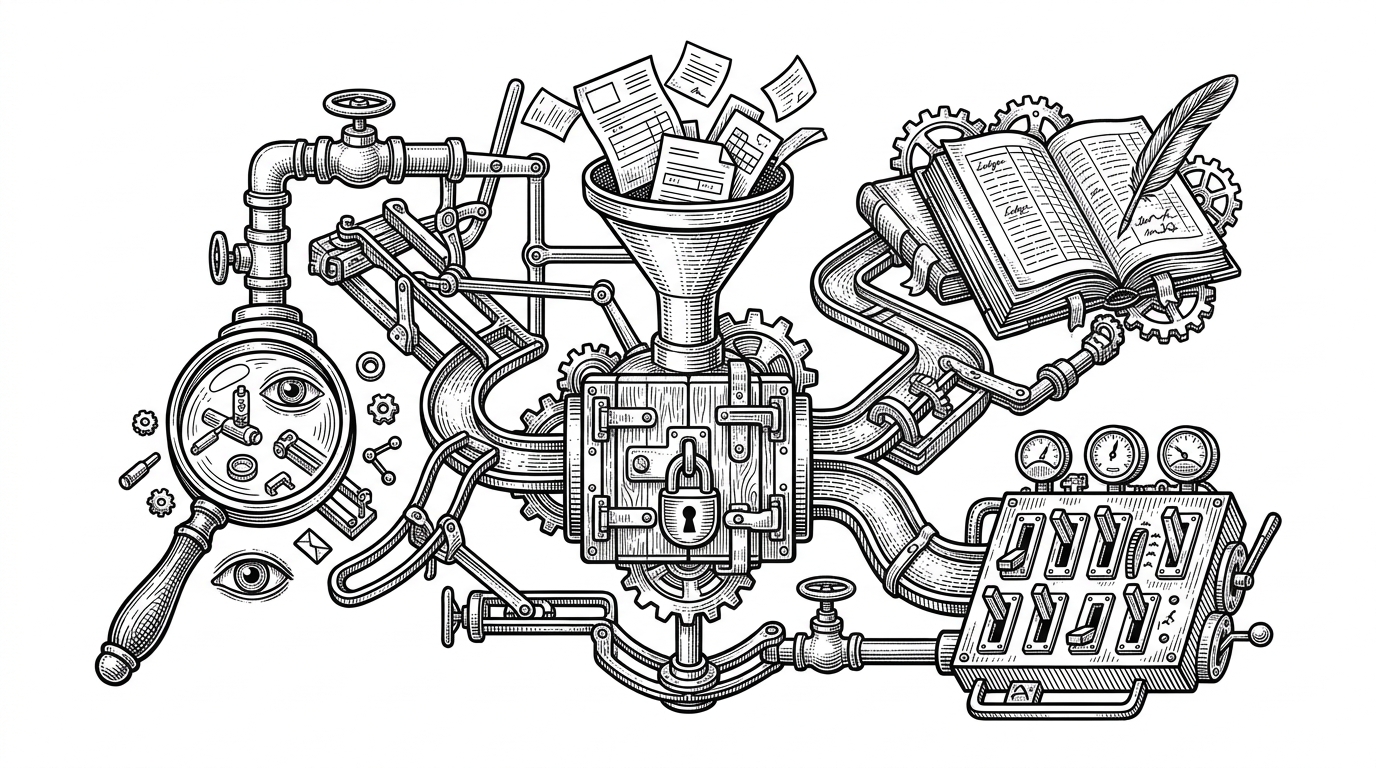
That separation also explains why the project can stay lightweight. The interface does not need to own simulation logic. It only needs to visualize it fast enough that an operator can trust what they are seeing.
The front end is a situational awareness layer
Cesium gives SmartNode its sense of place. Vue gives it structure. Together they turn backend state into a command surface that shows where the satellites are, which links are open, and what the system is doing with its available capacity.
That is the real product design move here. The globe is not decoration. It is a cognitive map for resource contention.
What it replaces, and what it does not
SmartNode is not trying to replace aerospace simulation suites. It is trying to replace the friction that stops teams from asking simple operational questions. What happens if a high-priority request arrives now. Which station absorbs the load. How quickly does the queue recover.
It also is not a generic node orchestration stack with space branding. It knows about satellite visibility, ground station capacity, and the timing pressure that comes from moving assets. That domain specificity is the point.
| Question | Heavy aerospace suite | Generic ops platform | SmartNode |
|---|---|---|---|
| Can it model orbital detail deeply? | Yes | No | Only enough for the workflow |
| Can it schedule requests against visibility windows? | Sometimes | No | Yes |
| Can non-specialists grasp the outcome quickly? | Usually not | Yes, but for the wrong problem | Yes |
| Does it favor speed of experimentation? | Not usually | Yes | Yes |
| Does it emphasize live situational awareness? | Sometimes | No | Yes |
The limits are part of the design
The trade-offs are visible in the codebase. The model uses simplified physics, and some ground station data is hardcoded. That would be a weakness if the project were pretending to be a certification-grade aerospace tool. It is not. It is a focused operations simulator.
That scope choice is what makes it coherent. By narrowing the problem, SmartNode can be fast, local, and easy to inspect. It becomes a tool for planning and learning, not a research project that disappears into its own fidelity.