DevSpace: The Local MCP Bridge That Turns ChatGPT and Claude Into Safe Coding Agents
A deep dive into the harness that gives web-based LLMs controlled access to your machine, your repo, and your approval loop.
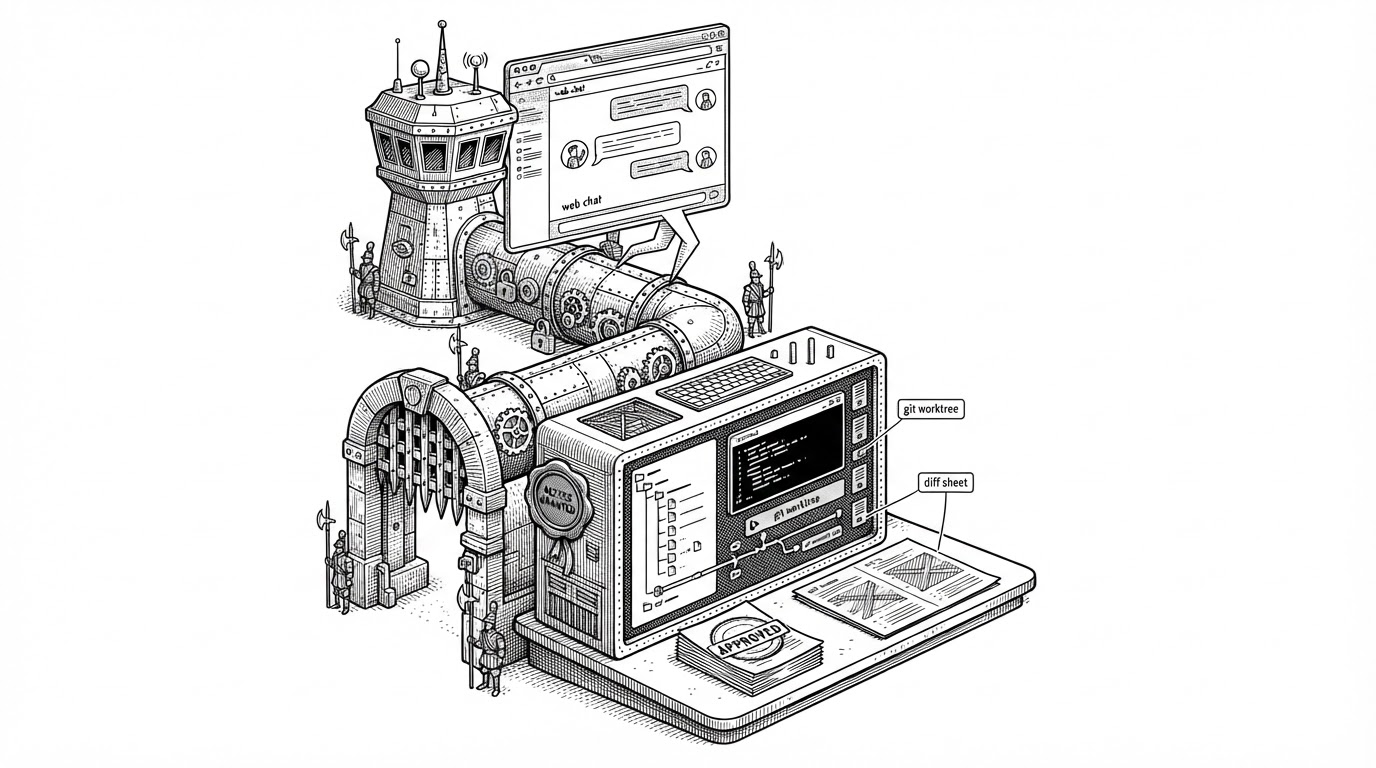
- DevSpace is a permission layer, not an IDE, and that is the point.
- It keeps browser-based LLMs useful by narrowing their authority to approved local folders and sessions.
- Its real differentiator is model-aware tooling, so Claude-style and Codex-style workflows do not share the same editing surface.
- Git worktrees and review UI turn agent output into something isolated, inspectable, and reversible.
The browser is not the agent. It is the control panel.
DevSpace starts from a simple but sharp idea: the best model interface may already be in your browser, but the best place to act on code is still your local machine. So instead of asking you to move into a new IDE, or upload a repo into a hosted agent, it builds a controlled bridge from ChatGPT or Claude Web into your filesystem.
That changes the shape of the workflow. The model stays where you already use it. The code stays local. The only thing that crosses the boundary is narrowly scoped authority, wrapped in MCP, auth gates, sessions, and a review loop.
My bet is that ChatGPT becomes the operating system for everything. Once we reach AGI, we will simply talk to ChatGPT, and it will prompt, coordinate, and orchestrate sub-agents that set up the right loops for us. We are not there yet. DevSpace is one attempt to fast-forward that future.
Why DevSpace exists
The appeal is partly practical and partly philosophical. Web chat subscriptions often feel generous compared with tightly metered API workflows, and many developers already prefer the browser interface for planning, reasoning, and quick iteration. DevSpace lets that familiar front end do real work on a local repo without turning the whole machine into an open sandbox.
It also answers a privacy objection that keeps coming up around agent tools. If the model can inspect and edit code locally through a constrained connector, you do not need to make the repo a permanent guest in someone else’s cloud workflow just to get good reasoning.
| Dimension | DevSpace | IDE-native agents | Standalone CLI agents | Generic MCP server |
|---|---|---|---|---|
| Interface location | Browser chat | Editor | Terminal | Any MCP client |
| Model runs | Web LLM | Inside the IDE workflow | Local or remote CLI | Depends on client |
| Code locality | Local folders only, allowlisted | Usually local project | Usually local project | Not opinionated |
| Workspace isolation | Git worktrees and session registry | Varies by editor | Varies by tool | Not opinionated |
| Review flow | Tool Card and workspace app | Inline editor review | Terminal output and patches | Depends on consumer |
| Main promise | Permissioned bridge | Integrated coding experience | Agentic shell access | Protocol plumbing |
The security model is the product
The interesting engineering choice is that DevSpace treats access as a sequence of narrowing gates. There is bearer auth, single-user OAuth, allowlisted folders, session management, and a local agent daemon that handles longer-running tasks instead of letting the browser chat directly poke at the shell.
That matters because the default failure mode for agent tools is overreach. If the connector is too loose, the model becomes a local superuser with a language interface. DevSpace does the opposite. It keeps authority narrow enough that the human still owns the machine.
One bridge, two dialects
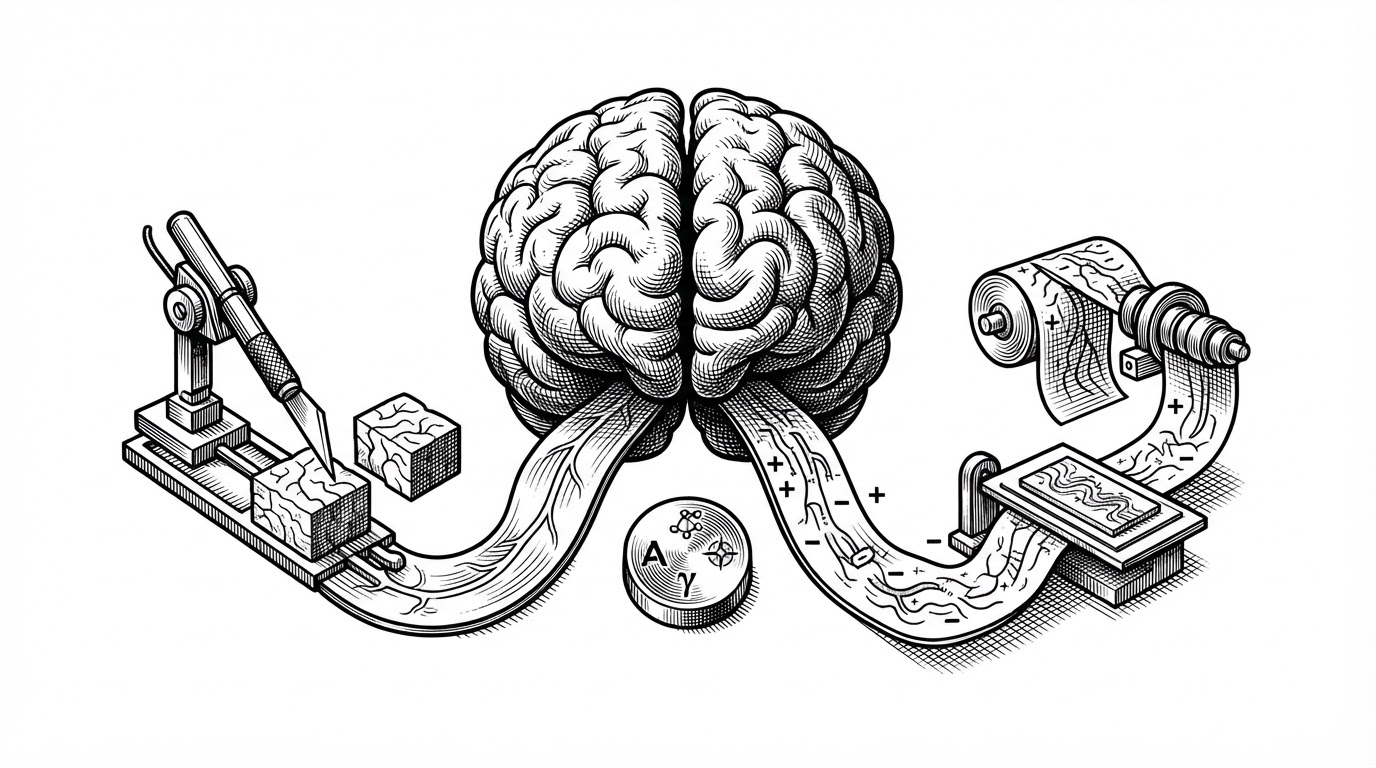
The most revealing implementation detail is that DevSpace does not pretend every model edits code the same way. Its tool surfaces adapt to the model’s strengths. Claude gets block-oriented editing primitives. Codex-style workflows lean toward patch generation. Same intent, different interface.
*** Begin Patch
*** Update File: src/example.ts
@@
-console.log('old');
+console.log('new');
*** End Patch
That split sounds small, but it is the sort of detail that separates a clever wrapper from a serious system. DevSpace is not only connecting models to code. It is translating their habits into forms the local machine can safely accept.
Git worktrees are the underrated trick
The workspace story is where the design gets especially pragmatic. Instead of letting the agent rummage through your active branch, DevSpace can place work in isolated git worktrees. That gives the AI its own sandboxed copy of the repository state while leaving your current changes alone.
This is such a good fit for agentic coding that it almost feels obvious after the fact. The developer gets parallelism without collision. The model gets room to experiment. And the merge point stays explicit.
| Mechanism | Why it helps | What it avoids |
|---|---|---|
| Git worktree isolation | Separate workspace for the agent | Clobbering your active branch |
| Session registry | Keeps reconnecting clients coherent | Orphaned state and runaway sessions |
| Local agent daemon | Handles longer tasks outside chat latency | Blocking the browser loop |
| Review UI | Makes diffs inspectable before landing | Invisible writes to disk |
The review loop closes the loop
DevSpace is strongest when it stops being magical. The Tool Card and workspace UI make the agent’s work visible before it becomes permanent. That shifts the product from autonomous action to supervised action, which is exactly what most developers want from a coding agent they do not fully trust yet.
The difference is subtle but important. A raw agent can be impressive and still feel brittle. A reviewable agent feels operational.
Where DevSpace sits in the market
Cursor, Claude Code, Open Interpreter, and generic MCP servers all solve adjacent problems, but they do not occupy the same lane. DevSpace is the local permission layer for people who want to keep their web LLM and still work safely on real code.
| Project | Primary interface | Where the value lives | Best fit |
|---|---|---|---|
| DevSpace | Browser chat plus local bridge | Permissioned local access | Developers who want web LLMs with local control |
| Cursor | Integrated IDE | Editor-first workflow | People who want the model inside the editor |
| Claude Code | Terminal | CLI-native autonomy | Developers comfortable living in the shell |
| Open Interpreter | Terminal or local runtime | Local execution | Users who want general-purpose local agent behavior |
| Generic MCP server | Varies by client | Protocol transport | Builders wiring clients to tools |
The comparison is less about features than about posture. DevSpace assumes the browser stays the front end and the machine stays sovereign. That is a very specific bet, and it gives the project its identity.
The maintainer's bet
Waishnav Deore’s README language points to a bigger thesis: chat interfaces will become the front door for many kinds of work, and the useful systems will be the ones that can safely attach local tools behind them. DevSpace is one concrete version of that future, built with enough restraint to make the idea usable before it becomes inevitable.
That is why the project stands out. It is not just about coding faster. It is about making browser-based AI feel like a trustworthy local operator, with a small enough blast radius that a developer can actually say yes.