SecureLab---Login-Security-Testbed: SecureLab: The Login Lab Where Defenses Flip Live and the Attacks Keep Talking
A cyber range for authentication security that makes lockouts, CAPTCHA bypasses, and leaked-password checks visible in real time.
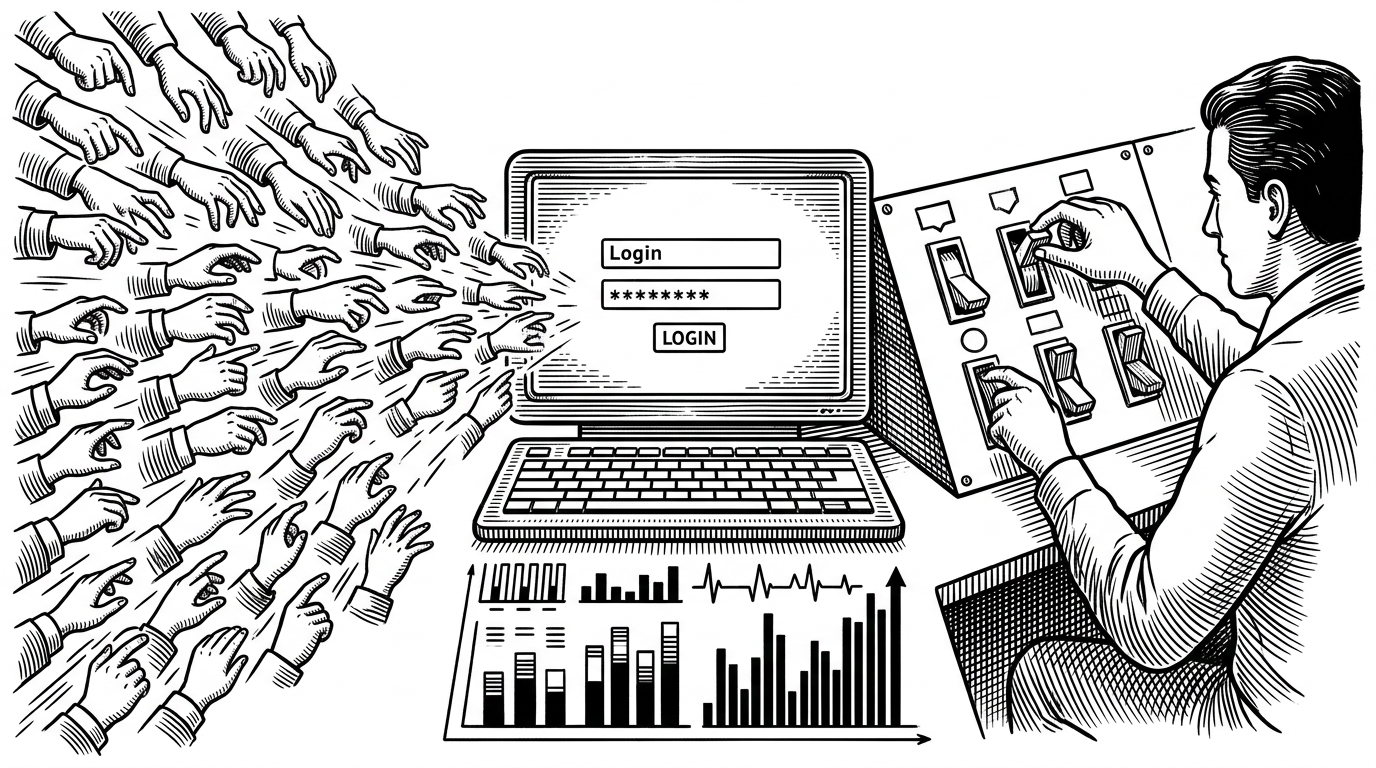
- SecureLab’s real novelty is not that it contains weak authentication controls, but that it lets you watch those controls change at runtime.
- The project turns login security into a feedback loop, where attack scripts, defense toggles, and telemetry reinforce one another.
- Its most interesting technical trick is a thread-safe runtime config layer that makes defenses hot-swappable without a restart.
- The lab’s privacy-preserving leaked-password check stands out because it is more mature than the intentionally fragile controls around it.
Most vulnerable apps freeze a flaw in place. SecureLab does something sharper: it turns authentication into a live experiment. You can switch defenses on and off, then watch the login surface, attack traffic, and dashboard respond immediately.
That makes the project feel less like a toy target and more like a miniature cyber range. The point is not to crown a single exploit. The point is to show how security posture behaves when it is treated as a runtime state.
A Cyber Range in a Login Form
SecureLab is built around a simple but uncommon premise: defense is interactive. Attack scripts probe the login flow. A runtime config layer decides whether protections like lockout, rate limiting, anomaly checks, CAPTCHA, or leaked-password screening are active. A dashboard then turns the resulting events into visible evidence.
That changes the lesson. Instead of memorizing a broken pattern, you get to observe the relationship between weakness, control, and measurement. The lab is teaching the same thing to both attackers and defenders: outcomes shift when the system’s state shifts.
Why Static Vulnerabilities Are Boring
| Classic vulnerable app | SecureLab |
|---|---|
| A flaw is fixed in place. | Defense state changes while the app is running. |
| The lesson is usually a single exploit path. | The lesson is the interaction between attack and control. |
| Logging is incidental. | Telemetry is part of the product. |
| You test whether something breaks. | You test how the break changes when defenses turn on. |
That contrast matters because a lot of security education stops at the first half of the story. A login form can be weak in many ways, but what makes SecureLab different is the live relationship between the exploit and the countermeasure. It is a system for seeing cause and effect, not just a list of mistakes.
The Runtime Config Trick
The technical heart of SecureLab is a thread-safe runtime configuration store. When a request hits the Flask app, the route handler consults get_config() before deciding whether to run each defense. If a toggle is off, the corresponding check is skipped. If it is on, the defense function executes immediately.
That is the unusual part. Security posture is not locked into a config file until the next deployment. It is mutable during the session. The codebase even persists changes by rewriting configuration values on disk, which is clever but also a little brittle, and worth calling out honestly.
# Simplified shape of the runtime decision path
config = get_config()

if config['ACCOUNT_LOCKOUT']:
    locked = is_account_locked(username)
    if locked:
        log_attempt(ip, username, 'blocked', 'lockout')
        return deny()

if config['CAPTCHA']:
    if not validate_captcha(answer):
        log_attempt(ip, username, 'blocked', 'captcha')
        return deny()

# continue to password verification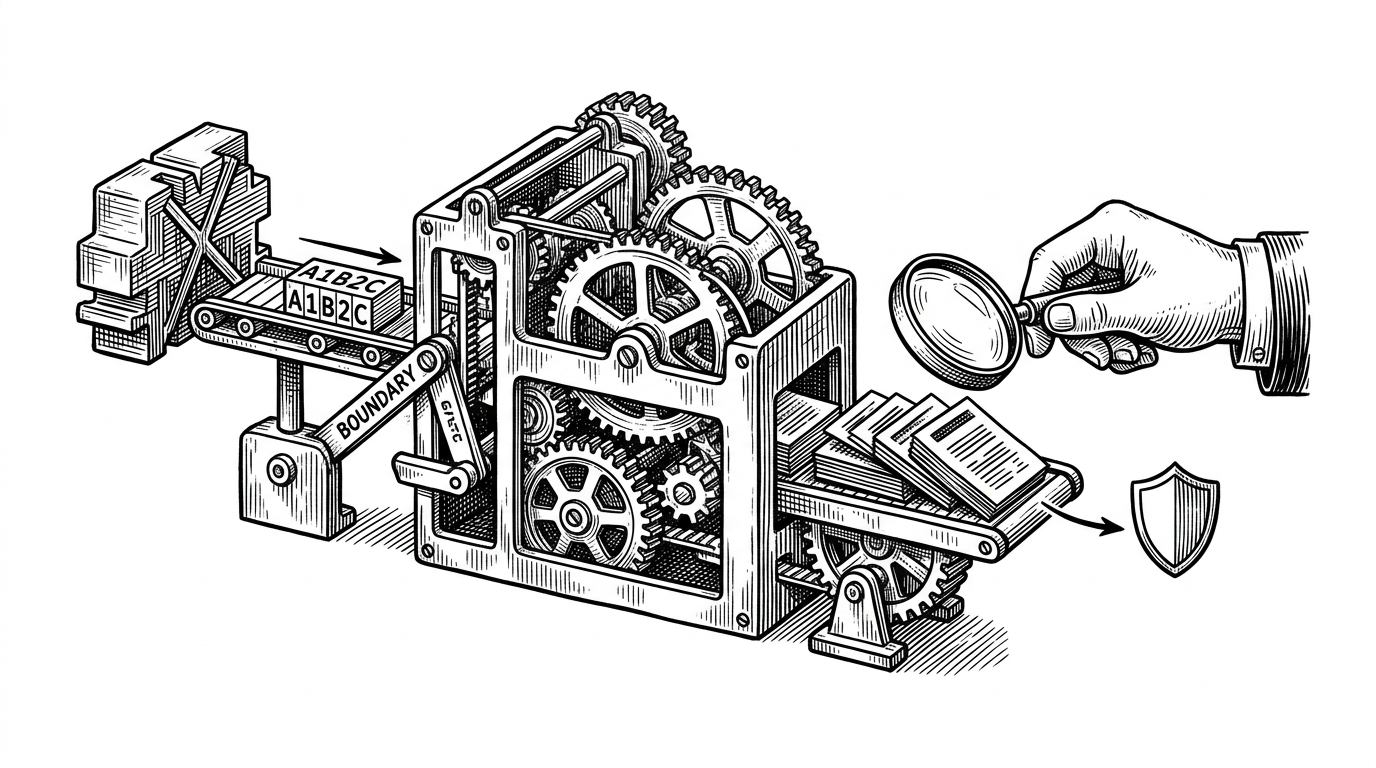
The Dashboard Is the Point
SecureLab is not just logging events. It is feeding them into a visible loop. Login attempts are written to SQLite, then a Streamlit dashboard polls the table and turns those rows into charts that change as the lab changes.
That matters because observability is part of the lesson. If you enable account lockout during a brute-force run, the blocked count should rise quickly. If you toggle rate limiting, the request pattern should change. The dashboard makes that causal chain legible.
In other words, the lab teaches security as feedback. You are not reading about a defense in isolation. You are seeing what it does to the shape of the attack.
The Attacks Are Pedagogical, Not Just Adversarial
The attack suite is there to make the loop readable. A distributed brute-force script rotates source identity so you can see what happens when naïve IP-based assumptions meet a broader attack surface. A CAPTCHA bypass script shows how brittle simple challenge-response schemes can be when the challenge is trivial.
This is not glorified offense. It is demonstration through pressure. The scripts are effective because they expose where a control is too shallow, too local, or too easy to automate around.
What SecureLab Gets Surprisingly Right
The most mature detail in the project is the leaked-password check. Instead of shipping the full password to the Have I Been Pwned API, SecureLab uses a prefix-based lookup model. That keeps the sensitive material local and preserves privacy while still checking against breach data.
That choice gives the project credibility. A lab that deliberately uses weak hashing and simplistic CAPTCHAs still has one defense that respects modern privacy expectations. It is a good reminder that educational weaknesses do not have to erase good engineering everywhere.
What SecureLab Is Better Than, and What It Is Not
| Question | SecureLab | DVWA-style app | Production auth stack |
|---|---|---|---|
| Can defenses change without restarting? | Yes | Usually no | Yes, but with deployment discipline |
| Is telemetry part of the lesson? | Yes | Often secondary | Yes, but for operations |
| Is the goal to be secure? | No | No | Yes |
| Is the goal to study defense dynamics? | Yes | Sometimes | Only indirectly |
| Does it model attack and response together? | Yes | Rarely | In pieces |
That framing keeps the project in its lane. SecureLab is not a hardened authentication system, and it is not a generic pentest target. It is a teaching instrument for seeing how live defenses change behavior, which is a different and more interesting problem.
What This Lab Teaches About Real Authentication Security
The deeper lesson is that auth security is not a binary. It is a system of trade-offs, timing, and visibility. If a control cannot be measured, it is hard to trust. If it cannot be toggled, it is hard to study. If it cannot preserve privacy while checking risk, it is hard to defend at scale.
SecureLab makes those tensions explicit. That is why it stands out. It turns a login form into an experiment about posture, not just a target about failure.