deepseek-harness-desktop: When the Desktop Becomes a Plugin
A native Electron shell that treats the UI, installer, marketplace, and recovery path as part of the same modular system.
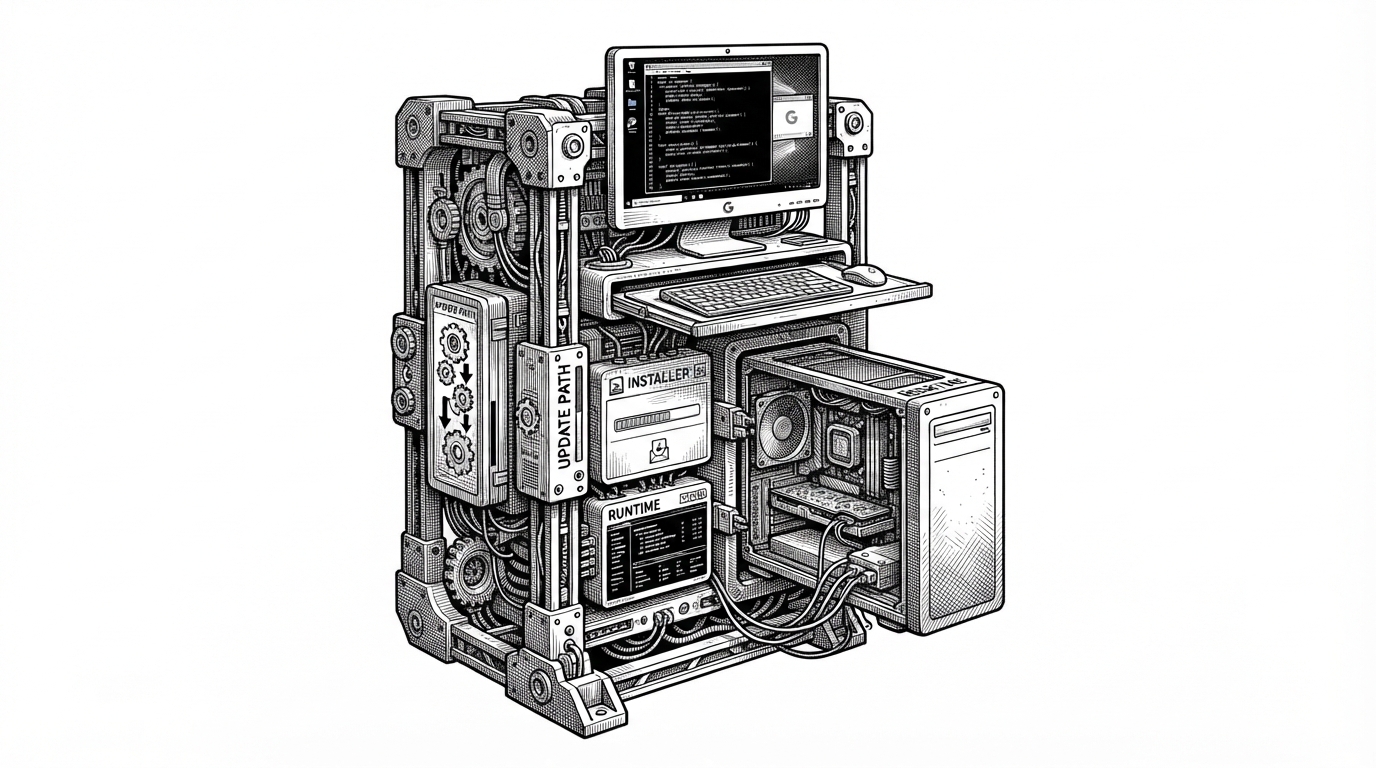
- DSH Desktop is interesting because it treats the desktop shell as part of the same plugin graph it hosts.
- Its rollback path turns plugin installs from a bricking risk into a recoverable transaction.
- The marketplace matters because it ends in filesystem changes, not just discovery.
- The repo reads like a platform blueprint, not a convenience wrapper.
The desktop is not the container. It is one more plugin.
Most Electron apps wrap a web UI and call it a day. deepseek-harness-desktop does something stranger: it registers the desktop shell itself into the same Cordis context that hosts the rest of the DeepSeek Harness ecosystem. That means the tray, windowing, startup path, and renderer boot sequence are not special cases. They are just more composable services.
That inversion changes the category of the product. The app is not a fixed container around plugins. It is a plugin-shaped participant in a plugin system, which means the desktop can be composed, swapped, probed, and recovered using the same rules as everything else.
DSH Desktop does not fork or modify upstream source, and it is not a fixed, hardcoded shell. Official DeepSeek Harness runs unchanged at a pinned version; the desktop shell itself — the window, tray, terminal, updates, and work profiles — is a legitimate DSH plugin, composed into the same runtime through the official plugin mechanism.
Why that matters: the app can recover from a bad install
The biggest risk in a desktop app that manages its own plugins is self-inflicted lockout. If a bad install breaks startup, the user cannot even reach the UI that would fix it. The repository answers that with a transactional recovery path built around DesktopInstallRecoveryStore and a rollback notice that can restore package.json and pnpm-lock.yaml to a known-good state.
That is the difference between a brittle client and a system that can survive its own automation. If the install fails, the failure becomes state. State can be rolled back.
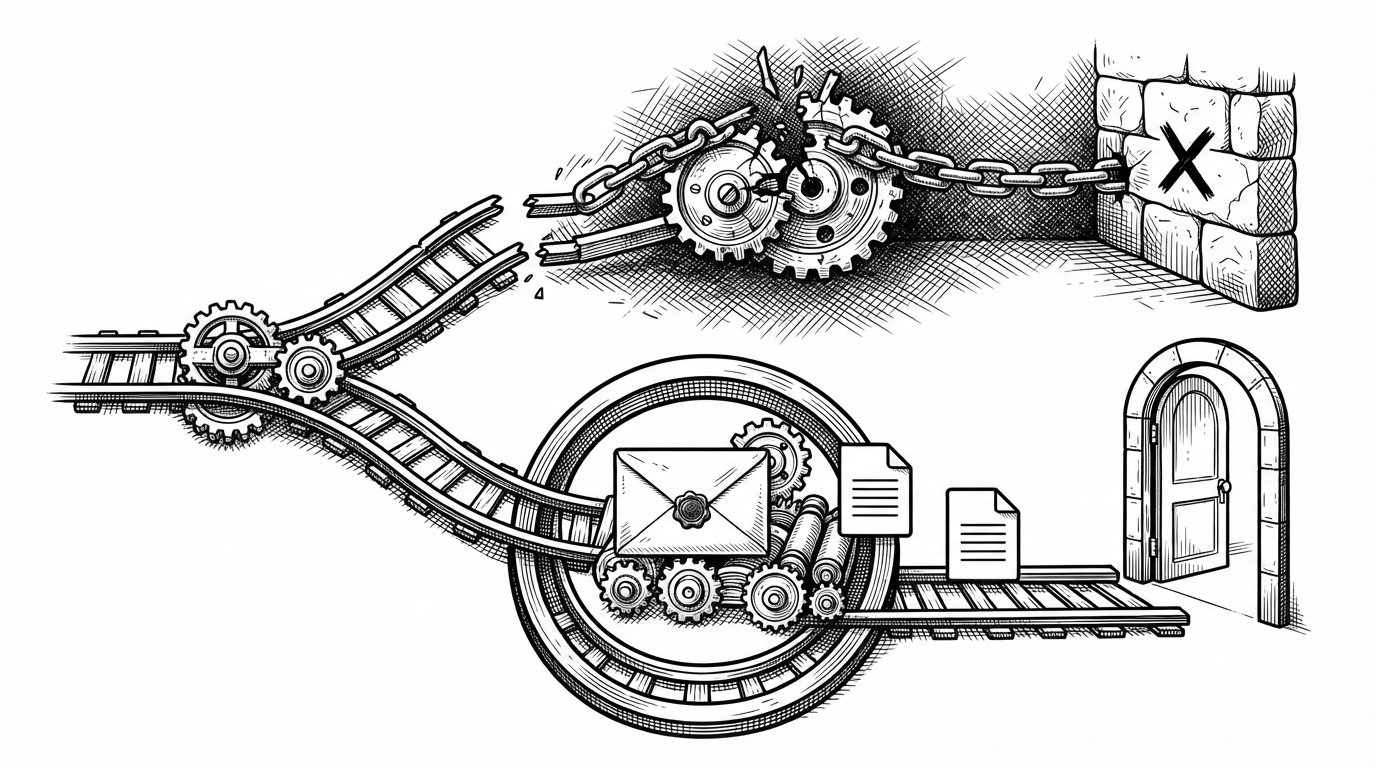
The recovery logic is the product, not a footnote
A lot of desktop software treats install failure as an edge case. This repo treats it as a first-class architectural problem. That is exactly what you want if the app is going to bundle runtime pieces, manage a local marketplace, and sync closely with upstream harness changes.
The marketplace is not a store. It is an installer boundary.
The community market layer is not just browsing. It bridges discovery to local file changes through MarketInstallService, a restricted HTTP client, and a bundled runtime that can perform atomic profile updates. In other words, the marketplace ends in a changed machine state, not a click-through catalog.
| Dimension | Conventional Electron wrapper | deepseek-harness-desktop |
|---|---|---|
| Desktop role | Passive shell around a web app | A plugin inside the same plugin system |
| Install model | Manual or ad hoc setup | Managed, atomic, and recoverable |
| Failure mode | A broken app can strand the user | Rollback can restore a known-good package state |
| Marketplace | Usually external discovery | A boundary that resolves into local installation |
| Runtime integration | Hardcoded boot path | Cordis-composed and probe-friendly |
That boundary matters because it separates marketing from mechanics. You can talk about a marketplace all day, but the interesting part is what happens when a user presses install. Here, it becomes a profile update managed by the app itself.
Cordis makes the whole thing feel swappable
The repo’s architecture leans hard on Cordis. The desktop runtime is probed rather than assumed, and the shell can flex between compatibility and advanced modes. That makes the codebase feel less like a single product and more like a configurable platform with different operating shapes.
apply(ctx: Context, config: Config) {
  ctx.plugin(webServer)
  ctx.plugin(settings)

  const desktopRendererUrl = new URL(config.rendererBaseUrl)
  desktopRendererUrl.searchParams.set('mode', config.mode)
  desktopRendererUrl.searchParams.set('platform', process.platform)

  return {
    desktopRendererUrl: desktopRendererUrl.toString(),
  }
}
The important part is not the syntax. It is the direction of dependency. The desktop shell waits on the rest of the system, then injects its state into the renderer as part of composition. That is a very different mental model from a wrapper that simply points a browser window at localhost.
The documentation is part of the architecture
The .agents directory and the dsh-community-fabric package point to a repo that is designed to be read, traced, and reasoned about. That matters because the project is not just shipping software. It is documenting the rules of a platform that other people, and probably other agents, will extend.
That documentation-first posture is more than hygiene. It is how a rapidly moving ecosystem preserves intent when the runtime, plugin model, and install path all keep evolving.
What it is competing with
The closest baseline is the official DeepSeek Harness web UI. That version is simpler, but it is also a thinner experience: no native tray, no desktop-specific recovery path, and no bundled installer boundary. Other wrappers may get you to a usable window faster, but they usually stop at the window.
| Product | Strength | Weakness | What it proves |
|---|---|---|---|
| Official DSH web UI | Direct access to the harness | No native shell or recovery story | The harness can run without a desktop platform |
| Typical Electron wrapper | Quick desktop packaging | Usually hardcoded and brittle | A web app can be wrapped |
| deepseek-harness-desktop | Plugin-native desktop architecture | More moving parts than a thin wrapper | The desktop can itself be part of the platform |
That is why this repo feels closer to VS Code than to a convenience client. The goal is not just to launch DeepSeek Harness. The goal is to become the canonical desktop platform layer around it.