product-api: How to Make Product Browsing Scale Without Offset Pagination
A reference implementation for stable cursor pagination, filterable catalog queries, and infinite-scroll UX that still behaves when the dataset gets big.
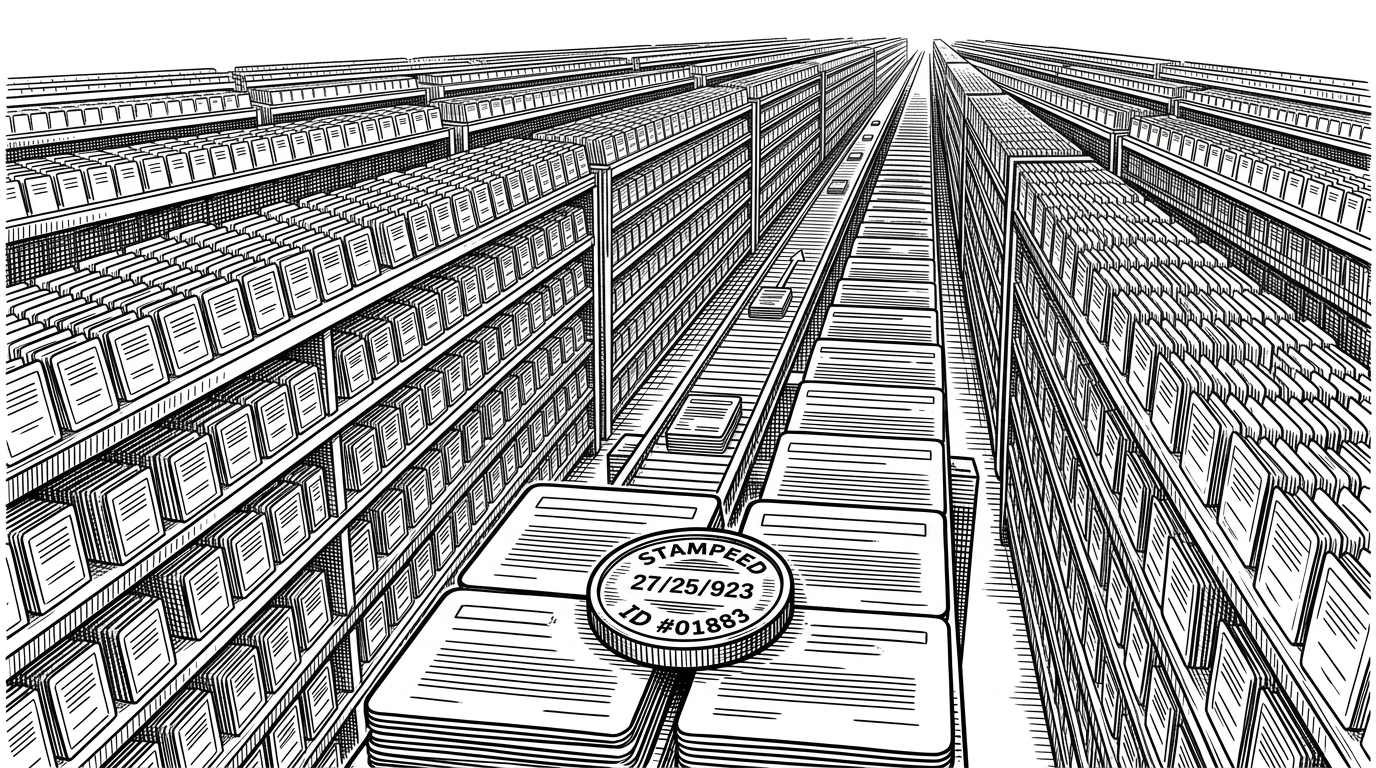
- The repo’s real lesson is that product browsing can stay stable at scale if the cursor includes a deterministic tie-breaker.
- Its backend pairs dynamic filters with keyset pagination so category and price constraints do not break ordering.
- The seed strategy is part of the architecture, because the browsing model only matters if it survives a large dataset.
- The front end mirrors the backend with infinite scroll and draft filters, so the experience feels seamless instead of bolted on.
The hidden cost of offset pagination
Offset pagination looks simple because it is simple. It is also fragile. As a catalog grows, deep pages get slower, inserts can shift records underneath you, and the same item can appear twice or vanish between requests.
That is the failure mode this repo is built to avoid. It treats browsing as an ordering problem first and a UI problem second.
| Problem | Offset pagination | Stable cursor pagination |
|---|---|---|
| Deep pages | Gets slower as OFFSET climbs | Keeps a fixed access pattern |
| New inserts | Can shift results mid-browse | Preserves relative position |
| Duplicate or skipped rows | Common under concurrent writes | Avoided with deterministic ordering |
| Infinite scroll fit | Works, but feels brittle | Fits naturally |
| Filter changes | Often awkward to re-page | Can be merged into the same query shape |
| Implementation | Easy to start, hard to trust | Slightly more logic, much more stable |
The stable cursor trick that fixes it
The smartest move in the repository is also the smallest: build the cursor from createdAt and id. That pair gives the backend a deterministic sort order even when two products share the same timestamp.
where.OR = [
  { createdAt: { lt: cursor.createdAt } },
  { createdAt: cursor.createdAt, id: { lt: cursor.id } },
];
That second clause is the whole point. Without it, two products that land on the same millisecond can create ambiguity. With it, the repository can walk the dataset in a stable order instead of guessing.
The cursor itself is encoded, which keeps the API payload clean and lets the frontend treat pagination as a simple token exchange. Under the hood, though, this is really a sorting contract.
How the backend builds filterable pages
The backend does not bolt filtering onto pagination as an afterthought. It constructs the query dynamically, so category filters, price ranges, and cursor constraints all live in the same shape.
function buildWhereClause({ categories, minPrice, maxPrice, cursor }) {
  const where = {};

  if (categories?.length) {
    where.category = { in: categories };
  }

  if (minPrice != null || maxPrice != null) {
    where.price = {};
    if (minPrice != null) where.price.gte = minPrice;
    if (maxPrice != null) where.price.lte = maxPrice;
  }

  if (cursor) {
    where.OR = [
      { createdAt: { lt: cursor.createdAt } },
      { createdAt: cursor.createdAt, id: { lt: cursor.id } },
    ];
  }

  return where;
}
That matters because catalog browsing rarely happens without filters. A product browser has to answer a specific question, not just dump records in order. The repo’s architecture keeps that question and the paging model aligned.
Why the seed script matters more than it looks
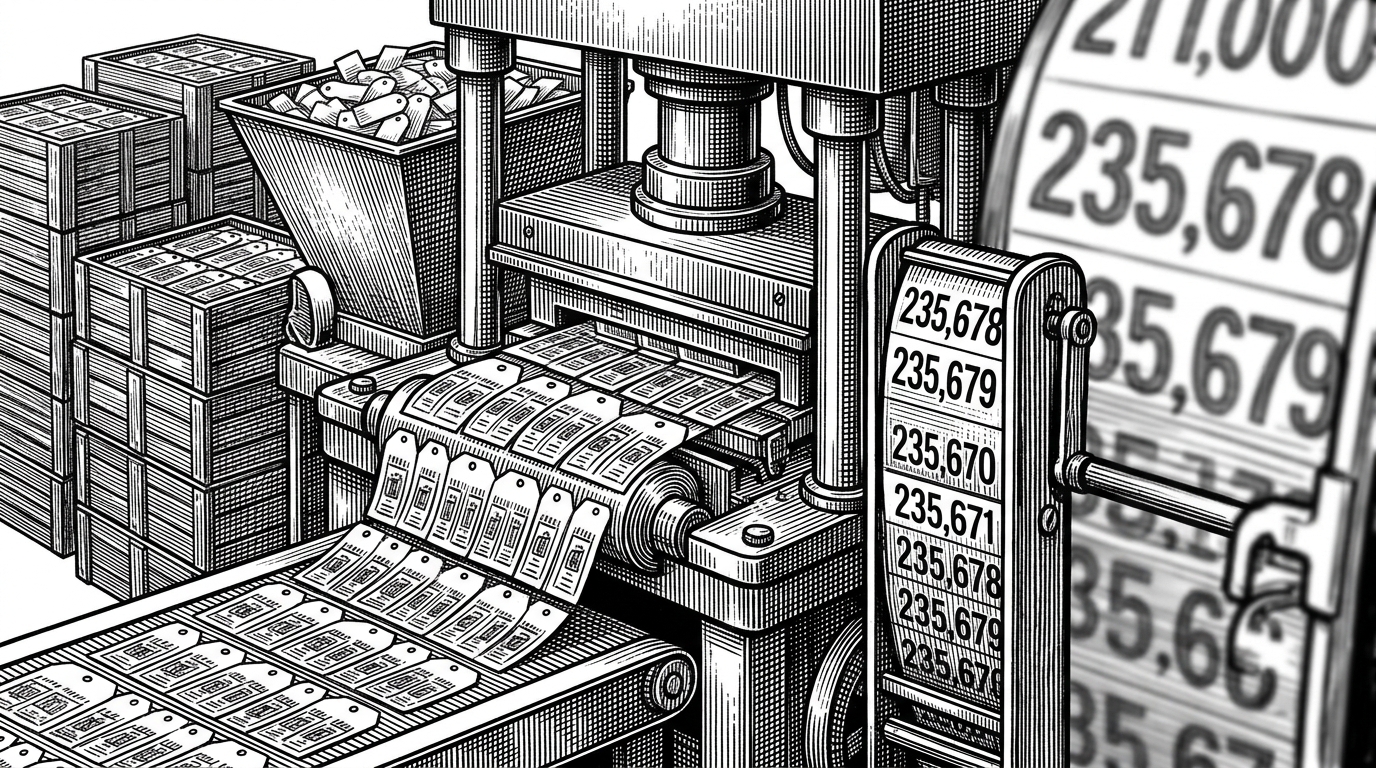
A lot of demos cheat with tiny datasets. This one does not. The seed script batches inserts, uses deterministic ObjectIds, and targets a large enough volume to make the browsing pattern feel real.
That is more than convenience. It is a claim about the product shape. If the architecture only works on 100 rows, it is not an architecture for browsing. It is a tutorial with a UI.
The front end keeps the experience frictionless
On the frontend, the repo uses IntersectionObserver to fetch the next page as the user approaches the end of the list. There is no ceremonial button clicking. The list simply extends.
useEffect(() => {
  const observer = new IntersectionObserver(entries => {
    if (entries[0].isIntersecting) {
      loadNextPage();
    }
  });

  if (sentinelRef.current) observer.observe(sentinelRef.current);
  return () => observer.disconnect();
}, [sentinelRef, loadNextPage]);
The more interesting UX detail is the split between draft filters and active filters. Users can change settings without triggering a network request on every keystroke. That makes the interface feel deliberate rather than twitchy.
What this repo is really teaching
The repo is a blueprint for a durable product browser. It uses native browser APIs, a compact Express and Prisma backend, and a cursor model that keeps its promises when rows collide.
| Pattern | What it optimizes | What it costs |
|---|---|---|
| Naive cursor pagination | Simplicity | Risk of duplicate or missing rows when sort keys tie |
| Offset pagination | Easy mental model | Poor deep-page behavior and unstable browsing |
| Stable keyset pagination | Predictable navigation under load | A little more query logic |
| This repo’s full stack pattern | A coherent browsing system | More thought up front, less friction later |
That is why the project is useful even if you never copy it line for line. It shows how to design around the real problem, which is not just fetching products. It is preserving continuity while the catalog and the user both keep moving.