react-native-brownfield: React Native Brownfield Packages Your JavaScript as a Native Library
Callstack's toolkit lets native iOS and Android teams adopt React Native one screen at a time, no rewrite, no Metro, and one artifact per platform.

- Brownfield's real product is the artifact: your React Native code compiles into one XCFramework for iOS and one AAR for Android that a native team links like any other dependency.
- A single TypeScript interface, BrownfieldNavigationSpec, is the source of truth for every call that crosses the native boundary, and the same bridge carries fire-and-forget, promise, and callback shapes.
- The toolkit supports both React Native architectures and both native UI toolkits on purpose, so a host team does not have to bet on one.
- The hard part of brownfield adoption was never embedding React Native; it was lifecycle ownership and getting the artifact to the host team.
The Rewrite Nobody Wants
Native teams with large iOS and Android codebases almost never want React Native for everything. They want it for a few screens: a settings flow, a referral program, a content feed that changes every sprint. The rest of the app stays native, and it should.
React Native can already be embedded. The platform's own integration guide has documented it for years, and it hands you the raw APIs. Configure the host project, render an RN root from native code, and then own everything that follows: startup, bundle loading, navigation, packaging, and artifact distribution.
That follow-on work is nearly identical at every company. A senior engineer at one bank solves the same problem as a senior engineer at another. The difference is that nobody ships the solution as a reusable layer.
React Native Brownfield is Callstack's attempt to package it. The name is the industry term for adding to an existing app rather than starting fresh. The pitch is one screen at a time, and the surprise is what comes out the other end.
A Consultancy That Watched Migrations Stall
Callstack is a React Native consultancy, so it spends its days inside exactly these migrations. The project is MIT-licensed and free to use. It is also a credibility signal and a funnel for consulting work. That is worth saying plainly, because it explains the shape of the toolkit: it is built to survive real client projects, not to demo well.
The v3 release added an Expo config plugin, and the README ships an ebook titled "Incremental React Native adoption in native apps." Both point at the same audience: teams that have decided to move a few screens and want a documented path instead of a research project.
Over the last 6 years, we used React Native Brownfield to incrementally migrate dozens of large-scale native apps to React Native.
The commercial logic is honest. A free library that makes brownfield migrations predictable is the best possible advertisement for the team that maintains it. Nothing about that undercuts the engineering.
One Artifact, Not a Hundred
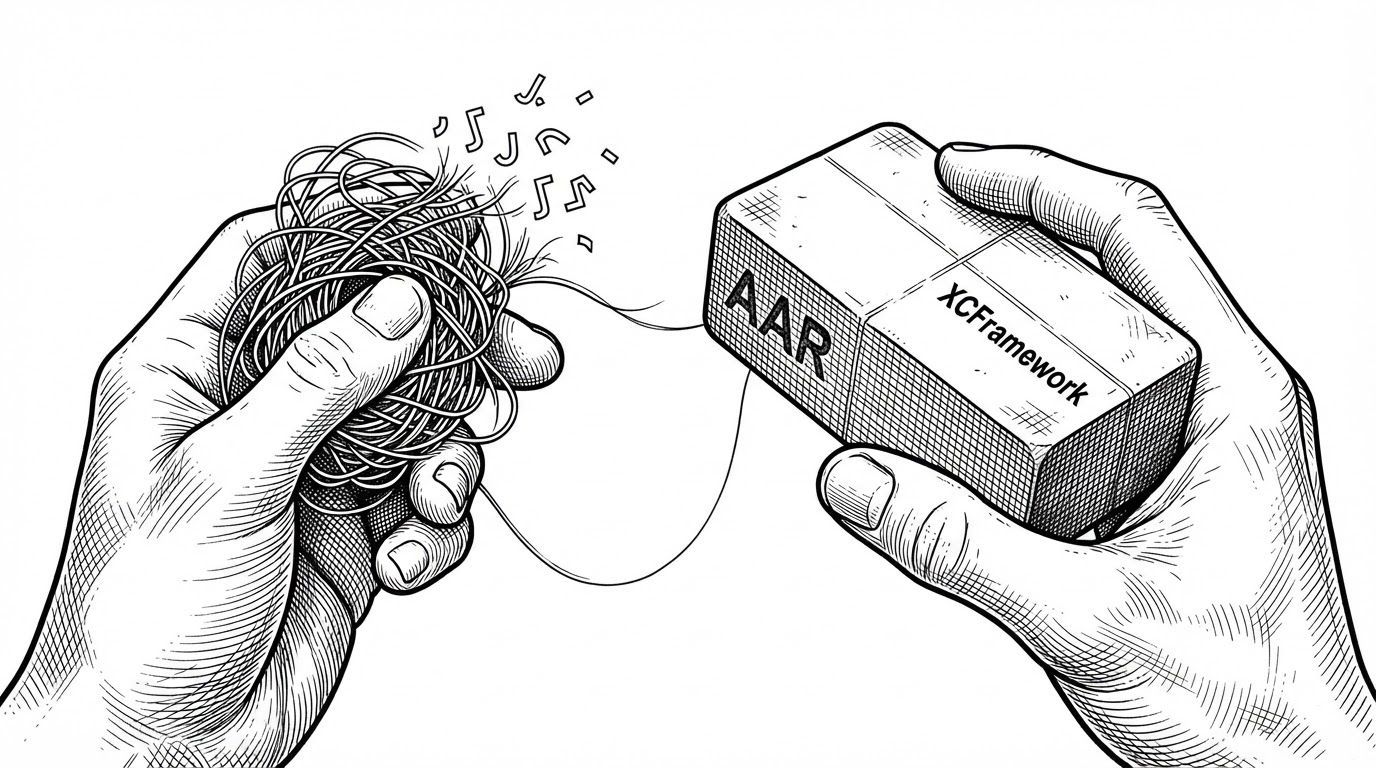
The differentiator is the output. Run brownfield:package:ios and you get one XCFramework. Run brownfield:package:android and you get one AAR, with transitive native module dependencies already resolved, ready to publish to Maven.
The native team does not "add React Native to their app." They add a dependency that happens to contain React Native. No Metro on the host side, no bundler configuration, no chasing which internal module artifact to link.
Contrast this with Expo's Android brownfield approach, which publishes multiple internal-module artifacts. Callstack's own v3 announcement calls out the difference. One artifact versus a set of them is the whole argument in a sentence.
| Approach | iOS output | Android output | Transitive deps handled |
|---|---|---|---|
| Brownfield | One XCFramework | One AAR | Yes, resolved and published |
| Expo brownfield | XCFramework | Multiple internal-module artifacts | Per module |
| DIY / RN integration guide | You decide | You decide | No, handled by hand |
There is a clever detail in prepareXCFrameworks.js. Xcode projects link against specific framework names, but React Native's packaging output drifts between versions. Hermes ships as hermes.xcframework before RN 0.82 and hermesvm.xcframework after. The script renames everything into a stable set (BrownfieldLib, Brownie, hermesvm, ReactBrownfield) so the host Xcode project never has to change when the RN version moves.
The Contract Is the Interface
The most delightful part of the repo is not the packaging. It is the contract. BrownfieldNavigationSpec is a TypeScript interface, and it is the single source of truth for everything that crosses the boundary.
export interface BrownfieldNavigationSpec {
  navigateToSettings(user: UserType): void;
  navigateToReferrals(userId: string): void;
  requestNativeConfirmation(title: string): Promise<boolean>;
  showNativeBanner(message: string, onDismiss: () => void): void;
}
Look at the three shapes. navigateToSettings is fire-and-forget. requestNativeConfirmation returns a Promise. showNativeBanner takes an onDismiss callback. Three structurally different calls, one interface, and the native side mirrors all three.
The native side implements the matching Kotlin BrownfieldNavigationDelegate. The codegen keeps the two in sync, the same pattern React Native's TurboModule specs use. From RNApp.tsx, both directions look like ordinary React.
This is why the abstraction holds. Native-to-RN and RN-to-native are not two systems to learn. They are two implementations of one interface, and the compiler checks both.
Who Owns the Bridge
A library that embeds React Native has to answer a question a demo can ignore: when two screens both host RN surfaces, which one receives the native call?
On Android, MainActivity calls BrownfieldNavigationManager.setDelegate(this) in onResume and clearDelegate() in onPause. That is an explicit single-owner pattern. Only the foregrounded activity is the active delegate, so routing does not depend on luck.
On iOS, the 5.1.1 release fixed popToNative(). The original implementation was an app-wide notification, so every live RN surface reacted, including buried ones and surfaces inside SwiftUI hosts that acted twice. The fix makes surfaces act only when topmost, and only once per host. The tradeoff is documented rather than hidden: popToNative() is now a no-op when an RN surface sits behind a native modal.
Preload arrived in 5.1.0 and moved JS bundle evaluation to app launch, in parallel with the rest of startup. These are the details that separate a library from a demo, and the changelog is unusually candid about the cost of each one.
How It Stacks Up
Now that the artifact is clear, the comparison makes sense. Brownfield is one option among several, and the honest frame is that its edge is a React Native-native workflow with first-class packaging.
| Approach | Runtime | Packaging | Best fit | Main trade-off |
|---|---|---|---|---|
| Brownfield | React Native | One XCFramework, one AAR | Native apps migrating screen by screen | Adopting its conventions |
| Expo brownfield | React Native via Expo | XCFramework on iOS, multiple artifacts on Android | Expo projects going brownfield | Tied to the Expo SDK cadence |
| RN integration APIs | React Native | You build it | Teams wanting direct control | Everything is your problem |
| Flutter add-to-app | Flutter and Dart | Flutter module | Native apps adopting Flutter | A different language and engine |
| Capacitor | Web in a WebView | Web bundle plus native bridge | Web teams adding a native shell | Web-rendered UI, not RN components |
The tradeoff is conventions. You adopt Brownfield's patterns for lifecycle, navigation, and distribution. If your architecture is unusual, or you want direct control, React Native's built-in integration APIs remain the lower-level route.
The choice usually comes down to version support and dependencies. Compare against the exact RN or Expo version, the native modules in play, the build systems, and who owns the RN runtime before committing.
Migration is a process and the technology is already solved by React Native Brownfield library and its ecosystem.
Whether or not that claim holds for your codebase, the framing is the point. Brownfield does not promise a rewrite in reverse. It promises that one screen, then another, is a manageable amount of work.