Cursor Cookbook: The IDE Becomes an API
A tour of the official SDK examples that turn Cursor’s agent brain into a CLI, a live sandbox, and a workflow engine.
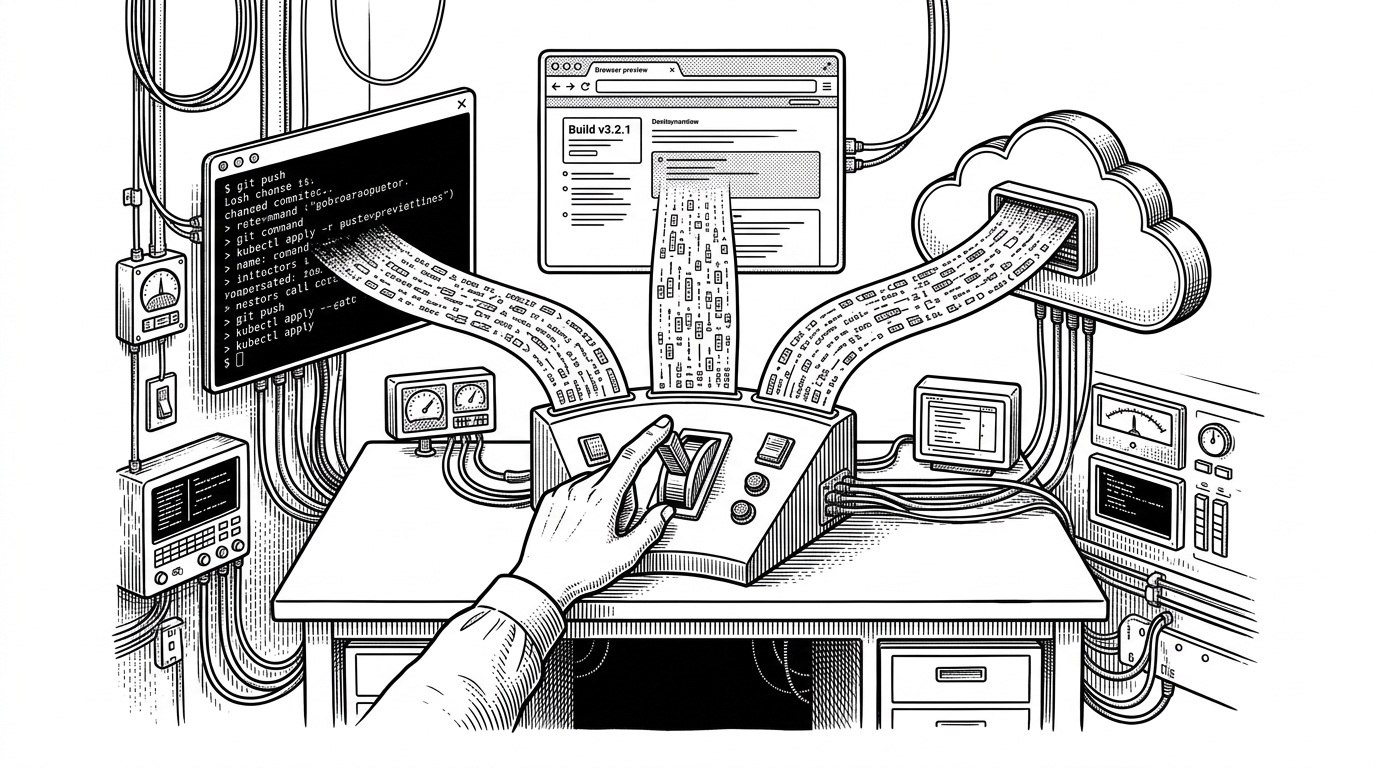
- Cursor Cookbook matters because it exposes a stateful agent runtime, not just a set of prompts or examples.
- The same Cursor Agent abstraction can run locally, in the cloud, or inside a live preview loop without changing the core orchestration pattern.
- The terminal, the sandbox, and the DAG runner are three different surfaces for the same idea: software development as a programmable workflow.
- Cursor’s advantage is not only capability, but official patterns tuned to its own editor runtime and file mutation loop.
cursor/cookbook is easy to misread. The name sounds like a pile of examples. The repo is actually a public interface to Cursor’s agent runtime.
The IDE is no longer a destination. It is an interface.
That is the useful shock here. Cursor is not just showing how to prompt an agent inside the editor. It is showing how to treat the editor as infrastructure: local agents, cloud agents, terminal UIs, live sandboxes, and orchestration graphs all sit on the same SDK foundation.
To accelerate adoption, Cursor has published a public cookbook repository on GitHub with four starter projects: a minimal quickstart (a Node.js example that creates a local agent, sends one prompt, and streams the response), a web-based prototyping tool for scaffolding new projects in a sandboxed cloud environment, an agent-powered kanban board that automatically opens PRs when engineers drag a card, and a lightweight coding agent CLI for spawning Cursor agents from the terminal.
What the cookbook actually contains
The repo splits into two obvious layers. .cursor/skills is the editorial brain, a place for reusable patterns that shape how Cursor behaves inside the editor. sdk/ is the systems layer, where the examples show how to program against that behavior.
| Area | What it shows | Why it matters |
|---|---|---|
| .cursor/skills | Reusable behavior patterns inside the editor | Shows Cursor as a programmable environment, not only an app |
| sdk/quickstart | A minimal local agent that streams output | Establishes the base agent lifecycle |
| sdk/coding-agent-cli | A terminal-first interface | Makes the terminal a control surface |
| sdk/app-builder | A sandboxed app that evolves live | Proves agent edits can drive a running preview |
| sdk/dag-task-runner | Parallel sub-agents with dependencies | Moves from single-agent prompting to orchestration |
One SDK, three execution planes
The deepest idea in the repo is parity. The same agent abstraction can run against a local working directory, a cloud execution environment, or a live preview workflow. That matters because it means the orchestration layer does not have to be rewritten every time the surface changes.
class CodingAgentSession {
  async ensureAgentFresh() {
    if (this.modeChanged || this.modelChanged) {
      this.agent = new Agent({ mode: this.mode, model: this.model });
    }
  }

  async *run(prompt: string) {
    await this.ensureAgentFresh();
    for await (const event of this.agent.stream(prompt)) {
      yield event;
    }
  }
}
That pattern is the tell. The session is not a single prompt-response exchange. It is a live object that preserves state, rehydrates when mode or model changes, and emits structured events as the work unfolds.
Why the terminal is a first-class agent surface
The coding-agent-cli example makes a strong point: the terminal is not a fallback UI. It is a serious control room. Progress updates, tool calls, and streaming status all fit naturally there, which makes the CLI feel closer to an operations console than a chat box.
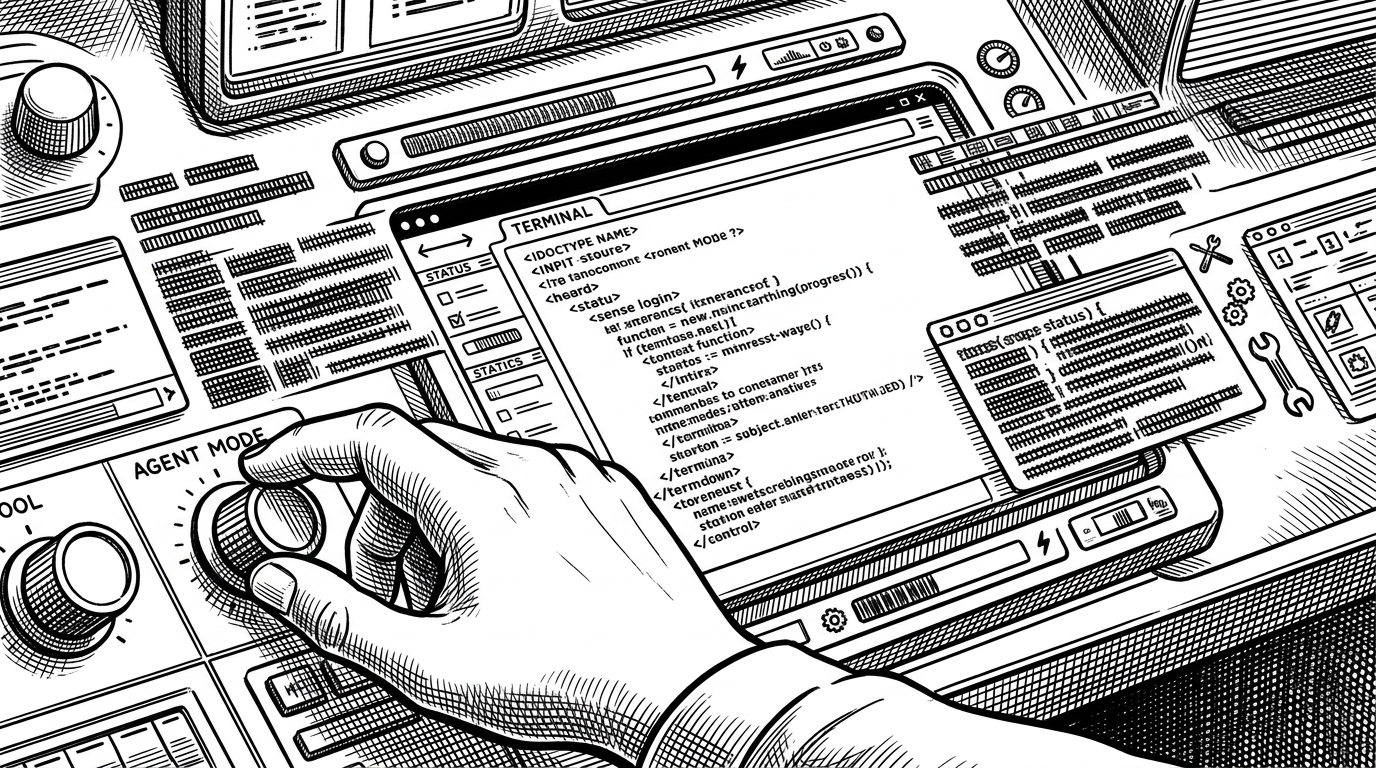
The point is not that a terminal can render text. The point is that the agent can communicate its state in a way a developer can act on immediately.
The live sandbox is where the SDK becomes tangible
If the CLI proves the interface, app-builder proves the loop. A Vite app spins up in a temporary workspace, the agent edits files, and the preview reflects the change as the session continues. This is the fastest way to understand why Cursor’s SDK feels different from generic automation.
| Conventional coding assistant | Cursor app-builder |
|---|---|
| Edits happen in a chat-driven flow | Edits land in a running sandbox with a live preview |
| The user checks changes manually | The preview responds as the session evolves |
| Context is mostly conversational | Context includes the app, the files, and the running dev server |
The live sandbox makes the editing loop visible. You are not asking an assistant to describe a result. You are watching the result form inside an executable environment.
DAGs are the real power move
The most advanced example in the repo is dag-task-runner. It stops thinking in lines and starts thinking in dependencies. One task fans out into sub-agents, some run in parallel, others wait on prerequisites, and the final output is assembled after the graph resolves.
Generating illustration...
That is the conceptual leap. Cursor is not just helping a single agent think harder. It is teaching developers how to coordinate many smaller agents with explicit dependencies.
| Single-agent prompt chain | DAG orchestration |
|---|---|
| One long context window | Multiple bounded sub-tasks |
| Linear execution | Parallel and dependent execution |
| Hard to inspect | Easy to reason about as a graph |
| Best for small changes | Better for multi-step feature work |
How Cursor differs from generic agent frameworks
This repo sits in a different category from generic agent frameworks. Those frameworks are powerful, but they usually start from abstraction. Cursor starts from a real editor, a real file system, and a real mutation loop. The SDK examples are optimized for that environment, not for an abstract agent in the cloud.
| Category | Surface | Control | Best use case |
|---|---|---|---|
| Conventional AI coding assistants | Chat box or editor sidebar | Low to moderate | Fast help on isolated tasks |
| Generic agent frameworks | Application-level runtime | High | Custom products and research prototypes |
| Cursor Cookbook and SDK | Cursor-native editor runtime | High, but opinionated | Embedded coding agents, sandboxes, and orchestration |
That is the business story too. Cursor is not selling a toolkit that happens to work with an editor. It is publishing official patterns for its own runtime, which is a much stronger signal.
What this means for developers
The practical implication is larger than one repo. Teams can build in-house agents that review PRs, scaffold apps, migrate code, or run task-specific workflows without building a generic agent stack from scratch. The SDK examples show what happens when an IDE stops being a place where work appears and becomes the system that coordinates the work.
build custom agents with the cursor sdk! here's a kanban board for your agents, more examples in our cookbook repo: https://t.co/wopZIJmiyv https://t.co/DzyrUTbres https://t.co/J2j1jAIXWN
Cursor Cookbook matters because it shows the editor becoming infrastructure. That shift is subtle in the repo, but obvious in the pattern it points to: agents are no longer only answering questions. They are running inside systems you can shape.