ImageDefender: The One-File Browser That Tries to Poison AI Image Edits
A client-side, Canvas-powered defense that keeps images local and turns plain HTML into a privacy tool.
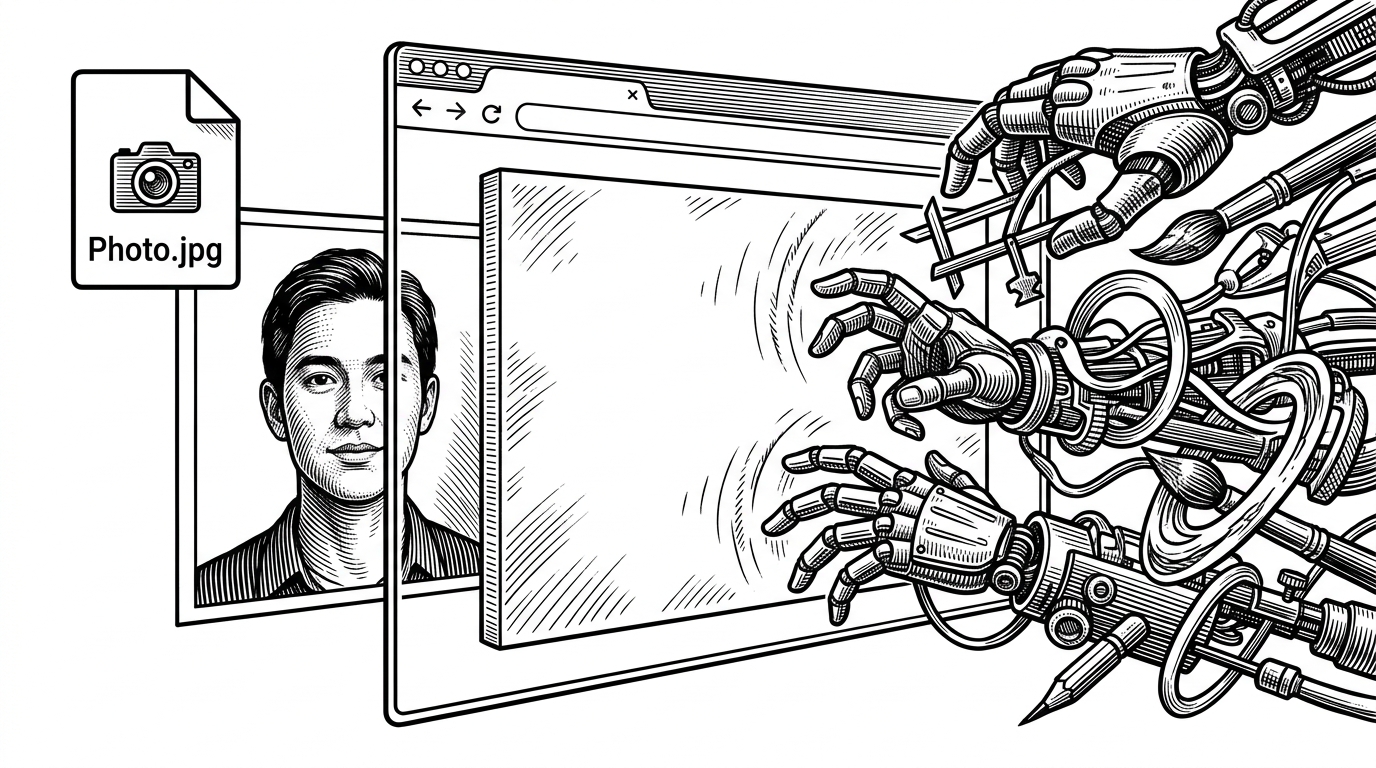
- ImageDefender treats the browser as the security boundary, so the defense happens before a photo leaves the device.
- Its real innovation is distribution: one HTML file and the Canvas API make a hard problem feel lightweight enough to use.
- The custom URL and watermark controls turn the app into a configurable shell, not a fixed filter.
- That simplicity is also the ceiling, because browser-native processing is convenient but unlikely to match heavier research tools.
The browser becomes the defense layer
ImageDefender is unusual for a privacy tool. It does not ask you to ship a photo to a backend, install a Python stack, or wrap your workflow in a new platform. It tries to do the defense in the browser, before the image ever leaves your machine.
That shift matters because image sharing usually means giving up control at the exact moment the file becomes useful. ImageDefender moves the decision upstream. The result feels less like a conventional app and more like a small, local boundary around the image itself.
A tiny codebase aimed at a huge problem
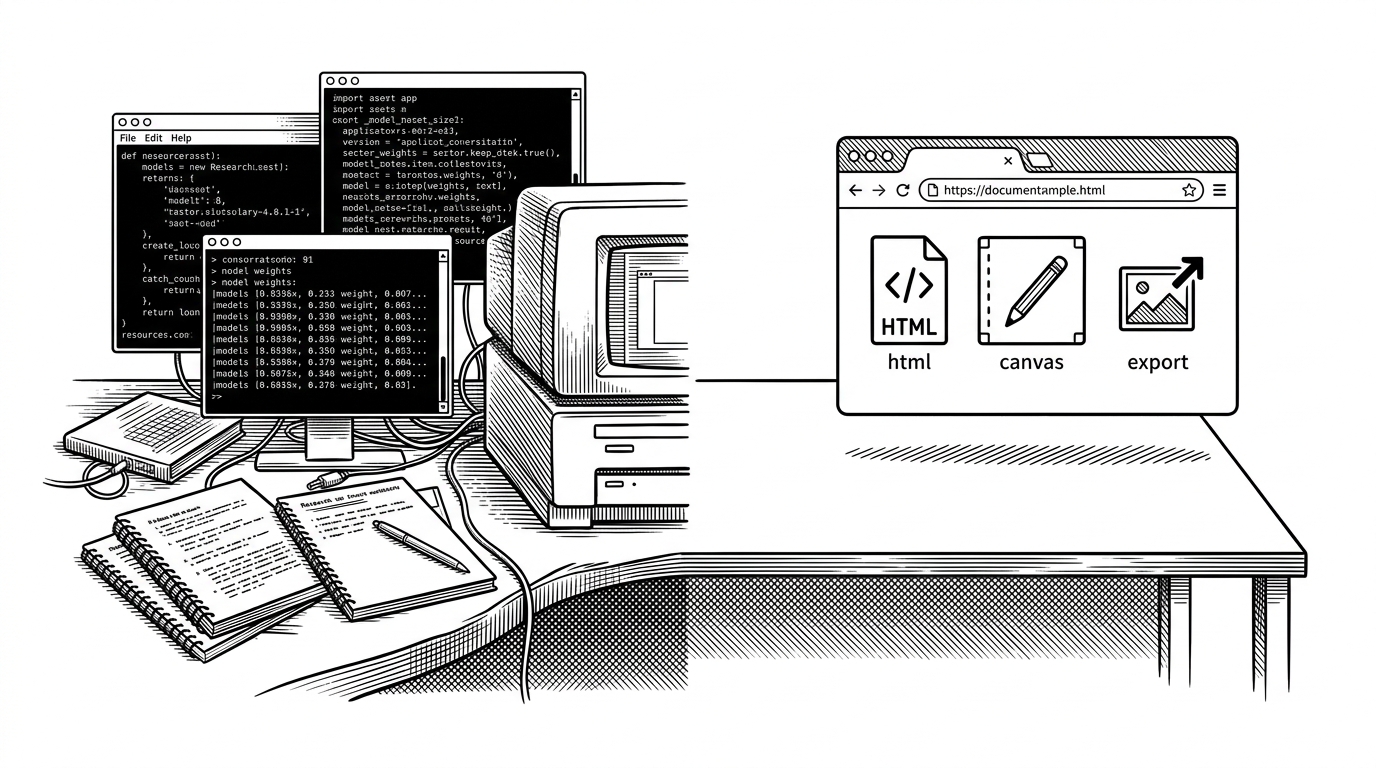
The repository is almost aggressively small: a single index.html file, plus the README and license. That is the point. The whole stack stays portable, readable, and easy to host without a build step.
ImageDefender/
├── index.html
├── README.md
└── LICENSE
Inside that one file, the app combines markup, styling, and Canvas-driven logic. The choice keeps the tool close to the browser primitives it depends on, which is exactly why it feels so direct. There is no framework tax hiding in the background.
How ImageDefender actually changes the image
The core workflow is simple enough to fit in one sentence and subtle enough to deserve a diagram. An image enters browser memory, gets rendered onto Canvas, passes through a selected defense mode, and is exported again as a modified file. The important detail is not the watermark itself. It is the location of the computation.
That is why the project feels clever even before you judge how strong the defense is. It reframes image protection as a local transformation problem instead of a remote moderation problem. The browser does the work, and the user keeps the file in hand until the end.
The custom URL idea is the sneaky part
The most interesting design choice in the repo is the watermark settings area, especially the custom URL field. That suggests the app is not locked to one static pattern. It can behave like a small shell for swapping in different defensive recipes as the threat model changes.
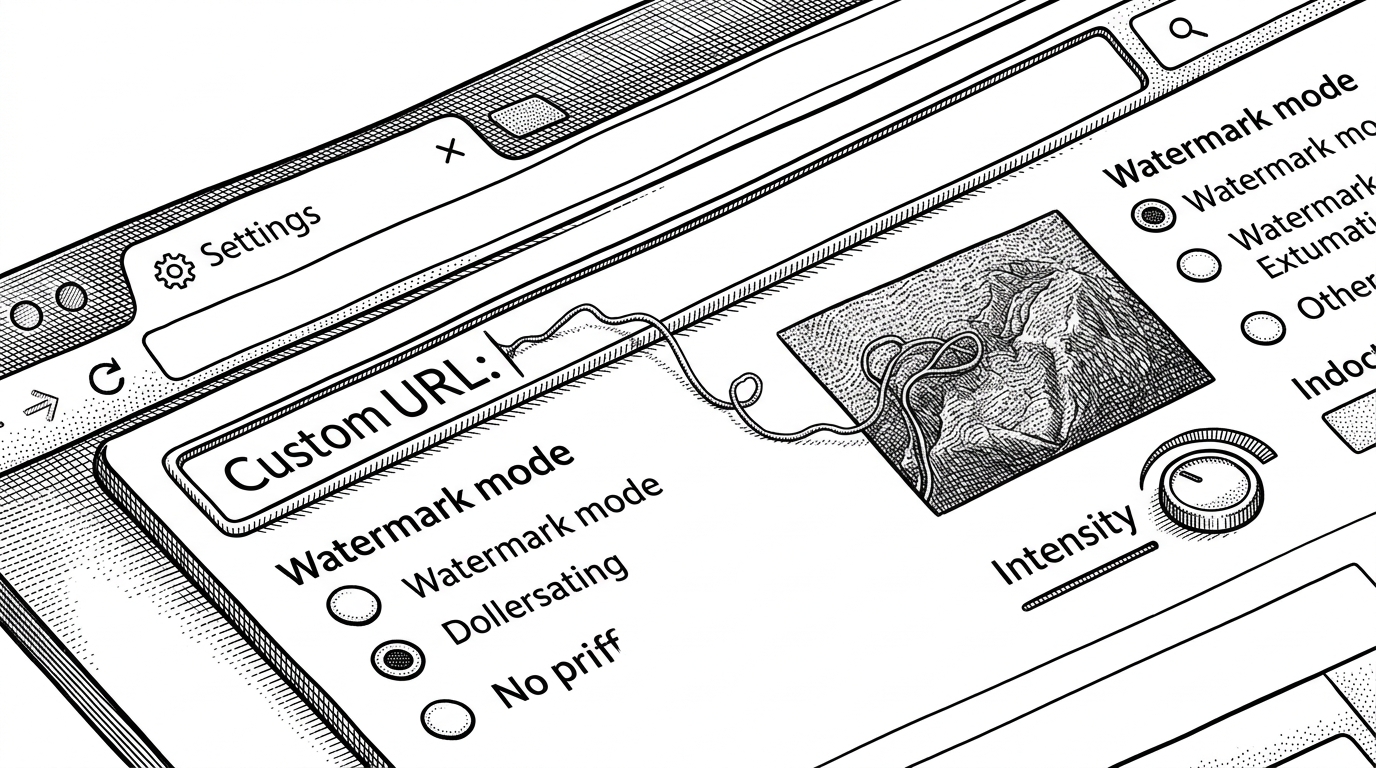
That matters because a static defense gets predictable fast. A configurable browser tool can stay simple at the surface while leaving room for evolving patterns underneath. In other words, the page is the interface, but the real product idea is a moving target.
What ImageDefender is competing against
ImageDefender is easiest to understand by contrast. It is not trying to outbuild research-grade adversarial tools, and it is not just a conventional watermarking app. It sits in the narrow space between privacy utility and defense experiment.
| Dimension | ImageDefender | Research-grade adversarial tools | Traditional watermarking | Cloud moderation |
|---|---|---|---|---|
| Setup | Single HTML file, no build step | Usually Python or ML dependencies, often with heavier local setup | Often bundled into editing or export workflows | Hosted service or API integration |
| Where the work happens | Inside the browser on local pixels | Locally, but usually in more complex desktop or notebook environments | During creation or export | On a remote server after upload |
| What it adds | Adversarial noise or watermark-like perturbation | Optimized perturbations tuned against models | Visible branding or ownership marks | Labels, scores, or policy decisions |
| Best fit | People who want privacy and low friction | Users who need stronger or more experimental defenses | Creators who want attribution | Teams that need moderation at scale |
The table makes the project legible fast. ImageDefender is not trying to win a technical arms race on model robustness. It is trying to make a defense workflow simple enough that a person might actually use it before posting.
The tradeoff: simple distribution, uncertain ceiling
There is a real ceiling hiding inside the elegance. Browser-native processing is convenient, but it inherits browser limits on performance, control, and sophistication. If the defense stays inside JavaScript and Canvas, it will probably remain lighter than the strongest research tooling.
That does not make the project trivial. It makes it opinionated. ImageDefender is betting that a useful first layer of defense is better than a perfect one that nobody runs, especially when the whole thing fits in plain HTML and never asks for a backend.