EmDash CMS: The WordPress-Style CMS That Jails Its Plugins
Cloudflare’s TypeScript CMS rebuilds the classic CMS contract around isolated workers, explicit capabilities, and structured content.
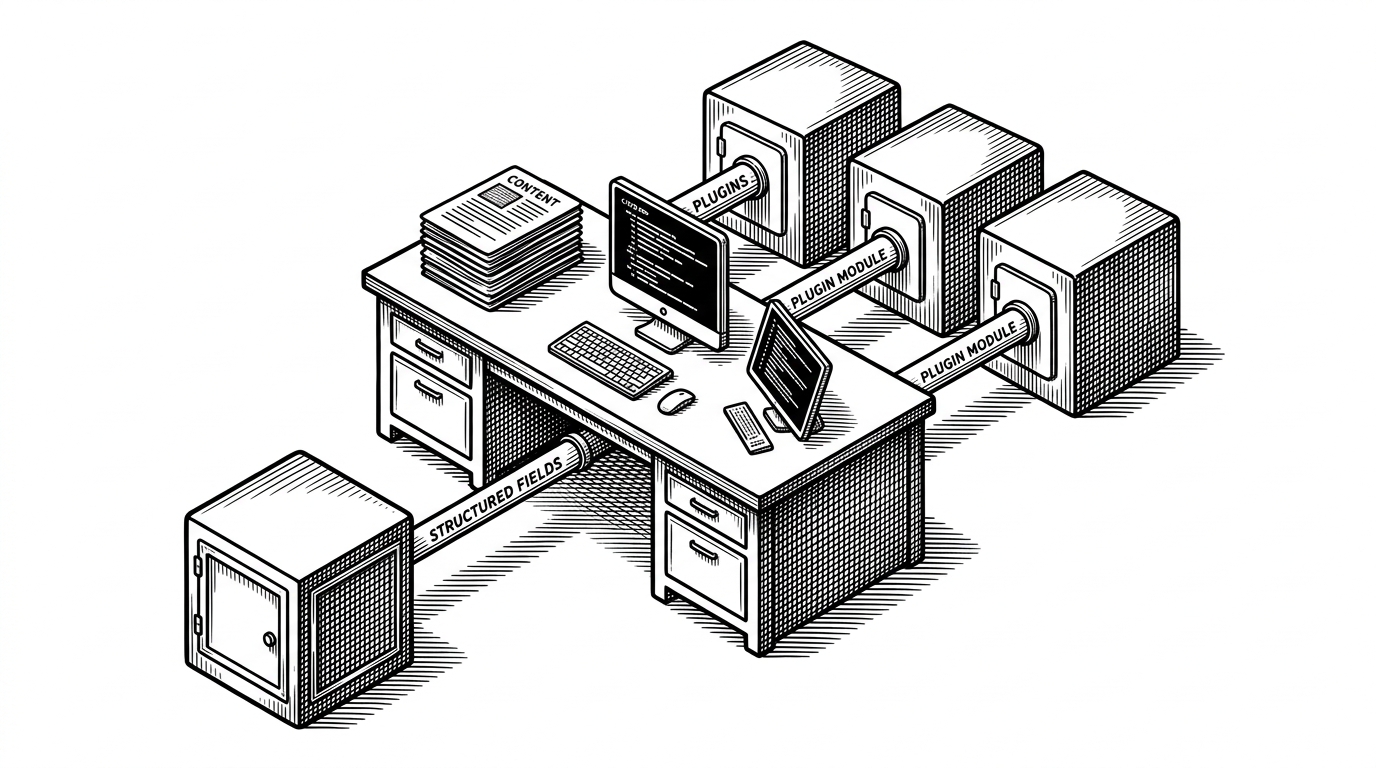
- EmDash’s defining move is to treat plugin execution as capability-scoped worker code instead of trusted server code.
- Its content model turns collections into real SQL tables with generated types, which tightens the link between editor, database, and frontend.
- Astro is not the headline, but it helps EmDash keep a familiar CMS workflow while avoiding a classic monolith runtime.
- The project matters because it preserves WordPress’s usability cues while rejecting its ambient trust model.
That is why EmDash is interesting. Not because it is the next CMS, but because it changes the thing most CMS vendors treat as an implementation detail: who is trusted to do what.
Plugins Are No Longer Trusted by Default
In most CMSs, the plugin is the most privileged thing in the room. It can read content, write files, send mail, and sometimes reach the whole database. EmDash flips that default. A plugin is not a tenant with the keys. It is a worker that has to ask for every capability it gets.
We think of it as the spiritual successor to WordPress. It’s written entirely in TypeScript. It is serverless, but you can run it on your own hardware or any platform you choose. Plugins are securely sandboxed and can run in their own isolate, via Dynamic Workers, solving the fundamental security problem with the WordPress plugin architecture.
How the Sandbox Actually Works
The useful mental model is simple. A plugin declares capabilities, the bridge checks them, and the worker runs in isolation. That means a contact form plugin can be allowed to send email, while still being denied access to unrelated resources like media uploads or private collections.
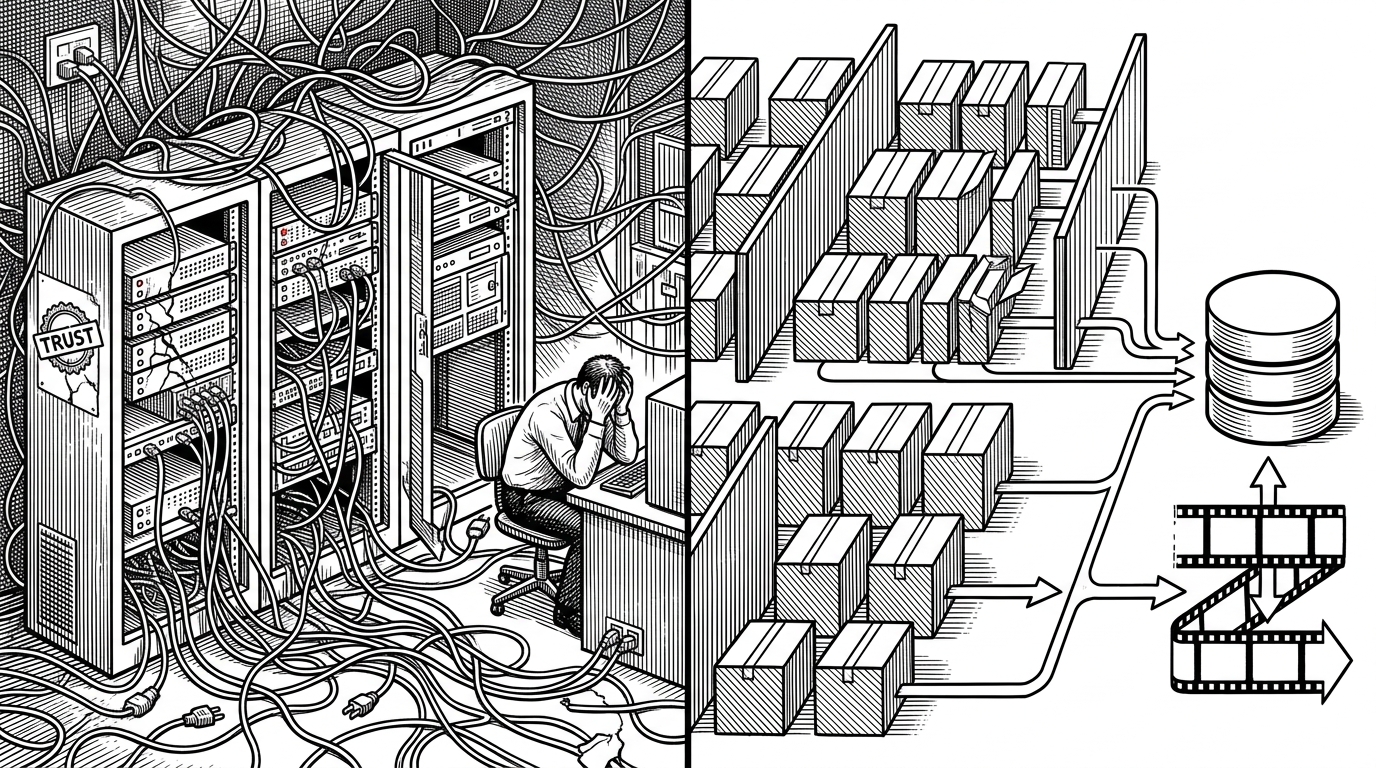
That sounds subtle until you compare it with the old plugin contract. In WordPress, the plugin is trusted by default and constrained later. In EmDash, trust is explicit up front, and that changes the blast radius of every extension.
type Capability = 'read:content' | 'email:send' | 'media:write';

const plugin = {
  name: 'contact-form',
  capabilities: ['read:content', 'email:send']
};

export default plugin;
Why Content Stops Being a Blob
The security story is only half the argument. EmDash also treats content as structured data, not as a giant HTML string that gets pasted into a template and hoped for later. Collections become live schema, not a vague admin concept. That makes the content model legible to editors, developers, and tools that want clean structure.
export const products = defineLiveCollection({
  name: 'products',
  loader: emdashLoader(),
  schema: {
    title: 'string',
    price: 'number',
    body: 'portableText'
  }
});
That shift matters because the database is no longer a dumping ground. When a collection becomes a real SQL table, the schema can generate types, the editor can validate fields, and the frontend can render with less guessing. The result is less glue code and fewer hidden assumptions.
What EmDash Keeps From WordPress, and What It Refuses to Copy
EmDash is not trying to erase the CMS people already understand. It keeps the familiar ideas of collections, plugins, an admin, and a frontend. What it refuses is the old trust model where every extension behaves like a root user with a nicer badge.
| Project | Security model | Content format | Extensibility | Deployment style | Best fit | Trade-offs |
|---|---|---|---|---|---|---|
| WordPress | Plugins run with broad server trust and tend to inherit the full power of the host. | Often ends up as HTML-centric content in a relational database. | A huge plugin and theme ecosystem with very low friction. | Traditional PHP hosting, usually stateful. | Publishing teams that want maximum maturity and the broadest ecosystem. | Security and maintenance burden rise with every additional plugin. |
| EmDash | Plugins run in isolated workers with declared capabilities. | Structured content, Portable Text, and live SQL tables. | Sandboxed plugins and typed collections. | Serverless or Astro-centric deployment. | Teams that want WordPress familiarity without ambient trust. | The ecosystem is newer and the platform contract is more opinionated. |
| Sanity or Contentful | API-first and usually no plugin runtime inside the CMS core. | Structured content by default. | Extends through APIs, webhooks, and frontend code. | Hosted SaaS or API-first delivery. | Multi-channel content teams and product orgs. | Less ownership, less page-building familiarity, and more vendor dependence. |
That is the strategic middle ground EmDash is aiming for. It borrows the usability cues of WordPress, the content discipline of a headless CMS, and the deployment story of modern edge infrastructure. The price is obvious: you are buying into a new platform contract, not a drop-in theme swap.
The AI Bet Is Secondary, but Real
A lot of CMS projects now say they are AI-ready. EmDash has a better claim than most because its structure is already machine legible. The MCP server, the typed collections, the JSON-shaped CLI outputs, and the clear boundaries around capabilities all make sense to agents without turning the whole system into prompt theater.
EmDash is the most interesting thing to happen to content management in years. Not because it’s built on Astro (though it is), but because it’s the first CMS designed from the ground up for how we work in 2026: AI agents building sites, structured content that machines can parse and manipulate easily, and deployment at the edge.
The important part is that AI support feels like an outcome, not a costume. Once content is typed and plugin power is explicit, agents can operate with fewer guesses and fewer side effects. That is a better foundation than bolting a chatbot onto an old blob-shaped CMS.
Who This Is For
EmDash is for teams that want the familiar shape of a CMS but do not want to outsource trust to third-party plugins or a monolithic runtime. It is also for developers who want content, schema, and frontend code to stay legible to TypeScript and SQL. If you need a quick theme market and a five-minute plugin install, this is the wrong trade. If you want a CMS foundation you can reason about, it is exactly the point.