devrig Turns Claude Code Into a Sandboxed Airlock
It splits instructions, relays browser traffic through a bridge, and keeps the agent useful without letting it touch your machine like a root shell.
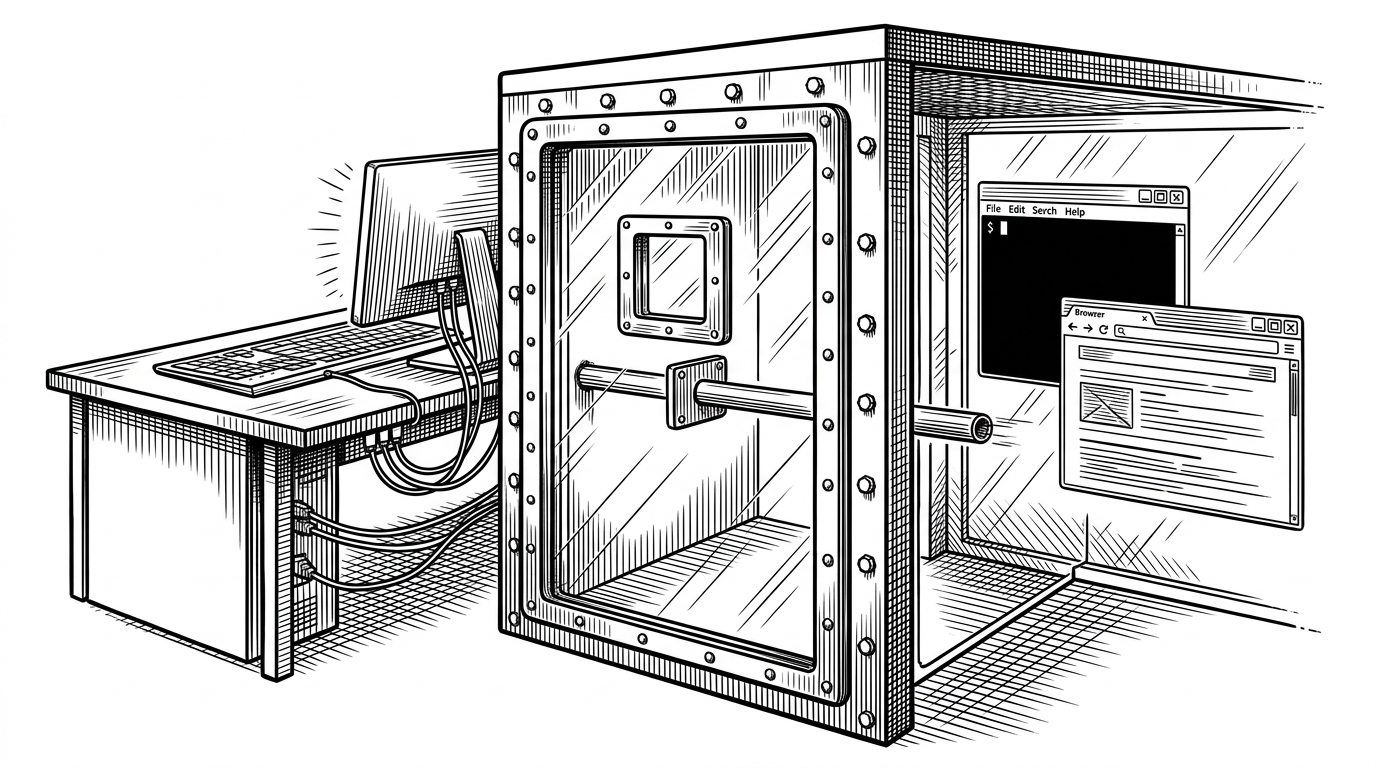
- devrig is less a Docker wrapper than an airlock that narrows the trust boundary without stripping Claude Code of the tools it needs.
- Its sharpest trick is split-context `CLAUDE.md` mounting, which lets the host and container describe the same project in different terms.
- The browser bridge preserves native messaging by relaying traffic through a host process and back into the container as a local-looking socket.
- Session locks, UID and GID mapping, and build-hash checks make the sandbox operational, not just clever.
The Airlock Problem
Claude Code is useful because it can touch the filesystem, run commands, and talk to browser-based tools. That is also why a host install feels exposed. `devrig` treats that tension as the product problem, then answers it with an airlock: box the agent in, but keep the workflows that make it effective.
Two Instruction Layers, One Agent
The repo's cleanest move is the dual `CLAUDE.md` setup. One version explains how a human should use `devrig`, while the other is mounted inside the container so the agent sees instructions that match the sandbox it is actually living in. That is a small idea with a big effect: the prompt context becomes part of the boundary.
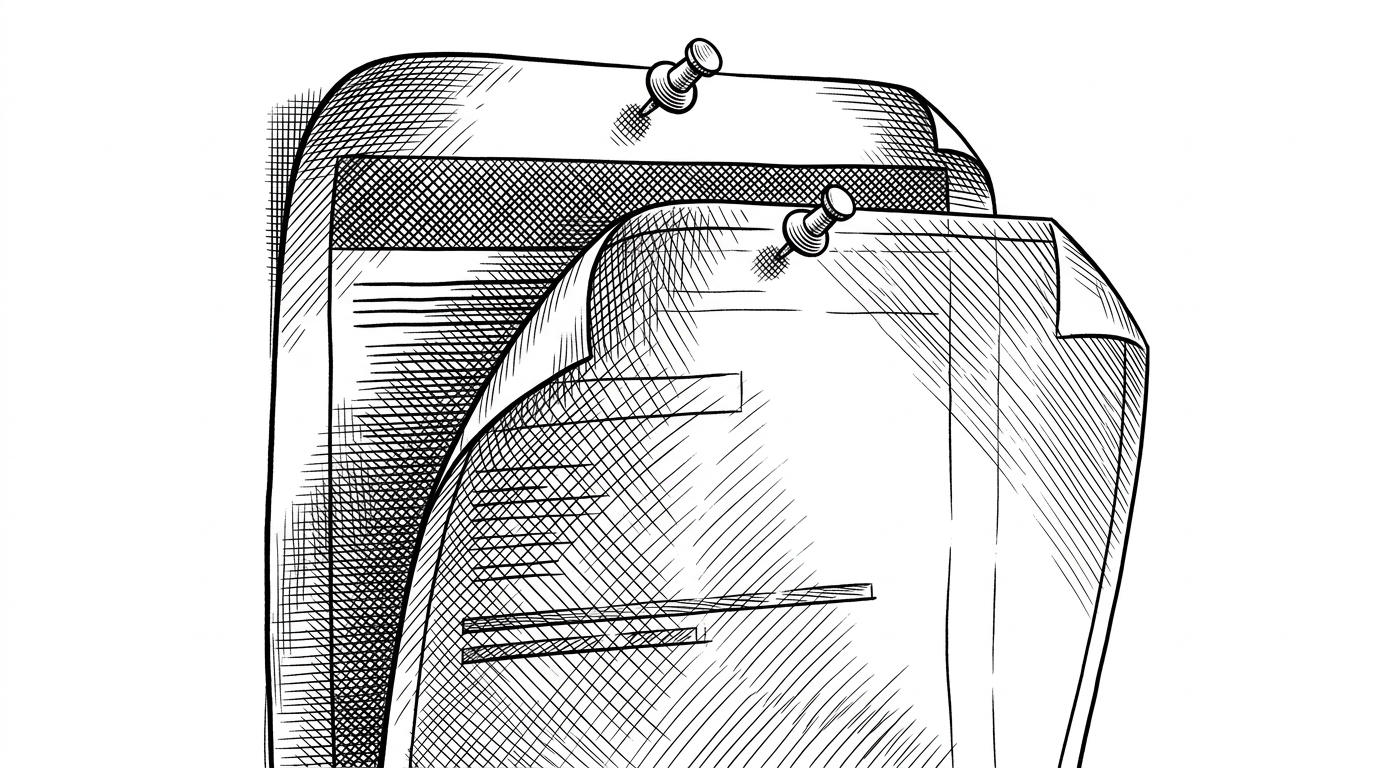
In practice, that means the agent does not need to guess whether it is on the host or in a container. It gets a context layer that says so, and that context can be swapped without rewriting the project docs.
How the Bridge Works
The harder problem is browser access. Claude Code expects a Chrome Native Messaging Host on the machine that actually runs Chrome, but the agent is inside Docker, where host Unix sockets are not directly reachable. `devrig` solves that with a relay: a host process listens on TCP, forwards bytes to the browser socket, and a container-side adapter turns that TCP stream back into something the agent can address like a local socket.
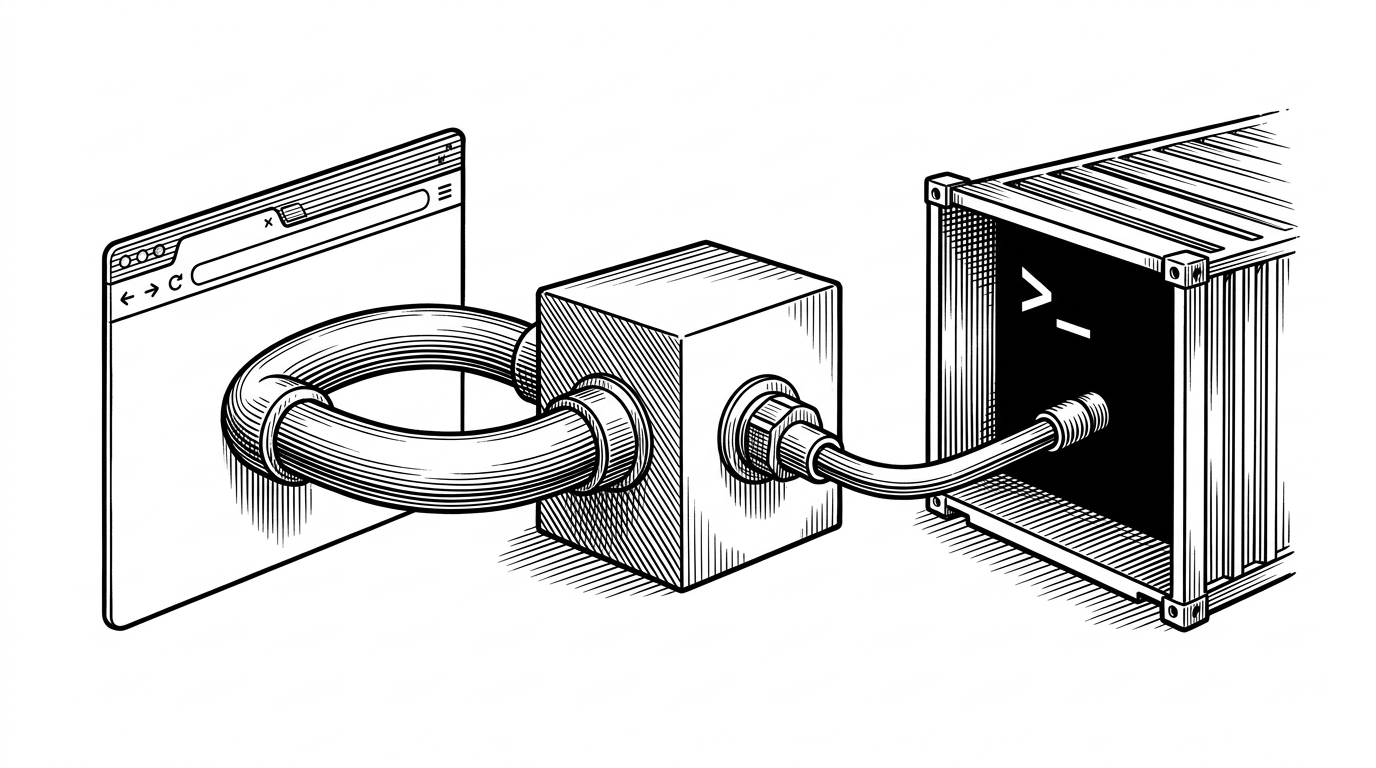
The important part is not the mechanics, it is the illusion. From the agent's point of view, the browser still feels local, but the trust boundary stays intact because the only thing crossing it is the relay traffic you explicitly permit.
Guardrails That Make It Usable
The repo is careful about the boring parts, which is usually where sandbox tools fail. A lock file prevents two sessions from trampling each other, cleanup kills the bridge and container in the right order, UID and GID mapping keep created files owned by the host user, and build hashes avoid unnecessary rebuilds when the scaffold has not changed.
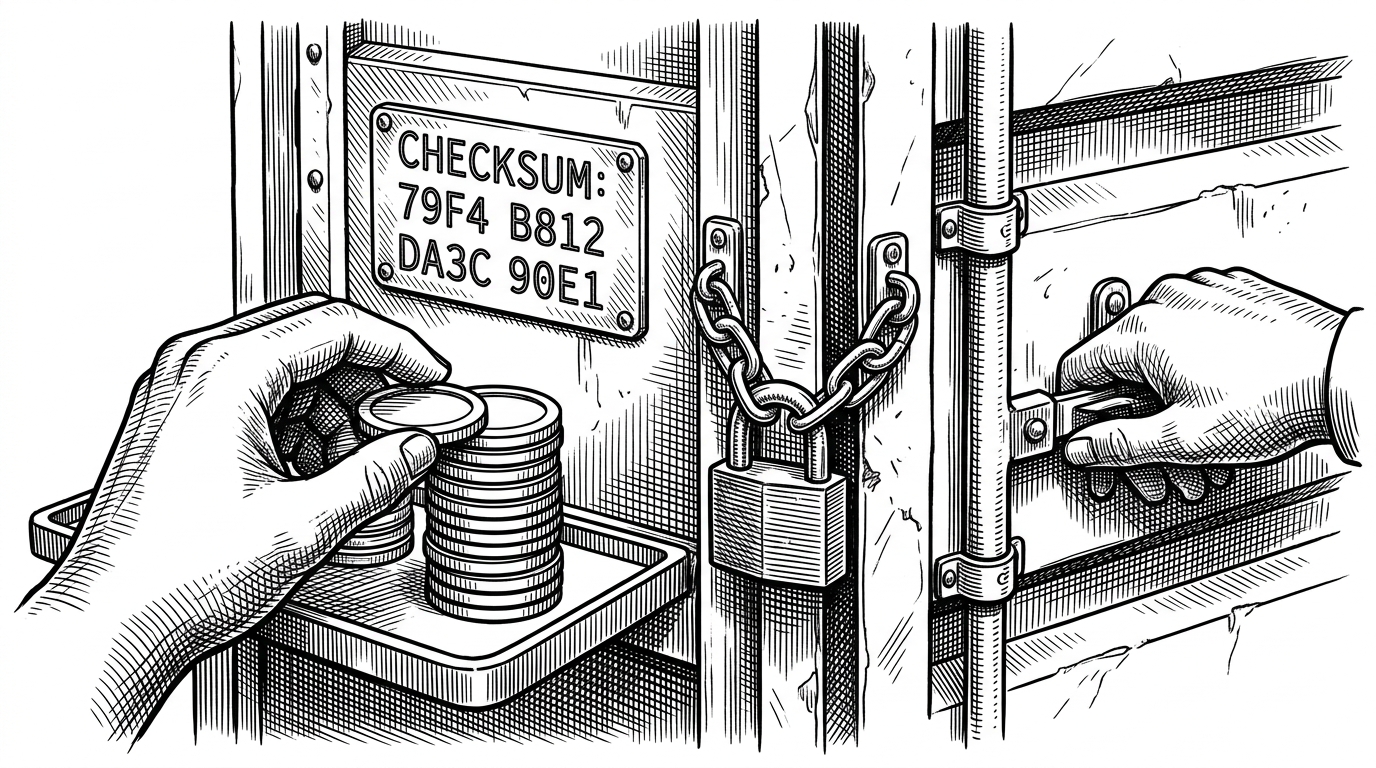
That combination matters because isolated tools fail most often during teardown, not startup. If the container leaves behind bad ownership, stale sockets, or half-dead processes, the wrapper becomes friction instead of protection.
What devrig Is Better Than
| Mode | What it gives you | Where it breaks | Best fit |
|---|---|---|---|
| Claude Code on the host | The simplest path and the most direct access to local tools, including the browser. | It has the widest blast radius, the weakest trust boundary, and the easiest path to accidental mutation. | Trusted personal machines and throwaway work. |
| Generic Docker sandbox or devcontainer | Useful isolation and a familiar container pattern. | Browser and native messaging workflows often need extra glue, and the result can feel bolted on. | General development environments. |
| devrig | A narrower trust boundary that keeps Claude Code useful while controlling filesystem and browser reach. | It is scoped to a specific agent workflow, not a universal environment platform. | Agent-driven work where safety and native tool access both matter. |
Why This Feels Like an Airlock, Not a Sandbox
Sandboxes usually promise purity. `devrig` is more practical. It does not try to make Claude Code harmless, only to make its power local to a boundary you can understand, inspect, and reset. That is why the split instructions and browser bridge feel like one design, not two features.