academic-tracker: Academic Tracker: The Terminal-Native Research Library
Instead of dragging papers into a GUI database, this Python CLI keeps your reading list searchable, taggable, and scriptable from the shell.
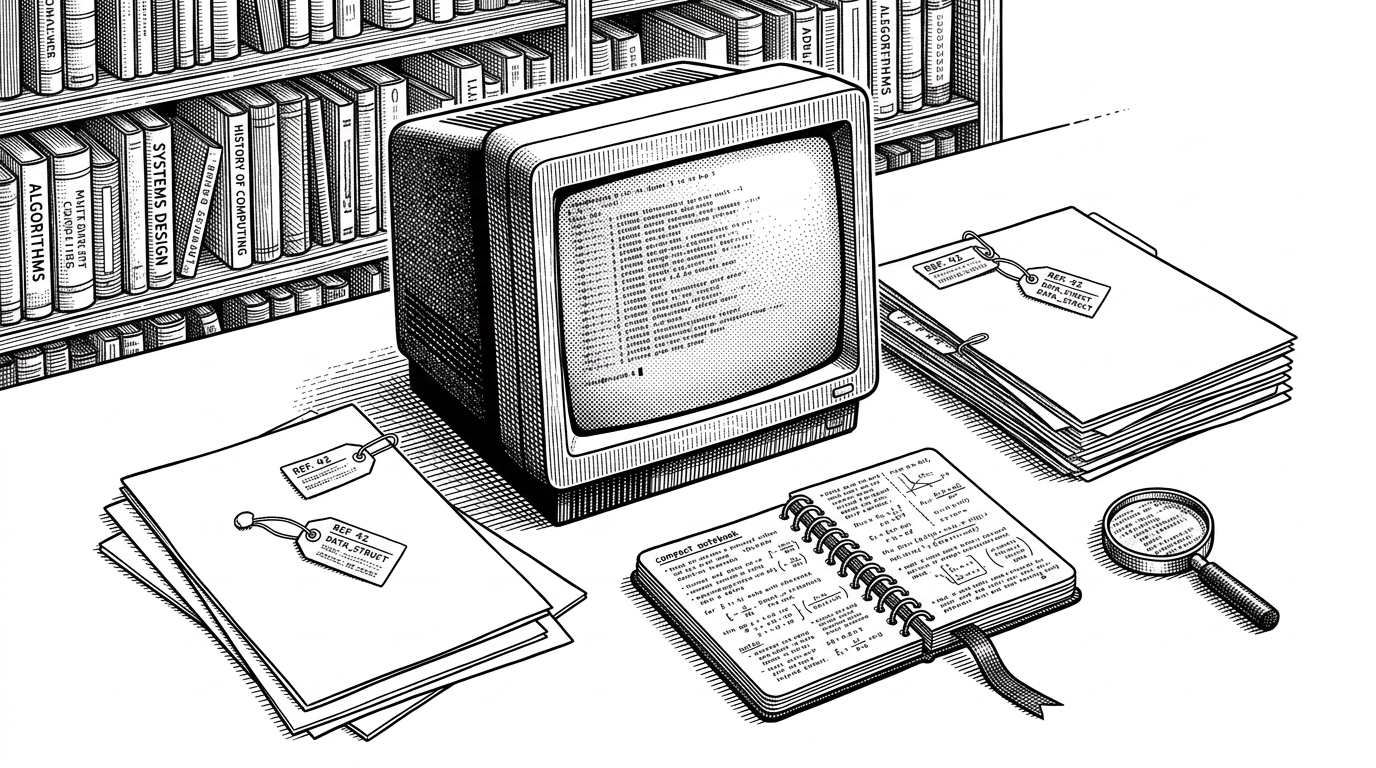
- Academic Tracker is really a CLI-native research library, built for people who want to manage papers without leaving the terminal.
- Its value comes from narrow focus: add, tag, search, and track reading status without the bulk of a full reference suite.
- The project leans on simple, scriptable workflows that fit developers and technically fluent researchers.
- Its discipline is the point. It tries to do a small set of academic organization tasks cleanly instead of pretending to replace Zotero or EndNote.
Most reference tools are designed to keep you inside a polished window. Academic Tracker takes the opposite route. It assumes the terminal is already your home base, and it builds a lightweight research system around that habit.
That makes the project interesting for a simple reason. It is not trying to win on breadth. It is trying to win on friction, making it easier to log a paper, tag it, mark it as read, and retrieve it later with the fewest possible keystrokes.
The Question It Answers Is Small, But Sharp
The main job here is not citation management in the grand sense. It is helping an academic or developer keep a personal reading list under control. Add a paper manually or from DOI or BibTeX, tag it, set a reading status, attach notes, and find it again fast.
A CLI application to help academics track and organize their research papers.
That scope sounds modest, but it is the point. Mainstream tools often solve for teams, sync, browser capture, PDF workflows, and cloud ecosystems. Academic Tracker solves for a narrower, more private habit: the scholar or engineer who wants research notes to live in a workflow that already feels like code.
Why the CLI Choice Matters
A command-line tool changes the product more than people expect. It makes the interface scriptable, predictable, and easier to integrate into a personal system of aliases, shell history, and automation. For users who already live in Git, Vim, tmux, or a terminal editor, that is not a compromise. It is the feature.
| Capability | Academic Tracker | Typical GUI reference manager |
|---|---|---|
| Primary workflow | Terminal commands | Point-and-click interface |
| Best fit | Power users and scriptable setups | Broad audience |
| Adding papers | Manual, DOI, BibTeX | Usually drag, paste, or import |
| Search and filtering | Fast, text-driven | Visual but heavier |
| Automation | Naturally scriptable | Possible, but secondary |
| Cognitive load | Minimal | Often feature-rich and sprawling |
The Architecture Is Simple On Purpose
The repository structure reflects a clean split between features and behavior. The application logic is organized around a Python CLI, with separate concerns for storage, parsing, search, and note management. That shape matters because it keeps the tool small enough to understand and adaptable enough to extend.
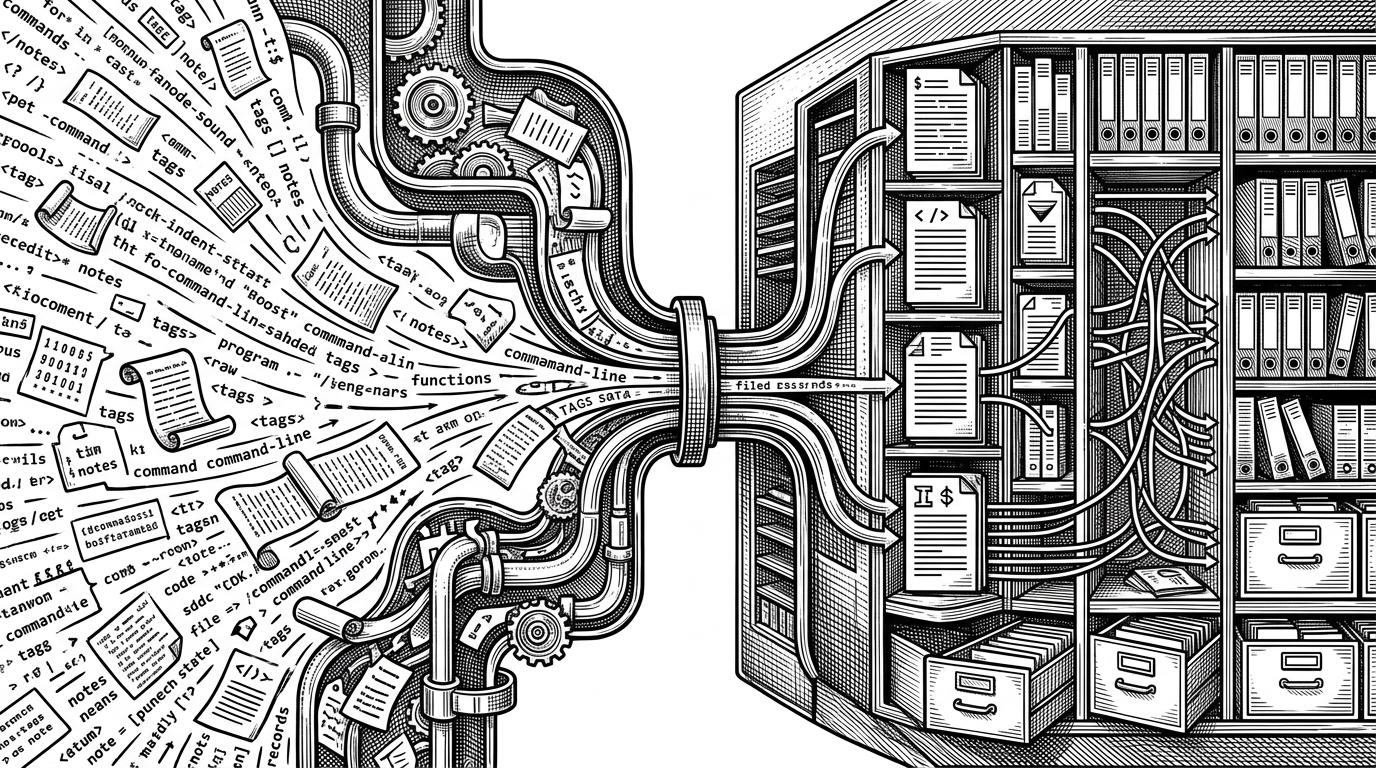
That restraint is also why the project feels usable rather than academic in the bad sense. It does not bury the reader in framework ceremony. It exposes a practical set of actions and lets the terminal become the interface, not an obstacle.
How It Competes Without Trying To Be Zotero
The best comparison is not whether it beats a full reference manager. It does not try to. The better question is whether it serves a different working style. On that axis, the answer is yes.
| Tool type | Strength | Trade-off |
|---|---|---|
| Academic Tracker | Fast terminal workflow for a personal reading list | Fewer advanced library and PDF features |
| Zotero | Deep ecosystem and broad community support | Heavier interface and more moving parts |
| JabRef | Strong BibTeX-centric citation handling | Still a GUI-first tool |
| Mendeley / EndNote | Polished mainstream reference management | Less aligned with terminal-native habits |
That positioning is smart. The project does not fight on feature count. It wins by matching a specific user pattern: technically fluent people who want their research workflow to feel as simple as editing a file or running a command.
The Real Strength Is Discipline
The strongest open-source projects often look small from a distance and carefully designed up close. Academic Tracker fits that pattern. It solves one problem well, keeps the surface area manageable, and stays faithful to the workflow it is built for.
That is also why it reads as more mature than a side project hack. A focused CLI can be easier to maintain than a broad app, but only if the boundaries stay sharp. Here, the boundaries are the product.