Yunux-AlwaysActive: How One Chrome Extension Teaches the Browser to Lie About Being Idle
A deep dive into visibility spoofing, audio-based throttling avoidance, and the uneasy power of enterprise policy installs.
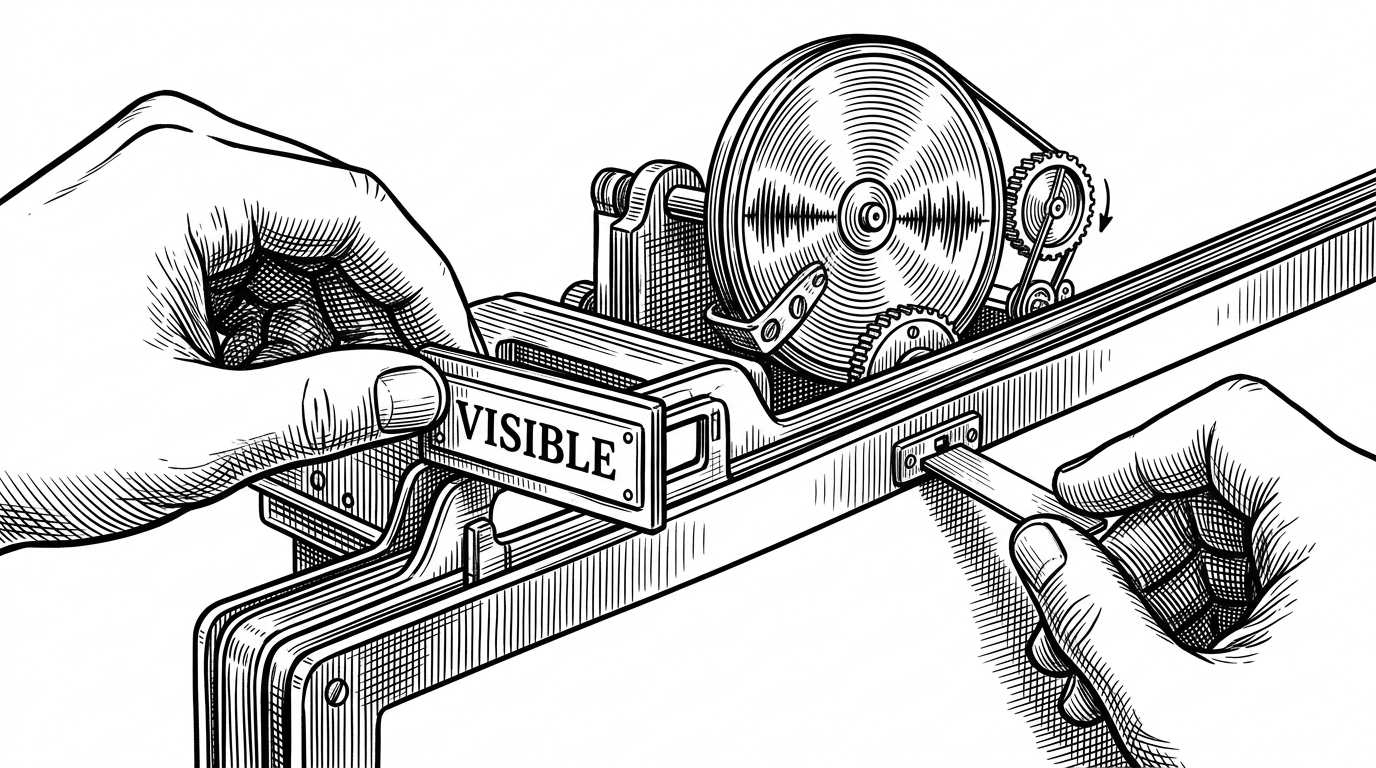
- Yunux-AlwaysActive is interesting because it attacks browser trust at three layers at once: visibility state, event delivery, and background throttling.
- Its core trick is not motion simulation but signal forgery, which makes idle detection feel much less trustworthy than many product teams assume.
- The injector pattern matters because page-level globals live in a different world from extension scripts, so the extension has to cross that boundary to patch reality.
- Enterprise policy installation turns a utility into something sticky, which is the sharpest reminder that deployment controls can be repurposed as persistence controls.
The unsettling part of Yunux-AlwaysActive is not that it keeps a browser tab awake. It is that it treats browser inactivity as a story the extension can rewrite. The page is nudged to believe the tab is visible, focused, and unthreatened, while the browser is nudged to keep running code that should have gone quiet.
The browser thinks the tab is alive
That is the whole game. If a site decides whether you are present by checking visibility, focus, or timing behavior, then the extension tries to corrupt those checks before they reach the application. It is less an alarm clock and more a forged badge at the door.
Three layers of deception
The repo's anti-detection logic is blunt in the best possible way. First, it rewrites visibility state with Object.defineProperty. Then it suppresses events with stopImmediatePropagation(). Finally, it spoofs fullscreen checks so page code gets the answer it expects, not the truth.
Object.defineProperty(document, 'hidden', {
  get: () => false,
  configurable: true
});

Object.defineProperty(document, 'visibilityState', {
  get: () => 'visible',
  configurable: true
});

document.addEventListener('visibilitychange', (e) => {
  e.stopImmediatePropagation();
}, true);
This is not subtle engineering in the sense of elegance. It is subtle in the sense that it targets the exact places many apps trust first. A dashboard, a proctoring script, or an internal portal can only respond to the signals it sees. Yunux-AlwaysActive spends its effort making those signals unreliable.
Why the tab still runs when it should slow down
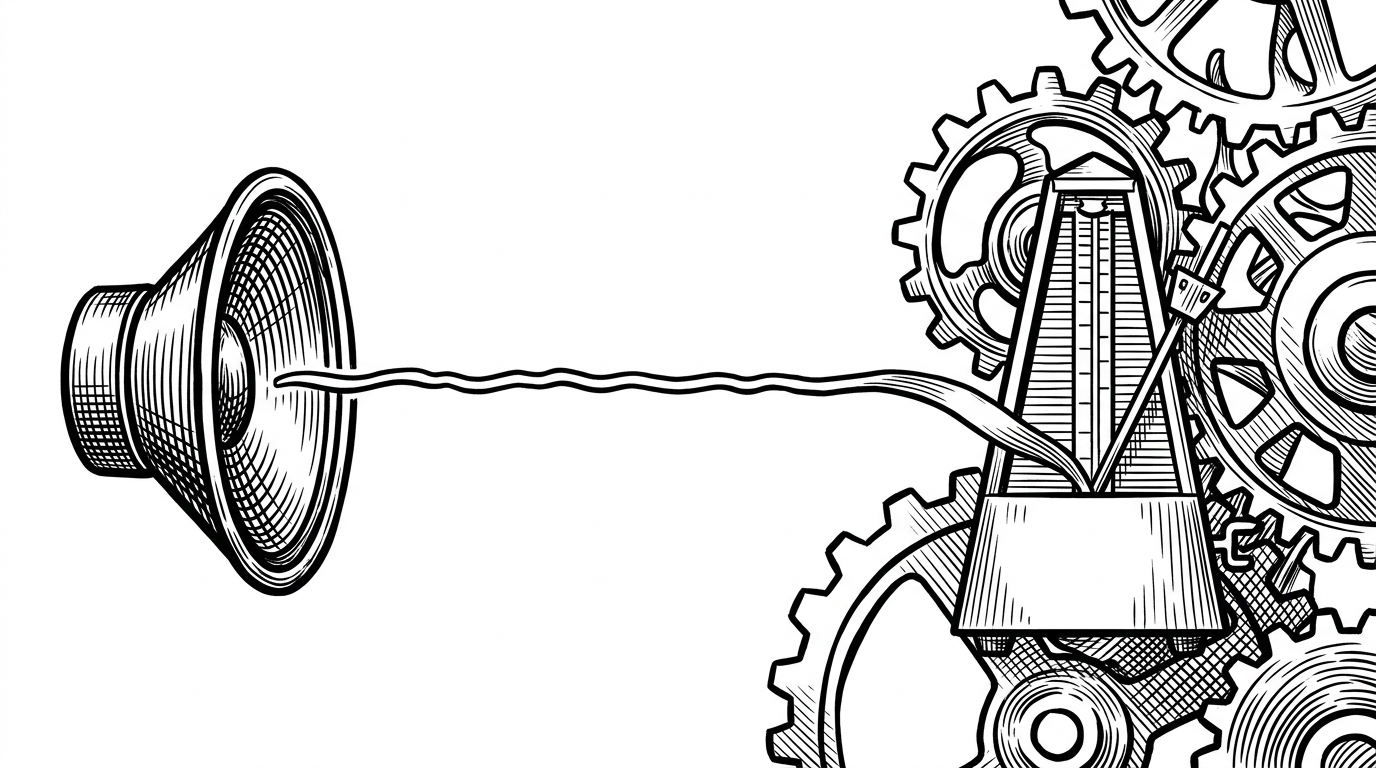
The point is not volume. It is exemption. Browsers are much more willing to deprioritize a quiet background tab than one that appears to be playing audio. This repo uses that rule as a loophole, keeping its own machinery warm enough to continue lying.
Why the injector exists at all
The hardest boundary in the project is not the browser. It is the split between extension code and page code. Content scripts can observe the page, but they do not always get to rewrite the page's own globals. That is why injector.js inserts a script element into the DOM and lets inject.js run in the main world.
const script = document.createElement('script');
script.src = chrome.runtime.getURL('inject.js');
(document.head || document.documentElement).appendChild(script);
script.remove();
That is the architectural hinge. Once the code lands in the main world, it can patch page-visible APIs instead of merely watching them. The repo even goes after timing logic, including performance.now(), which matters because some sites watch for the telltale gaps that appear when a tab is suspended.
Enterprise policy turns a utility into a hard-to-remove install
The deployment scripts are the most revealing files in the repository because they change the product story. A normal extension can be installed, disabled, and removed by the user. A policy-backed extension looks different: Chrome presents it as installed by enterprise policy, which makes it feel less like a plugin and more like infrastructure.
| Dimension | Standard keep-awake tools | Yunux-AlwaysActive |
|---|---|---|
| Scope | Operating system sleep behavior | Browser tab state and page trust signals |
| What it fools | Sleep timers and idle inhibition | Visibility checks, focus events, throttling, and fullscreen checks |
| Persistence | User-installed utility or tray app | Enterprise policy install that is harder to remove |
| Detectability | Usually obvious in system UI | Can look like an ordinary active tab unless inspected closely |
| User control | Easy to toggle on and off | More resistant to casual removal once policy-installed |
That difference is why the repo feels more adversarial than a typical keep-awake tool. It is not just asking for permission to stay awake. It is trying to make removal, observation, and even suspicion harder than they should be.
What this repo reveals about idle detection
The broader lesson is uncomfortable. Idle detection is not a single switch. It is a pile of assumptions about visibility, event delivery, timing, and user intent. If an extension can spoof enough of those assumptions, then the system stops being a reliable judge of presence and becomes another client-side negotiation.
| Question | What many apps assume | What this repo shows |
|---|---|---|
| Is the tab visible? | The browser tells the truth | The extension can redefine the answer |
| Did the user leave? | Blur and visibility events will fire cleanly | Those events can be intercepted or suppressed |
| Can the page run normally in the background? | Background work will slow down predictably | Audio activity can keep the tab scheduled more aggressively |
| Can a user remove the tool easily? | Yes, through normal extension controls | Not if enterprise policy is used for installation |
That matters for builders of dashboards, remote workflows, and admin portals. If your product depends on client-side inactivity checks, you are trusting a layer that this repo demonstrates how to tamper with. The answer is not to panic. It is to stop treating browser state as a security boundary.