Oat UI: The Browser Is the Framework
Kailash Nadh's zero-dependency library styles semantic HTML directly, then reaches for tiny Web Components only where the browser still needs help.


I wrote this to use in my own projects after getting sick of the ridiculous bloat, dependencies, and rug-pulls in Javascript UI/component libraries.
- Oat UI argues that semantic HTML can be a real UI API when the browser and modern CSS are doing more of the work.
- Its JavaScript stays narrow, handling only interactive state that CSS cannot own cleanly.
- The library is strongest as a fresh foundation, not as a skin for an existing frontend stack.
- Compared with classless CSS frameworks, Oat sits closer to a browser-native component model than to a presentation layer.
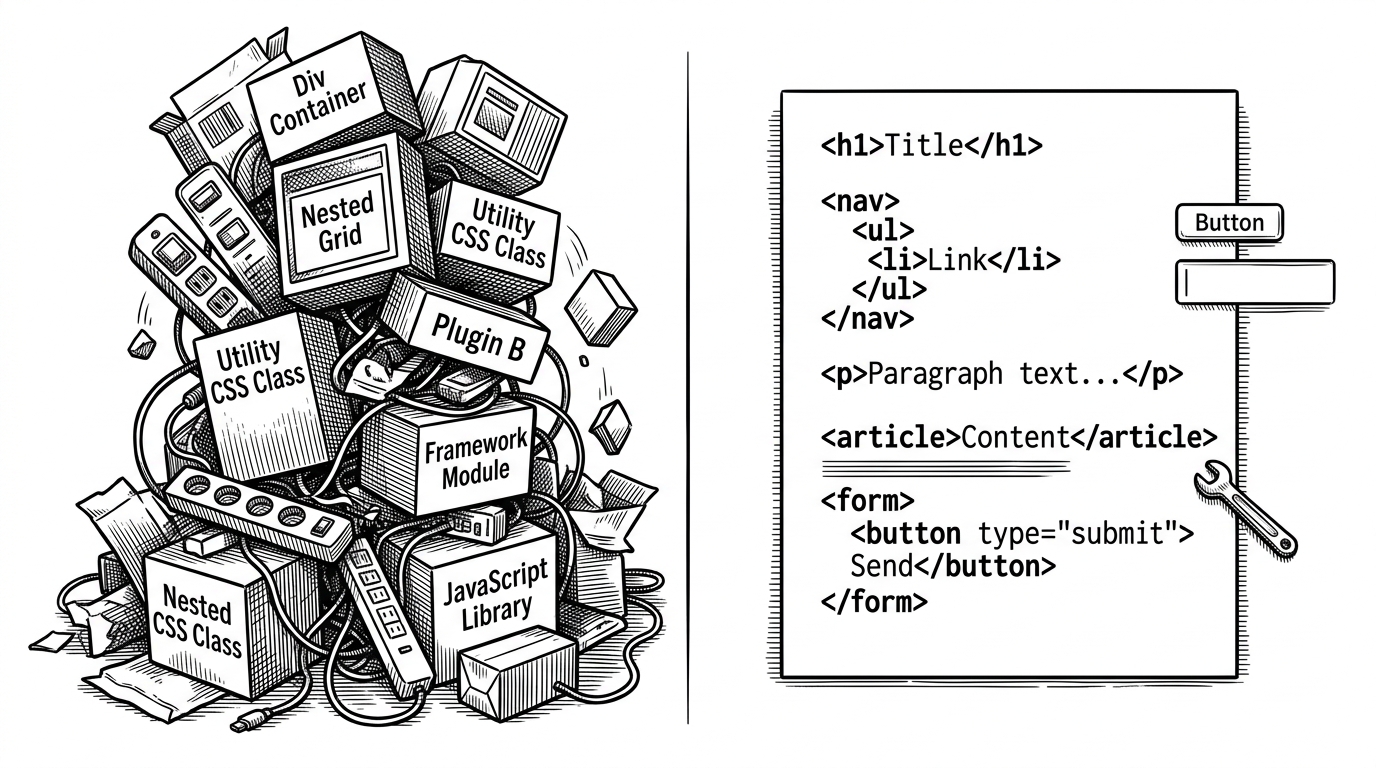
Most UI libraries start by asking how to package components. Oat starts by asking how much of the job the browser already knows how to do. That shift matters because it changes the abstraction: the center of gravity moves from framework code back to semantic HTML, modern CSS, and a few narrow JavaScript escape hatches.
The browser does the first draft

Why Kailash Nadh built Oat
That sentence sets the ceiling. Oat is not trying to be a universal abstraction or a retrofit for a legacy app. It is a deliberate refusal to make every button, modal, and toggle depend on a larger frontend ritual than the browser itself.
Semantic HTML as an API
Oat's most interesting move is simple: it styles native elements directly. A button is still a button, an input is still an input, and the stylesheet meets them there instead of asking you to memorize a private class taxonomy. The CSS leans on modern primitives like @layer, light-dark(), color-mix(), and low-specificity selectors so the cascade becomes part of the design system instead of a source of fights.

Where JavaScript still matters
Oat is not pretending CSS can do everything. Tabs, dropdowns, tooltips, and toast notifications are the places where it reaches for tiny Web Components and a small imperative API. The point is discipline, not purity: state changes are handled where they belong, and the DOM stays readable enough that you can still reason about the page without reverse-engineering a framework runtime.
How Oat compares to the minimalist CSS crowd
| Library | Core idea | JavaScript | Best fit |
|---|---|---|---|
| Oat UI | Semantic HTML first, with browser-native styling and a few Web Components | Yes, but only for interactive edges | New projects that want a calm default UI without a framework stack |
| Water.css | Classless CSS for making simple pages look good | None | Fast docs, small sites, and plain content pages |
| MVP.css | Minimal classless styling for quick prototypes | None | Prototypes and lightweight HTML apps |
| Pico.css | Semantic, class-light CSS with polished defaults | None | Content sites and simple app interfaces |
The tradeoff: opinionated and intentionally narrow
Oat's strength is also its boundary. It is opinionated, sub-v1, and happiest when you are starting fresh instead of trying to reskin an existing codebase. That makes it less of a universal toolkit and more of a clear bet: if you want a coherent UI with zero runtime baggage, let the browser carry more of the load and keep the rest of the stack small.