livecode-workspace: LiveCode Collaborative Workspace: The Small Collaborative Editor That Teaches Real-Time Sync the Hard Way
A Socket.io code editor, a server-side compile proxy, and a clever join handshake show how far a simple architecture can go before it needs CRDTs.
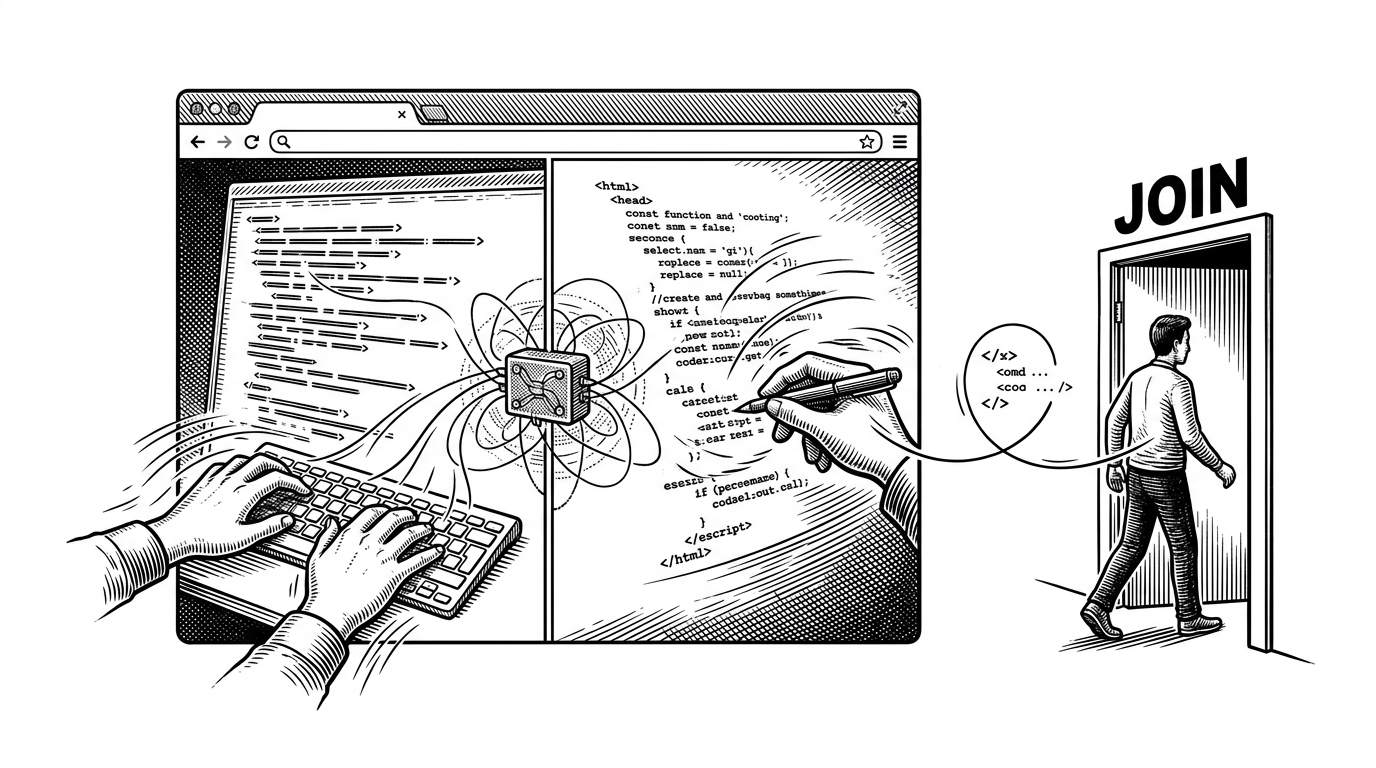
- LiveCode feels smarter than it is because it treats the server as a relay and solves join-time sync before it tries to solve harder consistency problems.
- The repo’s join handshake is the memorable part: existing clients push the current code to the newcomer, so a late arrival lands in a shared state instead of an empty room.
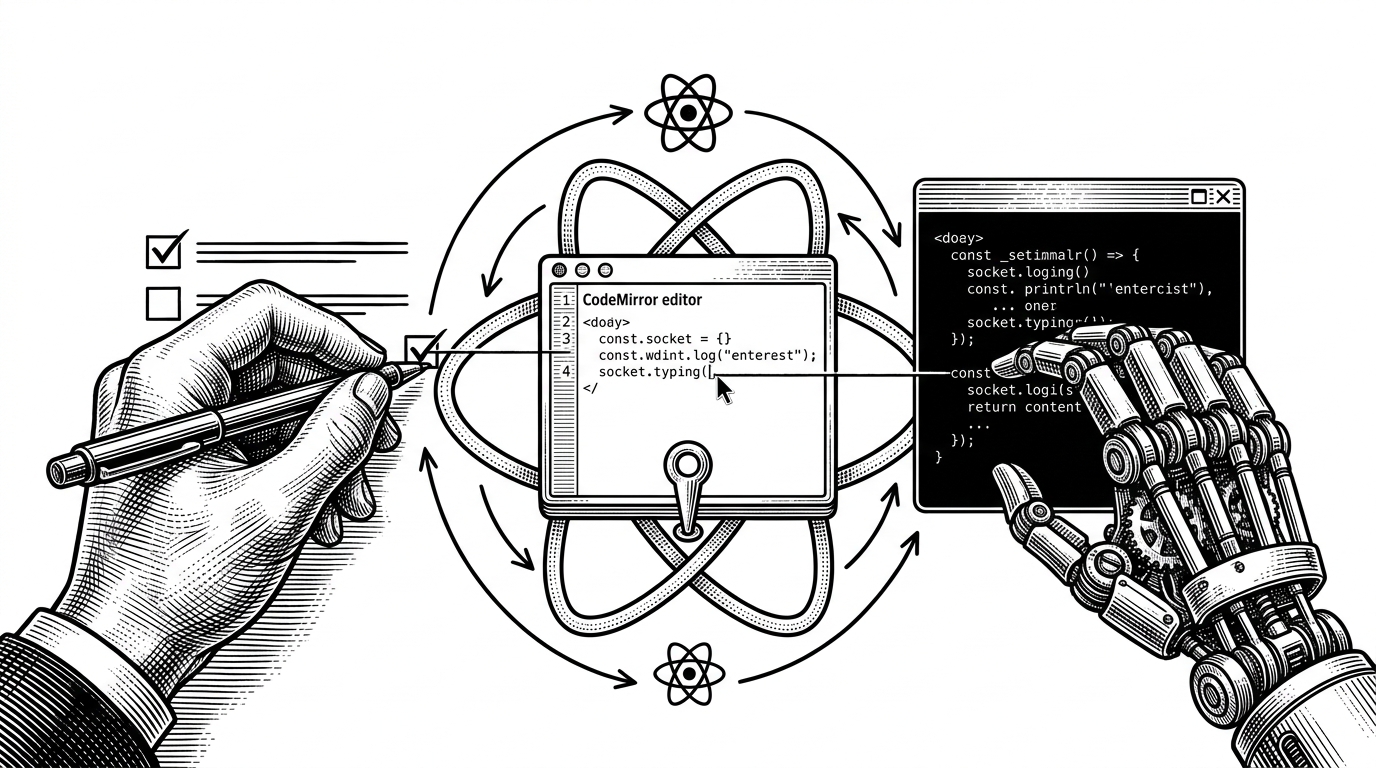
- The frontend works because CodeMirror is held steady with a ref, which lets React render around it without constantly rebuilding the editor instance.
- The compile path stays safe by proxying JDoodle through the backend, keeping secrets off the client and making the whole stack easier to reason about.
The most interesting thing about livecode-workspace is not that it collaborates. It is that it gets the collaboration feel from a surprisingly small set of choices: Socket.io for relay, a join handshake for state transfer, CodeMirror for the editor, and a backend proxy for execution. That is enough to make the room feel alive without dragging in OT or CRDT machinery.
The first trick is not editing. It is joining.
That is the clever part of the app. A newcomer does not land in an empty editor and wait for the room to settle. Existing clients are told someone arrived, then they send the current code back to that specific socket, which is enough to make the room coherent without inventing a heavyweight synchronization layer.
This is a good lesson in product design as much as software design. The hardest moment in a collaborative editor is not the steady-state typing. It is the awkward gap between “I joined” and “I can see what everyone else is seeing.”
The server behaves like a relay, not a source of truth
The backend keeps the shape of the room, but it does not try to be a database for the document. It maps socket IDs to usernames, tracks room membership, and fans events out to the right listeners. In practice, that makes the server a traffic cop, not a ledger.
| Model | Complexity | Offline tolerance | Small-room fit | Implementation burden |
|---|---|---|---|---|
| LiveCode Workspace | Low. Socket.io relay plus targeted sync. | Weak. It assumes the room is online. | Strong. A few users is the sweet spot. | Light. The code stays easy to follow. |
| OT systems | High. Character-level conflict resolution is subtle. | Moderate. Better than simple broadcast models. | Good, but more than this repo needs. | Heavy. Correctness takes real work. |
| CRDT systems | High. Data structures and merges add depth. | Strong. Designed for distributed conflict handling. | Good, though often overkill for tiny rooms. | Heavy. The mental model and code both expand. |
The trade-off is obvious, and it is honest. This project is not trying to survive offline edits, network partitions, or a dozen people hammering the same paragraph. It is trying to make a small collaborative room feel immediate.
Inside the editor: CodeMirror wrapped in React, but not re-created by it
const editorRef = useRef(null);

useEffect(() => {
  if (!editorRef.current) {
    editorRef.current = CodeMirror.fromTextArea(textAreaRef.current, {
      lineNumbers: true,
      mode: selectedLanguage,
      theme: 'dracula'
    });

    editorRef.current.on('change', () => {
      const code = editorRef.current.getValue();
      socket.emit(ACTIONS.CODE_CHANGE, { roomId, code });
    });
  }

  socket.on(ACTIONS.CODE_CHANGE, ({ code }) => {
    if (code !== editorRef.current.getValue()) {
      editorRef.current.setValue(code);
    }
  });
}, [socket, roomId, selectedLanguage]);
This is the right way to combine a legacy editor engine with React. The editor instance lives outside the render loop, the socket listener updates only when the incoming code is different, and the UI avoids the thrash that would come from rebuilding the editor on every state change.
It is also why the repo feels more mature than its size suggests. The code does not try to make React do everything. It lets each tool stay in its lane.
Execution is outsourced, and that is a feature
Running code is handled through a backend proxy to JDoodle. The browser sends the selected language and source code to the server, the server attaches the secret API credentials, and the request goes out from there. That keeps the key off the client and keeps the architecture simple.
There is a small but important detail here: language names have to be translated into JDoodle’s expected version indexes. That kind of glue code is unglamorous, but it is exactly what makes a prototype usable.
Why this design feels lightweight, and where it stops
This repo sits in a useful middle ground. It is good for demos, interviews, teaching, and tiny pair-programming sessions. It is not built for offline-first editing, conflict-heavy rooms, or the sort of correctness guarantees that OT and CRDT systems are designed to provide.
| Question | This repo | OT / CRDT systems |
|---|---|---|
| What happens on join? | The room syncs code back to the newcomer. | The room can reconcile more complex histories. |
| What happens under contention? | Last write wins is usually enough. | Merges are designed for concurrent edits. |
| What is the cost? | Small codebase, easy to read. | More machinery, more moving parts. |
| Who is it for? | Small rooms and quick collaboration. | Larger, harder, more distributed collaboration problems. |
That is not a weakness. It is the point. The project chooses a narrow problem and solves it with enough care that the architecture stays legible.
The best open-source learning projects do this. They show you where simplicity still works, and they leave the deeper systems questions for the moment you actually need them.