homebrew-dify: The Homebrew Tap That Behaves Like a Release Machine
A Python updater, a Ruby formula, and per-platform checksums make Dify’s CLI feel like a single command instead of a packaging project.

It should has been fixed, try `homebrew untap langgenius/dify` and reinstall again
- homebrew-dify treats distribution as generated output, not a handwritten recipe.
- A Python updater rewrites a Ruby formula so each platform binary stays pinned to the right checksum.
- Homebrew becomes the trust layer that turns a release matrix into one stable `dify` command.
- The tap works because it removes install friction without hiding the cross-platform work behind it.
The weird thing about homebrew-dify is that it treats packaging as generated output. The human-facing promise is simple: type one Homebrew command and get dify. Under the hood, the repo rewrites a Ruby formula from upstream release data, pins every platform binary by checksum, and lets Homebrew do the trust work at install time.
The installer is the product
That matters because installation is where a lot of good developer tools lose momentum. This tap trims the path to a familiar command, but it also makes the project feel maintained. The repo is tiny on purpose. It exists to turn release logistics into an experience developers already trust.
A tap that rewrites its own formula
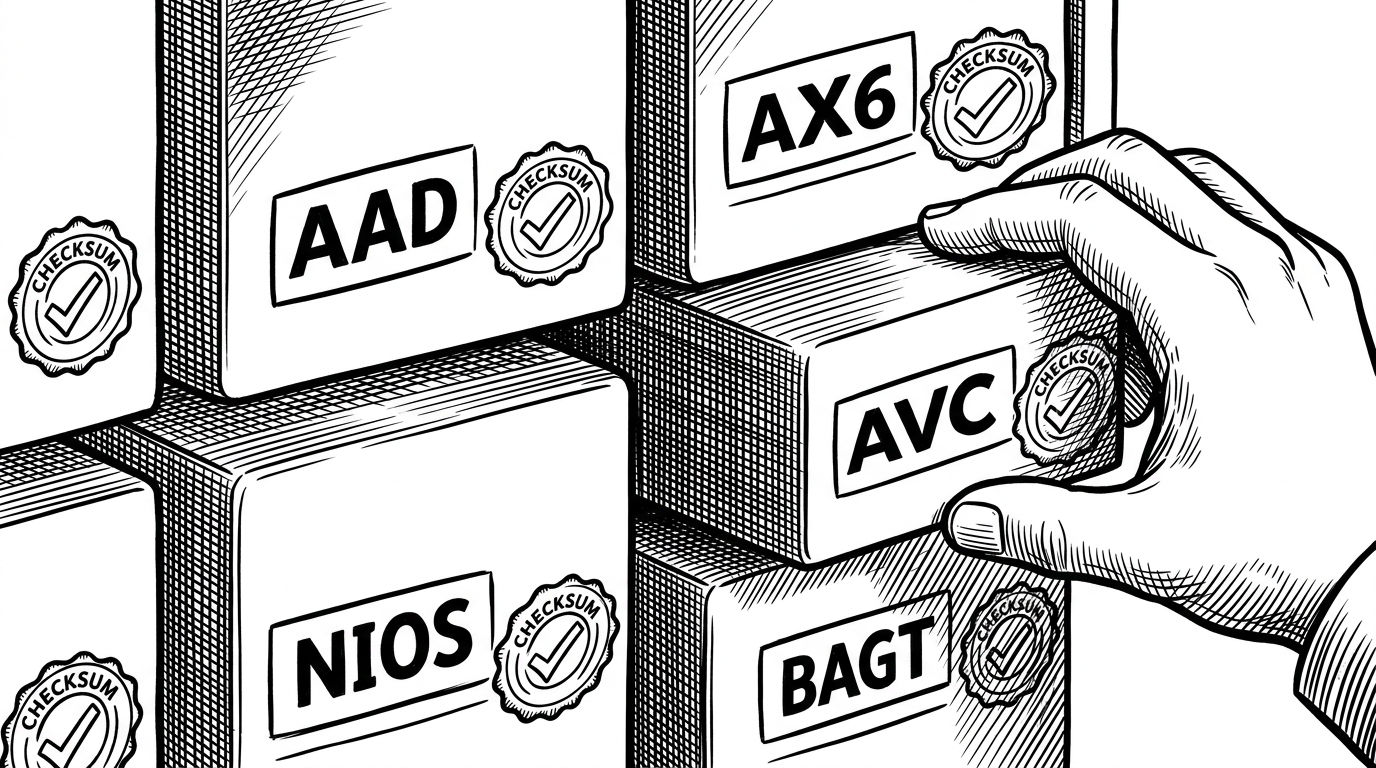
The maintenance script is the surprise. Instead of asking a maintainer to hand edit version strings and checksum rows, scripts/update_release_checksums.py reads release metadata, collects hashes for the supported artifacts, and rewrites Formula/dify.rb in place. The formula becomes generated output, which is why the tap can stay current without turning into a brittle manual checklist.
release = get_latest_release("langgenius/dify-plugin-daemon")
checksums = fetch_checksums(release["assets"])

formula = Path("Formula/dify.rb").read_text()
formula = re.sub(r'version ".*?"', f'version "{release["tag_name"]}"', formula)
formula = re.sub(r"CHECKSUM_MAP = \{.*?\}", render_map(checksums), formula, flags=re.S)
Path("Formula/dify.rb").write_text(formula)
How Homebrew picks the right binary
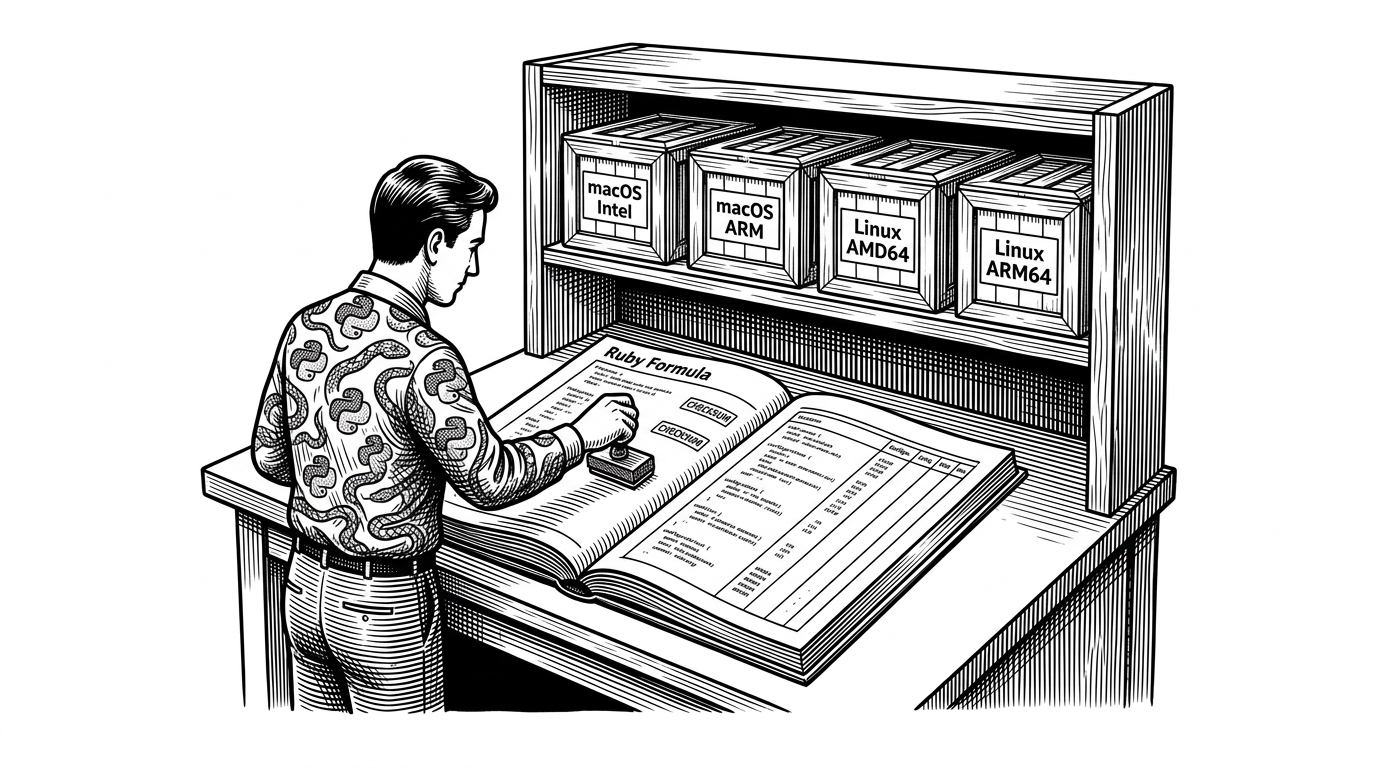
The Ruby formula does not compile anything locally. It looks at the operating system and CPU, chooses the matching artifact, verifies the checksum, then renames the downloaded binary to dify for the user. That is the whole trick: a platform matrix hidden behind a single command name.
case
when OS.mac? && Hardware::CPU.arm?
  cli_bin_name = "dify-plugin-darwin-arm64"
when OS.mac? && Hardware::CPU.intel?
  cli_bin_name = "dify-plugin-darwin-amd64"
when OS.linux? && Hardware::CPU.arm?
  cli_bin_name = "dify-plugin-linux-arm64"
else
  cli_bin_name = "dify-plugin-linux-amd64"
end

bin.install "dify" => "dify"
What this saves you from
The tap’s win is not raw power. It is choosing the lowest-friction path for the most common case. Compared with Docker, source builds, or a manual tarball, Homebrew gives the project a familiar install, automatic upgrades, and a checksum gate that most users never have to think about.
| Path | Friction | Trust | Why use it |
|---|---|---|---|
| homebrew-dify | Low | SHA256-pinned per platform | Fast terminal installs for Homebrew users |
| Docker Compose | Medium | Container digests and extra runtime layers | Full self-hosted deployments |
| Source build | High | Local toolchain and build steps | Contributors and debuggers |
| Direct binary download | Low to medium | Manual verification is on the user | One-off installs outside Homebrew |
When trust breaks, the tap has to move fast
Packaging falls apart at the edges. One install issue reported a SHA256 mismatch on version 0.0.9, and the thread shows the value of having a single scripted source of truth. If the binary changes, the formula can be regenerated. The user does not need to reverse engineer which file is stale.

You tested it on a MAC The Linux version still won't install
What the tap says about Dify
This repo says Dify is serious about the last mile. The CLI is not just a tool to ship, it is a tool to make the project feel installable, updatable, and boring in the best possible way. That is what good distribution looks like. The user should see one command. The maintainers should see a release system they can trust.