ngx-transforms: The Angular pipe library that turns templates into a utility layer
Pure, standalone pipes for text, privacy, media, and QR generation, built for developers who want more logic in the template without losing performance discipline.
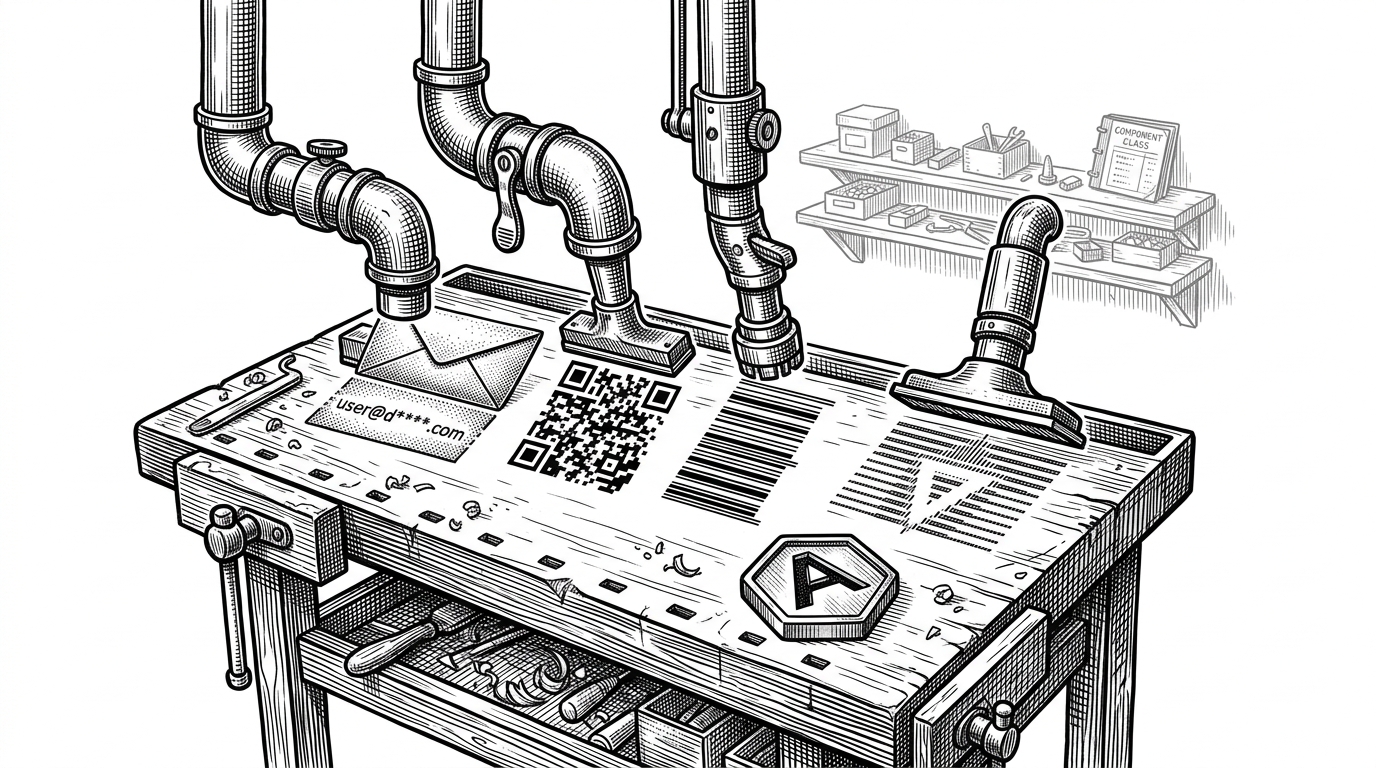

A comprehensive collection of modern, type-safe, and performant standalone Angular pipes for common data transformations.
- ngx-transforms treats Angular templates as a real utility layer, not a dumping ground for formatting helpers.
- Its architectural bet is that pure standalone pipes are the cleanest way to stay declarative without sacrificing tree-shakability or zoneless performance.
- The library's value is breadth with discipline, because one package covers text, privacy, QR, barcode, and other awkward utility jobs that teams usually scatter across custom code.
- Compared with Angular built-ins and older pipe packs, ngx-transforms optimizes for modern Angular conventions rather than maximum legacy compatibility.
The helper function, reborn as a pipe
In most Angular codebases, tiny transforms drift into component classes because that is the default escape hatch. ngx-transforms argues for the opposite placement. If a task is pure, repeatable, and tied to presentation, the template can own it cleanly.
That framing matters because the repo is not a toy collection. It is built by Mofiro Jean-Marie, documented as a modern Angular utility library, and aimed at teams that want the template to carry some of the routine transformation load.
Pure and Performant -- All pipes are pure by default, ensuring optimal change detection performance.
Why pure pipes matter in a zoneless Angular world
Standalone pipes plus purity make the pitch work. Pure pipes only recalculate when Angular sees a new input reference, which keeps change detection quiet and predictable. That matters more in modern Angular, where the direction of travel is toward slimmer runtime assumptions and less accidental work.
The public API backs that up. Each pipe is exported individually from the library entrypoint, and the package marks itself as side-effect free, which gives bundlers a clear path to drop whatever a feature never imports.
import { Component } from '@angular/core';
import { CamelCasePipe, EmailMaskPipe, QrCodePipe } from 'ngx-transforms';

@Component({
  standalone: true,
  selector: 'app-profile-card',
  imports: [CamelCasePipe, EmailMaskPipe, QrCodePipe],
  template: `
    <h2>{{ displayName | camelCase }}</h2>
    <p>{{ email | emailMask }}</p>
    <img [src]="contactUrl | qrCode" alt="QR code">
  `
})
export class ProfileCardComponent {
  displayName = 'acme payments';
  email = 'alex@example.com';
  contactUrl = 'https://example.com/contact';
}
The catalog is wider than formatting
This is not just camel case and title case. The catalog includes privacy masks for email and IP data, QR and barcode generation, and even stranger conveniences like ASCII art. That is the sort of utility surface teams usually assemble from three or four smaller packages.

The close-up view is the point. One expression can do several small jobs, while the component class stays out of the way. In practice, that means less TypeScript ceremony and more readable templates.
<p>{{ value | camelCase }}</p>
<p>{{ email | emailMask }}</p>
<p>{{ ipAddress | ipAddressMask }}</p>
<img [src]="contactUrl | qrCode" alt="QR code">
<span>{{ headline | asciiArt }}</span>
How the repo is wired
The repository layout reinforces the product idea. libs/ngx-transforms holds the pipes, apps/docs turns them into live examples, apps/docs-e2e locks behavior down with Playwright, and GitHub Actions keeps linting, tests, and builds on the rails. It reads like a library that expects to be used, demoed, and maintained as a system, not as a pile of snippets.
ngx-transforms/
├─ apps/
│  ├─ docs/
│  └─ docs-e2e/
├─ libs/
│  └─ ngx-transforms/
│     ├─ src/
│     │  ├─ index.ts
│     │  └─ lib/
│     └─ project.json
└─ .github/
   └─ workflows/
The docs app is not just a gallery. Its model file drives category navigation and marks recently added pipes automatically, which gives the site a little product discipline without turning it into a CMS. That is a nice fit for a library with a lot of small surface area.
ngx-transforms vs the defaults
| Surface | Angular floor | Imports | Pure by default | Tree-shakeable | Notable utilities | Best fit |
|---|---|---|---|---|---|---|
| Angular built-ins | Core framework | Built in | Yes | Yes | Dates, case changes, JSON, currency | Baseline formatting |
| ngx-transforms | Angular 21+ | Standalone pipe imports | Yes | Yes | Text, privacy, QR, barcode, ASCII art | Modern utility layer |
| ngx-pipes | Broad Angular support | Module or pipe imports | Mixed by pipe | Usually yes | Large general-purpose catalog | Broad legacy utility pack |
The comparison is straightforward. Angular built-ins are the baseline, ngx-pipes is the broad incumbent, and ngx-transforms is the focused modern challenger that trades legacy breadth for Angular 21+ discipline and a curated utility set. If you want maximum compatibility, the older pack is safer. If you want a leaner fit for standalone, pure, tree-shakeable templates, this library has the cleaner story.
What kind of team should care
This is for Angular teams that already think in standalone components, want to keep feature code thin, and keep running into the same little chores: hide an email, generate a QR code, normalize some text, render a barcode. Those are exactly the places where a template-level utility layer pays for itself.
- Teams standardizing on standalone Angular components.
- Apps that repeat masking, QR, barcode, or casing logic.
- Codebases that want utility code importable, pure, and tree-shakeable.
The bigger idea is not that templates should do everything. It is that they can do the right small things, with less ceremony and less runtime cost, when the transformation layer is designed with modern Angular in mind. ngx-transforms is a tidy argument for that future.