Colab-Code: The No-Login Browser IDE That Avoids Edit Wars
A Supabase-backed codespace shows how an anti-friction stack can feel immediate: unguessable URLs, file locks, optimistic state, and hover-preloaded Monaco.

- Colab-Code is interesting because it treats immediacy as the product, not login flows or account setup.
- Its real innovation is not Monaco or Supabase by themselves, but how unguessable links and file locks keep shared editing workable without identity infrastructure.
- Hover-triggered editor preloading turns a heavy browser IDE into something that feels responsive before the click lands.
- The project sits in a narrower lane than Codespaces or multi-cursor tools, which is exactly why its tradeoff feels sharp and legible.
A browser IDE that refuses to make you sign in
Most collaborative dev tools start by asking who you are. Colab-Code starts by asking only whether you have the link. That makes it useful for demos, quick debugging, and one-off shared sessions where authentication would be pure friction.
The product bet is not “full enterprise IDE.” It is faster time to first shared edit. That is a different standard, and a smarter one for the problem this repo is trying to solve.
The trick: unguessable links plus file locking
The first guardrail is the slug. A `nanoid(10)` entry point gives each workspace an unguessable URL, which is enough to make casual discovery unlikely without forcing anyone through a signup wall.
But the real safeguard is file locking. In an auth-light system, collision control matters more than identity theater. Colab-Code behaves less like Google Docs for code and more like a shared workspace with turn-taking.
onMouseEnter={() => {
  if (!isFolder) {
    preloadMonaco();
  }
}}
That tiny hover handler matters because it changes the system from reactive to anticipatory. The editor does not wait for a click to start waking up.
Why the editor feels instant
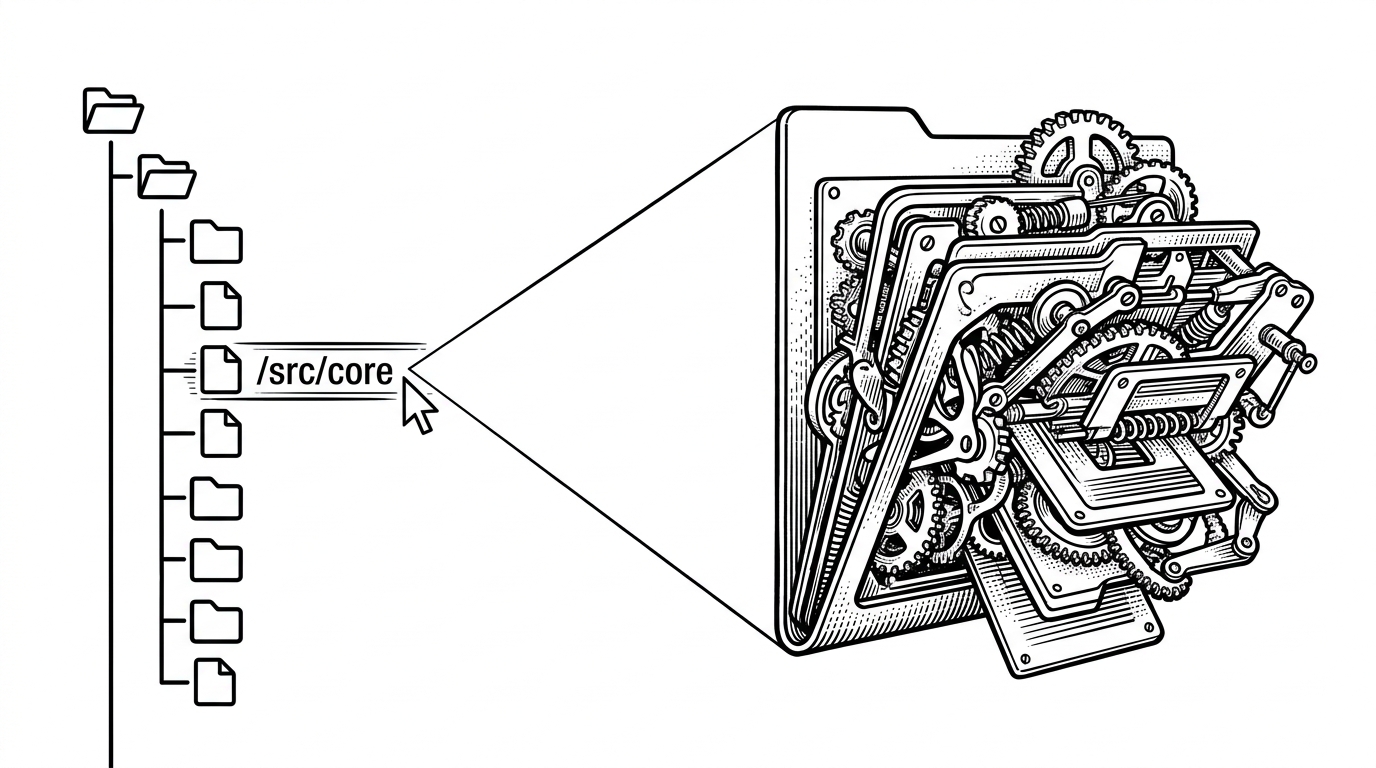
Monaco is heavy, so the code treats it like a machine that should wake up just before use. Lazy loading keeps the initial bundle lighter, while hover-based preloading narrows the gap between intent and action.
That matters more than raw benchmark numbers. Users forgive complexity if the interface anticipates them. They do not forgive a browser IDE that stalls on the first file click.
The app is really three systems stitched together
The codebase has a clean division of labor. Supabase stores the shared state, Zustand keeps the local UI coherent, and Monaco plus the recursive file tree render the actual working surface.
That split is what makes the app feel understandable. The backend handles persistence and coordination. The store handles immediacy. The editor handles the hard part users can see.
| Layer | Role | Why it matters |
|---|---|---|
| Supabase | Persistence and shared records | Stores codespaces, files, comments, and locks without a custom backend |
| Zustand | Local UI state | Keeps tabs, active files, and optimistic updates snappy |
| Monaco + file tree | Editing surface | Makes the workspace feel like a real IDE instead of a form |
| Locking logic | Concurrency control | Prevents two people from editing the same file at once |
What Colab-Code is, and what it is not
Colab-Code is not trying to be a full realtime co-editing suite. It does not compete on multi-cursor choreography or deep workspace orchestration.
It is closer to a lightweight shared codespace. Compared with Codespaces, it is narrower. Compared with the older ColabCode pattern, it is more explicit about locks and interaction flow. That narrower scope is the point.
| Project | Login friction | Collaboration model | Persistence | Best fit |
|---|---|---|---|---|
| Colab-Code | None | Shared access with file locking | Supabase-backed codespaces and files | Fast link-based collaboration |
| abhishekkrthakur/colabcode | Low | Launches VS Code in Colab via tunneling | Session-oriented setup | Quick remote IDE bootstrapping |
| Google Colab VS Code extension | Requires Colab and VS Code | Local VS Code connected to Colab runtime | Google-managed runtime context | Users who want a sanctioned workflow |
| GitHub Codespaces | Account-based | Full cloud dev environment | Persistent cloud workspace | Heavier, general-purpose development |
The bigger pattern: tools that trade signup for trust
Colab-Code fits a broader shift in developer tooling. The best lightweight tools increasingly remove account creation, not because identity is bad, but because identity is often the wrong first step.
That is the real editorial lesson here. The repo shows how far you can get by optimizing for immediacy, then adding just enough structure to keep the shared experience sane.