ToastNotify: The Windows Identity Thief in Your Taskbar
How a tiny C# utility exposes the massive trust gap in the Windows Action Center by “borrowing” the credibility of your most trusted apps.
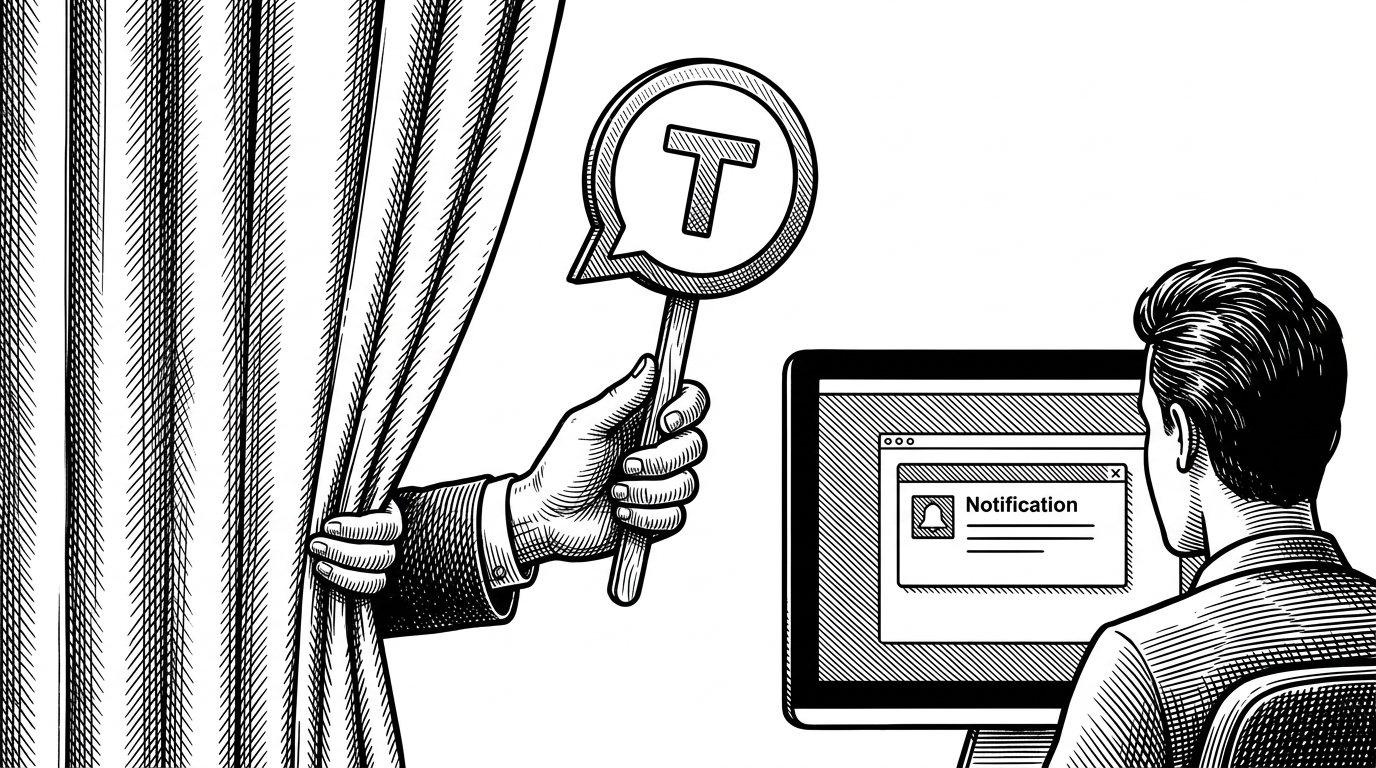
- ToastNotify exploits a lack of sender validation in the WinRT API to impersonate trusted applications like Windows Security or Teams.
- The utility scans the system registry to borrow Application User Model IDs from legitimate software.
- Attackers use the ToastGeneric XML schema to embed malicious protocol links that bypass standard browser warnings.
- This C# implementation makes sophisticated notification spoofing accessible outside of specialized red team frameworks.
The Perfect Mimic
You are deep in focus when a notification slides into the bottom right corner of your screen. It bears the familiar blue shield of Windows Security, warning of a critical update required. Or perhaps it’s an incoming call from a colleague via Microsoft Teams, complete with an "Accept" button. Everything about it—the icon, the typography, the layout—is pixel-perfect. But it is entirely fake.
This is the reality exposed by ToastNotify, a specialized C# utility designed to abuse the Windows Runtime (WinRT) Toast Notification system. While standard notification libraries help developers alert users legitimately, ToastNotify is built for deception. It is a masterclass in social engineering, demonstrating how easily the trust users place in system UI can be weaponized.
Borrowing Credibility: The AUMID Exploit
The core of ToastNotify’s capability lies in its exploitation of how Windows identifies applications. Every program installed on Windows has an Application User Model ID (AUMID). When a legitimate app wants to send a notification, it registers its AUMID with the OS, essentially saying, "I am Microsoft Edge, here is my message."
The vulnerability—or more accurately, the design choice—is that the WinRT ToastNotificationManager does not strictly validate the sender. ToastNotify doesn't register its own identity. Instead, it scans the registry for existing AUMIDs of trusted applications like Slack, Edge, or Defender. It then calls the API and passes the borrowed AUMID, effectively stealing the app's identity for that specific notification.
The XML Payload: Weaponizing the UI
Windows notifications are highly customizable, defined by an XML schema called "ToastGeneric". This schema allows developers to include images, text, and interactive elements like buttons or dropdown menus. ToastNotify leverages this flexibility to construct malicious payloads.
The real danger lies in the <action> tags. When a user clicks a button on a toast notification, the action can trigger a "protocol activation." This means the notification can silently launch a specific URI scheme, directing the user to a credential harvesting site or executing a malicious payload, all while bypassing standard browser warnings because the action originated from what the OS considers a trusted source.
<toast>
  <visual>
    <binding template="ToastGeneric">
      <text>Critical Security Update</text>
      <text>Click here to install immediately.</text>
    </binding>
  </visual>
  <actions>
    <action content="Install Now" arguments="http://malicious-site.com/login" activationType="protocol"/>
  </actions>
</toast>
From Memory to Disk: The Evolution
ToastNotify is a direct port of earlier techniques, notably the toastnotify-bof project. A Beacon Object File (BOF) is designed to run in memory via Command and Control (C2) frameworks like Cobalt Strike, leaving minimal trace on disk. This original approach was highly specialized for stealthy red team engagements.
By porting this logic to a standalone .NET C# application, the author, netbiosX, has made the technique more accessible. While a BOF requires a sophisticated C2 infrastructure, the C# version can be compiled into a single executable, making it versatile for a wider range of penetration testing scenarios and demonstrating the simplicity of the underlying API abuse.
| Feature | Legitimate Notification Library | ToastNotify (Spoofing Tool) |
|---|---|---|
| Identity (AUMID) | Registers its own unique ID. | Borrows existing IDs from the Registry. |
| Icon Source | Hardcoded to the application's binary. | Dynamically loaded via XML manipulation. |
| Primary Use Case | User alerts, application status. | Social engineering, credential harvesting. |
| Execution Context | Runs as the installed application. | Runs as an unprivileged user process. |
Closing the Trust Gap
The existence of tools like ToastNotify highlights a fundamental tension in OS design: the trade-off between developer friction and security. By making it easy for developers to send rich notifications, Windows created an environment where the Action Center implicitly trusts the sender.
For defenders, the challenge is significant. These notifications do not exploit a memory corruption bug or require elevated privileges; they abuse intended functionality. Recognizing the threat requires user education—teaching employees that a system notification is not inherently trustworthy, especially if it prompts for credentials or unexpected actions.