TaxHacker: The Self-Hosted Accounting App That Lets You Rewrite the Brain
A deep dive into the receipt parser that turns PDFs, photos, and invoices into structured transactions, with user-defined prompts, dynamic schemas, and local-model support.
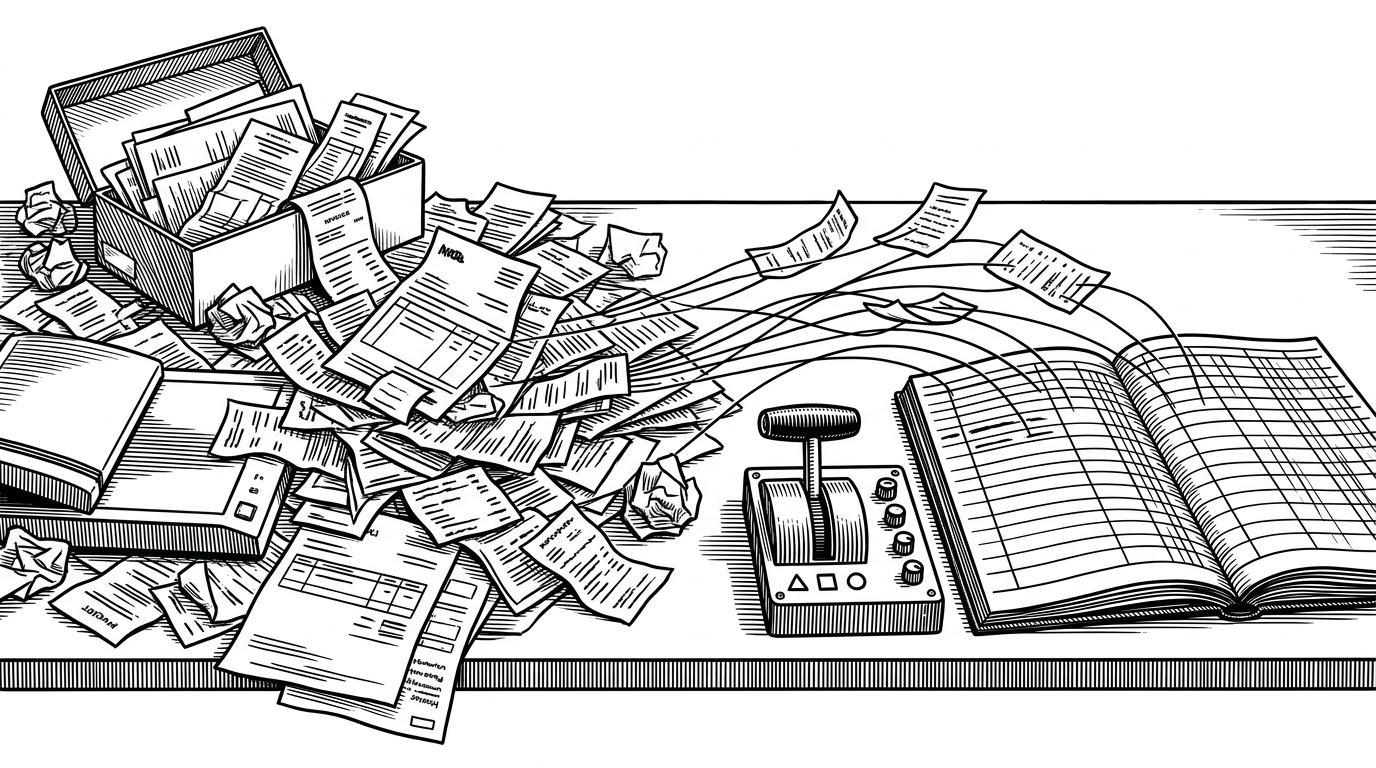

In short, it's a self-hosted parser/organizer for invoices, receipts and other financial documents, which saves me a lot of time and nerves as a freelance coder and indie hacker.
- TaxHacker turns receipt parsing into a programmable workflow, so the user can reshape the accounting brain instead of accepting a fixed extractor.
- Its core trick is not OCR, but forcing LLM output through user-defined schema and prompt logic so the result lands in typed financial fields.
- Self-hosting is part of the product design, not just a deployment option, which makes privacy and local-model support central to the workflow.
- The project is strongest where accounting tools are usually weakest: messy line items, foreign currencies, and rules that vary by user.
Most receipt tools try to make extraction invisible. TaxHacker does the opposite. It exposes the brain, then lets you tune it.
The Brain Is Programmable
The project’s core move is simple to describe and unusual in practice. Instead of asking a model to "read a receipt" and hoping for the best, TaxHacker builds the extraction task from user-defined fields, categories, and prompt logic, then constrains the model with a dynamic schema. That means the output is not just text. It is shaped to fit the ledger.
That distinction matters. A normal extraction tool produces a best-effort guess. TaxHacker tries to produce a valid object. The difference is the difference between a helpful demo and a system you can trust with your books.
Why This Exists
That origin story is not cosmetic. The app comes from real tax friction, especially the kind that freelancers feel when receipts, invoices, foreign payments, and privacy concerns all land in the same pile. TaxHacker is built for people who want automation without handing their records to a black box.
From Paper Chaos to Typed Transactions
The pipeline starts with an unsorted inbox. Uploads land there first, then the app analyzes the document, validates extracted data against the schema, and only then turns it into a transaction. The item splitter is the most practical twist. A single invoice can become several accounting entries when one receipt mixes business and personal purchases.
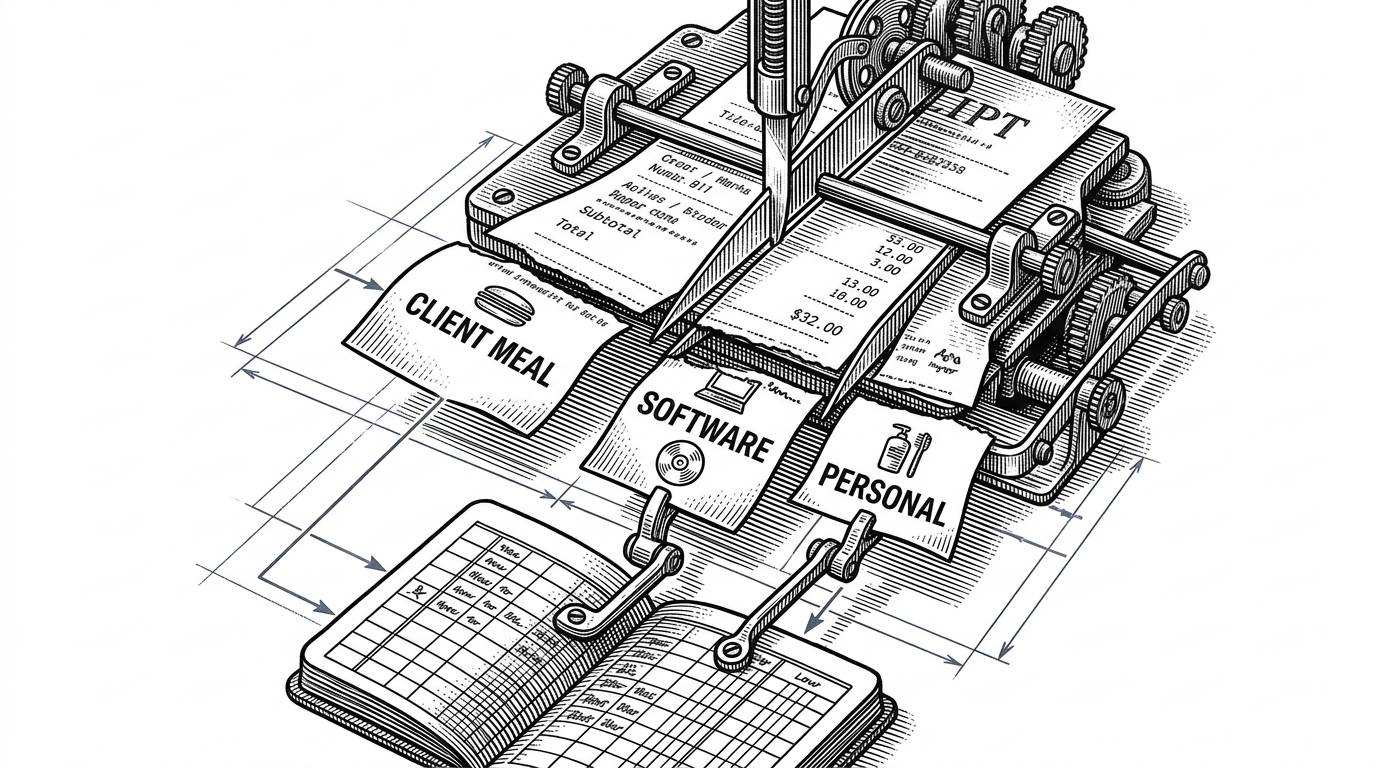
That is where the app stops behaving like an archive and starts behaving like a workflow. It is not preserving documents for later. It is deciding what each line means now.
Prompt to transaction
The Other Clever Trick: Currency as a First-Class Problem
TaxHacker treats foreign money as part of the accounting problem, not a separate cleanup step. The app includes historical exchange-rate lookup, so the transaction can be converted using the rate from the document date instead of a generic current-day estimate. That makes the output more useful for tax work, especially when the document trail crosses borders.
// Conceptual shape of the currency step
const converted = await getHistoricalRate({
  from: receipt.currency,
  to: userBaseCurrency,
  date: receipt.date,
})

const amountInBase = receipt.amount * converted.rate

saveTransaction({
  ...receipt,
  amountInBase,
  exchangeRate: converted.rate,
})| Problem | Generic receipt app | TaxHacker |
|---|---|---|
| Foreign-currency receipt | Stores the amount, leaves conversion to the user | Looks up a historical rate and stores the converted value |
| Mixed-item invoice | Keeps one document as one record | Can split a receipt into multiple accounting entries |
| Tax relevance | Good for storage | Built for deductible, typed financial workflows |
That same philosophy shows up in the built-in invoice generator. It is a small signal, but a telling one. The product is not trying to be a single-purpose parser. It is trying to be the place where a freelancer’s financial paperwork actually gets finished.
Why Local Models Matter Here
The multi-provider layer is not just a convenience feature. It is what makes the privacy story credible. TaxHacker can route requests to OpenAI, Gemini, Mistral, or an OpenAI-compatible local endpoint such as Ollama or LM Studio. In practice, that means the same pipeline can run as cloud-assisted, self-hosted, or somewhere in between.
| Provider mode | What it buys you | What it asks of you |
|---|---|---|
| Cloud model | Convenience and strong general extraction | You send financial data to a third party |
| Local OpenAI-compatible model | Private inference and local control | You manage setup, performance, and quality |
| Pluggable provider layer | Flexibility across environments | You accept another abstraction layer to maintain |
This is where TaxHacker becomes more than a privacy pitch. The privacy claim is enforced by the architecture. If the model endpoint is replaceable, the data path is replaceable too.
How It Stacks Up
| Project | Best at | AI extraction depth | Accounting focus | Fit for TaxHacker-like workflows |
|---|---|---|---|---|
| Paperless-ngx | Document archiving and OCR | Light or community-added | Not primarily accounting | Strong on storage, weaker on structured tax output |
| Firefly III | Personal finance and bookkeeping | Not AI-first | Manual bookkeeping and budgeting | Strong on finance, weaker on receipt automation |
| Receipt Wrangler | Self-hosted receipt management | AI-assisted | Receipt workflows with collaboration | Closest in spirit, but narrower in accounting specificity |
| TaxHacker | AI-steered accounting intake | Core feature | Structured tax-ready transactions | Built for the exact receipt-to-ledger problem |
The category line is the real story. Paperless-ngx is a document archive. Firefly III is a finance system. Receipt Wrangler is a modern receipt manager. TaxHacker lives where those tools overlap, then adds user-steerable AI as the core mechanism rather than an add-on.
The Trade-Offs
Flexibility cuts both ways. A system that lets users rewrite prompts, fields, and categories can adapt to real tax workflows, but it also becomes easier to break. Prompt drift, schema mismatch, and multi-tenant safety all become live product questions, not theoretical ones.
- More freedom means more ways for the extraction pipeline to fail silently.
- User-editable prompts are powerful, but they complicate shared hosting and support.
- The product gets stronger as a personal tool, and harder as a generalized SaaS.
The main idea that differentiates TaxHacker from other similar AI-parsers is that I wanted to make a tool that gives the user 100% control over all aspects: Data privacy - my documents are stored on my home server and accessible as simple files even if the app is dead, no proprietary formats. Unlimited structure - I didn't want to be limited to my predefined database structure once and forever, I wanted to be able to create any new columns, categories and fields at any time (like good old Excel). Fully customizable LLM prompts - even the main system prompt can be changed in two clicks in the settings if I don't like it.
That quote reads like a product brief and a philosophy statement at once. The bet is clear: give users enough control and they can encode their own accounting reality better than a fixed-purpose app can.
What TaxHacker Suggests About the Future
TaxHacker is a good example of where AI-native utilities are heading when they are built for real work instead of chat. The point is not that the model is intelligent. The point is that the software lets the user author the intelligence. That is a sharper idea than automation alone, and a more durable one than novelty.