hermes-workspace: Hermes Workspace Turns a Chat Box Into a Command Center
It starts as a standard OpenAI-compatible client, then unlocks memory, terminal, skills, and sessions when the Hermes gateway is present.
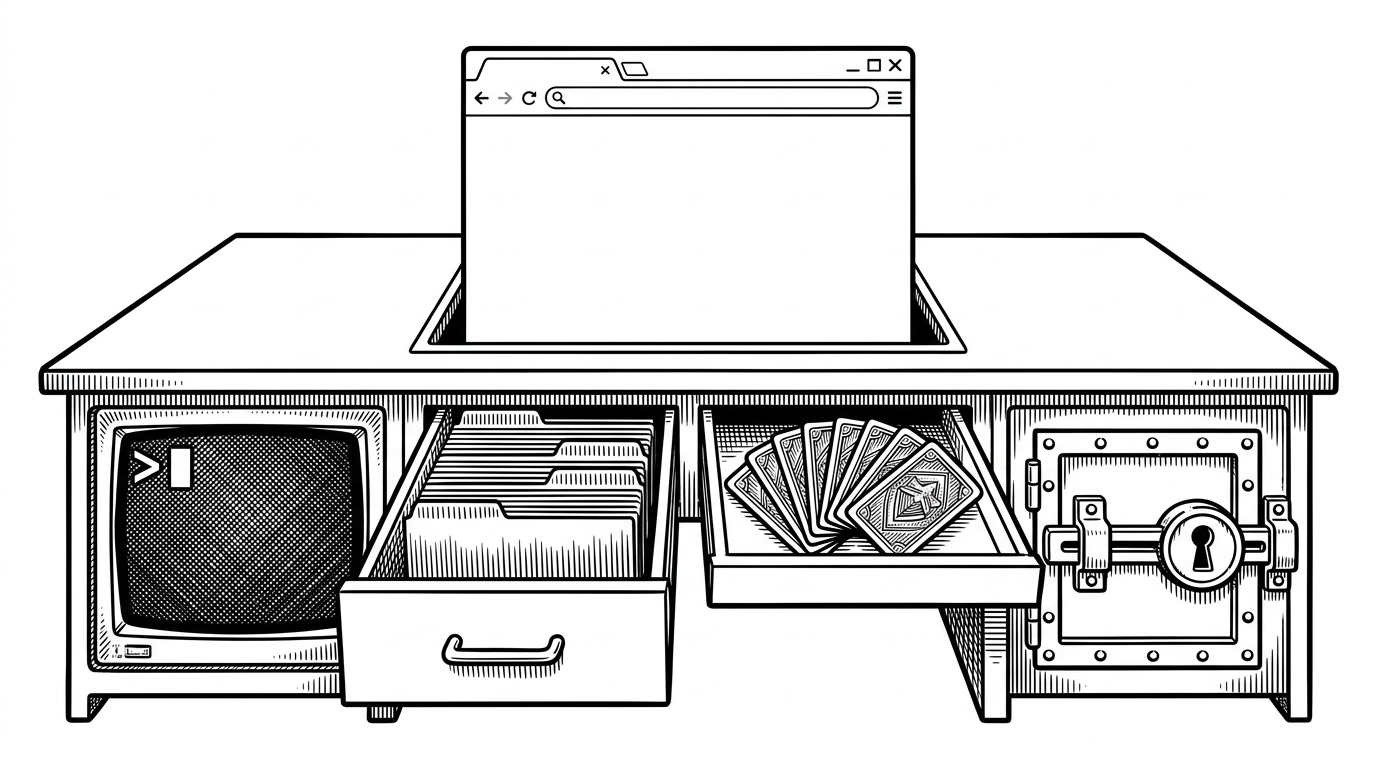
- Hermes Workspace succeeds because it treats advanced agent features as an upgrade layer, so one interface can serve both generic OpenAI-compatible backends and the Hermes gateway.
- Its real product is orchestration, not chat: terminal, memory, skills, files, and inspector all live inside one security-aware workspace.
- The strongest engineering is the invisible kind, especially the streaming and scrolling logic that keeps the UI calm while the agent keeps talking.
- The repo competes with CLIs and chat clients by offering a browser-based command center for people who want local control without a clunky local UX.
Most AI clients stop at messages. Hermes Workspace starts there, then adds the pieces developers actually need: a terminal, memory, skills, file inspection, and a security gate around execution. That is why the repo matters. It is not trying to be another chat app. It is trying to be the surface where an agent does real work.
The project was built for the Nous Research hackathon as a native web front end for the Hermes Agent ecosystem. The stack is intentionally mainstream: React 19, TanStack Start, TanStack Router, Zustand, TanStack Query, Tailwind 4, Monaco, and Xterm.js. The codebase is overwhelmingly TypeScript, which fits the job, not just the taste.
A workspace that upgrades itself
The sharpest idea in Hermes Workspace is graceful enhancement. Point it at any OpenAI-compatible backend and you get a usable client. Point it at a backend that also speaks Hermes gateway, and the same shell can unlock sessions, memory, skills, and jobs without forcing a fork in the product.
That matters because it lowers adoption friction. A team can start with a generic backend, then grow into the full Hermes stack when it is ready. The UI does not punish partial setups. It rewards deeper integration.
What lives inside the shell
Inside the shell, the repo behaves like a compact IDE. `workspace-shell.tsx` controls the persistent layout and connection startup, while `prompt-kit/chat-container.tsx` handles streaming without yanking the scroll position away from the reader. `terminal-workspace.tsx` dynamically loads Xterm so the terminal can live inside the same page without server-side rendering pain. Memory, skills, and inspector screens sit beside chat instead of hiding in separate tools.
That is the product insight. An agent is more useful when it is treated like a worker with tools, not a text generator with a prettier box. Hermes Workspace gives it a browser-native workbench, then keeps the whole thing coherent enough to use all day.
How the UI avoids fighting the user
The best AI UX disappears when the stream gets noisy. Hermes Workspace uses a `ResizeObserver` and a stick-to-bottom check so new tokens scroll only when the user is already at the bottom. If the reader scrolls up, the UI backs off. That sounds small, but it is the difference between a calm transcript and an interface that keeps grabbing the wheel.
The same restraint shows up in the security posture. Auth middleware protects routes, the content security policy is strict, and execution requires approval. For an agent workspace, that is not polish. It is the boundary that keeps a powerful UI from becoming a careless one. The mobile-first PWA behavior also matters because a control room that only works on a laptop is not really a control room.
Where it sits in the market
The closest comparisons are not other chat apps. They are tools that pick one axis and stop there. Hermes Workspace is broader than a terminal-only CLI, more integrated than a messaging wrapper, and more portable than a model-locked product.
| Project | Shape | What it does well | Trade-off |
|---|---|---|---|
| Hermes Workspace | Browser-based workspace | Portable baseline, gateway unlocks, terminal, memory, skills, inspector | Needs Hermes backend support to reach full depth |
| Claude Code | Terminal-first CLI | Fast coding loop and a tight command-line workflow | Locked to Claude models and the terminal |
| Codex CLI | Terminal plus app | Thread memory and a skills marketplace | Less of a single, unified workspace |
| OpenClaw | Multi-platform assistant | Plugin-style memory and delegation | Less integrated than a full command center |
That is the cleanest way to read the repo. It is not a novelty chat layer. It is a browser-native operating surface for agentic work, designed to start simple and scale up when the backend earns it. That makes the idea sturdier than another chat clone, and more interesting than a one-off demo.