NexCart: The Storefront That Lives Entirely in the Browser
A React and Tailwind e-commerce app that turns Context, localStorage, and geolocation into a surprisingly complete retail UX.
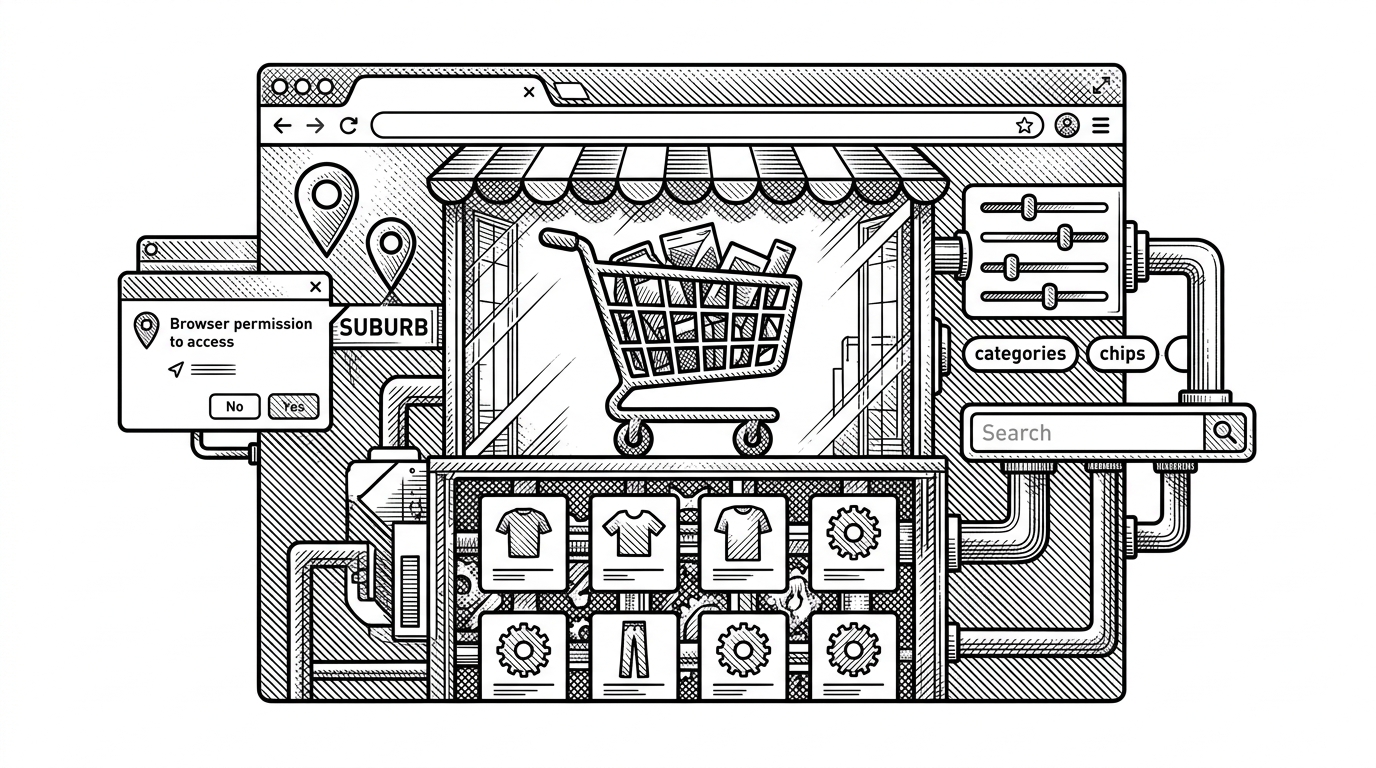
- NexCart’s strongest idea is that the browser itself can hold enough state to feel like a real store.
- Its cart, filters, and location signal are separate flows, which keeps the app responsive without making the code feel tangled.
- The lazy localStorage cart initializer is a small implementation choice with a large UX payoff.
- This is a polished frontend commerce pattern, not a full commerce platform, and that is exactly why it is interesting.
A storefront that remembers you
Refresh the page and the cart is still there. Change the filter and the grid responds immediately. Let the app infer your location and the navbar starts behaving like a live retail system instead of a static catalog.
That is the trick in NexCart. It makes a store feel durable and aware using mostly browser-native primitives, plus a clean React 18 and Tailwind 4 stack. The result is not backend theater. It is a frontend that does the jobs users normally assign to backend-heavy commerce software.
The browser as retail engine
const [cartItems, setCartItems] = useState(() => {
  return JSON.parse(localStorage.getItem('cart')) || [];
});

useEffect(() => {
  localStorage.setItem('cart', JSON.stringify(cartItems));
}, [cartItems]);
That lazy initializer matters. React reads the cart before the first paint, so the user does not see an empty basket and then watch it refill a moment later. The app feels present tense.
A comprehensive Full Stack MERN e-commerce application featuring JWT authentication, product management, cart functionality, secure checkout, and a dedicated admin panel. Built for scale and performance.
Why the cart feels instant
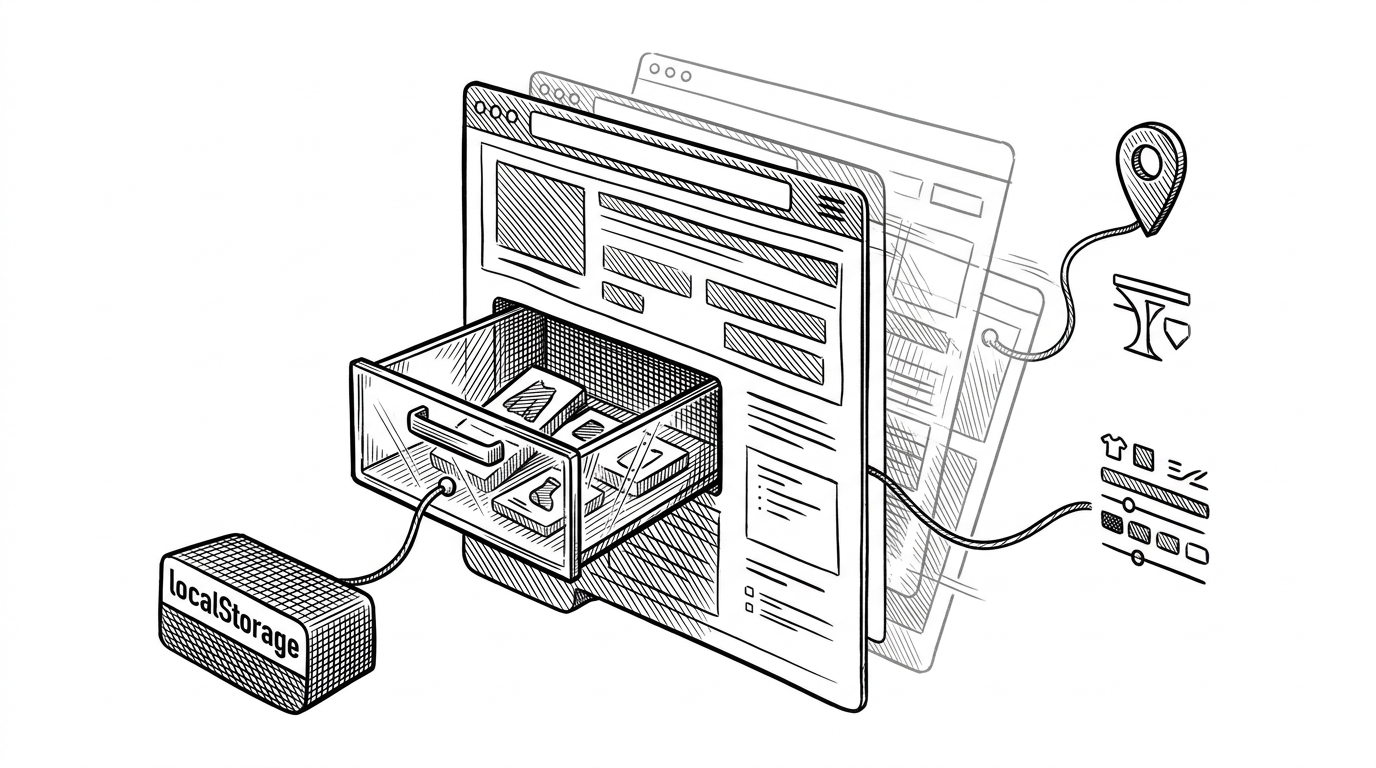
NexCart’s cart logic is not trying to be clever. It reads persisted state once, keeps it in Context, and pushes updates back to storage whenever the array changes. That is boring in the best way.
The perceived quality jump comes from what is missing. There is no prop drilling through the component tree, no fetch on every page load, and no empty-cart flash. The implementation is small, but it behaves like a higher-grade product decision.
Filtering that stays responsive
The product page uses a predictable client-side pipeline: search, category, price, rating, then pagination. That sequence is the point. It keeps the mental model small enough that the UI can stay fast and the code can stay readable.
| Dimension | NexCart | Heavier commerce stack |
|---|---|---|
| State location | Browser memory plus localStorage | Database, API, cache, and session layers |
| Filtering | Client-side and immediate | Often server-backed or hybrid |
| Complexity | Low enough to reason about in one sitting | High enough to require platform discipline |
| Best fit | Portfolio storefront, demo catalog, lightweight shop | Production commerce with many integrations |
That approach will not scale forever. But for a catalog of this size, it is a rational trade. The app chooses responsive interaction over infrastructure ceremony, and that choice is visible everywhere.
Location as a retail signal
The most interesting product idea in the repo is not the cart. It is location. NexCart uses the browser’s geolocation API and reverse geocoding from OpenStreetMap Nominatim to turn coordinates into a readable place name, then shows it in the navbar.
That matters because location is commerce context. It can imply shipping speed, assortment, availability, or just a sense that the store knows where you are. The feature is simple, but it changes the tone of the entire app from generic storefront to situational storefront.
Tailwind 4 changes the shape of the stylesheet
@import "tailwindcss";

@custom-variant dark (&:where(.dark, .dark *));
This is a small line with a big architectural effect. Styling shifts toward CSS-first configuration, and dark mode becomes a variant rather than a scattered set of ad hoc choices. That makes the project feel current without adding framework drama.
A good demo, not a platform yet
NexCart compares well against both heavyweight platforms and generic storefront demos, but for different reasons. It is clearer than a full commerce platform and more convincing than a basic template.
| Project type | What it optimizes for | What it does not try to do |
|---|---|---|
| NexCart | Perceived completeness from browser-state choreography | Marketplace ops, multi-tenant commerce, deep integrations |
| WooCommerce or MedusaJS | Full commerce capability and extensibility | Minimal code, minimal moving parts |
| Generic storefront template | Fast product presentation | Stateful retail behaviors that feel real |
That is the right frame for it. NexCart is a strong pattern library for frontend-native commerce thinking. It shows how far you can get when the browser is treated less like a viewport and more like the store’s operating system.