t3code: T3 Code: The Desktop Body for Terminal AI Agents
A deep look at the Electron control plane, Effect-based architecture, and secure bootstrap protocol that let CLI coding tools run with a real GUI, a real lifecycle, and a real remote-first model.
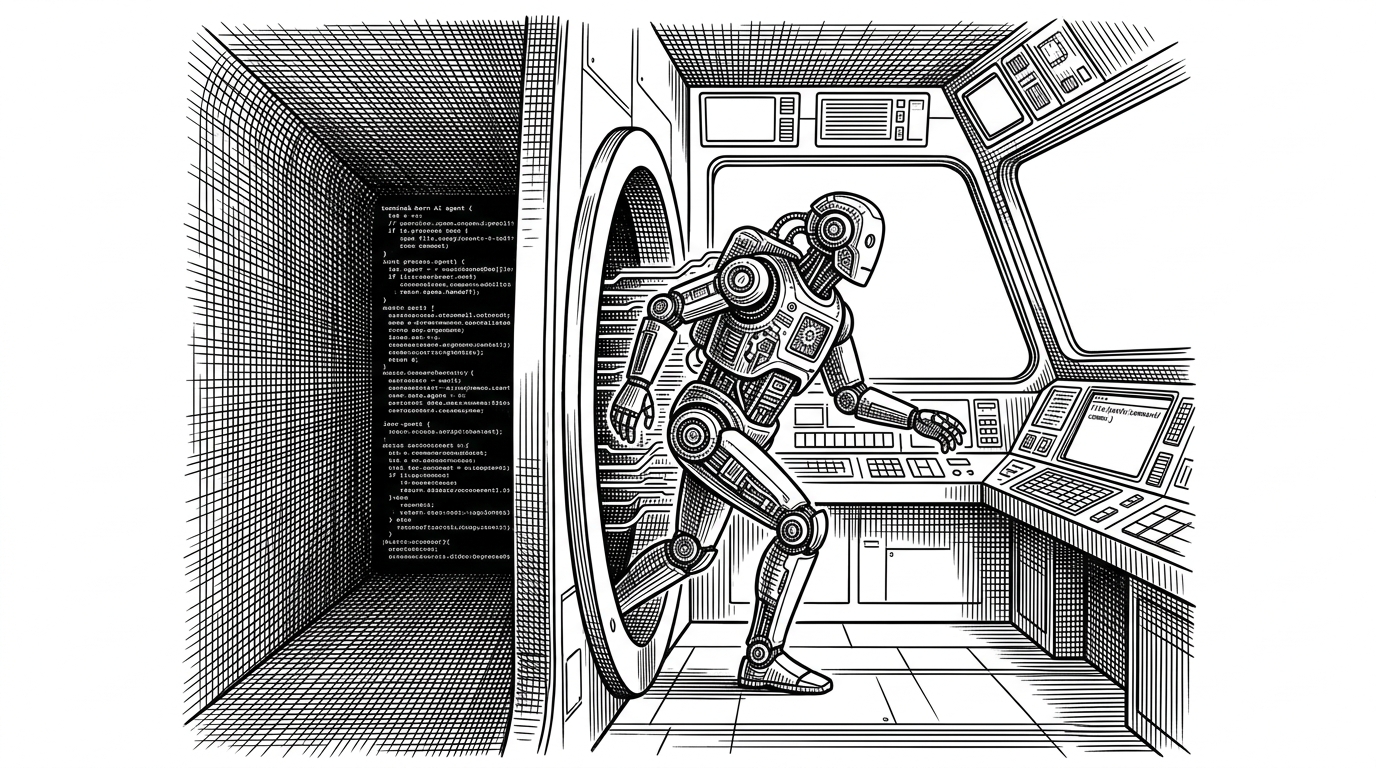
- T3 Code treats coding agents like supervised processes, not like chat sessions.
- Its Effect-based runtime is the reason the desktop app, backend, and IPC boundary stay composable and testable.
- The secure bootstrap handshake moves sensitive configuration out of env vars and into a tighter startup path.
- Remote-first support makes the project about where the agent runs, not just how the UI looks.
A GUI That Behaves Like Infrastructure
T3 Code is easy to misunderstand if you only read the surface. It has a desktop UI, but it is not trying to be a prettier shell for Claude Code, Codex, or OpenCode. It behaves more like an operations layer for agentic tools that were born in the terminal and now need supervision, lifecycle control, and a place to live on screen.
That shift matters. A terminal agent can be powerful and still feel blind. Once you add a desktop body, the interesting problem stops being input and output. It becomes state, trust, and control.
Why Terminal Agents Needed a Body
Terminal agents are efficient at doing work, but they are hard to observe in motion. Their state is scattered across a process tree, a log stream, and a handful of environment variables. If you want to pause them, inspect them, reconnect to them, or move them to a remote machine, the terminal alone is a thin interface for the job.
T3 Code answers that by making the desktop app the supervisor. The GUI is not the product. The lifecycle around the GUI is the product.
Effect Is Not a Detail. It Is the Architecture
The codebase is built around Effect layers, not ad hoc object construction. In `apps/desktop/src/main.ts`, the app composes its dependencies with patterns like `Layer.mergeAll(...)`, which means the runtime is assembled from explicit parts rather than hidden globals.
const desktopFoundationLayer = Layer.mergeAll(
  fileSystemLayer,
  processLayer,
  ipcLayer,
  backendManagerLayer,
  // ...other services
)
That choice pays off in three places. First, it makes dependencies swappable. Second, it keeps failures typed instead of implicit. Third, it gives the team a way to test complex runtime behavior without pretending the world is simpler than it is.
The Secure Handshake: How Desktop and Server Start Trusting Each Other
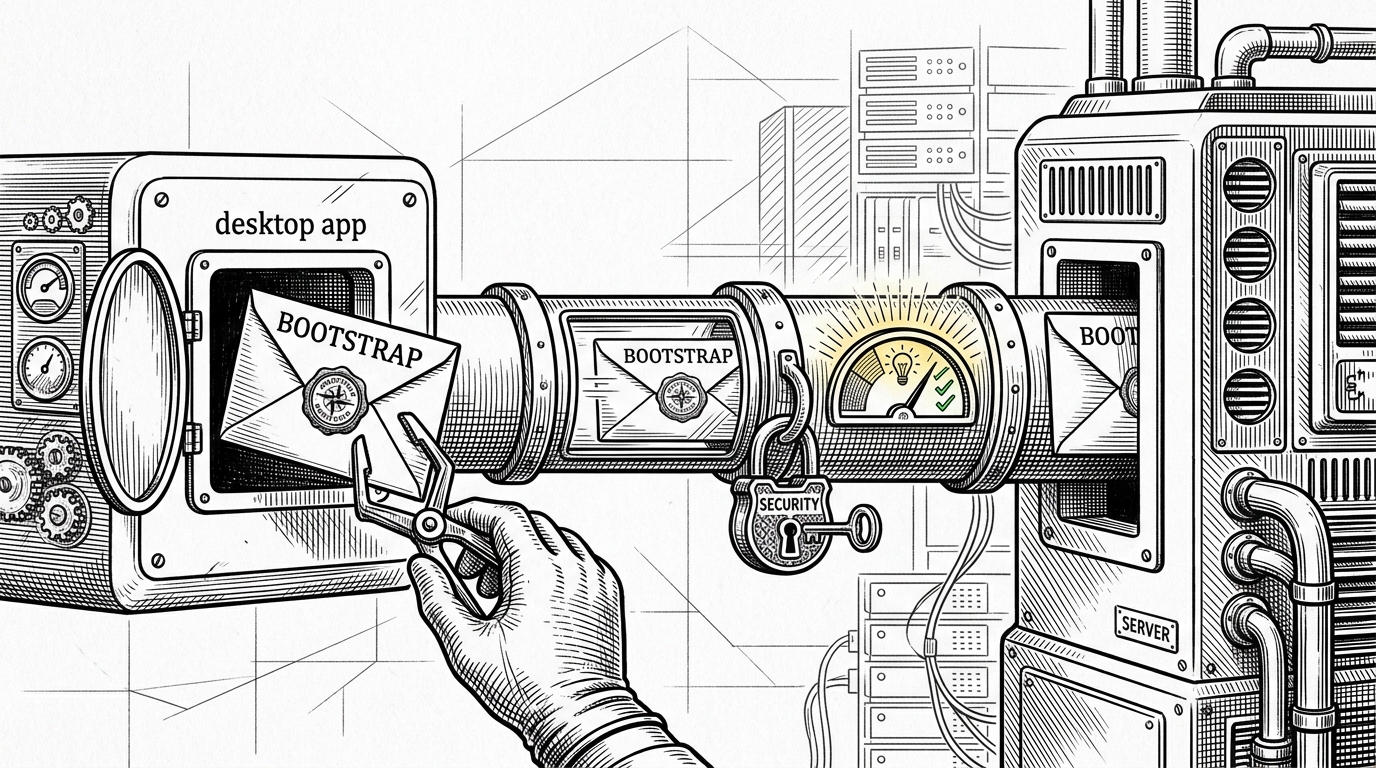
This is the most distinctive part of the system. T3 Code uses a bootstrap envelope passed through a file descriptor, then read once by the server at startup. That avoids the obvious leak paths of environment variables and command-line arguments, both of which can expose sensitive values in process listings or tooling output.
The backend manager treats the server like a managed service, not a fire-and-forget child process. It tracks desired state, active PID, and readiness, then polls a well-known endpoint until the environment is actually available. The UI does not connect early and hope for the best. It waits for a verified handoff.
Why the IPC Boundary Matters
Electron apps often fail at the boundary between renderer and main process because the boundary is either too open or too awkward. T3 Code keeps that contract narrow. Its IPC handlers map renderer actions to explicit methods instead of exposing a loose bridge where anything can happen.
| Approach | What the renderer can do | Risk profile |
|---|---|---|
| Open bridge | Call broadly into privileged code | Large attack surface |
| Typed IPC methods | Trigger only named actions | Smaller, easier to audit |
| T3 Code | Issue specific effects like SSH token or session fetch calls | Constrained by design |
That matters because the desktop app is not just a viewer. It is also a control surface for remote sessions, SSH flows, and agent supervision. The more precise the boundary, the less the renderer looks like a privileged scripting environment.
Remote-First Is the Real Bet
The SSH and Tailscale emphasis suggests that T3 Code is not designed only for local projects on a laptop. It is built for a world where the agent runs where the code lives, often on a remote machine, while the human supervises from a desktop that can see the state without owning the execution context.
That is a bigger idea than a better UI. It is a different operating model for coding work. The desktop becomes the control room, not the machine room.
T3 Code vs. the Alternatives
| Option | Strength | Limit |
|---|---|---|
| Terminal-only coding agents | Fast and familiar | Hard to supervise, inspect, and reconnect |
| Generic Electron wrappers | Visible UI | Usually shallow on lifecycle and security |
| T3 Code | Supervised desktop control plane | More opinionated, but far more deliberate |
| App scaffolds like create-t3-app | Great for web app bootstrapping | Solves a different problem entirely |
The comparison is useful because it shows what T3 Code is not. It is not a framework for every app developer. It is a runtime and control surface for people operating agents that need visibility, a secure startup path, and a reliable way to exist outside a terminal.
What This Project Is Really Proving
T3 Code is making a concrete bet about where AI coding tools are headed. If these agents are going to be part of everyday software work, they need process supervision, typed boundaries, secure startup flows, and a UI that understands lifecycle instead of pretending everything is a chat box.
That is the interesting part. The project is not just polished Electron work. It is a model for what it means to give an autonomous tool a body, a supervisor, and a place in a distributed system.