The Anatomy of a Private Cloud: filevault-backend
Rebuilding Google Drive's core primitives with Django, from content deduplication to defensive media pipelines.

- The system utilizes Content-Addressable Storage (CAS) to deduplicate files at the S3 level, saving storage costs for multi-tenant environments.
- Defensive media processing pipelines use psutil to verify available RAM before extracting video thumbnails, preventing Out of Memory (OOM) crashes.
- An S3 proxy pattern ensures buckets remain entirely private by leveraging temporary presigned URLs for client downloads.
- A standardized API envelope across all endpoints provides a predictable contract for frontend integration.
Building a basic file uploader is a standard rite of passage for backend developers. You take a multipart form request and stream the bytes to an AWS S3 bucket. But building a multi-tenant cloud drive is a completely different architectural challenge. When you need to handle storage quotas, duplicate uploads from different users, and heavy media processing, a simple byte-pipe is no longer sufficient.
Enter filevault-backend, a Django-based project that replicates the core primitives of enterprise storage platforms like Google Drive or Dropbox. It demonstrates how a single developer can orchestrate a sophisticated, decoupled headless architecture using standard Python tooling.
The Deduplication Engine
The most sophisticated technical feature of the system is its Deduplication Engine. Readers might expect a simple file uploader to map a user's file directly to an S3 object. Instead, the architecture implements a Content-Addressable Storage (CAS) pattern. It splits the file logic into two distinct database models.
The StoredFile model represents the physical S3 object, identified solely by its SHA-256 hash. The UserFile model represents the user's virtual view of that file, containing the human-readable name, folder location, and ownership details. If two users upload the exact same 1GB video, the system only stores it once on S3. It simply increments a reference count. This is a mature choice that optimizes both AWS storage costs and upload speeds for duplicate content.
Defensive Python
Handling media in a web request cycle is notoriously dangerous. Extracting thumbnails from large video files can quickly consume all available server memory, leading to catastrophic Out of Memory (OOM) crashes. The project addresses this in vault/thumbnail_utils.py through defensive programming.
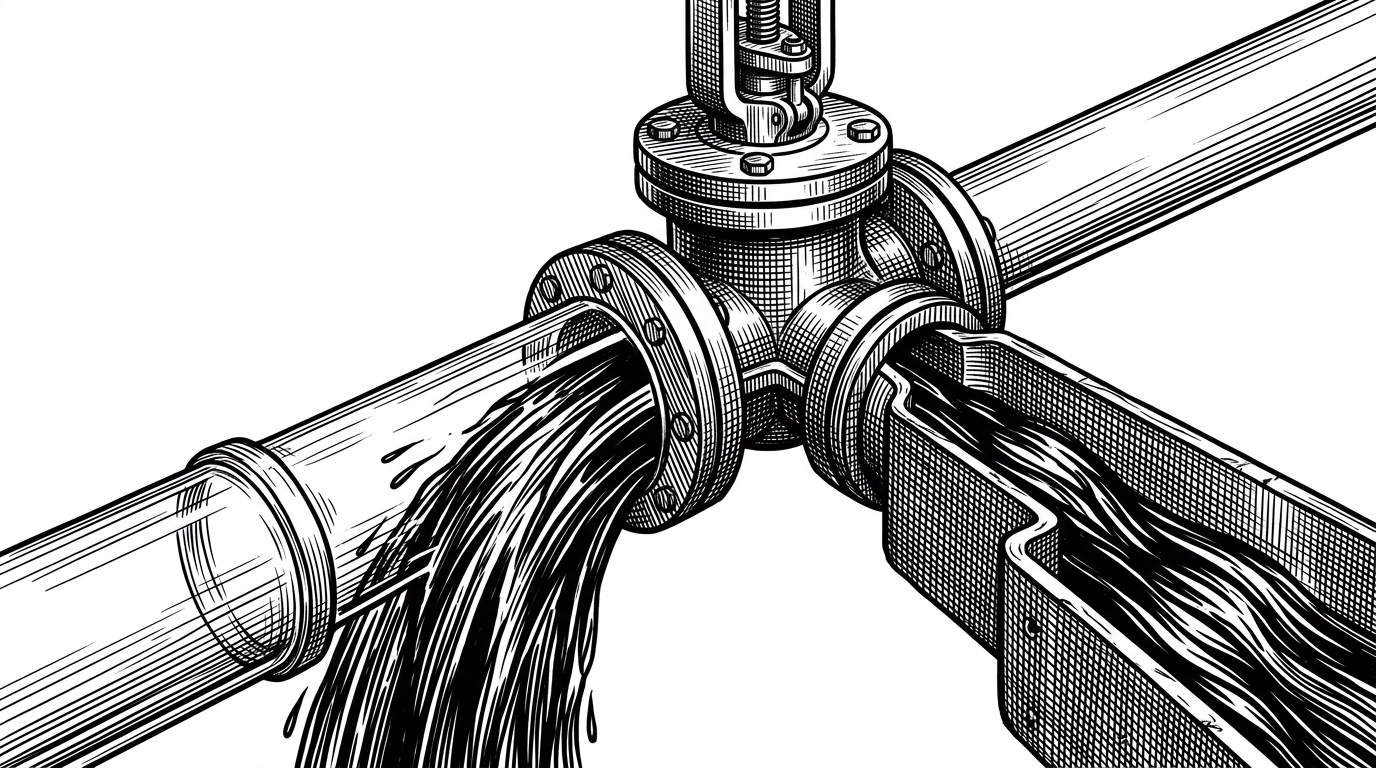
Before the moviepy library is allowed to extract a frame from an uploaded video, the backend uses the psutil library to check the host machine's available RAM. If the available memory drops below a safe threshold, the thumbnail generation is gracefully skipped. The server stays alive, and the user still gets their file stored.
import psutil

# Defensive memory check before processing
if psutil.virtual_memory().available < 1024 * 1024 * 1024:  # 1GB
    return None  # Skip thumbnail generation to prevent OOM
The S3 Proxy Pattern
Security is handled via the S3 Proxy Pattern. The S3Client wrapper never exposes the underlying AWS bucket to the public internet. Instead, when a user requests a download, the backend generates a presigned URL. This ensures time-limited, secure access to files without requiring the Django server to stream the gigabytes of data through its own memory space.
Standardizing the API Contract
Frontend developers appreciate predictability. The project uses a CustomJSONRenderer to wrap every single API response in a consistent envelope. Whether an endpoint succeeds or fails, the client always receives an object with success, message, and data keys. This eliminates the need for bespoke error parsing on the client side.
{
  "success": true,
  "message": "File uploaded successfully.",
  "data": {
    "file_id": "550e8400-e29b-41d4-a716-446655440000",
    "name": "presentation.pdf"
  }
}
The Vault Landscape
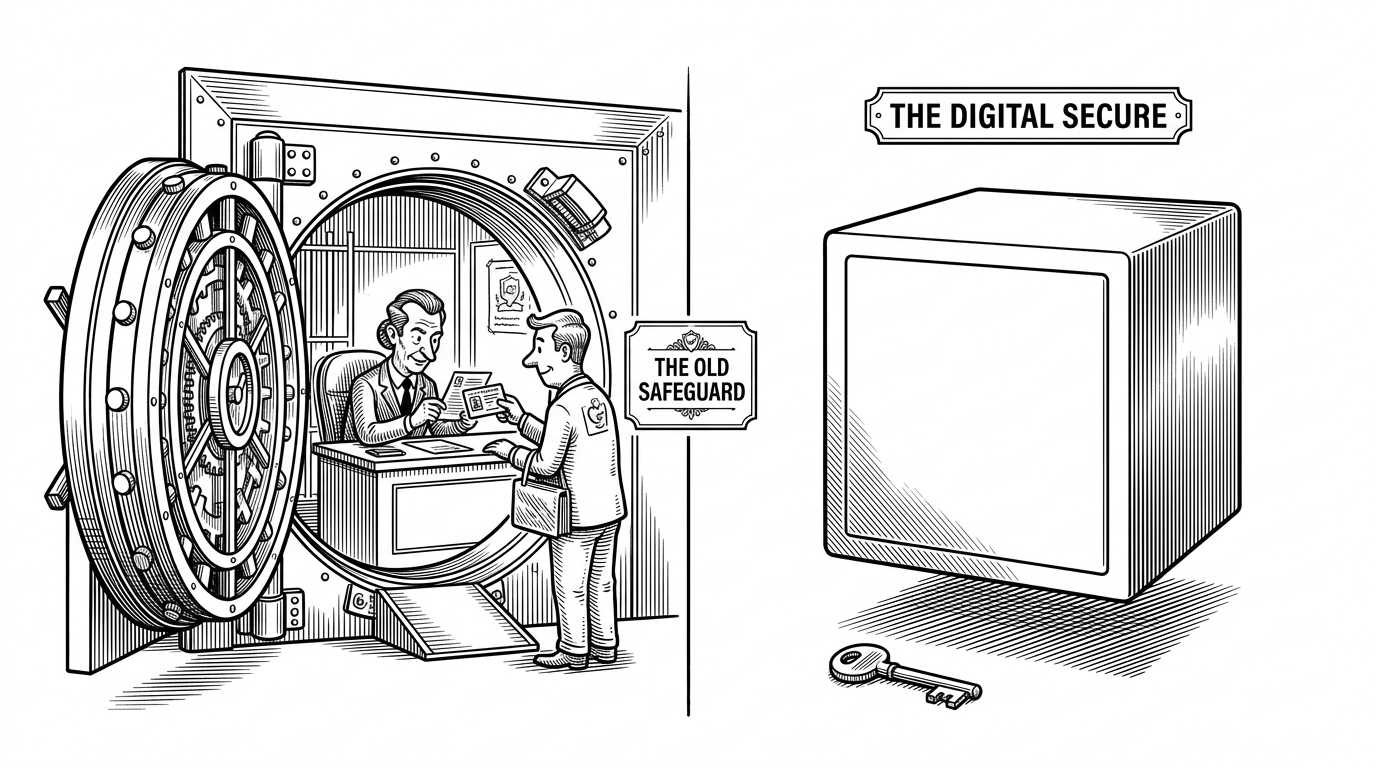
The ecosystem of open-source storage tools is highly fragmented. While zero-knowledge tools encrypt data locally so the server is entirely blind, they often sacrifice convenience features like automatic media previews or server-enforced storage quotas. This project chooses a different path.
| Feature | filevault-backend | Zero-Knowledge Alternatives |
|---|---|---|
| Architecture | Centralized, Server-managed | Client-side encryption, Blind server |
| Storage Target | AWS S3 (via presigned URLs) | Local disk or blind blobs |
| Media Processing | Server-side (moviepy, Pillow) | None (impossible due to encryption) |
| Primary Use Case | Private Google Drive clone | Highly sensitive secure sharing |
By trading absolute zero-knowledge privacy for feature richness, filevault-backend provides a robust blueprint for teams needing a manageable, private cloud storage solution with modern backend safeguards.