AI_Assistant_withFlask: The Smallest Possible AI Product, and Why That Matters
A tiny Flask app reveals the real shape of most AI tools: one browser shell, one server, two prompts, and a lot of leverage hiding in plain sight.
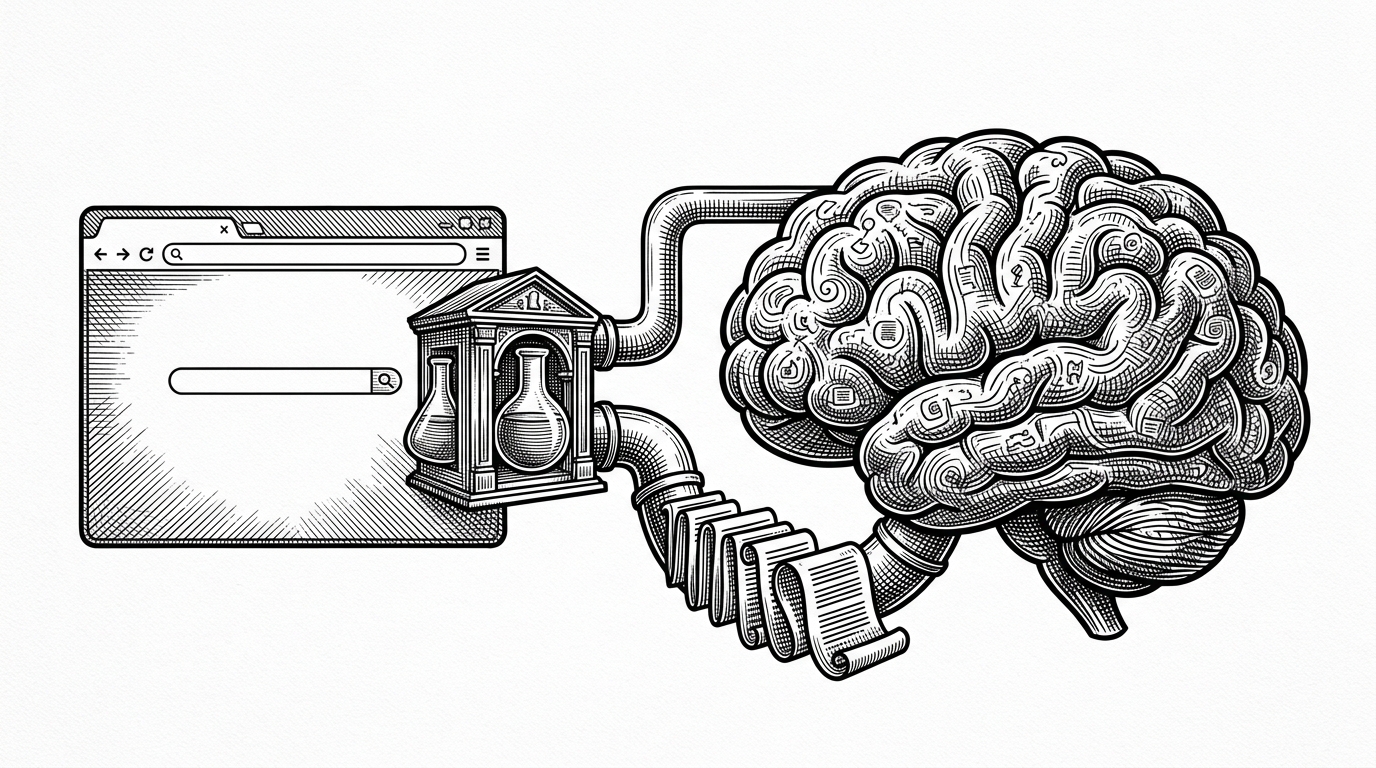
- This repo shows that an AI app can feel like a product while staying almost embarrassingly small.
- Its real architecture is a thin waist: browser form, Flask route, system prompt, API call, response.
- The interesting behavior lives more in instruction design than in framework choice.
- The code is a teaching instrument, not a production stack, and that is exactly why it works.
AI_Assistant_withFlask is easy to underestimate. It looks like a beginner Flask demo, and in one sense it is. But the repo is more revealing than that, because it compresses an entire AI product into a very thin boundary between a form, a route, and a prompt.
A two-route app that does more than it looks
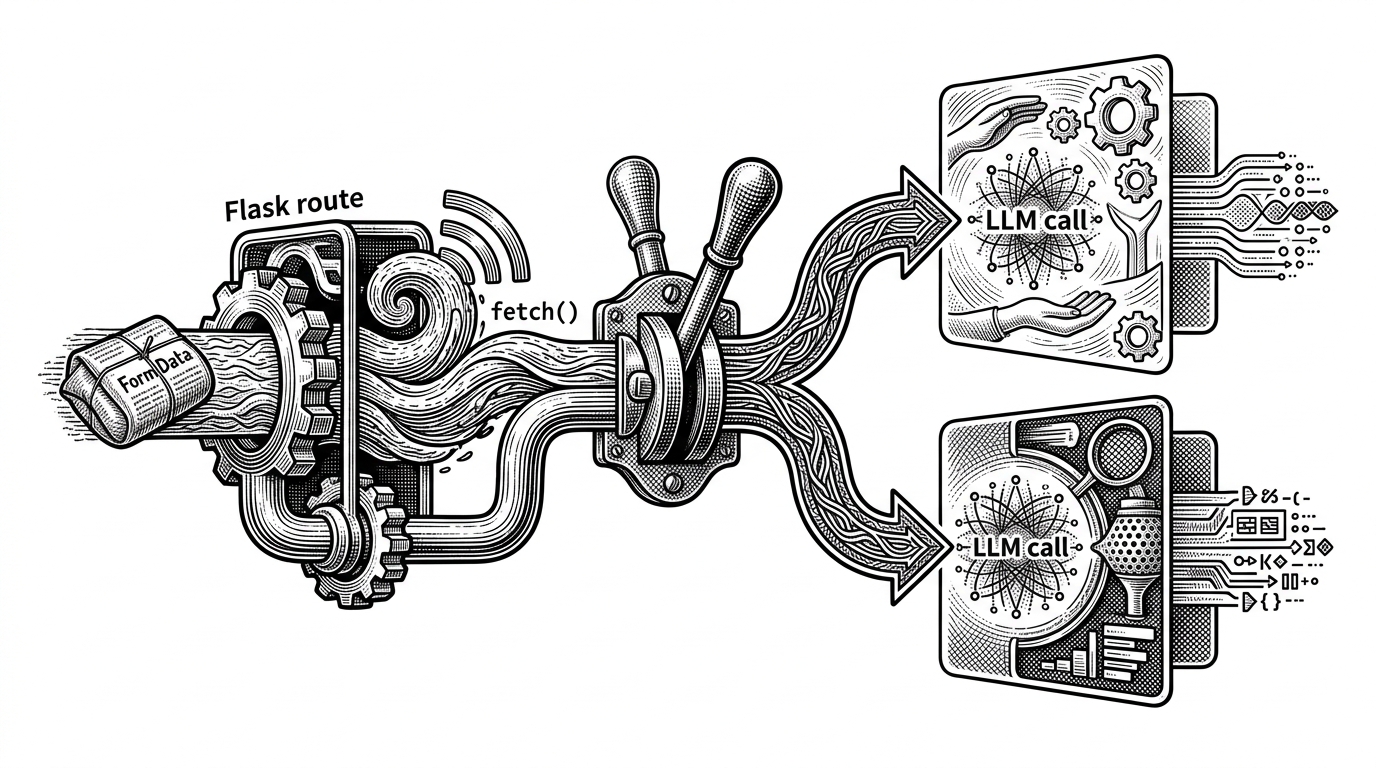
The architecture is almost stark: one Flask backend, two POST routes, a Jinja template, vanilla JavaScript, and a single OpenAI client. The browser never talks directly to the model. It talks to Flask, and Flask decides whether the request is an open-ended question or an email summary.
That is the useful trick here. The code does not create two systems. It creates one system with two behaviors. The UI stays generic, and the route-level instruction does the real product work.
@app.route('/ask', methods=['POST'])
def ask():
    user_input = request.form.get('message')
    system_message = 'Act like a helpful personal assistant.'
    response = client.responses.create(
        model='gpt-5.4',
        input=[
            {'role': 'system', 'content': system_message},
            {'role': 'user', 'content': user_input}
        ]
    )
    return jsonify({'response': response.output_text})
Why the prompt, not the framework, does the real work
The `/ask` route and the `/summarize` route are nearly the same shape. The difference is the instruction text. One route nudges the model toward general assistance, the other narrows it toward email summarization and brevity. The product split is linguistic, not architectural.
| Dimension | /ask | /summarize |
|---|---|---|
| Behavior | General assistant | Email-focused summary |
| Instruction | Helpful personal assistant | Expert email assistant |
| Output shape | Open-ended response | Short constrained summary |
| Where the difference lives | System prompt | System prompt |
| Backend complexity | Minimal | Minimal |
| Learning value | Shows basic prompt routing | Shows output shaping through instruction |
That is why this repo teaches more than many larger stacks. It makes the boundary visible. In a lot of AI products, the behavior people notice is really the prompt wearing a UI.
AI Assistant with Flask
The browser shell is doing more product work than the AI
The frontend matters because it hides latency. The app uses asynchronous submission, loading states, and response rendering without a full page reload. That is not decoration. It is what makes a remote model feel responsive enough to use.
This is the part beginners often miss. You can have a powerful model and still ship a bad tool if the interface stalls, refreshes, or confuses state. Here, the shell is plain, but it is doing one essential job well: keeping the interaction continuous.
The gpt-5.4 line is the most interesting bug in the room
The model string is the oddest part of the repo. `gpt-5.4` reads like a placeholder, a future-facing label, or a typo that slipped into a learning project. Whatever the intent, it matters because model names are part of the tutorial surface. They age fast, and when they age badly, they make the whole example feel slippery.
| Interpretation | What it suggests | Why it matters |
|---|---|---|
| Placeholder | The code is ready for a newer model family | Useful for demos, risky for copy-paste reuse |
| Future-proofing | The author expects the model name to change | Teaches abstraction, but can confuse readers |
| Bug | The example may not run as written | Highlights how fragile AI tutorial code can be |
That ambiguity is worth noticing. It is a reminder that AI tutorials can become obsolete at the model layer even when the surrounding Flask code is perfectly clear. The server logic survives. The model reference may not.
This is what a real beginner AI project looks like
The repo does not try to compete with LangChain, agent frameworks, or orchestration-heavy stacks. It does something more honest. It shows the smallest durable pattern for an AI wrapper: capture input, attach instruction, call a model, return JSON, update the page.
| Approach | Complexity | Behavior lives in | UX polish | Production readiness | Learning value |
|---|---|---|---|---|---|
| This repo | Low | Route-level prompts | Moderate | Low | High |
| Framework-heavy stack | High | Framework abstractions and tools | Variable | Higher | Medium |
| Production assistant | Very high | Prompts, tools, memory, policies | High | High | Lower for first principles |
That is the real value here. It is a clean lesson in leverage. Remove everything except the core pattern, and you can finally see where the product behavior actually comes from.