kage: The Tool That Freezes a Modern Website by Killing Its JavaScript
A Go-based archiver that renders pages in a real browser, strips the scripts, and packs the result into static files or a single offline binary.
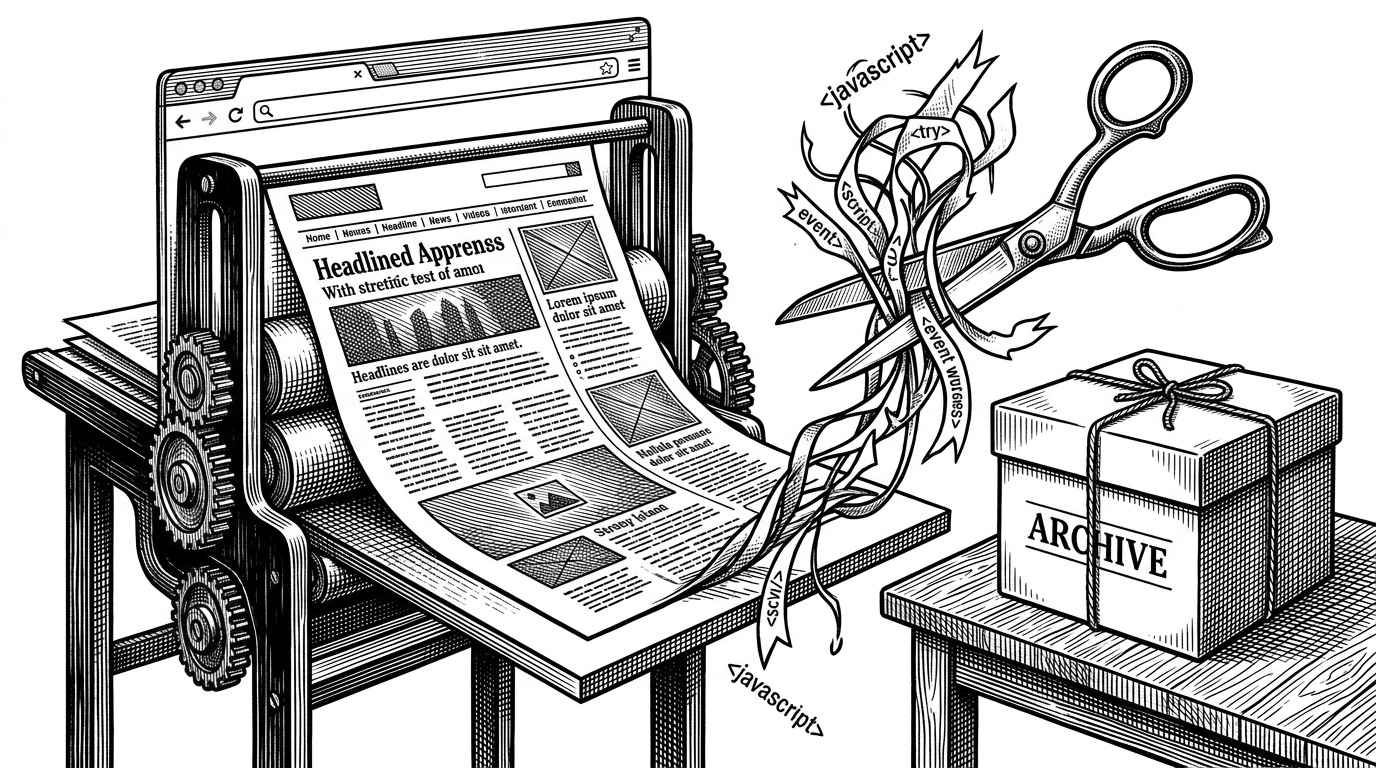
- kage solves the modern archive problem by treating the browser as a capture tool and JavaScript as disposable runtime, not as something worth preserving.
- Its real trick is not crawling, but transformation: render the page, wait for it to settle, snapshot the DOM, then strip the scripts and localize the assets.
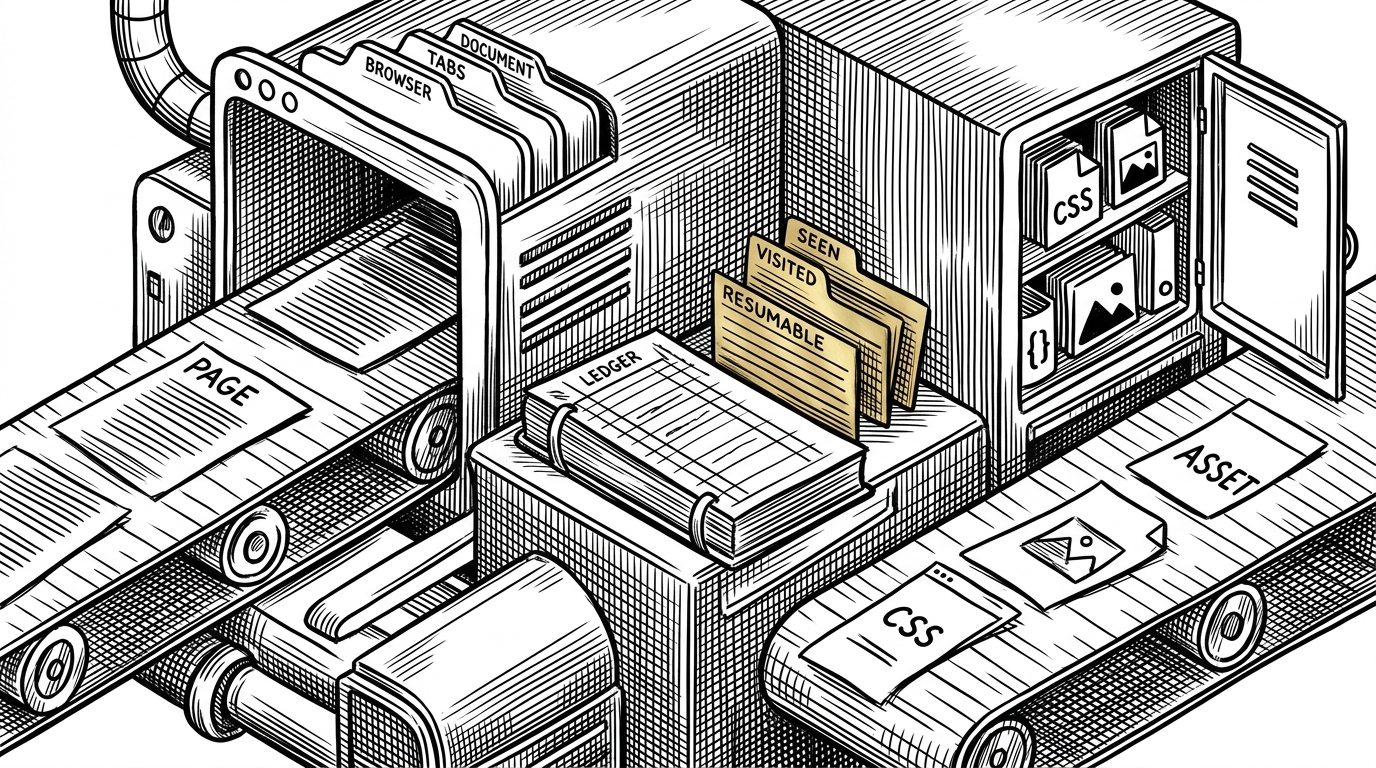
- The crawl engine is built to stay out of its own way, with separate page and asset workers, resumable state, and a frontier that tracks both in-flight and finished URLs.
- The output choices matter as much as the mirror itself, because kage can become a folder, a ZIM file, or a single self-contained binary.
Why Save As Fails on the Modern Web
Classic saving tools were built for pages that arrived mostly complete. Modern sites often ship as shells, then assemble themselves in the browser through client-side rendering, lazy loading, and a thicket of scripts. That is why a copy can look fine at first and then collapse into a spinner, a blank pane, or a dead interface when you open it later.
kage starts from a different premise. It does not trust the raw HTML to be the real page, because on much of the modern web the visible page is produced after the initial response has already left the server.
You hit "Save As" on a page you want to keep, and six months later you open it to find a blank screen, a spinner that never stops, or a copy that still tries to phone home to an analytics server that no longer exists. The page was never really yours. It was a thin client for someone else's JavaScript. kage takes the other road.
kage's Core Bet: Render, Then Strip
This is the project in one sentence: render in a real browser, then deliberately remove the runtime that made the page possible. kage opens each URL in headless Chrome, waits for the page to settle, captures the DOM a human would actually see, and then sanitizes away scripts and event handlers while relocating CSS, images, and fonts to local paths.
That sequence sounds almost perverse until you realize what it buys. kage is not trying to preserve interactivity. It is preserving appearance, structure, and offline reliability. The browser is a temporary interpreter, not the thing being archived.
The Browser Pool and the Settling Problem
Under the hood, kage does something careful rather than clever. The browser pool bounds concurrency so it does not exhaust the machine, and the settle step waits for network quiet before snapshotting the page. That matters because modern sites keep mutating after the first paint, especially when content is loaded late or stitched together in waves.
There is also a practical branch for non-HTML responses. If a URL is actually a binary, kage diverts it into the asset path instead of trying to force it through the browser pipeline. That small split keeps the whole system from confusing documents with downloads.
type Pool struct {
    sem chan struct{}
}

func (p *Pool) Acquire() {
    p.sem <- struct{}{}
}

func (p *Pool) Release() {
    <-p.sem
}

// settle waits until the page is quiet enough to snapshot.
// The point is not speed. The point is a stable DOM.
How kage Crawls Without Tripping Over Itself
The crawl logic is split between a frontier and worker orchestration. The frontier keeps two memories: what has been seen and what has been fully visited. That distinction sounds small, but it is what prevents duplication, enables restartability, and keeps the crawler honest when pages fan out into more URLs.
kage also writes state to disk as `state.json`, so a long crawl can stop and resume without losing the map. That makes the system feel more like a durable job runner than a throwaway scraper.
| Concept | What it means | Why it matters |
|---|---|---|
| seen | A URL is already in flight or queued. | Prevents duplicate work before it starts. |
| visited | A URL has finished crawling. | Avoids recrawling pages that are already mirrored. |
| state.json | Serialized frontier state. | Makes long crawls resumable after interruption. |
| pageJobs vs assetJobs | Separate workers for browser rendering and HTTP downloads. | Keeps slow assets from blocking page capture. |
That separation is one of the reasons kage feels robust. Rendering pages in Chrome is expensive. Downloading assets is cheap, but only if it stays out of the browser's way.
Why the Output Is More Than a Folder
A mirrored folder is useful, but kage does not stop there. It keeps a reserved directory for internal state and assets, then lets the whole archive become a ZIM file or a self-contained binary. That last step is the project's strongest distribution trick: the site can travel as one artifact, not as a brittle directory full of assumptions.
The binary mode is especially telling. It appends the archive to a copy of the executable, so the result can serve the mirror without extra installation steps. It is heavier than ZIM, but it is also more portable. The trade-off is explicit, not hidden.
In the author's own words, the binary carries a full copy of kage, while ZIM stays leaner when you only want the content. That is not an accident. It is the boundary between convenience and density.
Where kage Fits Among Offline Tools
kage is easiest to understand in contrast with older and broader tools. It is not trying to be the most complete archival suite. It is optimizing for a very specific outcome: a faithful, script-free mirror that still feels like the site you saw.
| Tool | What it preserves | How it captures | What it optimizes for |
|---|---|---|---|
| kage | Rendered page shape without JavaScript | Real browser render, then DOM capture and sanitization | Permanent offline copies and distributable artifacts |
| HTTrack | Mostly linked site content | Traditional crawler | Broad website downloading |
| SingleFile | One page as a self-contained snapshot | Browser extension snapshot | Exact capture of a single page |
| ArchiveBox | Multiple archival versions and metadata | Multi-method archiving | Preservation and searchability |
| WebScrapBook | Saved pages with note-taking workflow | Browser-centric capture | Personal web clipping and organization |
That table hides the most important distinction. kage is not trying to preserve the browser runtime. It is trying to preserve the visible result after the runtime has done its job.
What kage Is Really Optimized For
The project is strongest when you care about permanence, distribution, or offline reliability more than interactivity. That makes it a preservation tool first, and a utility second. It is opinionated in the best way: it refuses to confuse a live JavaScript app with a durable record of a page.
That is why the article's paradox holds up. kage uses the browser's power to create a shadow, then removes the machinery so the shadow can survive. It is digital taxidermy, but with a clear technical ethic: keep the shape, discard the dependency.