OpenHuman: The Personal AI That Treats the Browser, Desktop, and Camera as One Surface
A deep dive into the Rust core, CEF shell, local memory vault, and the fake-camera trick that lets an assistant show up inside your workflow instead of beside it.
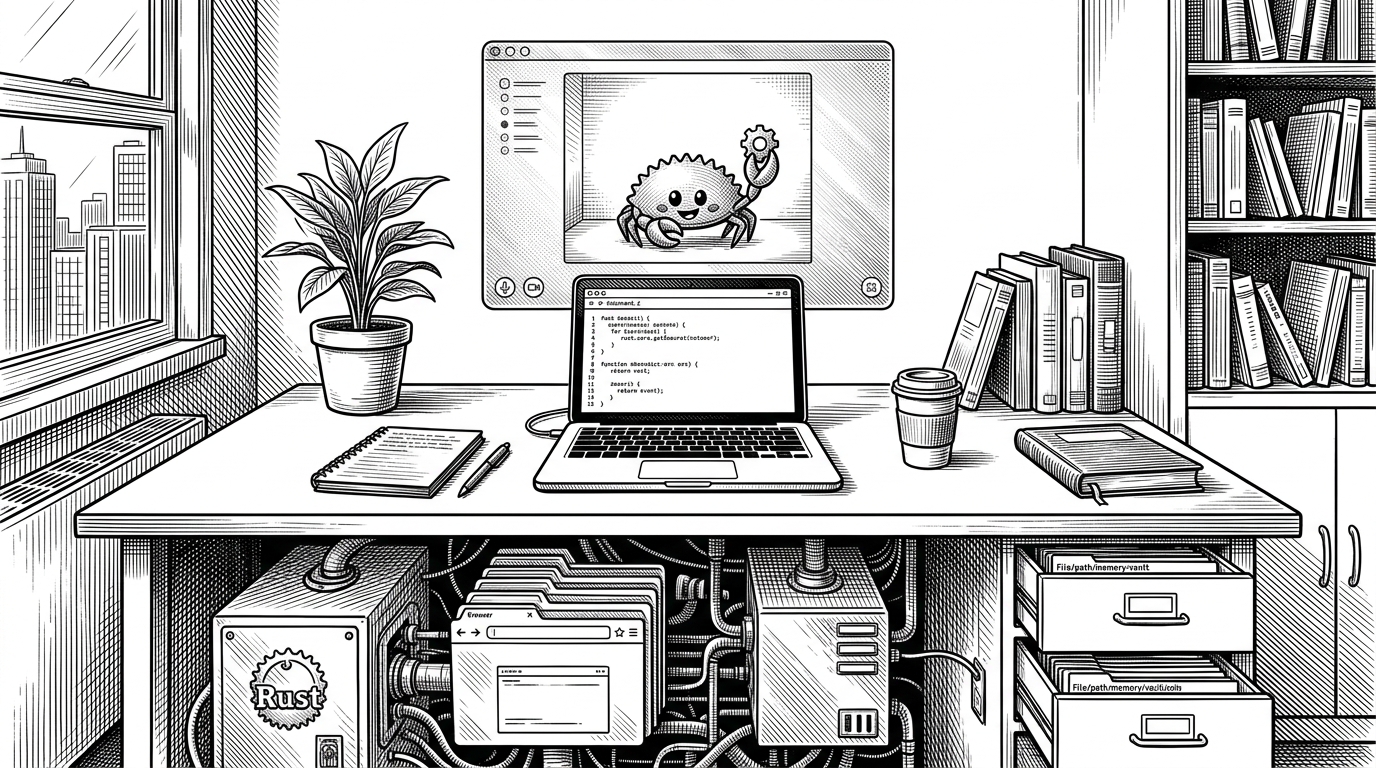
- OpenHuman’s core idea is that the operating system is not a boundary, because the assistant can inhabit browser, desktop, and meeting surfaces through one local control plane.
- The fake camera path is the clearest proof of that thesis, since it turns a software-generated mascot into a meeting presence without leaning on a hardware-heavy virtual camera stack.
- Rust, SQLite, CEF, and battery-aware scheduling are not implementation trivia here, because they make the assistant feel private, durable, and usable on a laptop.
- OpenHuman competes less with chatbots than with the idea of a cloud-only assistant, which makes it look more like a local automation substrate with an AI interface.
The assistant that can appear in the meeting
OpenHuman’s sharpest trick is also its clearest thesis. It can manufacture a video presence in software, which means the assistant does not stop at reading the room. It can show up in the room. That is a different category from a chat sidebar or a browser extension, because presence becomes another output surface for the system to control.
The repo’s architecture makes that possible. A Rust core coordinates state, browser automation, local storage, and OS-level actions. A CEF-based shell gives the project a consistent browser runtime. Together, they let OpenHuman treat the browser, the desktop, and the call stack as connected layers instead of separate products.
Why local-first matters here
The local-first argument is not ideological decoration. It is what makes the system believable. If an assistant is allowed to read email, chats, desktop state, and meeting context, then where that data lives matters as much as what the model can say about it.
OpenHuman leans into that with a local SQLite vault, a Rust core, and on-device processing. The result is an assistant that can observe a lot without immediately turning every interaction into cloud dependency. That matters for trust, but it also matters for latency, battery, and failure modes.
While most AI projects remain locked in the cloud with subscriptions and data harvesting, OpenHuman build by @senamakel and @tinyhumansai takes a different approach. OpenHuman is a fully open-source, local AI desktop superintelligence that runs privately on your own computer
| Dimension | Cloud-first assistant | OpenHuman |
|---|---|---|
| Data locality | Mostly remote | Local vault plus on-device coordination |
| Browser control | Often API-led or extension-led | CEF and CDP can reach into web surfaces |
| OS presence | Usually app-level | Desktop, browser, and meeting surfaces |
| Meeting presence | External bot or no presence | Software-generated fake camera feed |
| Power behavior | Not always laptop-aware | Battery-aware scheduling is part of the design |
The split-brain architecture
The architecture is deliberately split. The UI is React and TypeScript. The shell is Tauri-based Rust. The core is also Rust, but it lives as the serious part of the system: storage, orchestration, background work, and provider integrations. That separation matters because it keeps the interface light while the control plane stays close to the metal.
UI layer: React + TypeScript
Shell layer: Tauri + CEF
Core layer: Rust orchestration
Storage: SQLite local vault
Transport: JSON-RPC over WebSockets/HTTP
That split also explains why the repo feels larger than a normal assistant app. It is not one interface bolted to one model. It is an attempt to make intelligence portable across surfaces, with the browser and desktop treated as interchangeable actuators.
How OpenHuman turns websites into workflows
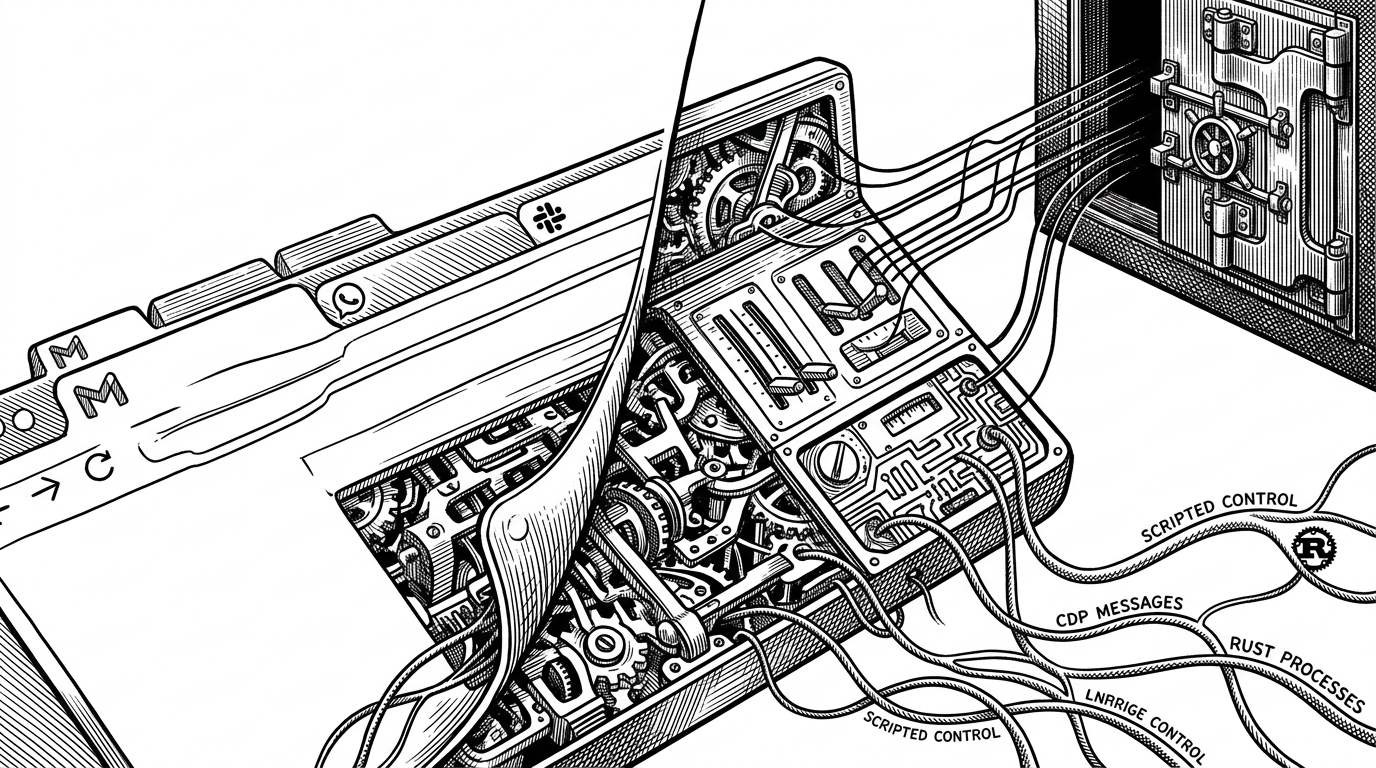
The browser story is where the project stops looking polite. Instead of waiting for every service to expose a clean API, OpenHuman can work directly against the rendered web surface. Gmail, WhatsApp, and other sites become mutable workspaces. The assistant can inspect them, extract what matters, and shape the next action locally.
That is why the CEF choice matters. A stable Chromium-based shell plus CDP hooks gives the project a predictable way to automate web contexts. The point is not clever scraping for its own sake. The point is to turn websites into control surfaces the assistant can inhabit.
| Task | Traditional browser bot | OpenHuman |
|---|---|---|
| Gmail triage | Often script-heavy and brittle | Browser context plus local memory |
| Chat app interaction | Usually plugin or API dependent | Direct surface control through CEF |
| Presence in calls | Separate toolchain | Fake camera path inside the same system |
| State management | Scattered across services | Stored in one local vault |
The memory and battery philosophy
There is a more practical kind of ambition here. The repo is careful about how it handles text extraction, because the developers clearly do not want the memory layer to become the bottleneck. A linear-time stripper beats a heavy HTML pipeline when the input is messy and the assistant has to keep moving.
Battery awareness sits in the same bucket. A background assistant that drains a laptop is a failed product, no matter how smart it sounds in a demo. OpenHuman’s battery gating is the sort of detail that makes the whole project feel like it expects to live on a real machine, not just in a benchmark.
The agent layer that helps maintain the agent
The `.claude/agents/` directory is a clue about how the project thinks. It is not only shipping an assistant. It is embedding procedures for maintaining the assistant. That turns the repo into a meta-system, where specialized agent roles can help shape future work inside the same codebase.
| Layer | What it does | Why it matters |
|---|---|---|
| User-facing UI | Hosts the visible assistant experience | Keeps interaction simple |
| Core agents | Handle specialty tasks and maintenance | Makes the repo self-supporting |
| Memory vault | Stores local context | Lets the assistant persist without cloud dependence |
What OpenHuman is really competing with
OpenHuman is not trying to beat a generic chatbot on chat. It is competing with three different product categories at once. Cloud assistants promise convenience. Browser automation tools promise execution. Virtual camera hacks promise presence. OpenHuman wants all three, while keeping the center local.
| Category | Strength | Weakness |
|---|---|---|
| Cloud-first assistants | Convenient and familiar | Data locality and control |
| Browser automation tools | Good at task execution | Weak on memory and identity |
| Virtual camera or meeting bots | Can appear in calls | Often brittle or isolated |
| OpenHuman | Unified local control plane | Ambitious and complex to ship |
That is why the project feels bigger than its footprint. The GPL-3.0 license, the Rust-heavy stack, and the unusually broad surface area all point in the same direction. This is not a small utility with one clever feature. It is an attempt to define a local operating layer for personal automation.
Why this project feels larger than its current footprint
The ambition is disproportionate to the public surface area, and that is part of the appeal. The repo reads like a category draft. It assumes that personal AI should be able to watch, remember, act, and appear across the tools people already use, without surrendering the whole stack to a cloud provider.
If that thesis holds, the fake camera is not a gimmick. It is a symbol. It says the assistant is no longer beside your workflow. It can step into the workflow itself.