`agent-browser`: The Rust CLI That Makes Browsers Feel Native to AI Agents
Vercel Labs' open-source browser tool keeps sessions warm, compresses interaction into accessibility refs, and strips away the token bloat that slows agentic workflows.
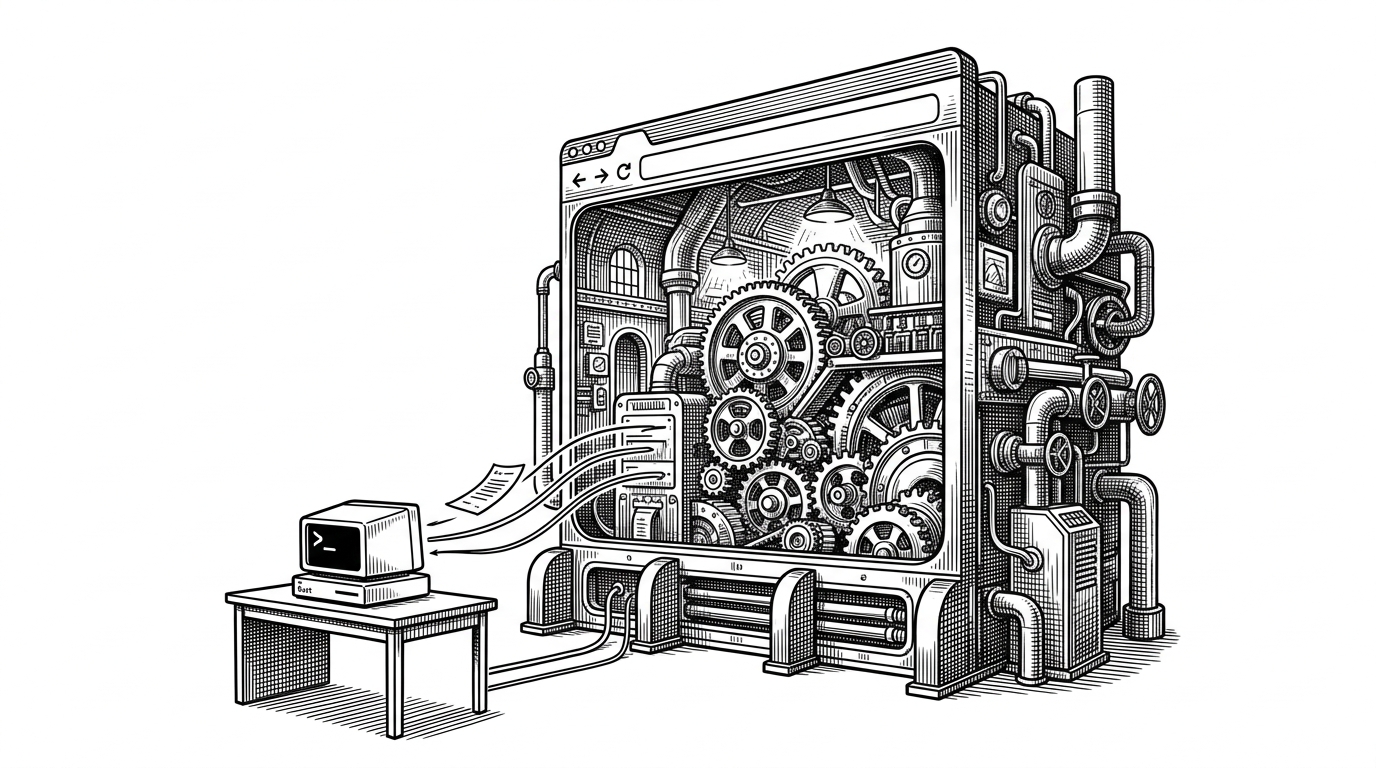
- agent-browser treats browser automation as a token-budget problem, not a script-authoring problem.
- Its warm daemon keeps browser state alive while the CLI stays disposable, so each turn stays cheap.
- The snapshot command turns the accessibility tree into stable refs, which lets an agent point instead of parsing raw DOM.
- Rust matters because process control, CDP plumbing, and error handling all need to stay tight under repeated agent loops.
Most browser automation fails for agents before it fails for browsers. The problem is not rendering a page. The problem is explaining a page in a way an LLM can afford, over and over, without burning its context window.
The browser is not the problem. The interface is.
That is the bet behind agent-browser. Instead of shipping a sprawling chatty API, it makes the browser answer in compact commands and even more compact replies. The goal is not to make browser control clever. It is to make browser control cheap to think about.
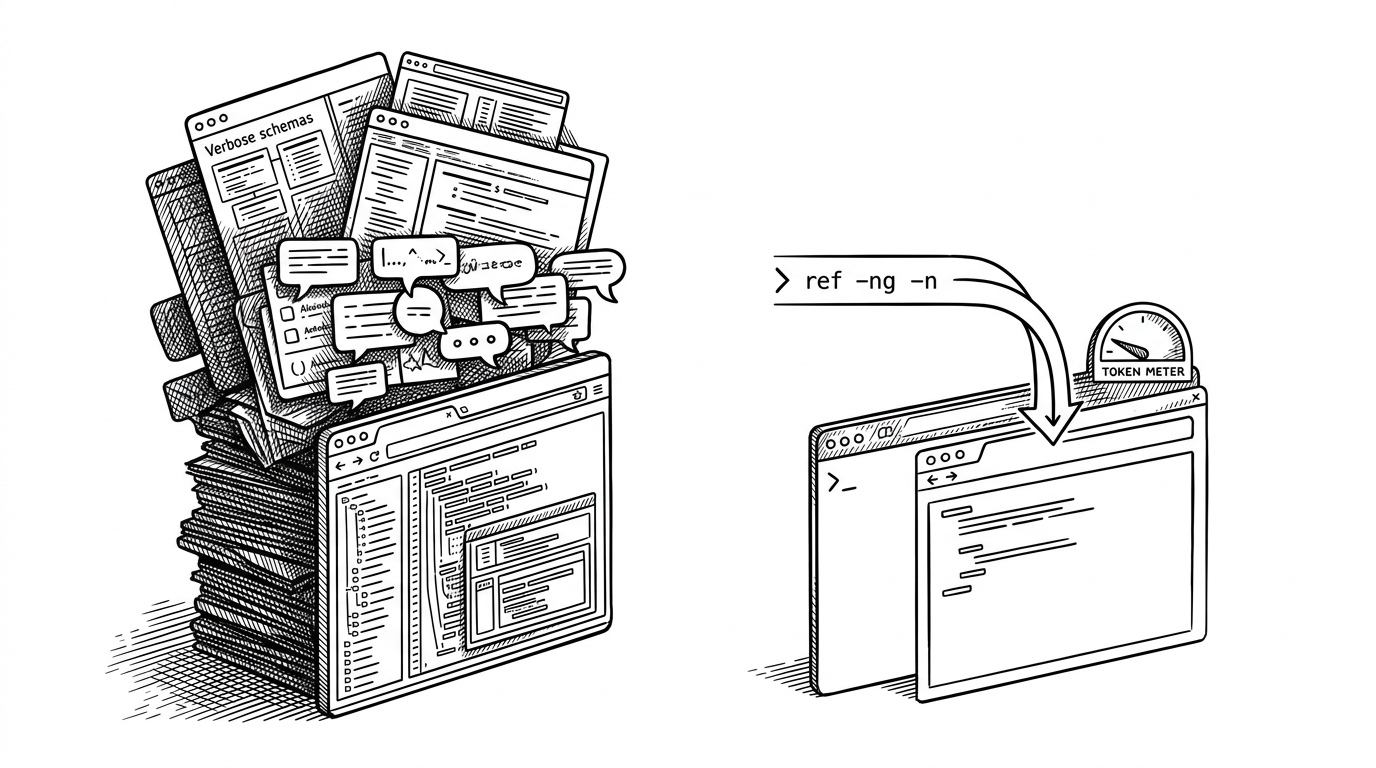
If you've tried connecting an AI agent to a browser, you've probably used something like Playwright MCP or Chrome DevTools MCP. They work, but there's a hidden cost: tool definitions. ... Playwright MCP costs roughly 13,700 tokens. Chrome DevTools MCP costs around 17,000. Before your agent has done a single thing, nearly 9% of a 200K context window is gone.
That matters because agent workflows are repetitive. A model may inspect, click, fill, retry, and inspect again many times in a single task. Every extra token spent on tool definitions, selector trivia, or verbose status output is a tax on the work the model actually needs to do.
A browser that stays warm between commands
The neatest trick is architectural: the CLI is disposable, the browser session is not. A short-lived command process asks a persistent daemon to do the real work, then gets out of the way. Login state, open tabs, and the browser process itself stay warm between turns.
That is why the tool feels native to agents. A model does not want to babysit a long-running local process. It wants to send one instruction, receive one answer, and move on without losing the page it already conquered.
The snapshot is the real product
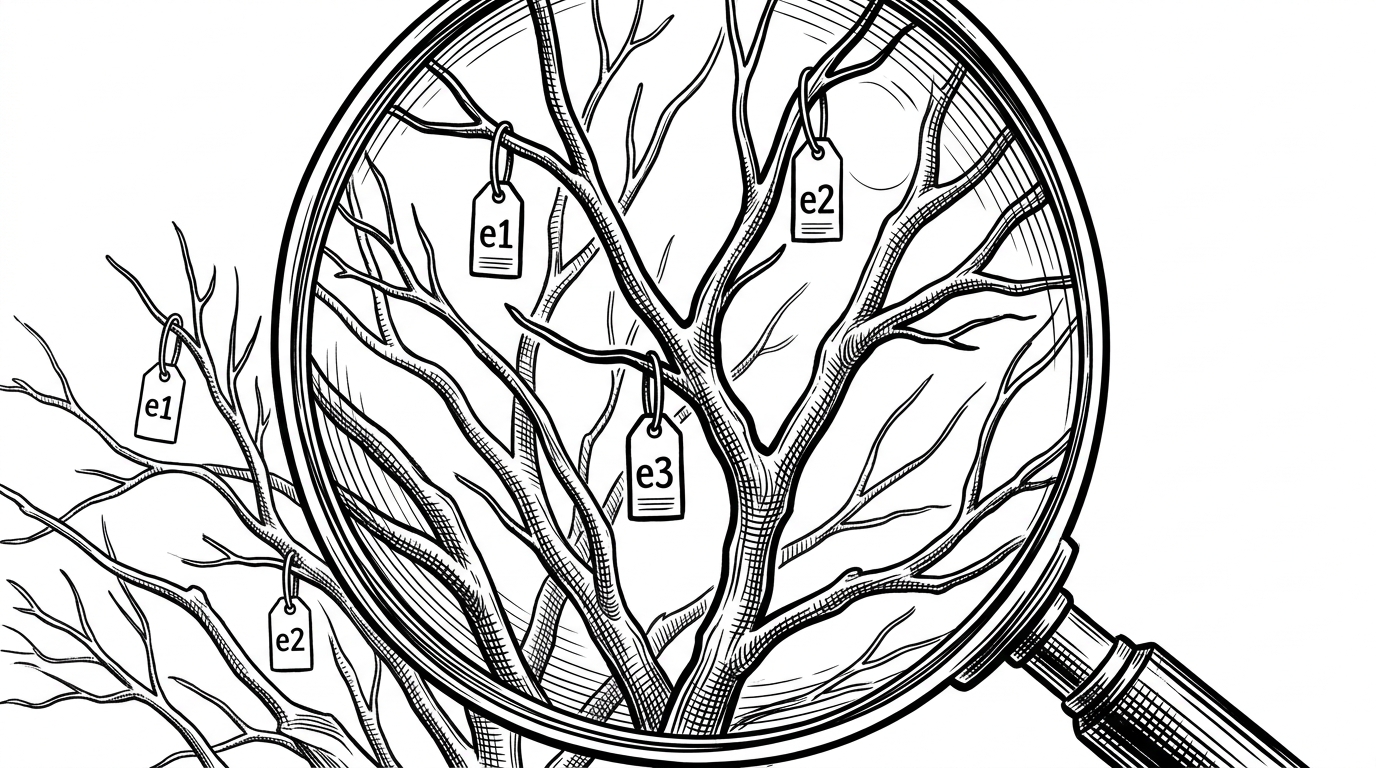
The second trick is semantic. snapshot turns the page into an accessibility tree with stable refs, so the agent can point at @e1 instead of rebuilding the page from raw HTML. The browser becomes a map, not a pile of markup.
$ agent-browser snapshot
Page snapshot:
  button "Sign in" [ref=e1]
  input "Email" [ref=e2]

$ agent-browser click @e1
Done.

$ agent-browser fill @e2 "ada@example.com"
Done.
agent-browser's core command is`snapshot`, which returns a clean accessibility tree with stable element references: ... Those`[ref=e1]` markers are the critical thing. You use them directly to interact
Why Rust matters here
Rust is not decoration in this repo. It buys fast startup, tight process control, and enough mechanical sympathy to keep the browser and daemon behaving under pressure. The custom CDP client tracks requests with atomic IDs, matches responses through a pending map, and keeps the WebSocket alive when the agent pauses to think.
It also handles the ugly shutdown path. Chrome subprocesses do not always die politely, so the code groups them and kills the whole process tree when needed. That is the kind of detail that rarely shows up in demos, but it is exactly what makes a browser tool feel dependable after the tenth retry.
The error layer is just as important. When the browser says something failed, the message is rewritten so an agent can act on it. That is a small idea with a big effect: the tool does not just automate the page, it explains the failure in the model's language.
What it beats, and what it does not try to be
The right comparison is not general-purpose browser automation versus agent-browser. It is how much friction each tool adds when the user is an LLM. On that axis, a native CLI with a warm daemon is a very different animal from a Node process or a schema-heavy MCP server.
Vercel's agent-browser hit 22,000 GitHub stars in two months. It's a browser automation tool built specifically for AI agents, written in Rust, connecting directly to Chrome via CDP. But the interesting part isn't the star count or the language choice. It's what they decided not to build: an MCP server.
| Tool | Session model | Token cost | Interaction model | Best fit |
|---|---|---|---|---|
| agent-browser | Persistent daemon, disposable CLI | Tiny | Semantic refs like `@e1` | LLM-driven browser tasks |
| Playwright | Script per run | Not an agent concern | Full automation API | General web automation and testing |
| Puppeteer | Script per run | Not an agent concern | Node.js CDP API | Node-based browser control |
| Playwright MCP / CDP MCP | Persistent server, chatty schema | High | Verbose tool calls | Broad MCP ecosystems |
Lightpanda is the edge case that proves the point
The Lightpanda support is the tell. agent-browser is not married to Chromium as an identity. It is married to the idea that a browser session should stay persistent while the interaction surface stays tiny. That is why the project reads less like a test framework and more like a control plane.