system-prompts-and-models-of-ai-tools: The Hidden Control Plane Behind AI Agents
A sprawling prompt archive that reads less like a leak and more like unofficial documentation for the new AI operating system.
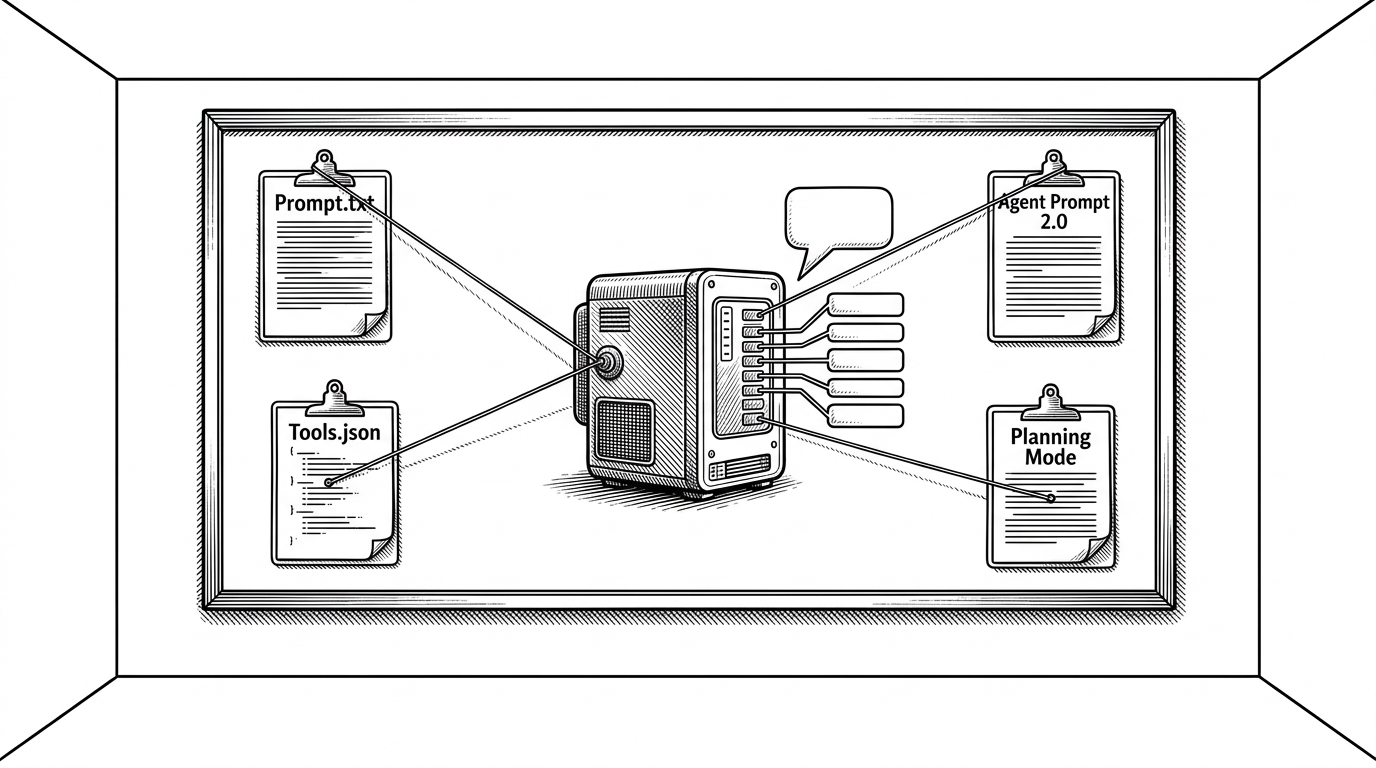
- The repository matters because it exposes the control layers that turn a chatbot into an agent runtime.
- Tool contracts, not just prompts, define what these systems can search, edit, run, verify, and delegate.
- Claude Code, Cursor, and Devin differ in style, but they are converging on the same agent grammar.
- For builders and security teams, prompt leakage is now a product risk, not just an internet curiosity.
This is not a prompt dump. It is an operating system map.
What makes this repository useful is not the gossip value of leaked text. It is the structure it reveals. Once you line up the prompts, tool schemas, modes, and task-spawning rules, the picture changes fast: modern AI tools are not single prompts wrapped in a UI. They are layered systems with a control plane.
That is the real story here. The repo turns invisible behavior into something you can inspect, compare, and reason about. It shows how assistants decide when to search, when to plan, when to act, and when to hand work to a subagent.
Why anyone would collect this in the first place
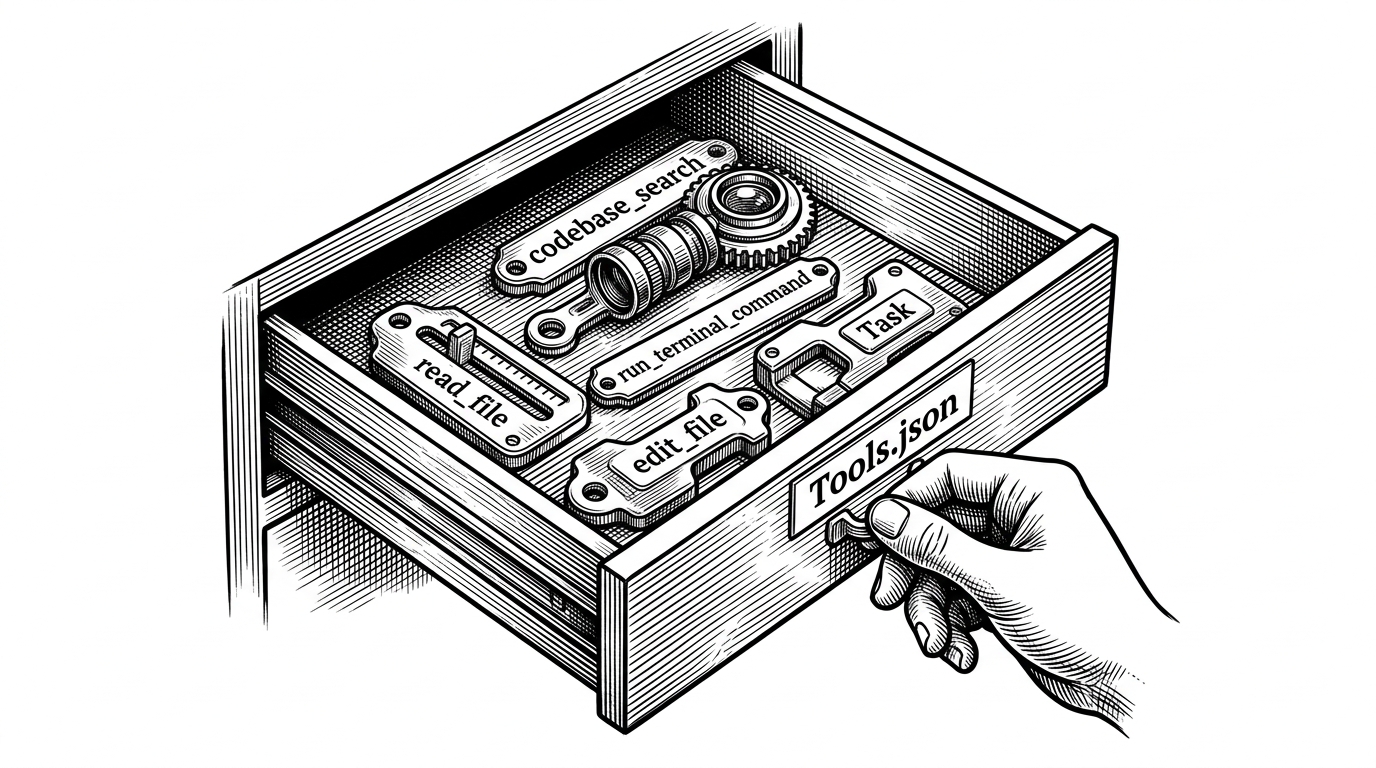
This project has compiled system prompts (System Prompts) and internal tool configurations extracted by the author from various mainstream AI tools, including FULL v0, Cursor, Manus, Same.dev, Lovable, Devin, Replit Agent, Windsurf Agent, VSCode Agent, etc.
That line from the project profile tells you exactly why people keep returning to it. The repo is not a scrapbook of curiosities. It is a central archive of the instructions and tool contracts that make commercially polished AI assistants feel distinct.
That matters because users do not experience the prompt directly. They experience the behavior. The archive makes those behaviors legible by separating the parts that were usually fused together: policy, mode, retrieval, execution, and verification.
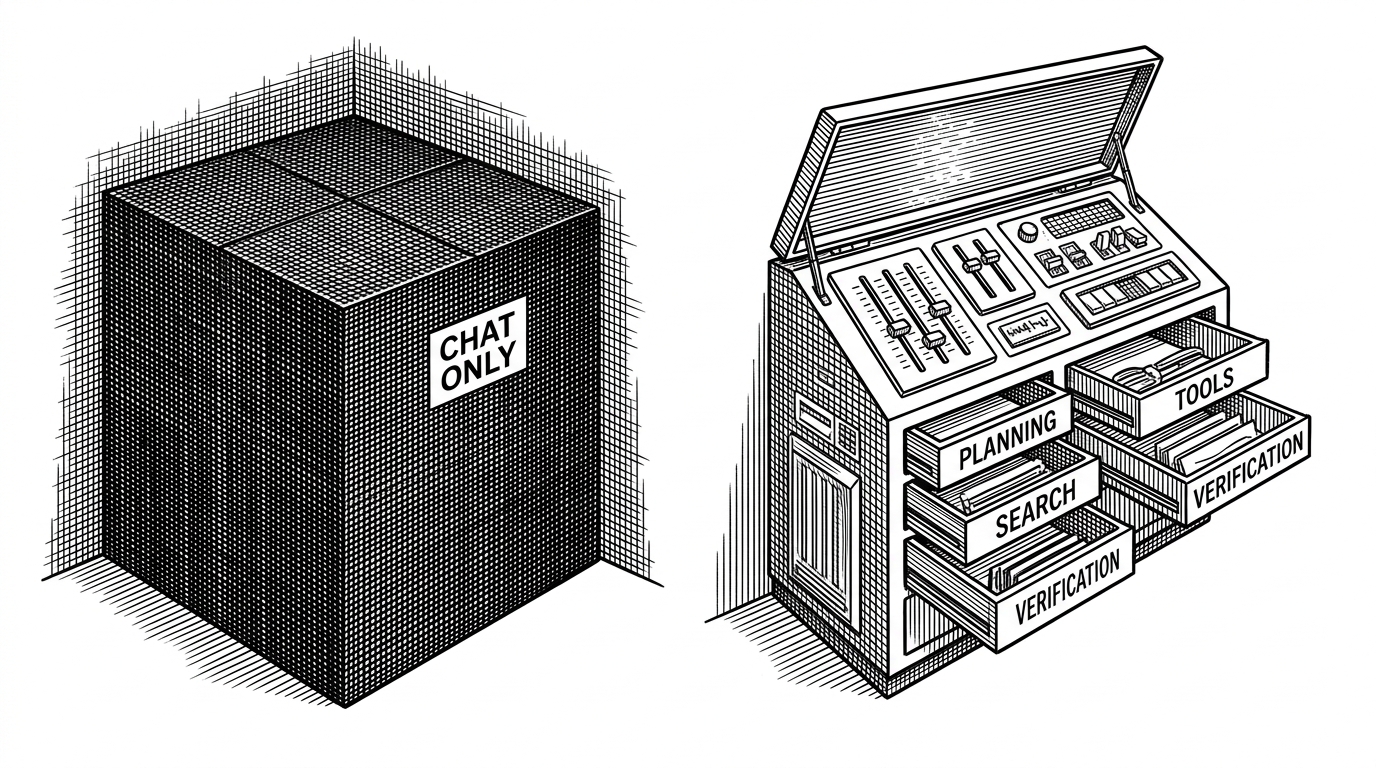
The real unit of power is not the prompt. It is the tool contract.
A prompt tells a model how to behave. A tool contract tells it what it can actually do. That is the crucial distinction inside this repository. Once a system can search, read files, edit code, run commands, verify changes, and spawn subagents, it stops looking like a chat box and starts looking like a runtime.
That is why the repository is so revealing. Claude Code, Cursor, and Devin all expose different choices around the same verbs. The differences are not cosmetic. They are about when the system should think, how it should search, and where it should hand off work.
Claude Code leans hard into concision and recursive delegation. Cursor emphasizes search discipline and context management. Devin formalizes mode switching so planning and execution do not blur together. The shared grammar is obvious once you see it.
| System | Modes | Tool emphasis | Search and planning | Distinctive habit |
|---|---|---|---|---|
| Claude Code | Tight, CLI-friendly | Task spawning and concise action | Planning is compressed into brief steps | Recursively delegates complex work to worker agents |
| Cursor | Editing and retrieval focused | Search, read, and context selection | Distinguishes semantic search from exact search | Optimizes for the right slice of code context |
| Devin | Planning and standard execution | Stateful action with hidden deliberation | Hard separation between plan and act | Treats work as a staged workflow rather than a single turn |
| Open-source agent tools | Varies by project | Common action set across clones | Borrowed patterns from commercial systems | Implements the same grammar with different guardrails |
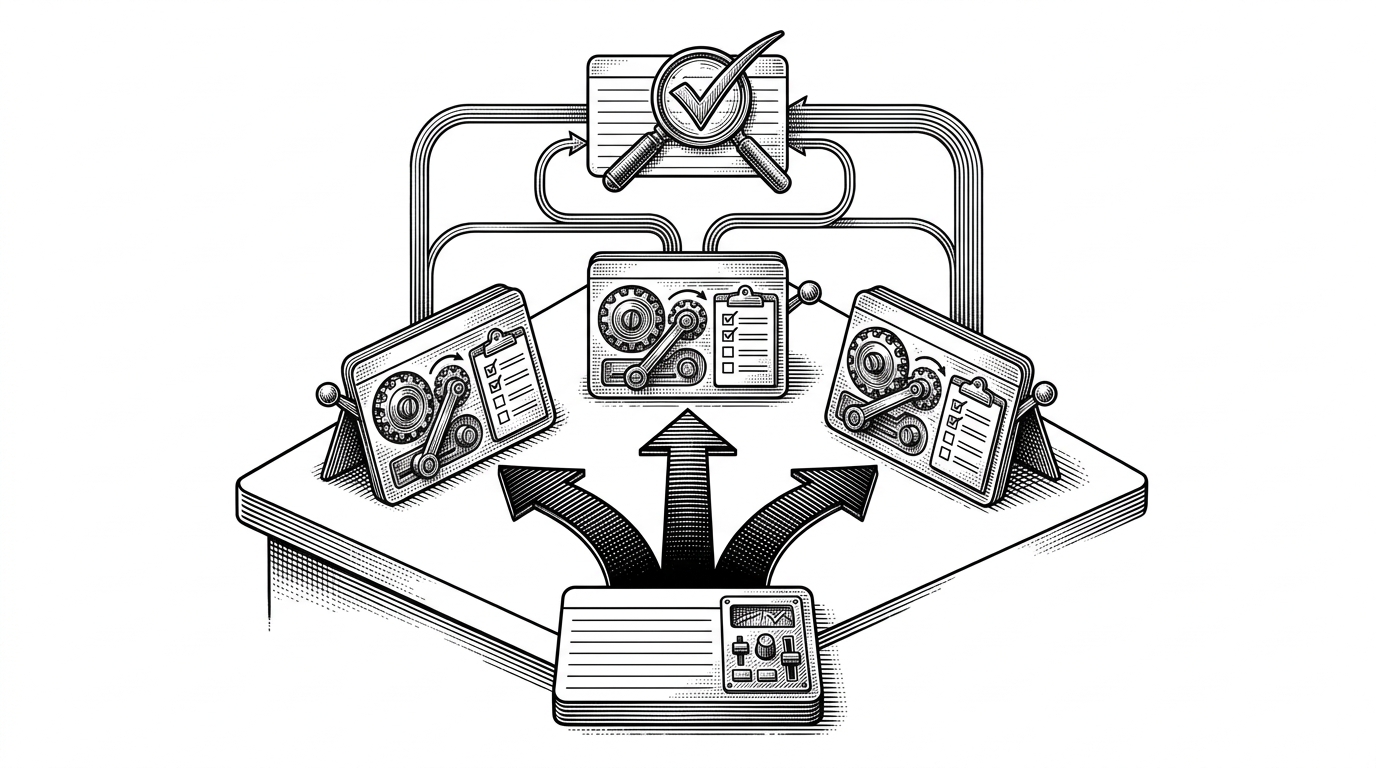
The new AI stack looks less like chat and more like a control room
Seen together, the artifacts in this repo look less like prompt engineering and more like systems engineering. The emerging standard library is easy to name: read, search, edit, run, verify, and delegate. That is the shape of the stack now.
The implication is bigger than any one vendor. If the model is the brain, the prompts and tool schemas are the nervous system. Builders who ignore that layer will keep overestimating model quality and underestimating orchestration quality.
It also changes how you think about competition. The market is not really one chatbot versus another. It is different implementations of the same agent grammar, each tuned for a different environment, safety posture, and workflow.
- Design the tool layer like an API contract, because that is what the model actually inherits.
- Assume prompts will leak, because the attack surface is now part of the product.
- Treat agent UX as modes and permissions, not one long free-form conversation.
What builders should take from this
If you are building agentic software, this repo is useful as a pattern library, but also as a warning. The more capable your assistant becomes, the more your behavior depends on the exact shape of the surrounding instructions and tools. The product is no longer just the model. It is the whole operating envelope around it.
That is the cleanest lesson here. The hidden control plane is now part of the product surface, part of the security story, and part of the user experience. Once you see it, you cannot unsee it.