x4gKing/3x-ui-Upgrade: How One Port Becomes a VPN Panel, a Subscription Feed, and a Front Door
A Docker wrapper, Nginx router, and just-in-time startup script collapse a multi-port Xray workflow into a single PaaS-friendly deployment.
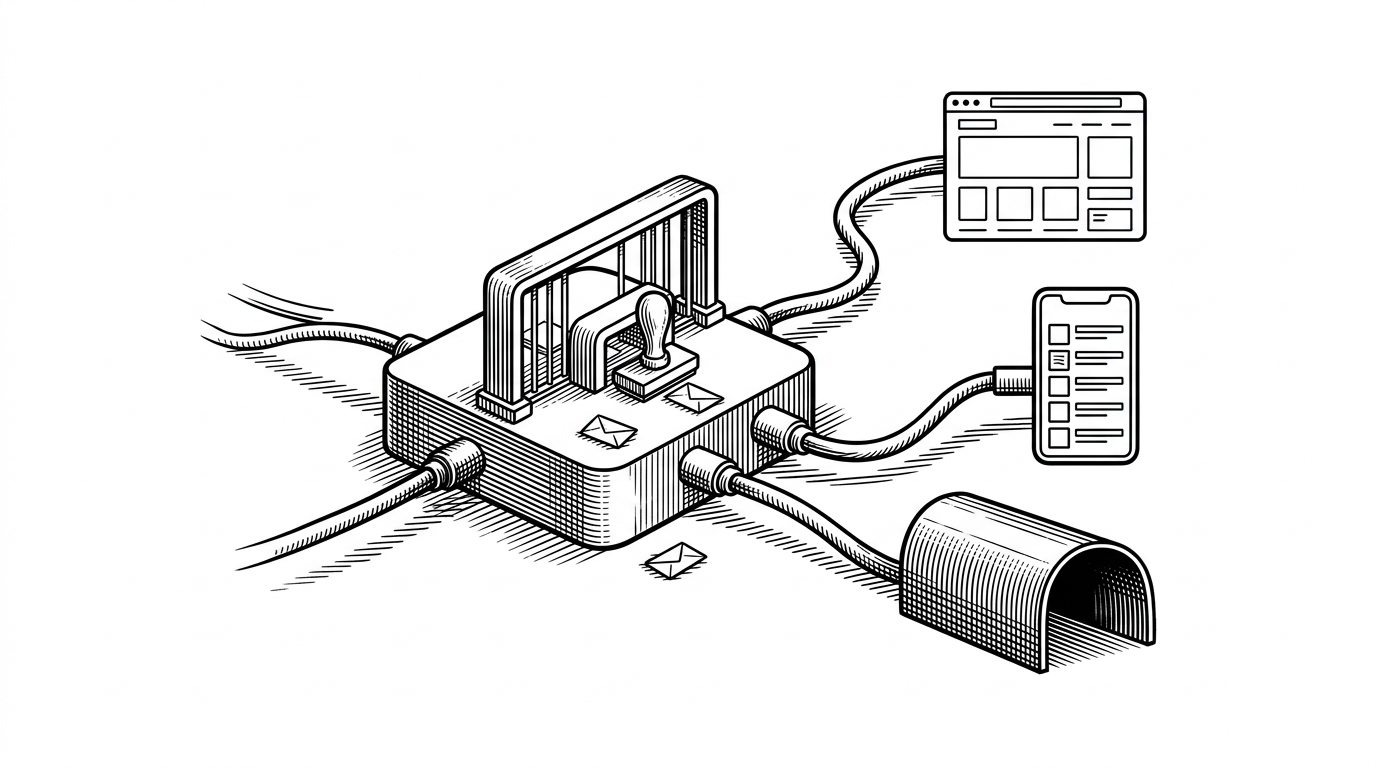
- The project’s real trick is traffic discrimination, not VPN hosting: one endpoint behaves differently for browsers, subscription clients, and internal proxy flow.
- Nginx is doing the hardest work here, using path rules, User-Agent checks, and response rewriting as a control plane.
- The wrapper layer turns a bundled panel binary into something that can survive a single-port PaaS environment.
- The elegance is real, but so are the trade-offs: runtime rewrites, binary dependence, and a maintenance burden hidden inside the glue.
The One-Port Trick That Changes Everything
The headline feature here is not the panel itself. It is the way the repository makes a single public port act like three different services at once. A browser can land on a human-facing dashboard, a VPN client can fetch raw subscription data, and the proxy path can still carry tunnel traffic without another exposed port.
That matters on PaaS platforms, where the environment is often allergic to the usual VPN-panel pattern of “one port for the UI, another for subscriptions, more for inbounds.” This repo does not fight that constraint with more software. It narrows the problem until Nginx can classify traffic well enough to fake a larger system.
این ریپازیتوری، 3x-ui رو به همراه یک nginx reverse proxy اجرا میکند که هم پنل وب و هم اینباند VLESS/WebSocket شما را از طریق یک پورت واحد (همان پورتی که Railway اختصاص میدهد) در دسترس میگذارد — دقیقاً مثل معماری RVG.
| Pattern | What the user sees | Operational shape |
|---|---|---|
| Traditional multi-port panel | Separate UI and inbound ports | Simple locally, awkward on restricted PaaS |
| x4gKing/3x-ui-Upgrade | One endpoint that changes behavior by path and client | Single-port deployment with traffic classification |
| Manual VPS setup | Full control, full responsibility | Flexible, but heavier to manage and expose |
Why Nginx Is Doing the Heavy Lifting
The center of gravity is `nginx.conf.template`. It is not just a reverse proxy. It is a classifier. A `map` block looks at the User-Agent, path rules decide where requests go, and `/sub/` can mean different things depending on whether the caller is a browser or a VPN client.
That split is the project’s sharpest move. The same endpoint can serve a polished HTML page to humans and raw subscription data to client apps. The result feels less like routing and more like protocol translation at the edge.

The practical result is easy to miss: Nginx is acting as a traffic cop, a browser detector, and a branding layer at the same time. That is why the repo feels small in code but large in behavior.
| Nginx rule | Purpose | Effect |
|---|---|---|
| Path routing | Send requests to the right surface | `/managepanel/`, `/sub/`, and `/` can each behave differently |
| User-Agent mapping | Distinguish browser from client app | The same `/sub/` URL can serve HTML or raw config |
| Response rewriting | Mask upstream branding | The panel can be re-skinned without changing the binary |
The Wrapper Layer: Dockerfile and start.sh
The repository is mostly glue. The `Dockerfile` assembles the runtime, while `start.sh` performs the just-in-time setup that makes the whole thing usable in a constrained container environment. The panel binary is not being reinvented here. It is being surrounded.
#!/usr/bin/env bash
set -e

# Configure the panel at boot time
x-ui setting -username "$ADMIN_USER" -password "$ADMIN_PASS"
x-ui setting -webpath "/managepanel/"

# Expand environment variables into the Nginx template
envsubst '$PORT' < /etc/nginx/nginx.conf.template > /etc/nginx/nginx.conf

# Keep the container alive with Nginx in the foreground
nginx -g 'daemon off;' &
exec /usr/local/bin/x-ui
That boot sequence tells you what this repo really is. It is a deployment control plane wrapped around someone else’s application. The shell script sets credentials, injects the path, and binds the runtime to the platform’s assigned port. Everything else is orchestration.
The User Interface Is a Second Product
`sub-view.html` is the clearest sign that the repo is not only about infrastructure. It gives humans a cleaner surface for subscription management, with usage stats, expiration data, QR codes, and copy actions. That is a product decision, not just a deployment choice.
The neat part is that the UI exists alongside the raw machine endpoint instead of replacing it. Humans get readability. Clients get the exact payload they expect. The route decides which audience is being served.
- A browser-friendly dashboard instead of raw base64 text.
- Usage and expiration details presented in one glance.
- QR code and copy actions for quick client setup.
This is where the project stops looking like a private operator’s hack and starts looking like a polished service surface. The wrapper is trying to reduce user error as much as it is trying to reduce port count.
Rewriting a Binary Without Touching the Binary
The sharpest trick in the repository is the branding rewrite. `sub_filter` replaces upstream surface text on the fly, and injected client-side script can mutate the page after it loads. In other words, the panel can be re-skinned without forking the binary or rebuilding the app.
That is elegant and fragile at the same time. It works because the upstream HTML and script structure are predictable enough to patch live. It breaks if those assumptions change. This is configuration as surgery, and surgery is always sensitive to anatomy.
Generating illustration...
| Approach | Strength | Risk |
|---|---|---|
| Fork the app | Deep control | Higher maintenance and more code to own |
| Rewrite at the edge | Fast and lightweight | Depends on upstream HTML and script stability |
| Leave the binary alone | Less invasive | Less ability to brand or customize the experience |
How It Compares to 3x-ui, Heimdall, and Marzban
Against upstream `3x-ui`, the difference is not feature breadth. It is deployment shape. The wrapper is built for a world where the platform gives you one slot and expects you to make it do more than one job.
Compared with Marzban, which leans more enterprise and generally carries more moving parts, this project is lighter and more opinionated. Compared with a plain panel install, it gives up simplicity in exchange for a single-port design that actually fits constrained hosting.
| Project | Deployment style | Port model | Complexity | Best fit |
|---|---|---|---|---|
| x4gKing/3x-ui-Upgrade | Docker wrapper around a panel binary | One public port, many behaviors | Low code, high routing cleverness | PaaS environments with strict port limits |
| 3x-ui | Direct panel deployment | Usually multiple exposed surfaces | Straightforward, but less adapted to PaaS | Self-managed servers and flexible networks |
| Heimdall | Upstream panel fork | Panel-first | Moderate | Operators who want a similar ecosystem with different defaults |
| Marzban | More full-featured management stack | Can support broader deployments | Heavier than a thin wrapper | Teams that want more structure and are willing to pay for it |
What the Project Gets Right, and What It Risks
The strongest thing about this repo is its discipline. It does one narrow job: make a constrained deployment look spacious. The path-based multiplexing is elegant, the UI split is humane, and the startup sequence is tight enough to fit in a small container story.
The risks are the same ones you would expect from a clever wrapper. It depends on a downloaded binary, it has little room for test coverage, and its live rewriting strategy can become brittle if upstream internals move. That is not a reason to dismiss it. It is the price of the trick.
- Use the repo when the real problem is platform limits, not protocol design.
- Treat Nginx as a routing and rewriting layer, not just a proxy.
- Expect elegance in the glue and trade-offs in long-term maintenance.