The API Key Rebellion: Inside outlook-cli
How a Python terminal tool uses headless browsers and token interception to bypass Microsoft's enterprise consent barriers.


Use of this tool may violate Microsoft's Terms of Service or your organization's acceptable use policies. The authors accept no responsibility for account suspensions, data loss, or other consequences arising from the use of this tool.
- outlook-cli bypasses Azure AD app registration entirely by mimicking a browser session.
- The tool uses Playwright to silently intercept the OWA bearer token, granting terminal access without IT approval.
- A local translation layer converts unreadable Microsoft GUIDs into simple integers for seamless command-line usage.
- This shadow-API approach trades official Terms of Service compliance for absolute developer autonomy.
The "Admin Consent" Dead End
Building a customized tool for your own inbox should be simple. In the Microsoft 365 ecosystem, it rarely is. The official route requires developers to register an application in Azure Active Directory to use the Microsoft Graph API. For most enterprise developers, this hits an immediate brick wall known as "Admin Consent." IT departments universally lock down app registrations to prevent unauthorized data access.
This creates a paradox. You have the credentials to read your email in a browser, but you cannot write a simple script to fetch those same emails in your terminal. You are locked out of your own data by bureaucratic security policies.
The Headless Heist
To solve this, outlook-cli ignores the official API entirely. Instead of asking for a specialized API key, it borrows the keys your browser already uses. When a user runs the login command, the tool launches a hidden Chromium instance using Playwright. It waits for the user to log into the Outlook Web App normally, handling multi-factor authentication seamlessly.
The brilliance lies in what happens next. The tool attaches a network interceptor to the headless browser. It listens specifically for the authorization header bound for Microsoft's undocumented service endpoints. Once it spots the JSON Web Token, it copies it to a local vault and uses it to authenticate all future CLI commands.
Taming the GUID Monster
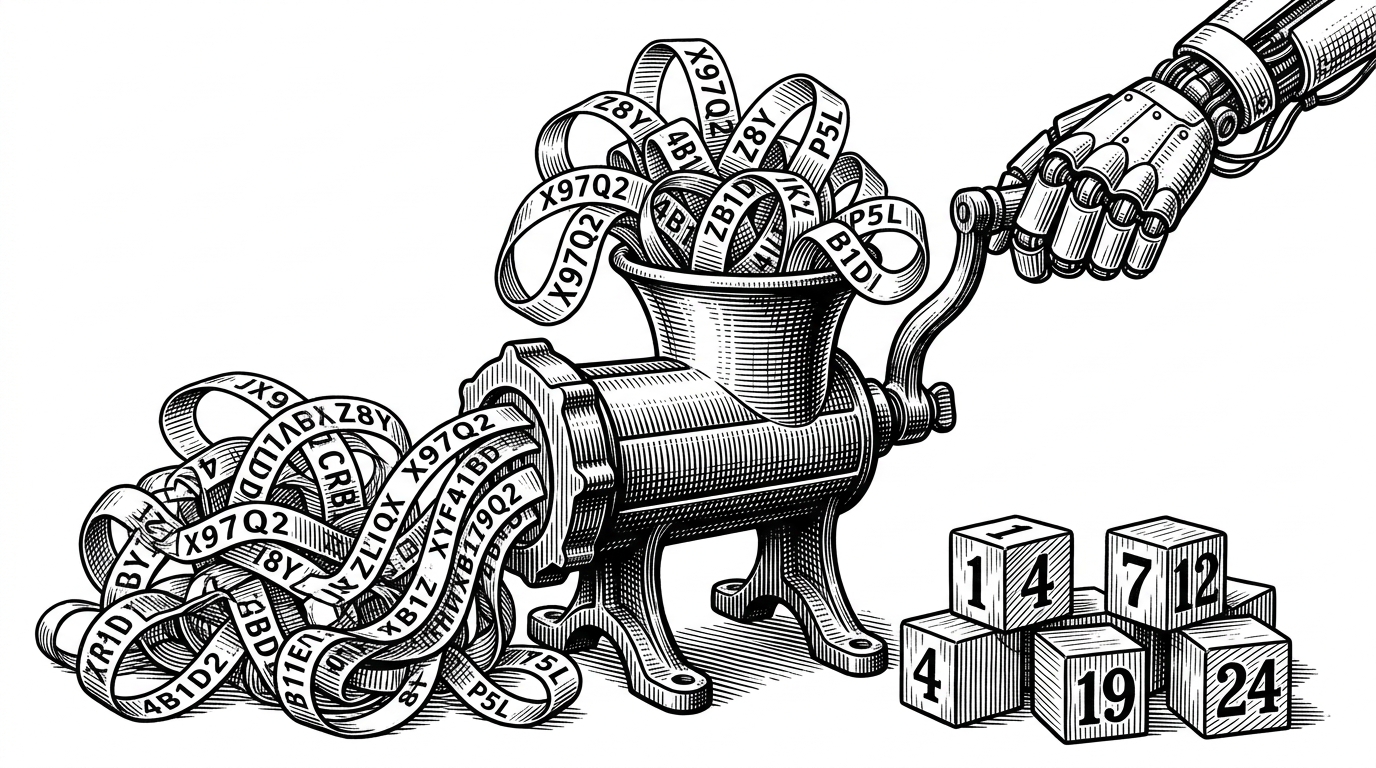
Authentication is only half the battle. Microsoft's backend identifies every email and calendar event with a globally unique identifier. These GUIDs are often over 100 characters long. Pasting a massive alphanumeric string into a terminal just to read an email is a terrible user experience.
The developer solved this with a local mapping system. When outlook-cli fetches a list of emails, it secretly intercepts the GUIDs and maps them to simple integers. The user sees a clean list of emails numbered 1, 2, and 3. When the user types a command to read email number 2, the CLI translates it back to the massive GUID before sending the request to Microsoft.
The Shadow IT Trade-off
This architectural choice places outlook-cli in a distinct category compared to official alternatives. Tools like ms365-cli use the standard device code flow and target the official Graph API. They are fully compliant and safe for enterprise use, but they require the very IT approval that blocks individual developers.
| Feature | outlook-cli (Shadow Approach) | ms365-cli (Official Approach) |
|---|---|---|
| Authentication | OWA Bearer Token Interception | OAuth2 Device Code Flow |
| IT Approval Needed | None (Uses browser session) | Azure AD App Registration |
| API Target | Undocumented service.svc | Official Microsoft Graph API |
| ToS Risk | High (Explicitly unsupported) | Zero (Fully compliant) |
Operating as a shadow API comes with inherent risks. Undocumented endpoints can change without warning. More importantly, circumventing enterprise security controls is a fast track to triggering automated compliance alerts.
For developers suffocating under strict corporate lock-downs, outlook-cli offers a rare breath of fresh air. It proves that with a bit of browser automation and network interception, the terminal can still be a sanctuary for productivity.