ZCode: The Coding Agent Harness That Treats the UI Like Infrastructure
A look at Z.ai’s agent-first workspace, where a desktop app, CLI, web shell, and skill system turn code editing into coordinated execution.
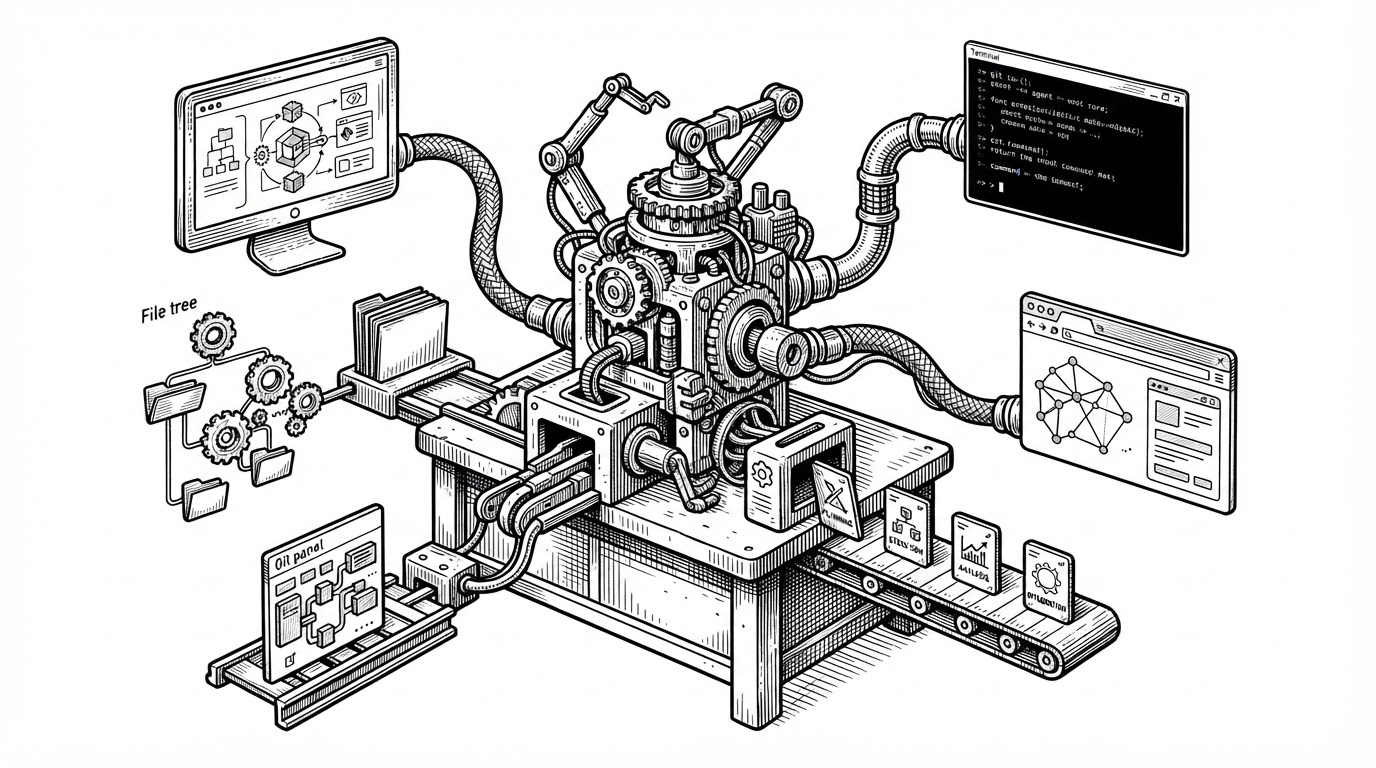
- ZCode is best understood as a harness for an agent, not as a smarter editor for a human.
- Its skill system turns browser work, UI generation, and governance into structured capabilities instead of ad hoc prompts.
- The desktop app, web mode, and CLI share one operating model, which makes the product feel like a single environment.
- The repo’s design rules and modular tooling are optimized for machine-followed consistency as much as for human maintenance.
ZCode makes a blunt claim that most coding tools avoid. It does not center the editor. It centers the agent, then builds a controlled environment around it: desktop, web, terminal, browser, file tree, and skills that tell the system how to behave.
The coding tool that assumes an agent is already in the room
That shift changes the whole product. In a normal IDE, the human is the operator and the AI is an assistant. In ZCode, the agent is the one that needs a body, and the UI is the body plan.
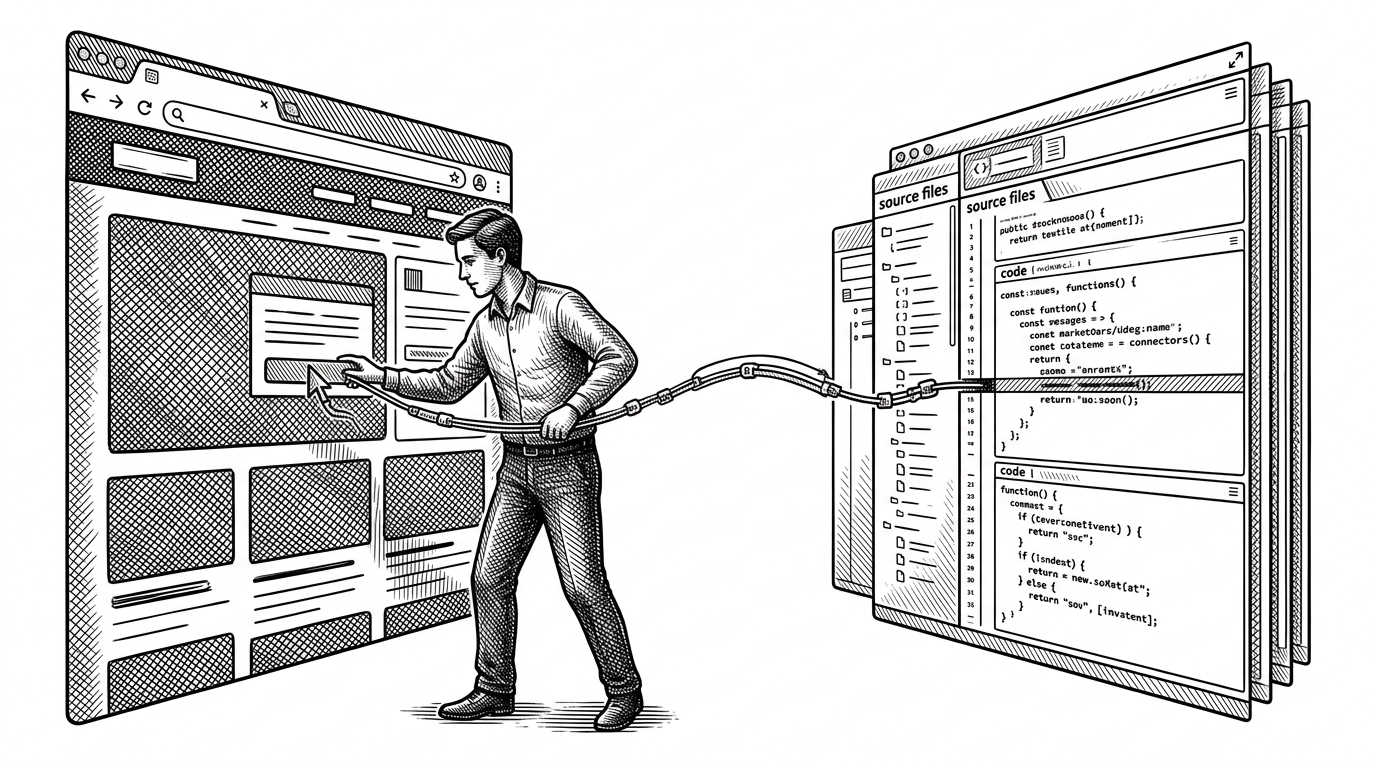
The repo exposes that idea across three surfaces. The desktop app gives the agent a full workspace. The CLI gives it a fast terminal path. The web mode makes the same system available without changing the mental model.

The skill system is the real product
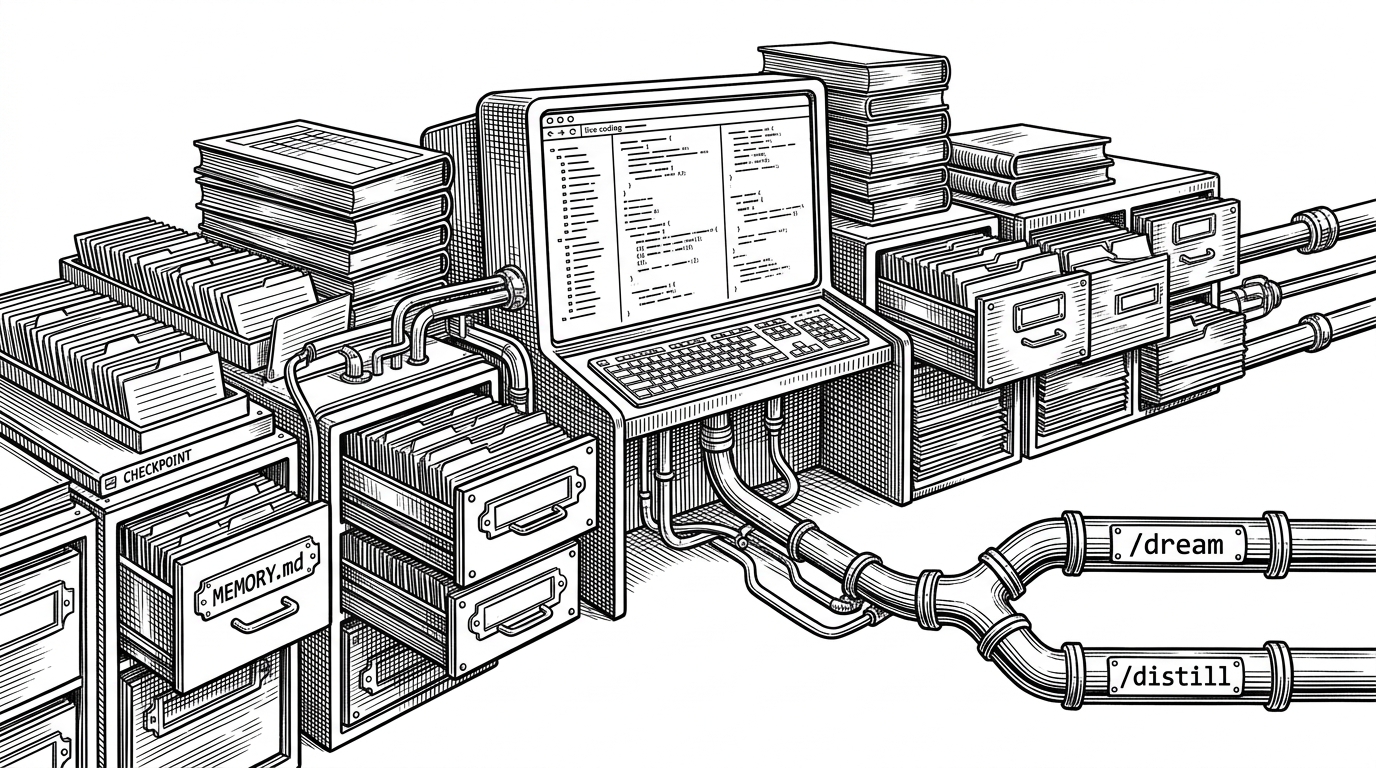
The `.agents/skills/` directory is where ZCode stops being a wrapper and starts being a system. It contains specialized guidance for browser automation, architecture rules, and UI generation. That is a different category of software than a plugin folder. It is closer to machine-readable policy.
The important move is not capability breadth. It is capability discipline. If the agent can pull from a governed skill set, then the environment can shape outcomes before code hits the repo.
apps/zcode-cli/
.agents/skills/
packages/ui/
packages/desktop/
public/
Why ZCode feels more like an operating environment than an IDE
The runtime path is unusually unified. `zcode` opens the terminal experience. `zcode --web` opens the browser-hosted workspace. The desktop app wraps the same underlying logic into a single operational surface.
That makes ZCode feel less like a stack of separate products and more like one system with different entry points. The SEA packaging and modern Node 24 requirement reinforce that feeling. This is not a loose bundle. It is a deliberately controlled runtime.
zcode
zcode --web
The technical choices support the editorial thesis. pnpm and Turbo keep the monorepo tractable. oxlint and oxfmt push strictness and speed. The file-size pressure in the repo encourages modular pieces that are easier for both humans and agents to reason about.
A design system written for machines, not mood boards
Z.ai's coding agent harness. Powerful, intelligent, extensible.
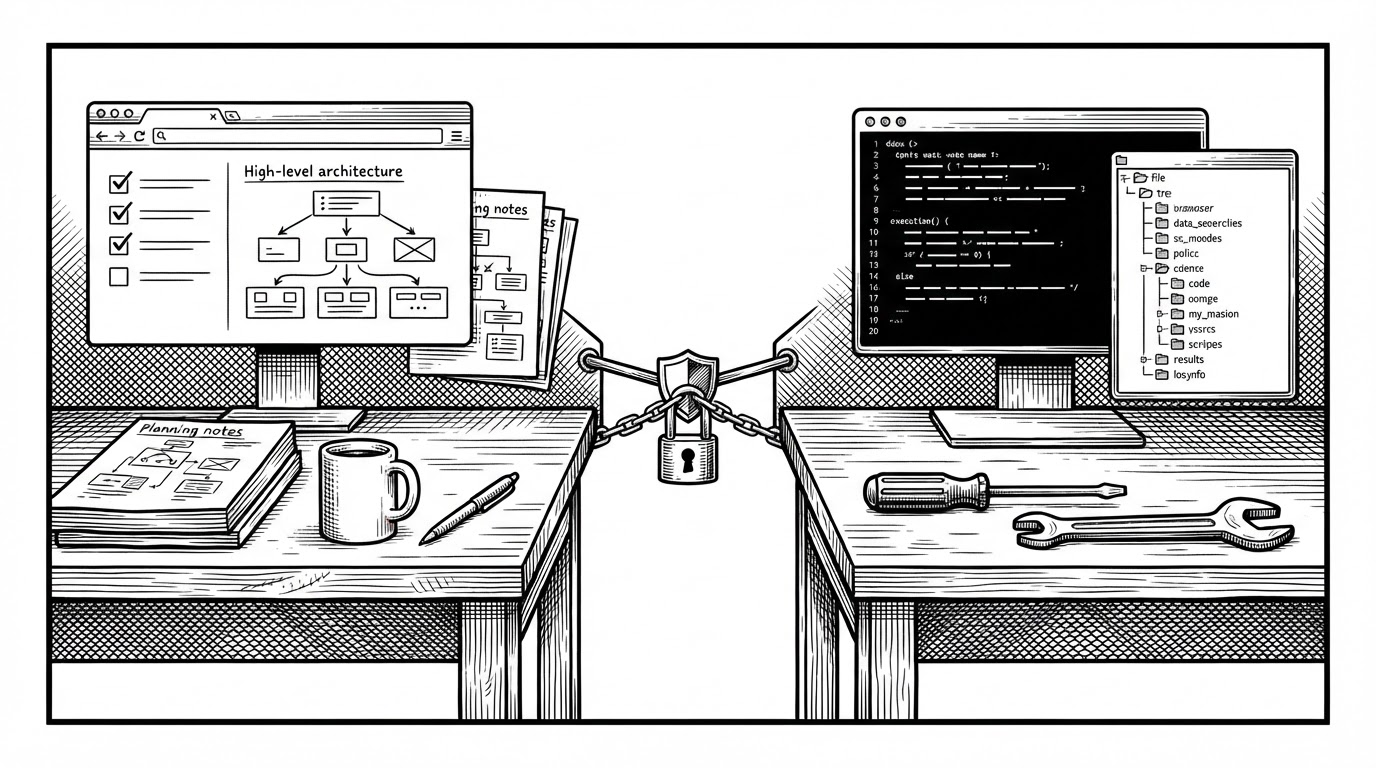
`DESIGN.md` is one of the more revealing files in the repo. It treats UI rules as operational constraints, not taste preferences. The result is a dense, calm interface that can be generated repeatedly without drifting into visual chaos.
That matters because the interface is not just for humans browsing code. It is also a machine target. If the agent generates UI, the design system has to function like governance.
How the repo is wired for speed and control
| Layer | ZCode | Why it matters |
|---|---|---|
| Workspace | pnpm monorepo with Turbo | Keeps many surfaces aligned without bloating the mental model. |
| Runtime | Node 24 with SEA packaging | Turns a web-tech codebase into a portable tool with one entrypoint. |
| Quality control | oxlint and oxfmt | Enforces fast feedback and modular files the agent can navigate. |
| UI system | React and shadcn-based components | Lets the workspace stay consistent across desktop and web. |
The repo is also structured around a small number of clear surfaces. That is a quiet but important advantage. Agents do better when the codebase is shallow enough to inspect, but strict enough to trust.
What ZCode is really competing with
| Tool | Primary interface | Center of gravity | Workflow | Best fit |
|---|---|---|---|---|
| ZCode | Desktop, web, CLI | Harness for an autonomous agent | The agent operates across browser, terminal, and files | Long-running, multi-surface coding tasks |
| Claude Code | CLI | Command-line agent | Prompt, execute, inspect, repeat | Fast terminal-first iteration |
| Cursor | Editor | Human-centered coding assistant | Edit in place with AI help | Interactive coding inside a familiar IDE |
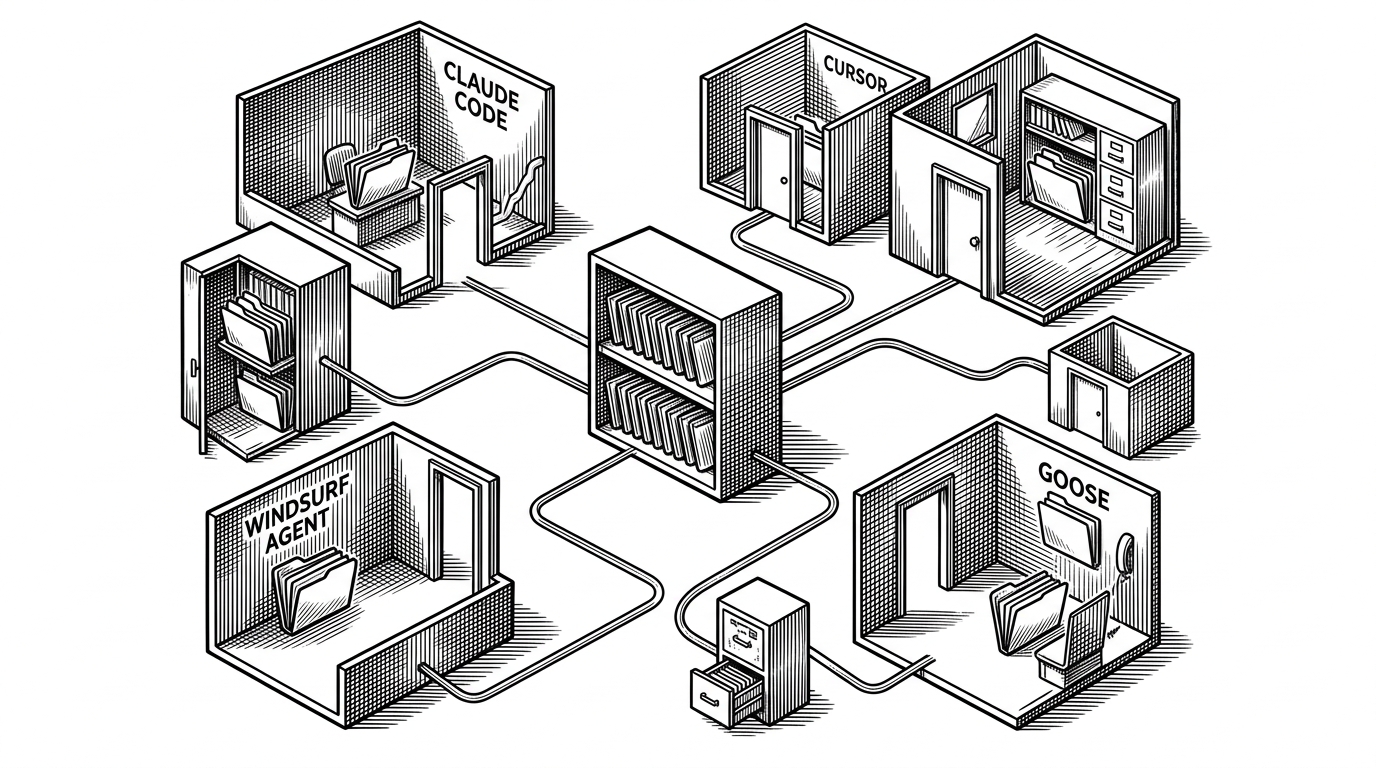
This is not mainly a feature contest. It is a philosophy contest. Cursor starts with the editor. Claude Code starts with the command line. ZCode starts with the idea that the environment itself should be built around an agent that moves across surfaces.
The bigger bet: the workspace becomes the product
If agent workflows become longer, more stateful, and more multi-surface, then the surrounding workspace becomes strategic. The model still matters. But the harness around it can decide whether the agent is a demo or a usable system.
That is ZCode’s real bet. The next generation of developer tools may compete less on who has the smartest model and more on who gives that model the best body, the best rules, and the best place to work.