code-editing-agent: The Smallest Possible AI Developer Is Mostly a Loop
A TypeScript repo that turns Claude into a file-editing agent with three tools, one tight orchestration pattern, and a surprisingly fragile idea at its center: surgical string replacement.
- This repo shows that a working coding agent can be reduced to a loop, a tiny toolset, and a strict edit protocol.
- The real technical bet is not model intelligence but the harness that routes tool use, file reads, and retries.
- The `old_str` and `new_str` design is efficient and readable, but it is also the most fragile part of the system.
- Ink matters here because it makes the agent's state visible instead of hiding it inside a black box.
The whole trick is a loop
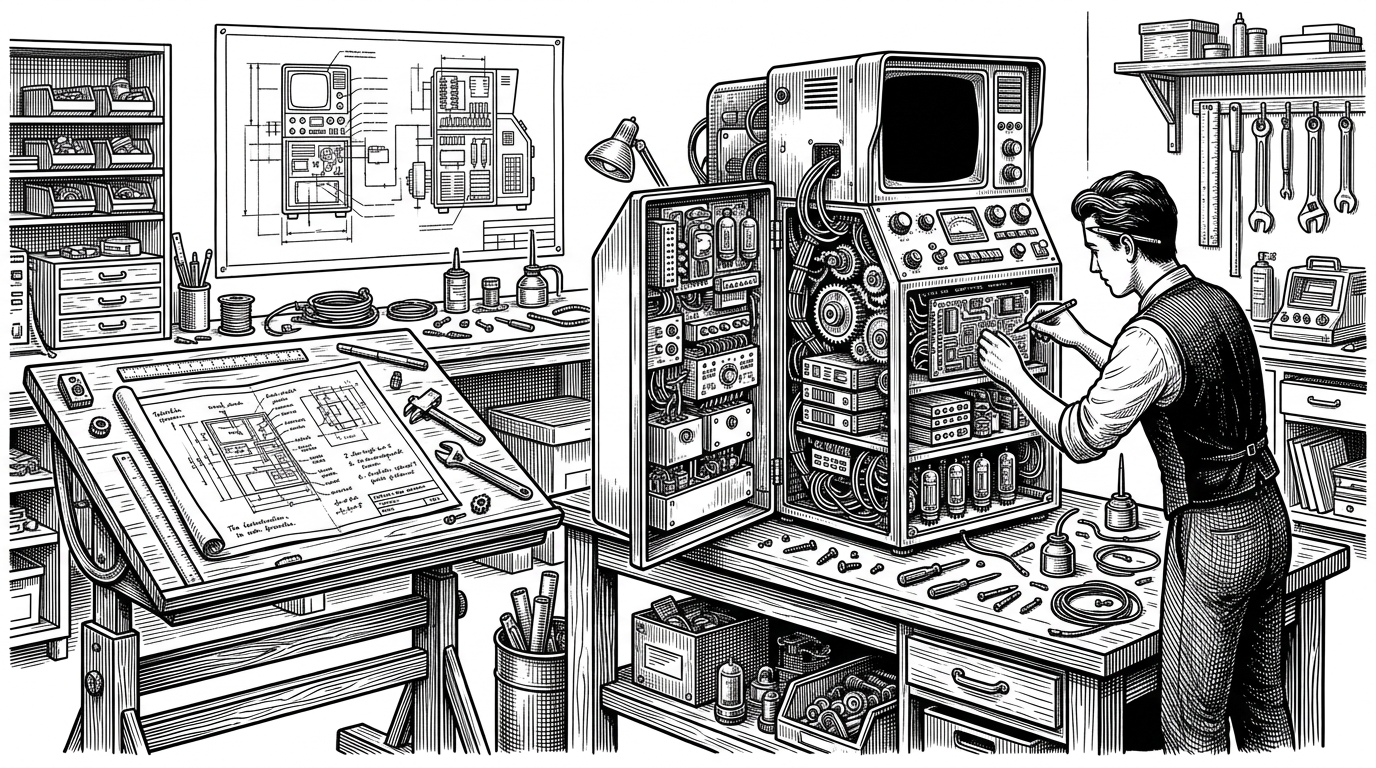
The most interesting thing about snarktank/code-editing-agent is not that it uses Claude. It is that the agent behaves like a tiny state machine: read, reason, act, repeat. That is the entire illusion of autonomy, stripped down to a few TypeScript files and a file system.
That design choice matters because it makes the system legible. You are not looking at a general AI brain. You are watching a request pass through a harness, hit a tool boundary, and come back altered.
This demonstrates that building a fully functional, code-editing AI agent requires surprisingly little code - just ~240 lines of TypeScript.
Three tools, no more
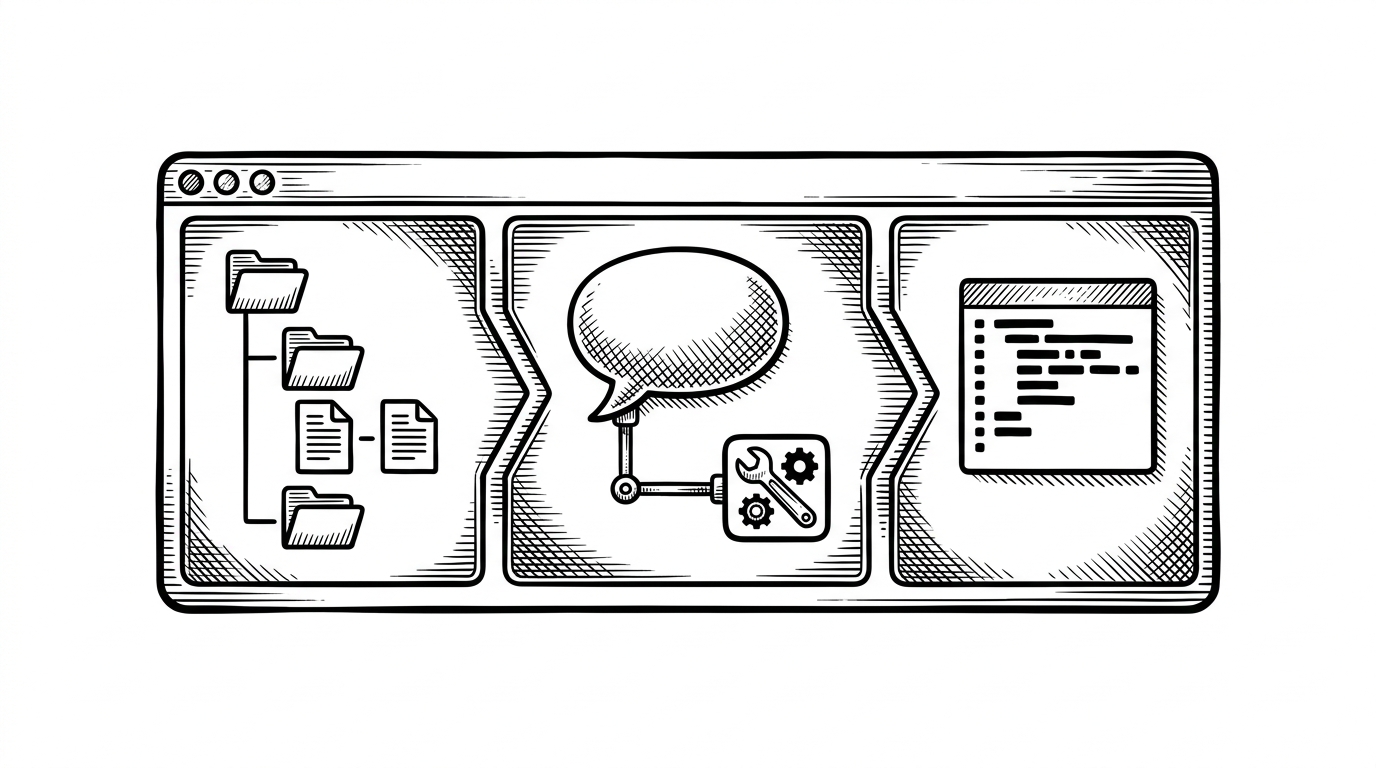
The repo narrows the agent's hands to three operations: list_files, read_file, and edit_file. That restraint is the point. It keeps the loop transparent, but it also means the model has nowhere to hide when it guesses wrong.
const tools = [
  list_files,
  read_file,
  edit_file,
]

while (true) {
  const response = await claude(messages, tools)
  if (response.type === 'tool_use') {
    const result = await runTool(response)
    messages.push({ role: 'tool_result', content: result })
    continue
  }
  render(response)
}| Capability | This repo | Typical production agent |
|---|---|---|
| Tool count | Three file-system tools | Broader tool surface with search, patching, memory, and often shell access |
| Mental model | One visible loop | Multiple subsystems and hidden retries |
| Risk profile | Easy to reason about, easy to break | Harder to trace, usually more forgiving |
| Teaching value | High | Lower |
That trade-off is elegant. A smaller toolset reduces complexity and makes the agent easier to inspect. It also raises the stakes of each tool call, because every mistake lands directly on disk.
Why old_str / new_str is the real bet

The most revealing choice in the repo is the edit format itself. Instead of diff hunks or whole-file rewrites, it asks Claude to provide an old_str and a new_str. That is efficient, readable, and brutally sensitive to tiny mismatches.
| Edit strategy | Strength | Weakness |
|---|---|---|
| old_str / new_str | Compact and direct | Fails if the model misses an exact character |
| Unified diff | Human-friendly and familiar | More verbose and harder for a model to reproduce precisely |
| Full-file rewrite | Simple implementation | Token-heavy and noisy for large files |
This is where the harness problem shows up. The model is not only solving the coding task. It is also being asked to reproduce the source text with enough fidelity that the harness can trust the replacement.
Ink turns the agent into something you can watch
The terminal UI is not decoration. In the Ink layer, the repo turns a hidden loop into a visible one. That matters because agent work is otherwise easy to misunderstand as a single burst of intelligence instead of a sequence of discrete states.
function InkAgent() {
  const [messages, setMessages] = useState([])

  useEffect(() => {
    streamAgent({ onMessage: setMessages })
  }, [])

  return <AgentApp messages={messages} />
}
The result is less like a chat window and more like a dashboard for cognition. You can see when the agent is scanning, editing, or just talking back. That visibility is the difference between feeling clever and understanding what happened.
Why all the .rules files matter
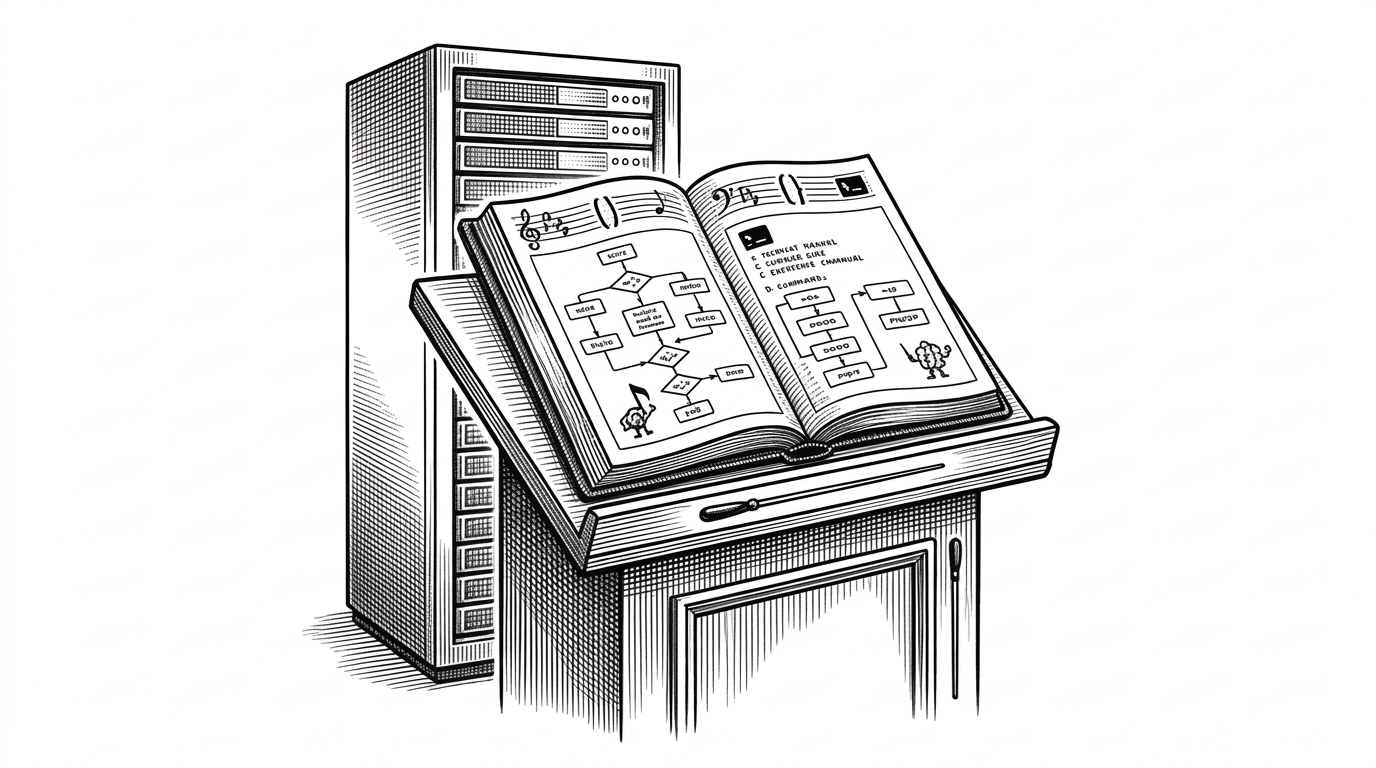
The agent follows a simple loop: 1. Get user input 2. Send conversation + available tools to Claude 3. If Claude wants to use a tool, execute it and send results back 4. Display Claude's response 5. Repeat
The repo's sprawling set of editor rules points to a second ambition: portability. It is not only a standalone agent. It is also a way to encode behavior across different AI editors, which suggests that instruction files are becoming part of the software stack itself.
| Layer | What it does | Why it matters |
|---|---|---|
| Core agent | Reads, edits, repeats | This is the actual loop |
| Editor rules | Shape behavior in different environments | This is the portability layer |
| Harness | Defines how errors are handled | This is where reliability lives |
That is the quiet thesis of the project. A coding agent is not just a model with tools. It is a behavior contract spread across instructions, tool schemas, and editor-specific rules.
Where this sits among real coding agents
| Project | What it optimizes for | What you get |
|---|---|---|
| code-editing-agent | Transparency and minimalism | A tiny reference implementation that shows the mechanics clearly |
| Aider | Workflow scaffolding and mature terminal ergonomics | A more robust day-to-day coding assistant |
| Claude Code | Polished commercial integration | A cohesive product experience around the same basic idea |
| OpenCode | Systems breadth and self-correction | A broader platform with more architecture around the loop |
The comparison is not about winner and loser. It is about where each project puts its complexity. This repo keeps complexity visible on purpose, which makes it ideal as a reference implementation and a poor fit as a final destination.