Ehviewer_CN_SXJ: The Android Gallery App That Rebuilt the Image Pipeline
A deep dive into the native decoder, spider crawler, and systems-level tricks that let one specialized Android client turn a restricted image site into a smooth high-concurrency reader and downloader.

ehviewer,用爱发电,快乐前行
- Ehviewer_CN_SXJ stands out because it treats gallery browsing like systems work, not UI polish.
- Its native image engine is the real differentiator, with C code handling decode, frame disposal, and bitmap writes directly.
- The crawler, downloader, and renderer are built as one pipeline, which matters more than any single feature flag.
- The fork wins by being narrow, aggressive, and highly tuned for one hostile content source.
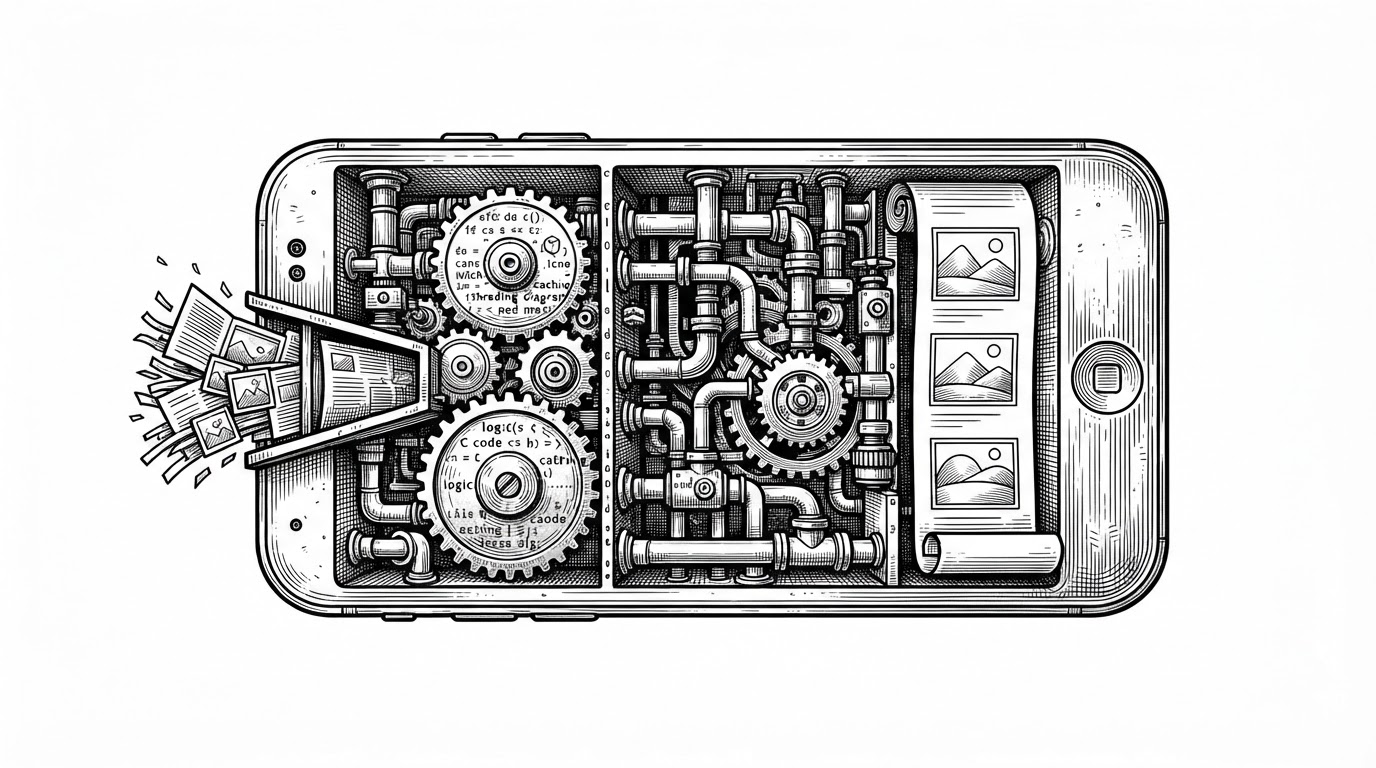
Most Android gallery apps lean on the platform and hope the rest works out. Ehviewer_CN_SXJ does the opposite. It builds its own image engine, its own spider, and enough systems-level tuning to make a restricted site feel like a local library.
Why a gallery app needed its own image engine
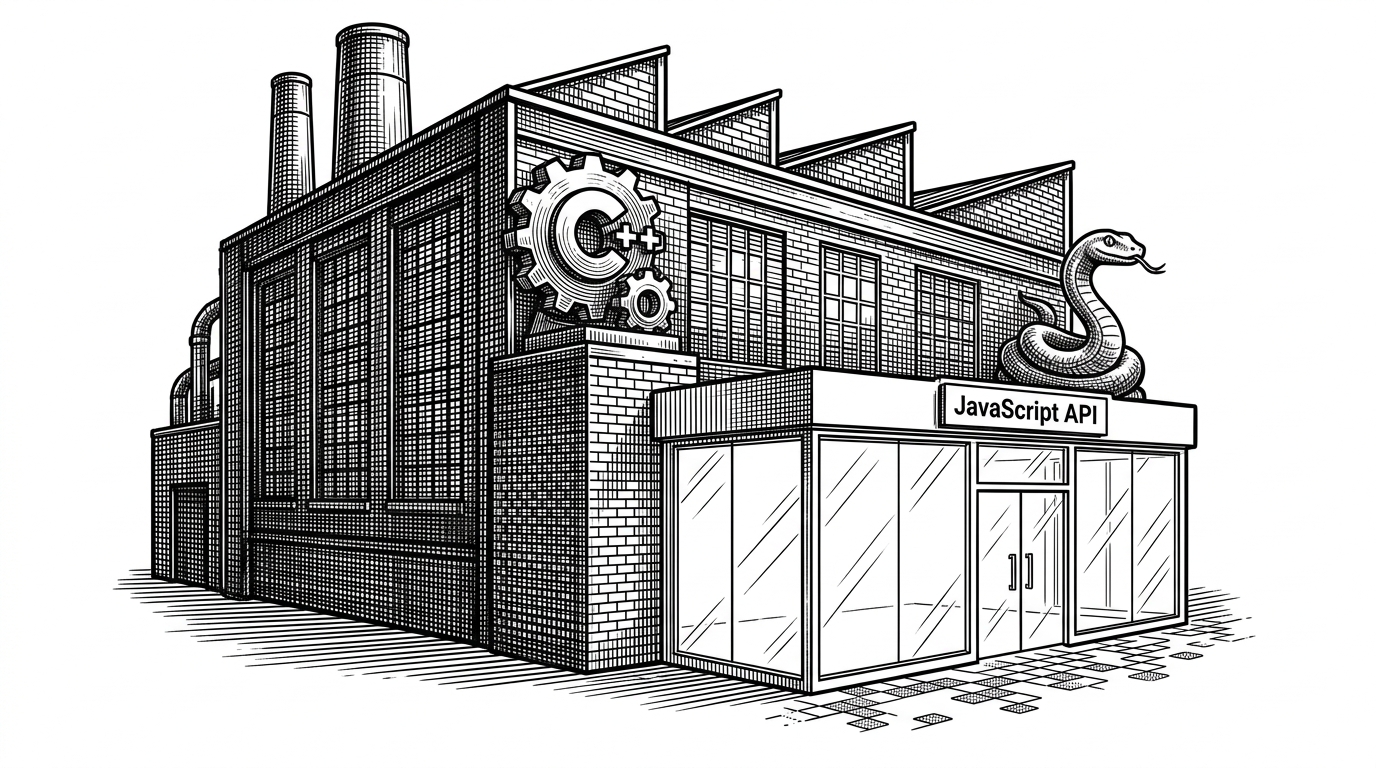
The first surprise in this repo is not the UI. It is the fact that the app does not trust Android’s default image path to carry the whole load. Instead, it routes image data through native code, then writes pixels straight into Bitmaps with minimal detours.
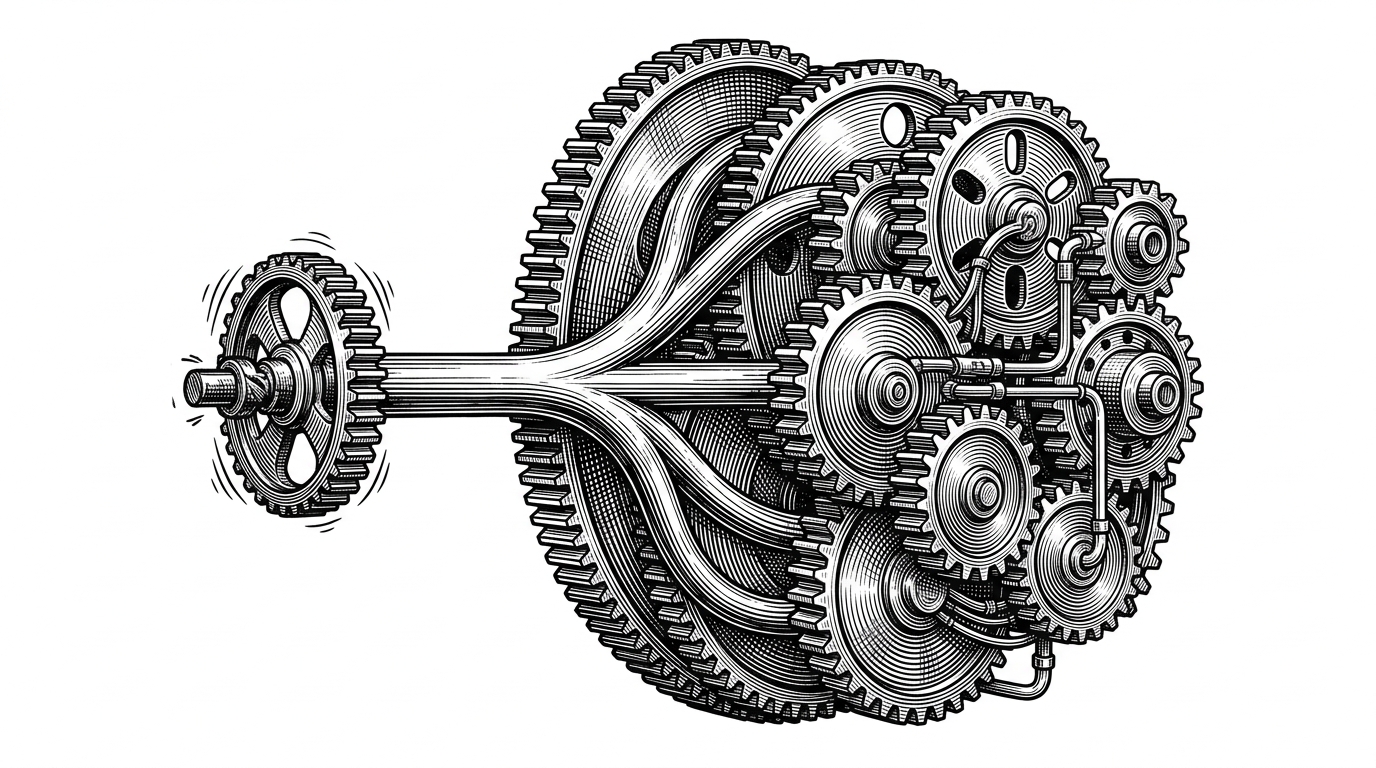
That choice changes the whole shape of the project. Once you own decoding, you also own format detection, frame handling, memory pressure, and the cost of every scroll gesture. The app starts to look less like a client and more like a media runtime.
static int decode(const uint8_t *data, size_t size, ImageInfo *info) {
    switch (sniff_format(data, size)) {
        case FORMAT_JPEG: return JPEG_decode(data, size, info);
        case FORMAT_PNG:  return PNG_decode(data, size, info);
        case FORMAT_GIF:  return GIF_decode(data, size, info);
        case FORMAT_WEBP: return WEBP_decode(data, size, info);
        default: return -1;
    }
}
That dispatcher is the cleanest summary of the app’s image stack. A single entry point sniffs the bytes, routes to the right decoder, and hands the result to the renderer. It is a small piece of code with a very large design consequence.
The native decoder keeps the hot path short
The important trick is not just that decoding happens in C. It is that the code avoids unnecessary copies when the image finally becomes something Android can display. The JNI bridge uses direct bitmap access, which means the app can write into display memory without bouncing through extra heap layers.
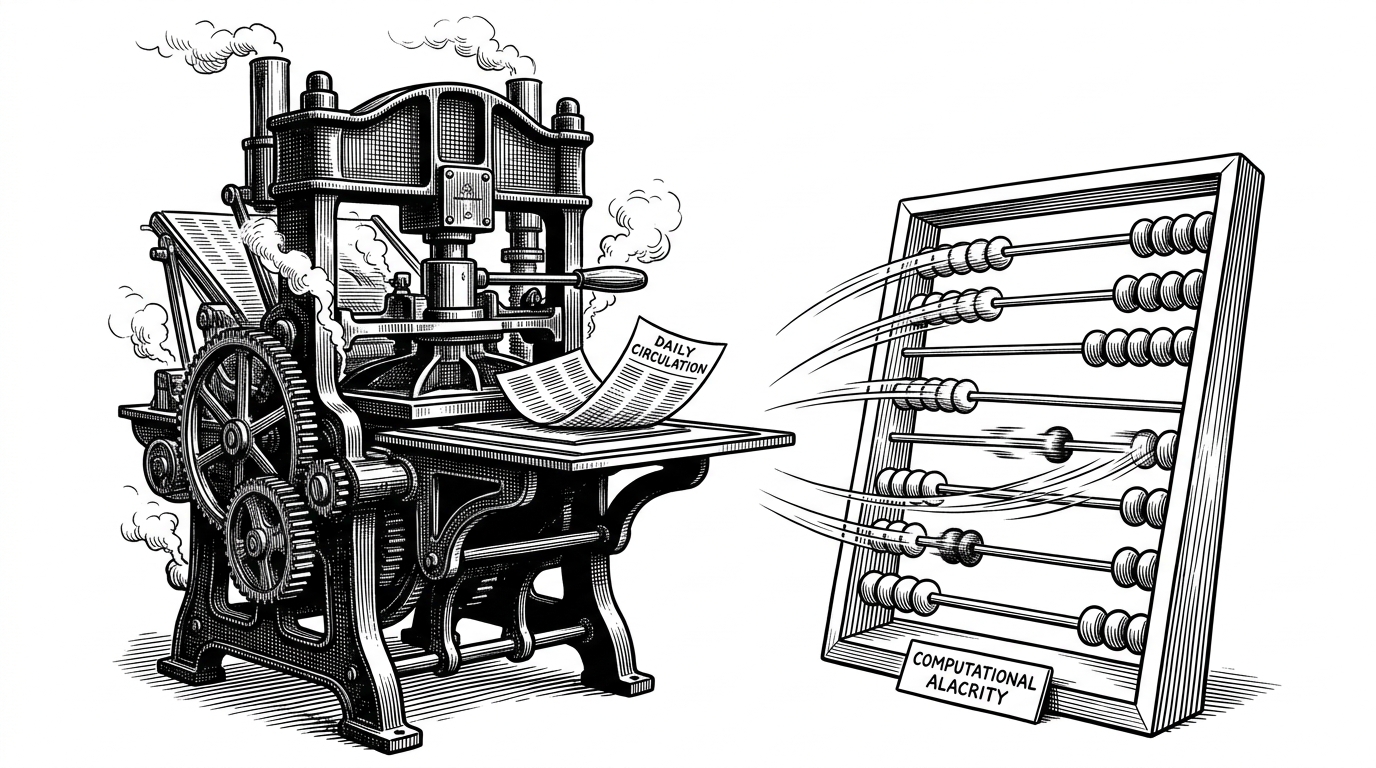
For a reader, that translates into one thing: less stutter when a gallery has a lot of images or when you fling through it quickly. For the codebase, it means the image stack behaves like infrastructure, not a convenience wrapper.
The spider is the other half of the app
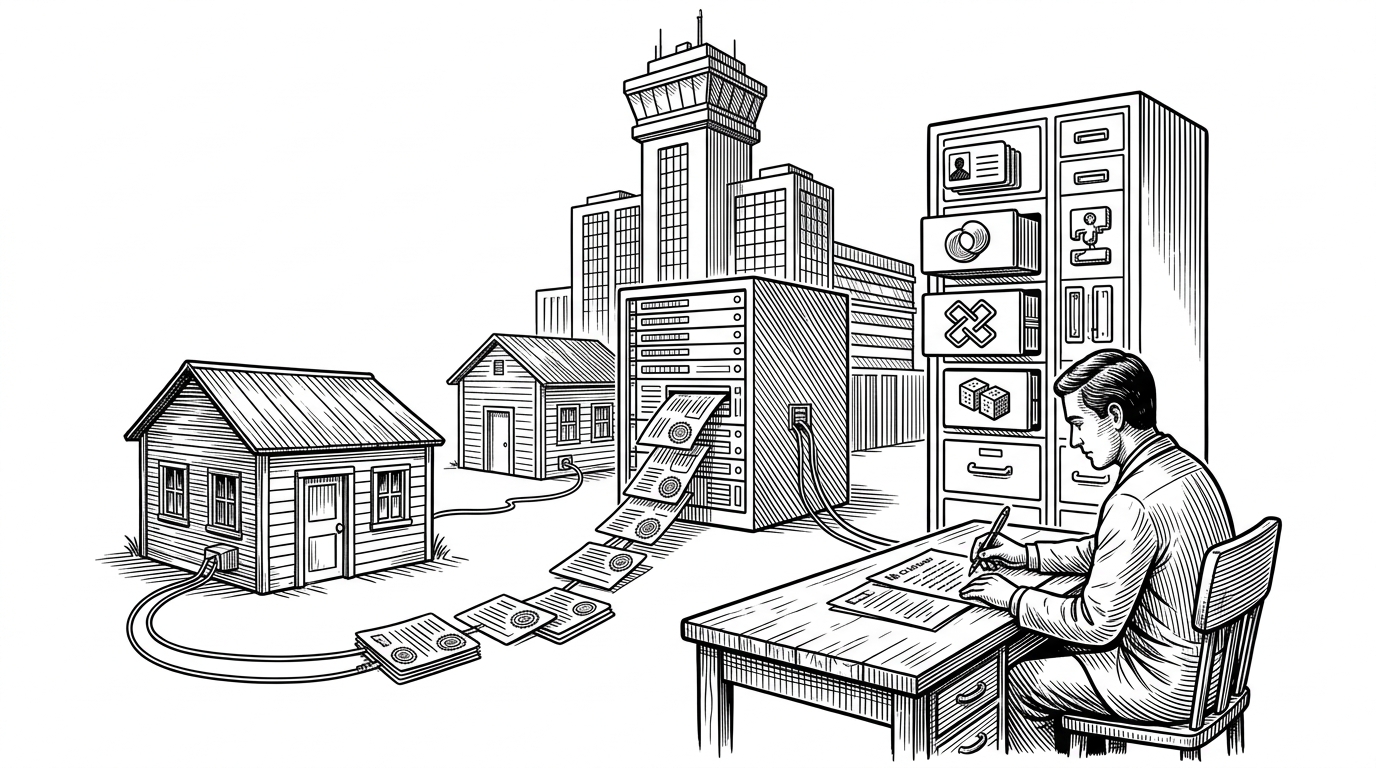
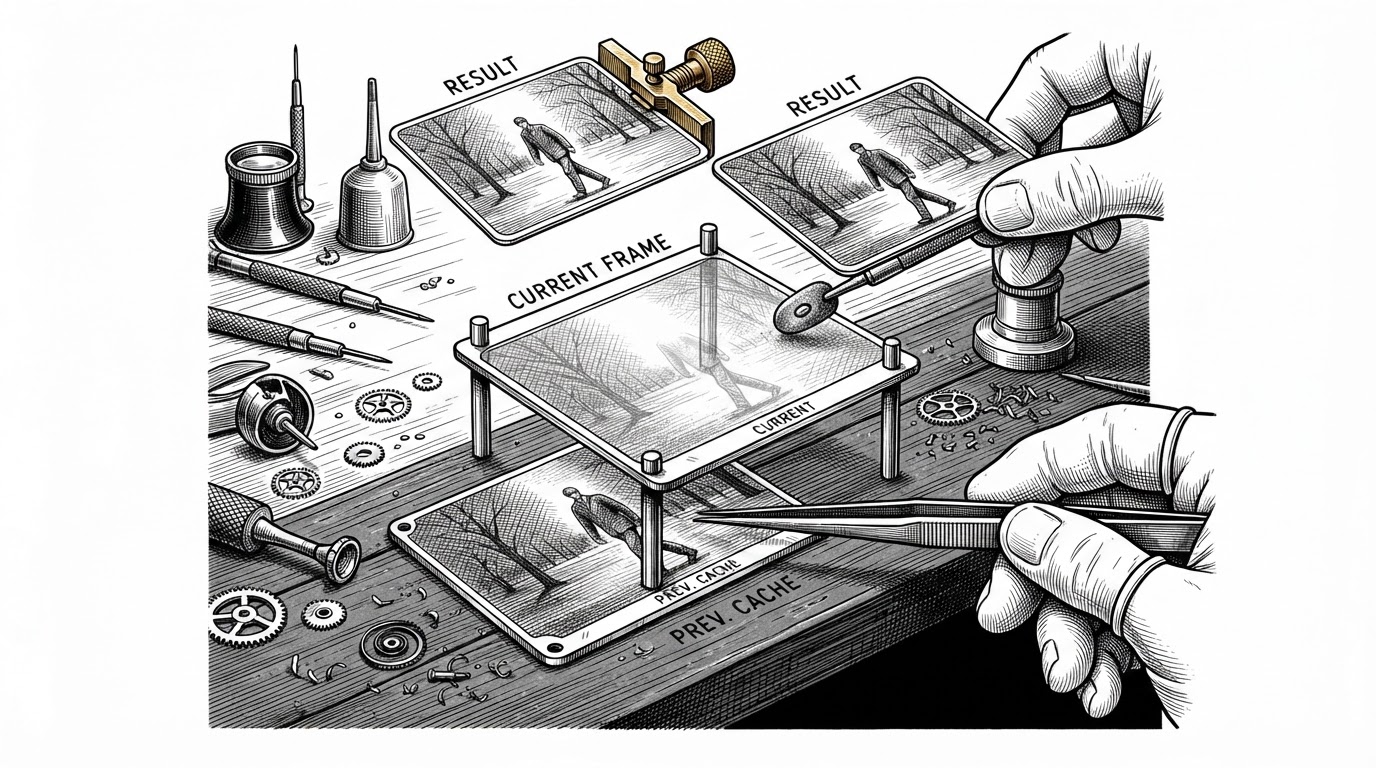
If the decoder is the app’s engine, the spider is its intake system. Ehviewer_CN_SXJ does not have the luxury of a neat public API. It has to parse pages, infer structure, pull image links, and keep downloads organized while the rest of the app stays responsive.
That is why the crawler architecture matters so much. The app is not just fetching content. It is coordinating tasks, deduplicating work, and shaping a messy web experience into a predictable local workflow.
That line from the maintainer fits the codebase better than any marketing copy. This is a project built through sustained attention, not a broad platform strategy. The result is a fork that feels unusually cohesive.
Why systems tricks matter on Android
The repo’s lower-level choices tell the same story. It vendors image libraries, cares about ABI targets, and even pays attention to modern Android page-size constraints. Those details are not decorative. They are how the app stays reliable across devices and vendors.
It also uses memory hints such as madvise, which is a strong signal about the team’s mental model. This is mobile software written by people who think like systems programmers when the workload demands it.
| Axis | Ehviewer_CN_SXJ | General manga readers |
|---|---|---|
| Scope | One narrow source, tuned deeply | Many sources, less source-specific tuning |
| Image path | Native decode and direct bitmap writes | Mostly platform or framework defaults |
| Crawler model | Spider queue and download coordination | Extension or plugin oriented |
| Performance posture | Aggressive about scrolling and memory | Balanced for breadth and portability |
| Platform identity | Native Android first | Often cross-platform or source-agnostic |
That trade-off is the point. Broad apps win on reach. Ehviewer_CN_SXJ wins on fit. It spends its complexity budget where its users feel it most, which is image loading, scrolling, and bulk downloading.
A fork that wins by being focused
Placed next to other EhViewer forks, the project’s shape becomes clearer. It is not trying to be the prettiest general reader, and it is not trying to be the widest source aggregator. It is trying to be the most serious native client for a very specific job.
That is why comparisons to broader readers like Mihon or cross-platform options like JHenTai are useful. Those projects solve adjacent problems. Ehviewer_CN_SXJ solves a narrower one with more force.
| Project | Strength | Trade-off |
|---|---|---|
| Ehviewer_CN_SXJ | Deep native optimization for one source | Less general-purpose than broader readers |
| Ehviewer-Overhauled | Modern UI direction and fork heritage | Marked discontinued in the landscape you are comparing |
| Mihon | Large extension ecosystem | Not specialized for this single pipeline |
| JHenTai | Cross-platform consistency | Less native Android specialization |
The fork’s discipline is what makes it durable. By staying narrow, it can keep optimizing the exact path its users care about. That is often more valuable than adding another layer of abstraction.
The maintenance story behind the code
This is also a governance story. The repo is strongly centralized around a lead maintainer, which is obvious in the contribution pattern and in the consistency of the release notes. In a project this specialized, that kind of stewardship can be a strength.
A narrow tool does not need a diffuse product committee. It needs someone willing to keep the pipeline working when Android changes, when dependencies shift, and when the edge cases stack up. Ehviewer_CN_SXJ looks like that kind of project.
It is a fork, but not an accidental one. It has a thesis, and the code follows it: own the crawl, own the decode, own the render path, and the app can turn a hostile site into something that feels local.