PerfectNetworkSpeedInfo-Remaster Turns the iOS Status Bar Into a Control Surface
A jailbroken iOS tweak that reads interface counters directly, renders live throughput as a floating overlay, and hides app-launch gestures inside a tiny network meter.
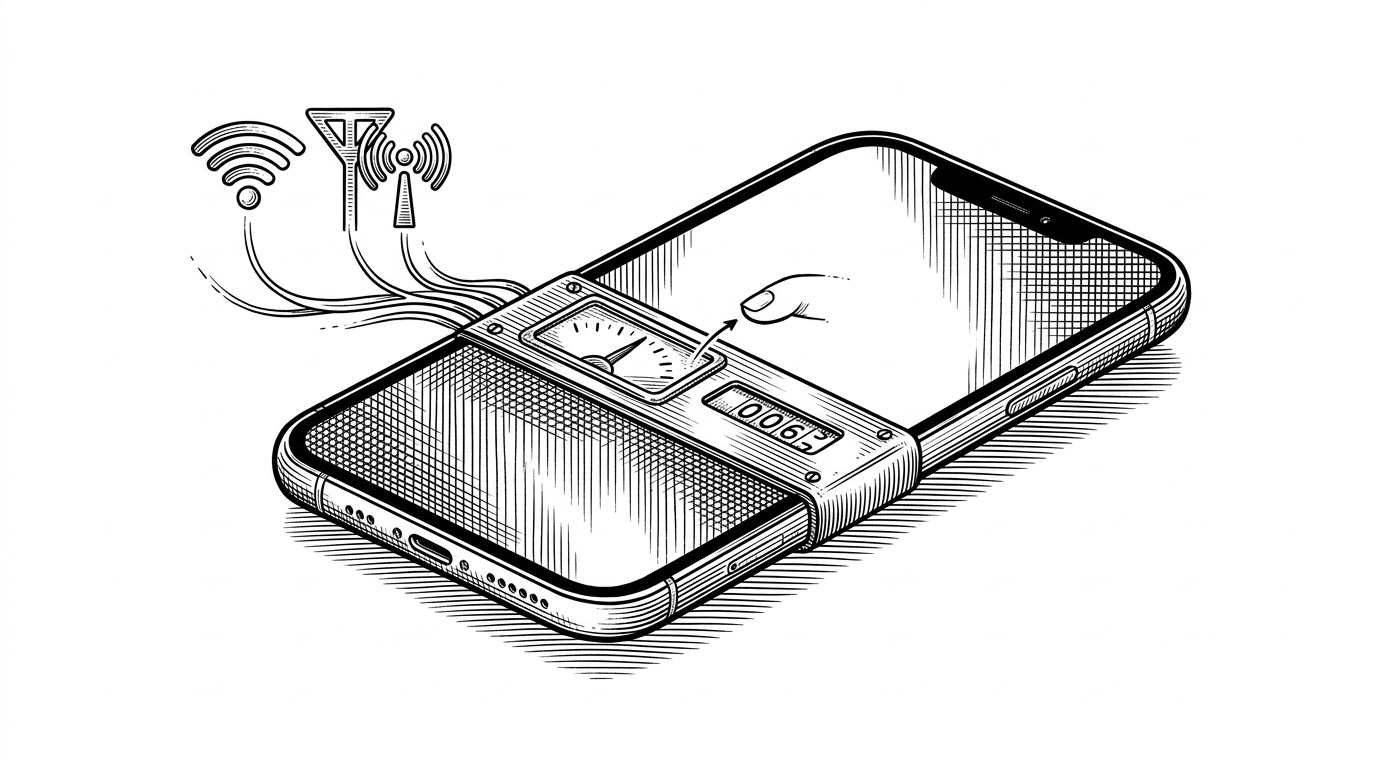
- PerfectNetworkSpeedInfo-Remaster treats the iOS status bar as an interactive layer, not a passive indicator.
- Its live number comes from direct interface sampling and delta math, so the readout reflects traffic instead of a cosmetic guess.
- The remaster matters because it adapts an older jailbreak idea to rootless devices, modern preferences, and richer overlay customization.
- Compared with stock iOS and broad system monitors, it wins by being narrow enough to live inside SpringBoard and actionable enough to launch apps.
The strange thing about PerfectNetworkSpeedInfo-Remaster is that the network meter is the least interesting part. The repo takes a thin status-bar readout and turns it into a control surface that can float above SpringBoard, update from raw interface counters in real time, and hide app-launch gestures inside the same tiny widget.
That is the whole appeal. It looks cosmetic at first glance, then it behaves like infrastructure.
The status bar stops being passive
Most status-bar indicators are informational wallpaper. They tell you something happened, then disappear back into the chrome. This tweak does the opposite. It keeps the indicator alive as a UI layer, with a dedicated window and label that sit above normal app content instead of inside it.
That placement matters because it changes the job of the status bar. It is no longer just a place to glance at signal strength. It becomes a persistent surface that can also react to taps, double taps, and long presses.
That is a small idea with a large boundary crossing. iOS usually keeps monitoring separate from interaction, but this repo fuses the two. The meter is both a readout and a launcher, which is why it feels closer to a tiny instrument panel than to a classic network counter.
How raw network counters become a live number
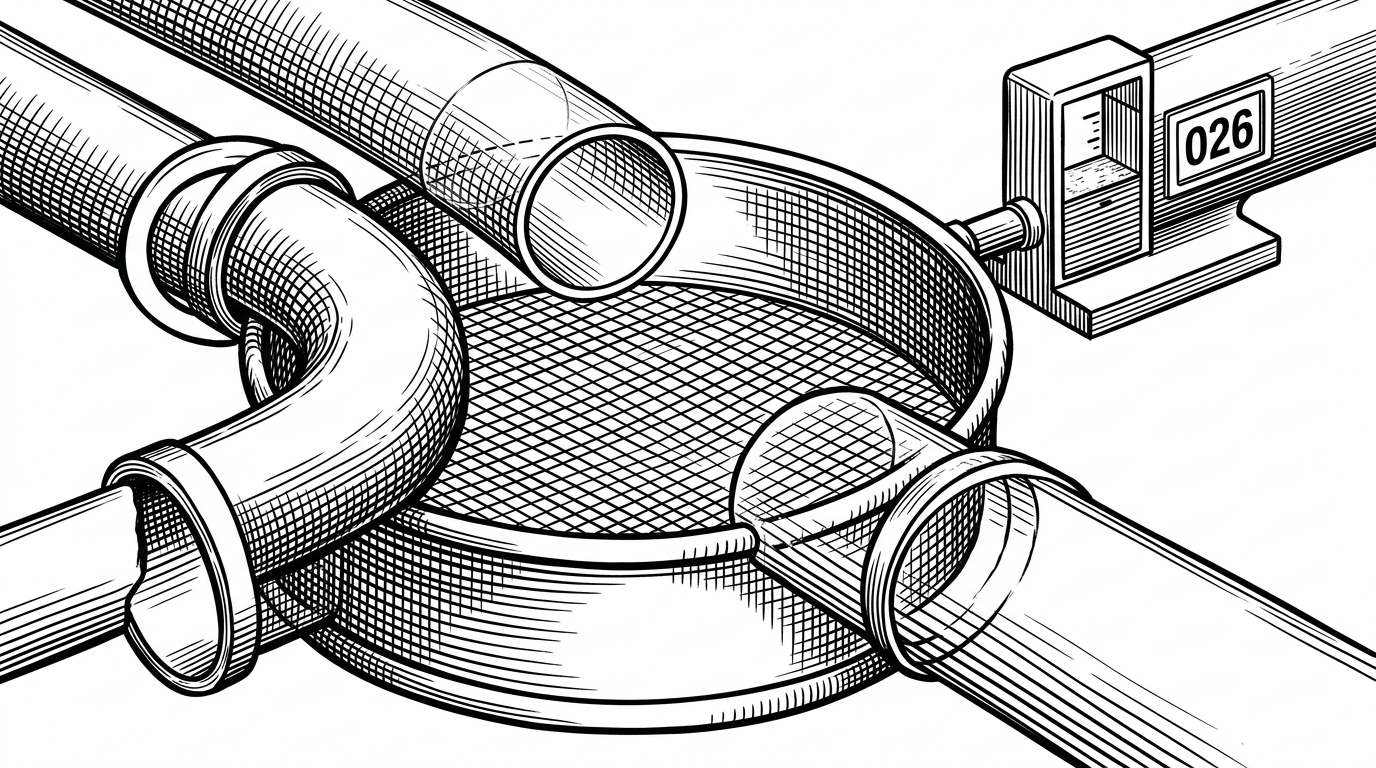
The technical core is straightforward, which is part of why it works. The tweak walks the network interfaces with getifaddrs, skips loopback and tunnel traffic such as lo0 and utun, samples byte counts, then compares the current snapshot with the previous one. The number you see is a delta over time, not a guess.
That distinction is important. A packet sniffing dashboard would be heavier and more invasive. This repo stays lighter by reading interface counters directly, then turning the difference into a formatted throughput value that can be shown as bits or bytes per second.
The code also does the kind of defensive work that keeps a tiny overlay from becoming noisy. A huge spike can happen during a handoff, and the repo includes a sanity check to dampen impossible jumps instead of letting the label flicker wildly. The end result is practical: a number that stays readable when the device switches networks, and that updates on a cadence the user can tune from preferences.
Why the remaster matters
The word remaster is doing real work here. This is not a brand-new concept that arrived from nowhere. It is a modernization pass on an older jailbreak idea, rebuilt for rootless installs, newer system releases, and a more polished preferences experience.
That modernizing shows up in the plumbing. The project uses the usual Theos stack, with Logos and Objective-C at the center, but the surrounding pieces are what make it feel current: HBPreferences for safer settings, libsparkcolourpicker for styling, libsparkapplist for app selection, and a preferences pane that can swap controls based on platform behavior without splitting the codebase apart.

That is why the repository feels niche but serious. It is not trying to become a general dashboard, and it is not chasing a broad audience. It is making a tiny system strip more durable, more configurable, and more useful in the exact places where jailbreak users spend time.
Even the compatibility work tells the same story. Rootless jailbreaks changed file paths and packaging expectations, so the tweak has to respect those constraints while still living inside the system UI. That is maintenance, not novelty, and it is where a lot of practical jailbreak software earns its keep.
What it looks like beside the alternatives
Compared with the obvious alternatives, the repo is winning on a very specific axis. Stock iOS gives you status, not throughput. A broad system monitor gives you breadth, not presence. This tweak gives you a live number where your eyes already are, and it makes that number act on the device.
| Dimension | Stock iOS | Generic system monitor | PerfectNetworkSpeedInfo-Remaster |
|---|---|---|---|
| What it shows | Signal icons and broad connectivity state. | A dashboard of many machine metrics, including network. | Live throughput as a tiny overlay inside SpringBoard. |
| Data source | Apple's own UI-level status info. | System APIs and app-level telemetry. | Direct interface counters from the network stack. |
| Where it lives | The OS status area only. | A standalone app or menu bar. | A floating UIWindow over the system UI. |
| Actionability | Read-only. | Usually read-only. | Tap, double tap, and hold can launch apps. |
| Customization | Minimal. | Broad but generic. | Overlay styles, colors, images, and app picks. |
| Trade-off | Simple, but shallow. | Deep, but separate from the flow of use. | Deep enough to be useful, small enough to stay in the status bar. |
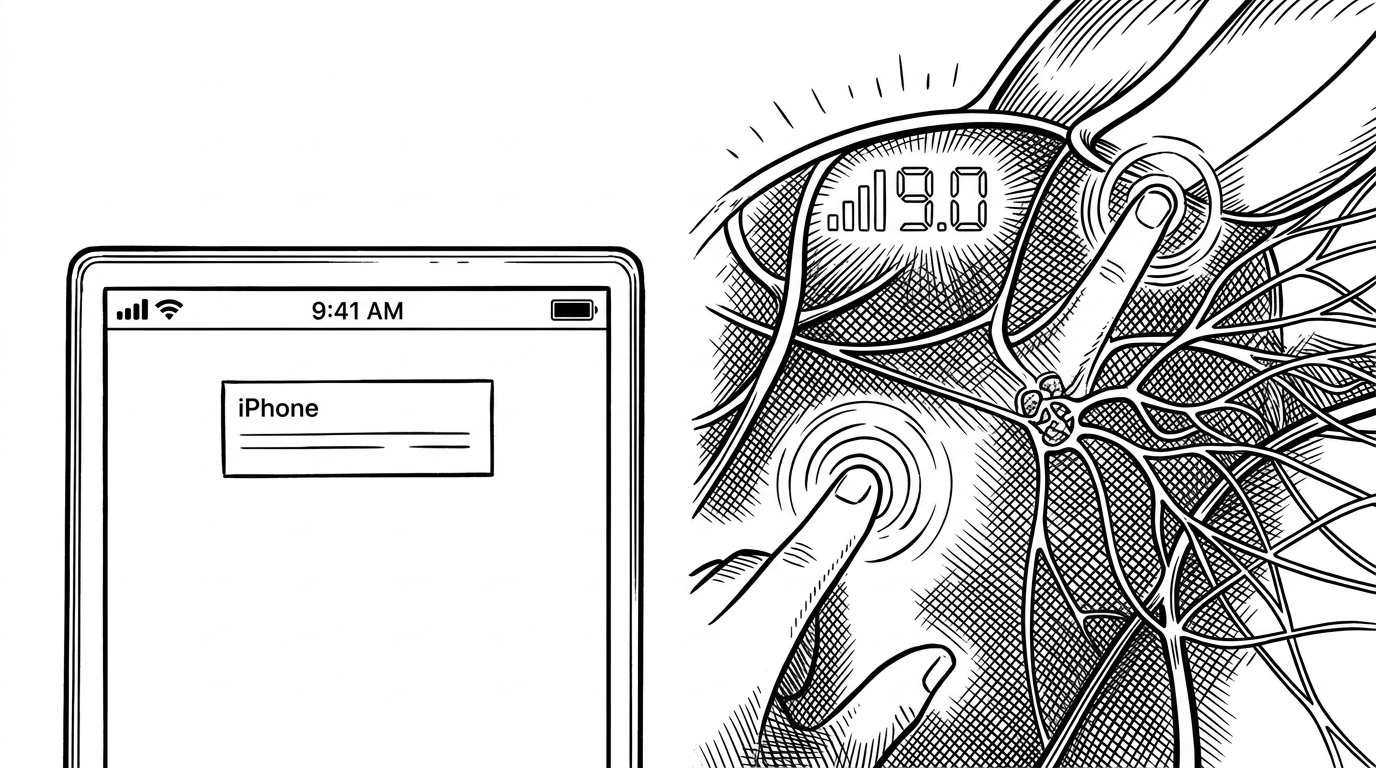
That narrowness is the point. The repo does not try to out-dashboard a desktop utility or outsmart the operating system with a giant control center. It takes one sliver of UI, gives it live data, and then attaches behavior to it.
The jailbreak bargain
This project only exists because jailbreak software can cross lines normal apps cannot cross. It can draw above every app, read system-level interface counters, and wire gestures into the same surface that shows the number. Apple would never ship this exact pattern in a sandboxed App Store app.
The trade-off is obvious. You gain reach, but you also inherit fragility, compatibility work, and a smaller audience that is willing to live with those constraints. PerfectNetworkSpeedInfo-Remaster accepts that bargain and uses it well, because the payoff is not a prettier status bar. It is a tiny control layer that makes the OS feel more hands-on than it should.
That is the real story here. A network speed meter can be decorative, or it can become a hinge between monitoring and action. This repo chooses the second path, and it does so with very little surface area.