Litewrite wants LaTeX to stop feeling like code
The open-source editor pairs real-time collaboration, AI completion, and a shadow-document workflow so researchers can draft without breaking the source.
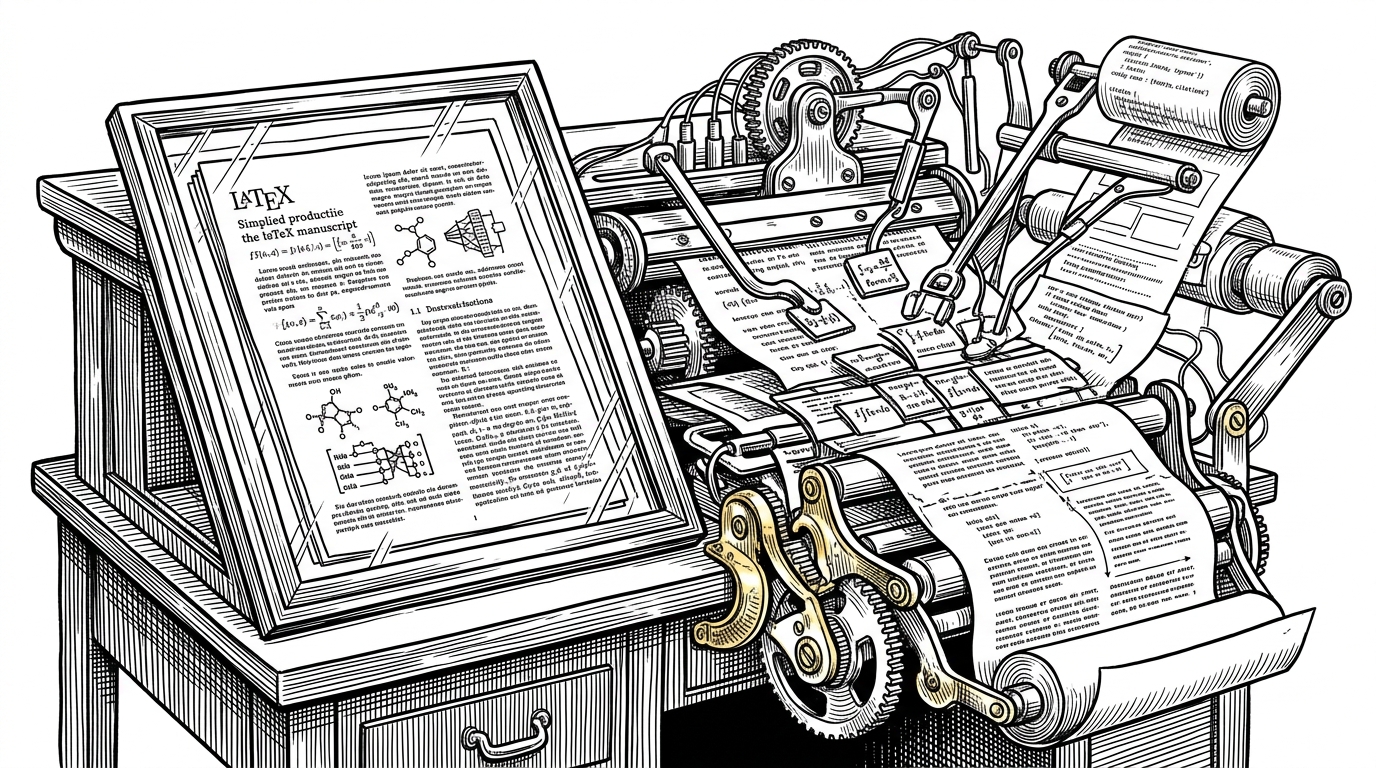
- Litewrite's sharpest idea is controlled editing, where AI proposes changes against a shadow copy before the final LaTeX source is touched.
- The stack is split cleanly between a Next.js editor and a FastAPI AI server, with Yjs and WebSockets handling live collaboration and agents handling document reasoning.
- TAP makes completion feel safer than normal autocomplete because it returns proposed diffs from document context, not blind token-by-token guesses.
- Litewrite tries to beat Overleaf by adding AI where LaTeX hurts most, while still staying open source and self-hostable.
Most writing tools either give you a shared canvas or an AI chat box. Litewrite tries to fuse the two into a LaTeX-native environment that can search papers, draft sections, complete formulas, and compile them without forcing authors to juggle tabs. The bet is that researchers do not need a smarter text box. They need a system that can carry the structure of an academic document without losing the document itself.
Litewrite: Vibe Writing is Coming - Write Faster and Better!
Built by a lab, tuned for serious drafting
Litewrite comes out of HKUDS and reads like a lab project that decided to behave like a product. The codebase is split between a Next.js frontend in TypeScript and a FastAPI AI server in Python, with Docker, Redis, S3, TeXLive, and WebSockets keeping the whole thing running. It is licensed under AGPL-3.0, which fits the project's open-source posture and its clear bias toward self-hosted control.
That matters because the target user is not a casual note-taker. Litewrite is aimed at researchers and academic writers who live inside citations, compilation errors, and long revision cycles. The product promise is not just speed. It is less friction at the exact places where LaTeX usually slows people down.
The shadow-document trick
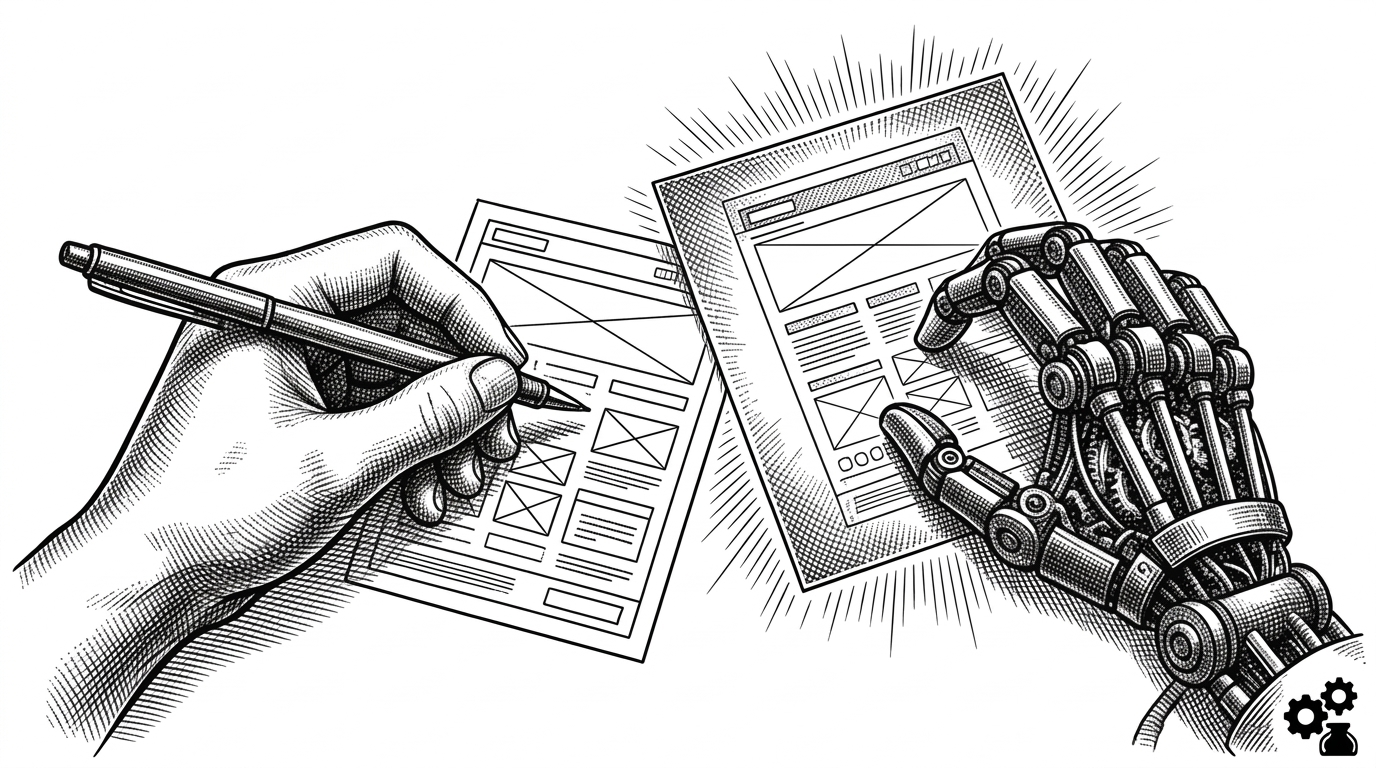
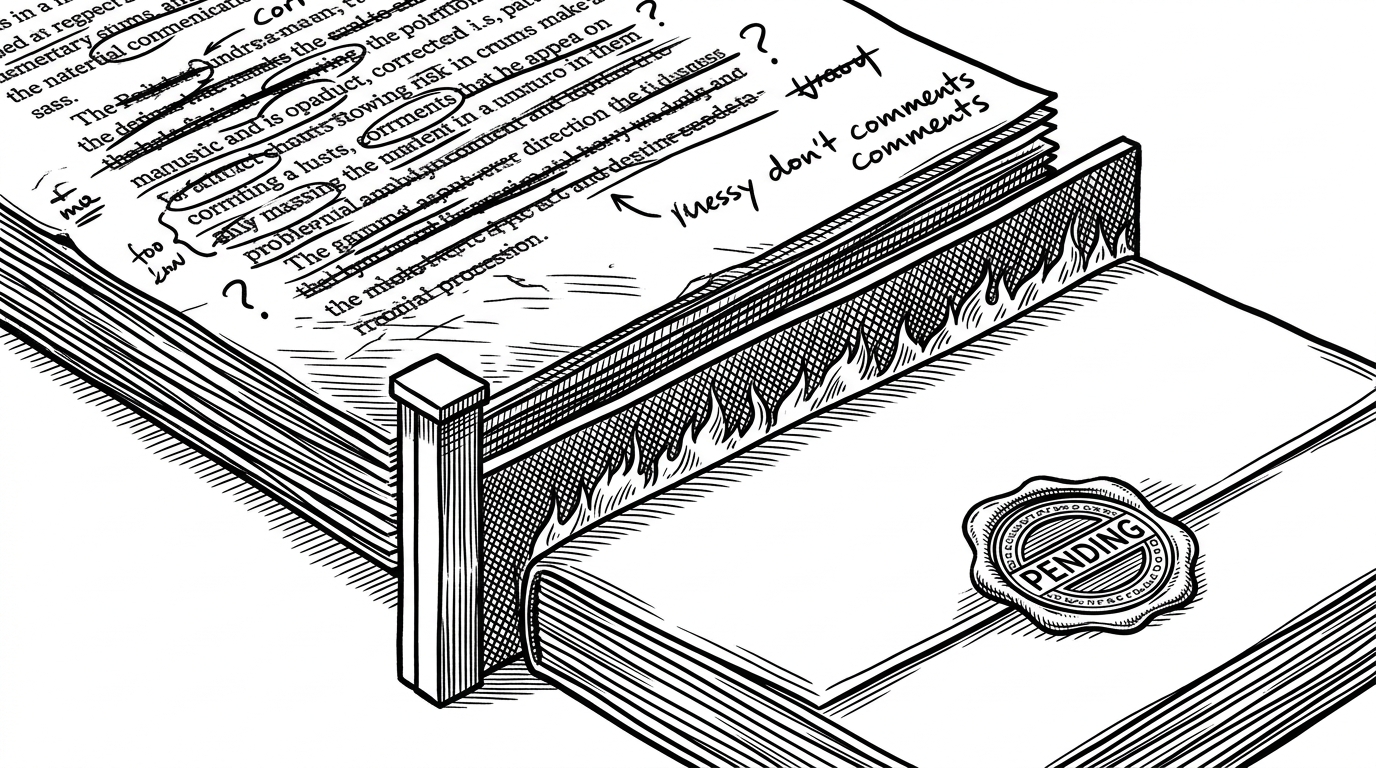
The most interesting line in the system is not a prompt. It is a flag. In ChatService.run, the direct_apply switch decides whether the AI edits the live document or works against a shadow copy first. That changes the user experience from "the model changed my paper" to "the model proposed changes I can inspect," which is a much safer contract for academic writing.
How the agent stack stays disciplined
Litewrite's agent design is the part that makes the product feel engineered instead of improvised. The main_agent.py router decides whether a request should stay in Ask mode or move into Agent mode. When it delegates, edit_agent.py uses a plan-act-verify loop and is explicitly told to read files before editing, which is exactly the kind of constraint you want when the output is a paper, not a chat reply.
The system keeps going deeper from there. context_manager.py compresses long histories instead of bluntly dropping them, so the assistant preserves the thread of an argument while staying within token limits. deep_research.py reaches into arXiv and the web, then streams structured research output. key rotation in the LLM layer adds a practical layer of production resilience that many smaller open-source AI tools never bother to build.
{
  "mode": "Agent",
  "direct_apply": false,
  "inputs": {
    "preamble": "\\documentclass{article}",
    "prefix": "The results show",
    "suffix": " and support the claim."
  },
  "output": "ProposedChangesResponse"
}
TAP turns completion into a proposal, not a guess
TAP is Litewrite's most product-shaped AI feature. Instead of spraying completions into the editor, it reads the surrounding document as preamble, prefix, and suffix, then returns proposed changes that can become ghost text or a tab-to-complete suggestion. That means the model is not guessing in a vacuum. It is reacting to the structure of the actual LaTeX file.
TAP Smart Completion — Type a few words, AI continues writing for you. Just hit Tab and you're all set!
That distinction sounds small until you remember what LaTeX users usually need most. They do not only need prose. They need syntax that compiles, citations that resolve, and structure that survives revision. A diff-first completion system is a better fit for that job than a generic chat assistant because it treats the document as a constrained artifact.
Where it outclasses the obvious alternatives
| Dimension | Litewrite | Overleaf | Generic chat editor |
|---|---|---|---|
| Collaboration | Yjs and WebSockets keep a live shared LaTeX document in sync. | Strong web collaboration, but centered on traditional editing workflows. | Usually single-user or loosely shared, not document-native real-time sync. |
| AI behavior | Agent-driven completion, editing, and research tools are built in. | AI features are not the center of the product. | Chat can draft text, but it lacks document structure and guardrails. |
| Editing safety | Shadow-document flow lets users review proposed edits before commit. | Edits usually land directly in the file or via manual revision. | Chat output often needs copy-paste and manual cleanup. |
| Control | Open source, self-hostable, AGPL licensed. | Hosted platform first, with enterprise paths. | Depends on the tool, but usually not LaTeX-native or self-hosted. |
That table is not a verdict on Overleaf. Overleaf remains the default choice for a lot of teams because it is familiar and stable. Litewrite is narrower and more opinionated. It is trying to win a different battle, by making the hardest parts of academic drafting feel like a guided workflow instead of a syntax puzzle.
The boring infrastructure is part of the pitch
- Redis handles caching and rate limiting so the AI layer does not become fragile under load.
- S3 stores project files, which keeps collaboration and document history grounded in real storage.
- TeXLive and health checks make compilation and service readiness part of the product, not an afterthought.
That is where Litewrite starts to look mature. The project does not stop at a clever prompt or a slick completion bar. It wraps the writing experience in the mundane systems that keep teams from losing work, waiting on models, or breaking builds. In practice, that is what makes the AI feel usable instead of theatrical.