mailto-copy: How a Tiny Extension Beats `mailto:` at the Capture Phase
A no-framework Chrome extension that intercepts email links before the browser opens your mail app, then copies the address with a fallback-safe clipboard flow.
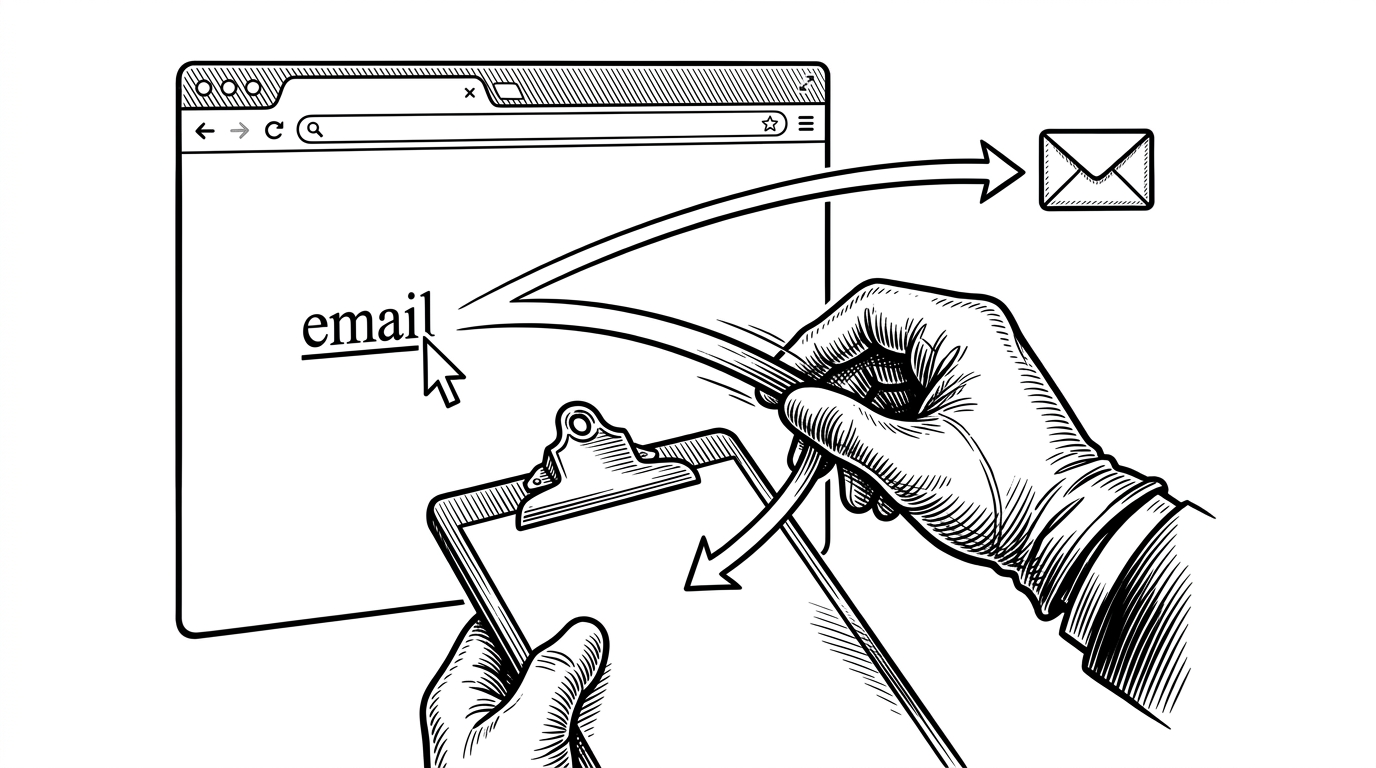
- mailto-copy wins by listening in the document capture phase, so the browser never gets the chance to launch an email client first.
- Its real strength is not the clipboard action itself, but the defensive path it takes from anchor detection to fallback copy and toast feedback.
- The repository is intentionally tiny, and that is the point. A single-purpose extension can still feel polished without a framework or runtime baggage.
- Its build pipeline mirrors the product philosophy: one source SVG, generated icons, packaged output, and very little else.
The click never reaches the mail client
The clever part of mailto-copy is not that it copies text. It is that it intercepts the click before the browser can hand the event to the system’s mail handler. The extension registers early, listens in capture mode, and turns a default action into a clipboard action without asking the page for permission.
That sounds small because it is small. But small tools can solve big annoyances when they hit the exact layer where the annoyance lives. In this case, the layer is the browser event chain.
Why `mailto:` feels wrong in a web-first workflow
`mailto:` made sense when desktop mail was the default and browsers were just windows into the web. Today, plenty of people live in Gmail, Outlook.com, or a workflow where the right move is to copy an address, not launch an app they never meant to use.
That mismatch is why a tiny extension can earn its keep. It does not try to redesign email links. It just changes the first response to them.
| Approach | What happens on click | Who controls the behavior | Works across arbitrary sites? | Clipboard-first? | Maintainer complexity |
|---|---|---|---|---|---|
| Default `mailto:` | Browser opens the registered mail app | The OS and browser default handler | Yes | No | None |
| `mailto-copy` | The address is copied, and the browser stays put | The extension | Yes | Yes | Low |
| Site-specific custom handling | The site rewires its own email links | Each website author | Only where implemented | Maybe | Medium to high |
| Manual copy and paste | The user selects and copies the address by hand | The user | Yes | Yes | High friction |
The contrast is useful because it shows the extension is not competing with another product so much as with inertia. It replaces a hardwired assumption with a deliberate choice.
How the extension wins the race
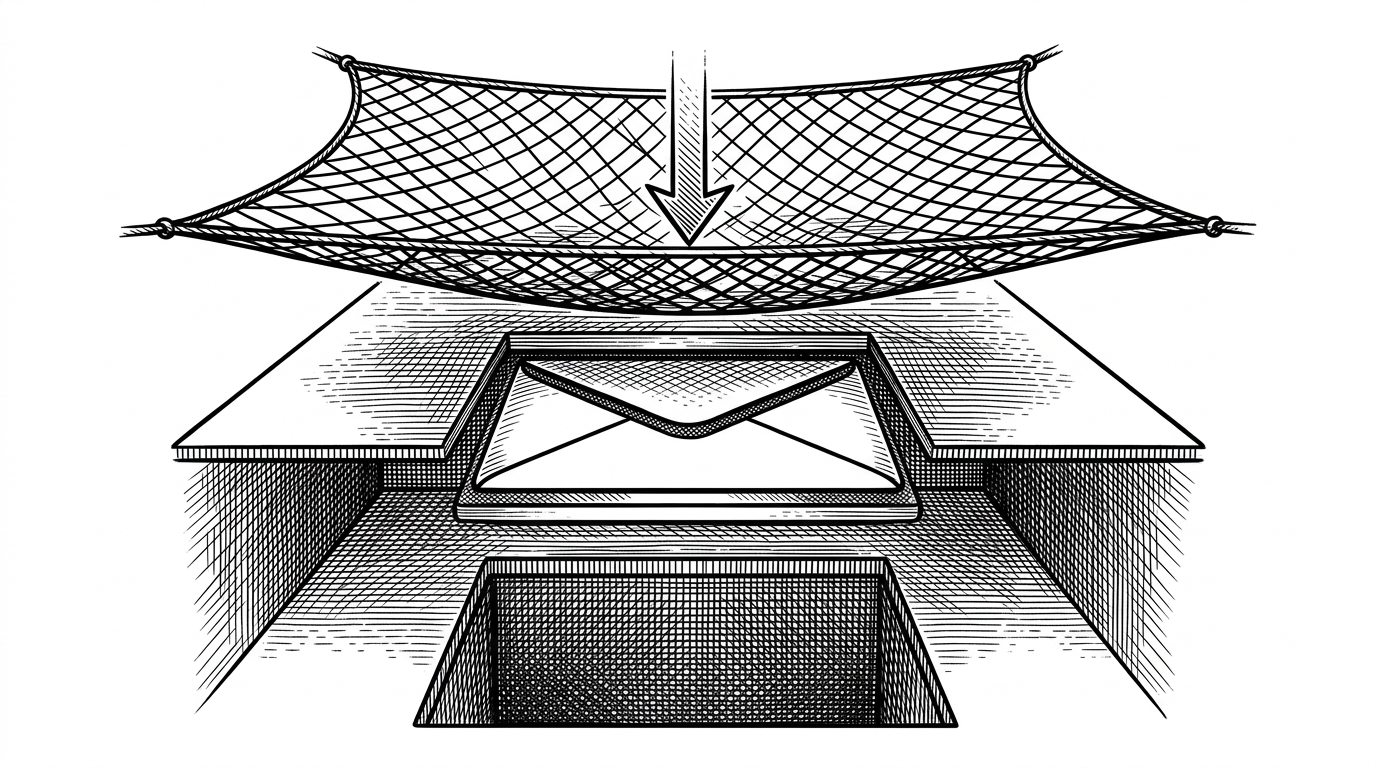
The repo listens for `click`, `auxclick`, and keyboard activation on `document`, then uses capture mode so the extension sees the event before the anchor or the page script can handle it. That is why the extension works on more than a single narrow path. It catches mouse clicks, middle clicks, and keyboard-triggered activation with the same early interception.
Once it has the target, it uses the anchor’s `href`, strips the `mailto:` scheme, and ignores query strings like `subject=` when extracting the address. Then it tries the modern clipboard API first, and falls back to a hidden textarea plus `execCommand('copy')` if the modern path fails. That is not flashy. It is just careful.

It is not just fast. It is careful.
The polish is easy to miss because the extension stays out of the way. But it is there in the details: keyboard support, toast feedback, timer cleanup, and a very high `zIndex` so the message sits above the site instead of inside it. Those are tiny choices that keep a tiny tool from feeling fragile.
It also defends against messy real-world click targets. The code uses `closest()` so an icon or span inside the link still resolves to the right anchor. That is the kind of thing that separates a demo from something you would actually install.
A minimal toolchain with a surprisingly complete finish

The build script reflects the same instinct as the runtime code. It reads the version from `manifest.json`, generates icons from a single `logo.svg`, and packages the extension with shell tooling instead of a JavaScript build stack. That choice is not just minimalism for its own sake. It keeps the repository legible.
That legibility matters because the project’s audience is not only end users. It is also anyone who wants to see how far native browser APIs can go before a framework enters the room.
What `mailto-copy` beats, and what it does not
| Option | What it solves well | Where it falls short |
|---|---|---|
| Default `mailto:` | Launches the configured mail client immediately | Bad fit for people who want to copy addresses or use webmail |
| `mailto-copy` | Turns an email click into a clipboard action across sites | Only solves one narrow interaction |
| Site-specific email handling | Can be tailored to one product or workflow | Does not help on the rest of the web |
| Manual copy and paste | Requires no extension or site change | Adds friction every time |
That narrowness is a feature. The project does not pretend to be an email platform, an inbox, or a UI framework. It solves one friction point cleanly, and that restraint is why it feels finished.