Untethering the Terminal: Inside claude-code-telegram-bot
How a TypeScript daemon turns everyday messaging apps into a mobile-first control plane for autonomous coding agents.
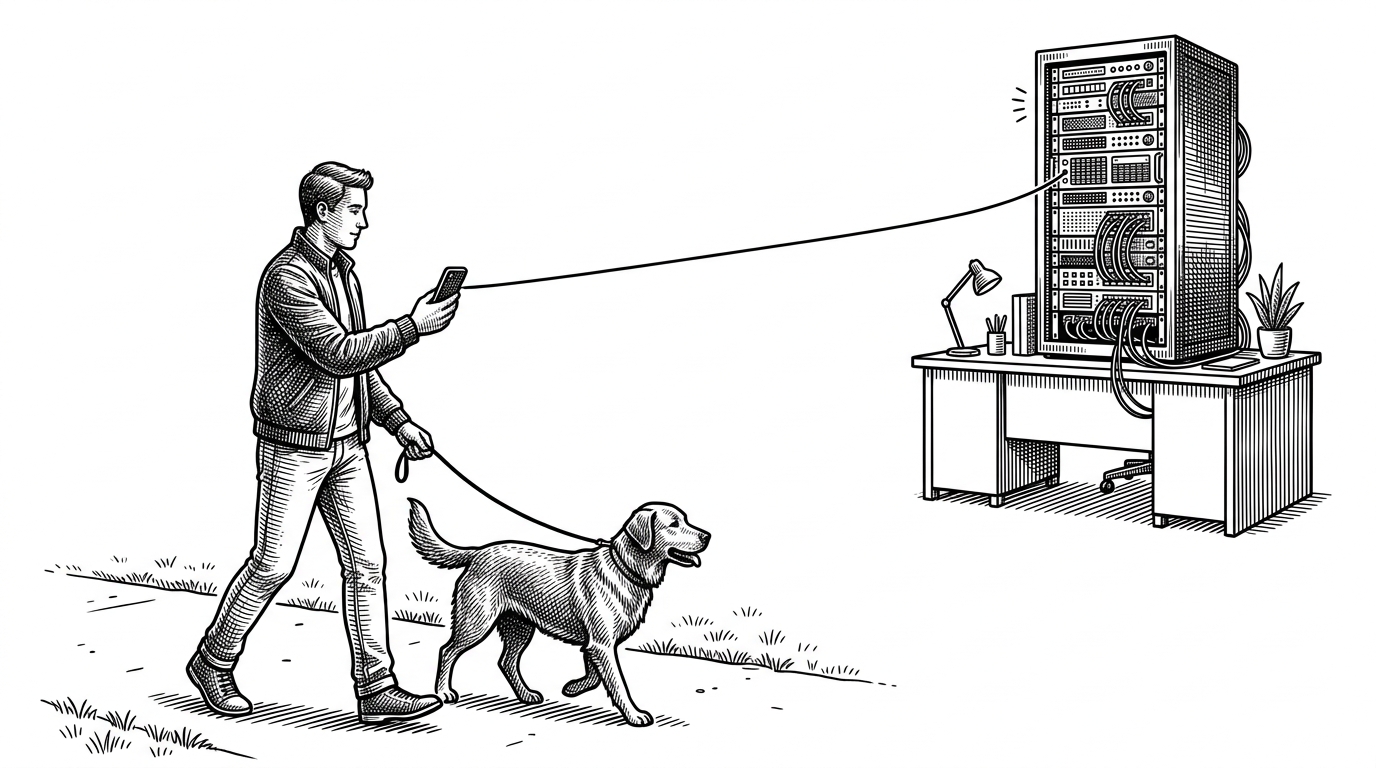
- The bot transforms the interactive Claude CLI into an asynchronous, mobile control plane via a persistent TypeScript daemon.
- It converts complex JSON streams from the CLI into real-time Telegram chat bubbles and interactive inline buttons.
- The system bypasses local OS file permissions for autonomy, shifting the security boundary to Telegram's user ID whitelist.
- Session discovery reads local history files to seamlessly map ongoing desktop terminal sessions to dedicated Telegram Forum topics.
The End of the Desk
The most compelling aspect of this project is not the bot itself. It is the fundamental change in physical posture it enables. When an AI agent can write hundreds of lines of code autonomously, the human's role shifts from typist to manager.
Managers do not need to sit at desks staring at blinking cursors. They need to approve pull requests, debug server logs, and orchestrate workflows while waiting in line at the grocery store. This tool provides the manager's interface.
>Anthropic launched Claude Code Channels - a full AI developer that runs on your computer and is controlled directly from Telegram. >You can now text Claude from your phone: “fix the bug”, “build a trading bot”, “run tests” - and it works with your real files and code. htt
Taming the JSON Stream
Traditional chat bots are stateless. They receive a message, ping an API, and return a response. This architecture cannot support an autonomous coding agent. The bot must maintain a persistent child process and pipe input and output streams continuously.
The core execution loop lives in src/session/ClaudeCodeProcess.ts. The bot spawns a long-lived process using execa, forcing the Claude CLI into a strict JSON-stream mode.
const childProcess = execa('claude', [
  '--input-format', 'stream-json',
  '--output-format', 'stream-json',
  '--dangerously-skip-permissions'
], {
  env: { ...process.env, CLAUDE_CODE_TELEGRAM_BOT: 'true' },
  stdio: ['pipe', 'pipe', 'pipe']
});This continuous stream allows the Node.js parser to translate raw terminal output into real-time Telegram draft bubbles. When the stream emits a question packet, the parser instantly routes it to spawn interactive inline keyboard buttons on the mobile app.
The Localhost Firewall
Running an autonomous agent requires a significant security tradeoff. For a mobile experience to function seamlessly, the agent cannot pause to ask for operating system file-read permissions every few seconds.

The bot resolves this by running Claude with the --dangerously-skip-permissions flag. This design choice leaves the local system entirely open to the agent. The security burden shifts completely to the bot's environment variables, acting as a strict firewall that only answers to whitelisted Telegram user IDs.
Resuming the Thread
Context continuity is the final hurdle. A developer might start a complex refactoring task at their workstation and need to leave before the agent finishes its work.
The bot's session scanner solves this by reading the local ~/.claude/history.jsonl file. It maps existing desktop terminal sessions into dedicated Telegram Forum topics. This prevents cross-talk between projects and allows a seamless handoff from the physical desk to the mobile device.
| Feature | Standard CLI Agent | Telegram-Tethered Agent |
|---|---|---|
| Execution Posture | Synchronous and desk-bound | Asynchronous and mobile |
| Feedback Loop | Blocking terminal prompts | Push notifications and Inline UI buttons |
| Process Lifecycle | Dies when terminal closes | Persistent background daemon |
| Security Model | Granular OS prompts | Telegram ID whitelist plus bypass flag |